 PluginStats
Image to PDF users statistics
By Margoapps · Chrome Web Store · Tools
Image to PDF: Use this image to PDF converter to transform pictures into neat, shareable documents instantly!
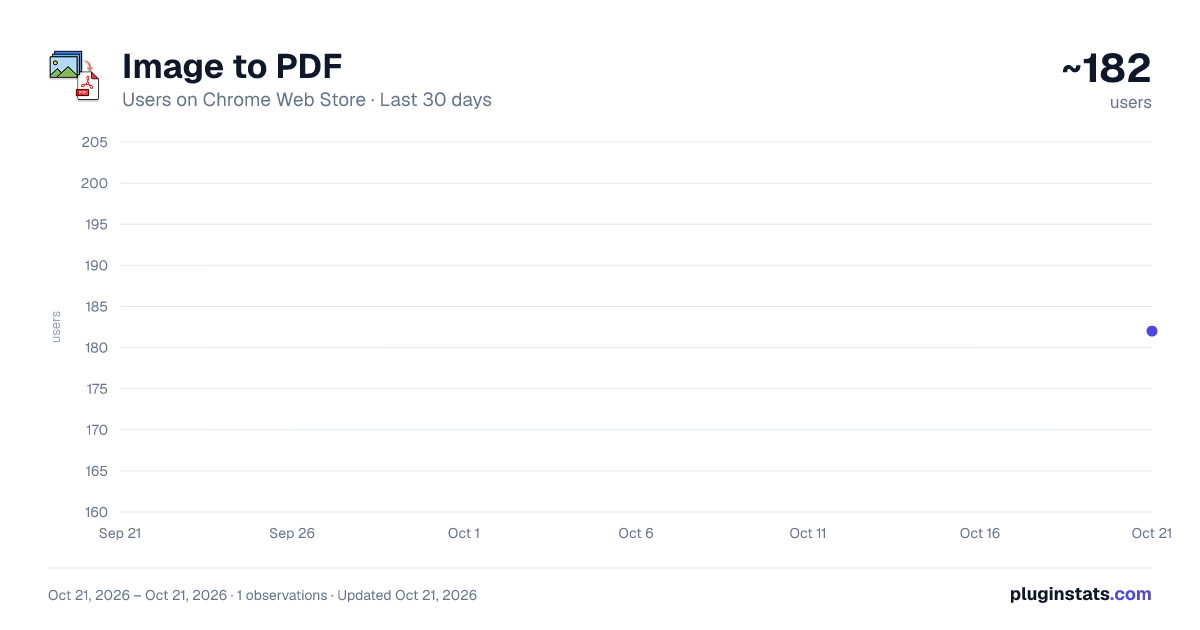
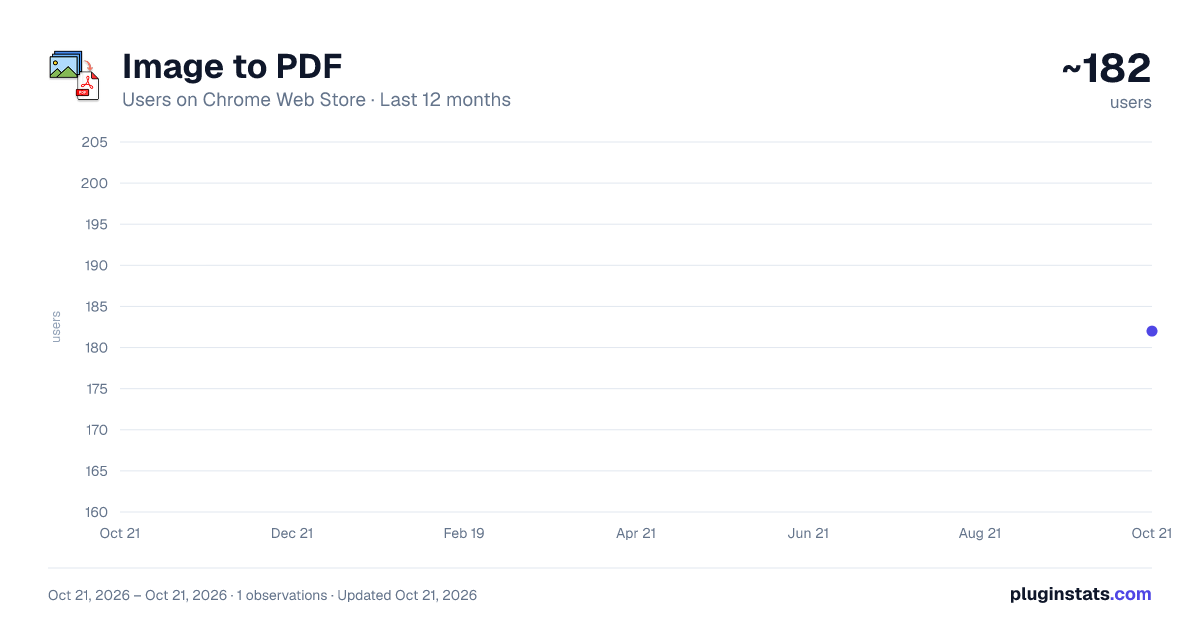
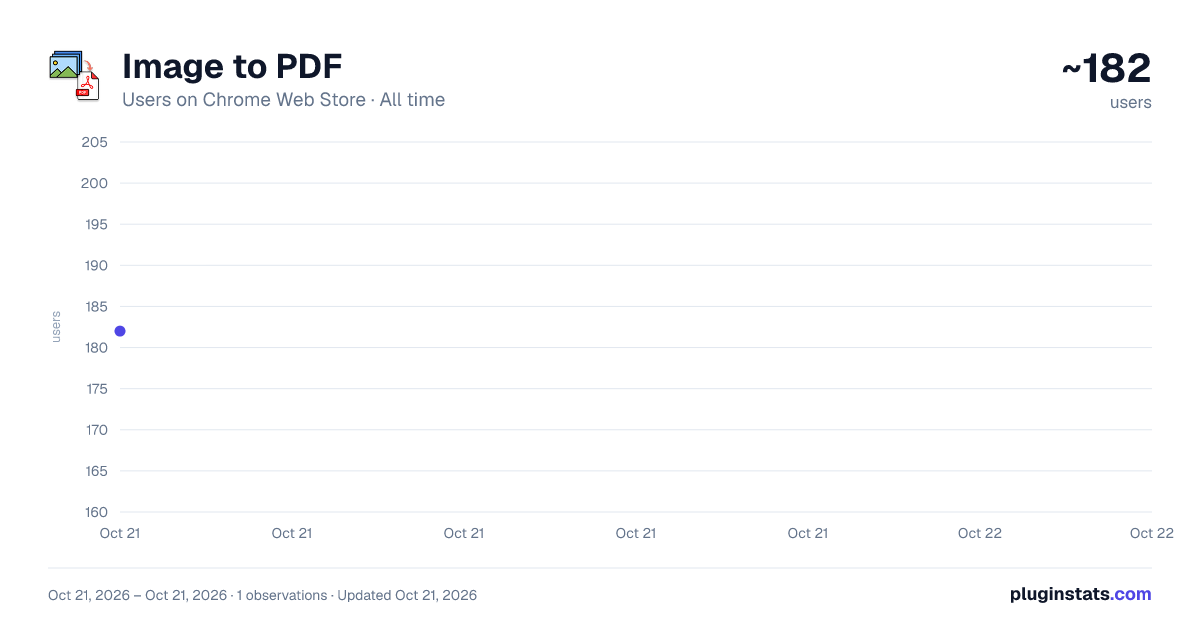
Image to PDF has approximately 182 recorded users on Chrome Web Store, ranking #2300 of 2,952 tracked listings.
Rating: 5.00 / 5 from 1 ratings
About Image to PDF
Image to PDF: Use this image to PDF converter to transform pictures into neat, shareable documents instantly!
Image to PDF streamlines how you turn assorted visuals into a single, organized document—no juggling extra software or complex steps. Whether you’re a student collecting class notes, a professional tidying up scanned records, or a creative showcasing your portfolio, Image to PDF offers an intuitive route for converting files swiftly.
👉 The extension is designed for: ⏩ Students & Educators 📚 – Compile academic snapshots or research findings into one cohesive doc ⏩ Office Professionals 🏢 – Efficiently store scanned memos or deliver consolidated monthly reports ⏩ Freelancers & Designers 🌟 – Combine design drafts or brand assets to present a unified proposal ⏩ Photographers & Artists 📸 – Share curated selections with minimal effort and maximum clarity ⏩ Anyone handling day-to-day visuals ✨ – Cut out tedious file management with direct, reliable conversions
🔎 What can this extension do? ✅ Merge multiple photos into one final document with minimal fuss ✅ Convert any images to pdf files with easy ✅ Work seamlessly offline, ensuring you don’t rely on a constant web connection ✅ Keep your data safe through consistent protective measures ✅ Operate smoothly on different browsers and various devices ✅ Benefit from steady enhancements driven by community feedback
I. Prime Advantages of This Visual Tool ⚙️✨ Curious why the Picture Combiner Tool stands out? Here are its top benefits:
-
Rapid Merging ⚡ • ⚡ Handle large batches quickly, avoiding repetitive manual steps • 🚀 Great for tight deadlines or busy routines
-
Intuitive Layout 🎨 • 🦋 Designed for all experience levels—no complex instructions • 🗂️ Just upload, arrange, and let the tool do the heavy lifting
-
Adaptable File Options 🌀 • 🤹♀️ Merge a mix of snapshots, scans, and more into one clean document • 💡 Whether it’s personal photos or business records, it’s got you covered
-
Multi-Platform Access 🌐 • 🌍 Works smoothly across major browsers without performance dips • 🏃 Easily switch between devices—no setup needed each time
-
Clear Quality 🔎 • 🖼️ Maintains resolution so everything looks sharp • 🧩 Built for professionals, students, and creatives alike
-
Offline Reliability 🌙 • 🏕️ Keeps running even when internet access is spotty • 💼 Ideal for travelers, fieldwork, or low-connectivity situations
II. Reasons to Embrace This Extension 🎉🚀 Choosing a new tool should bring ease and results. The Picture Combiner Tool delivers by offering:
-
Simplified Interface 💡 • 🤖 Easy for everyone—even if you’re not tech-savvy • 🌱 Start using it right out of the box
-
Consistent Output ⚙️ • ✅ Expect neat, structured documents every time • 🏅 Handles big jobs without breaking the layout
-
Thorough Guidance 🤝 • 🧩 Not sure what to do? Follow built-in tips for combining images into a single file • 🔔 Step-by-step help available for every part of the process
-
Frequent Upgrades 🔄 • 🚧 Constant improvements based on user feedback • 🌟 Look forward to new features and better performance
-
Security at Its Core 🔐 • 🛡️ Keeps your content safe throughout the process • 🤝 Built with privacy in mind for sensitive or personal materials
III. How It Works: Practical Steps 🏆📄 Here's how to get started with the Picture Combiner Tool:
-
Swift Setup 🛠️ • ⚙️ Go to your browser’s extension store, find the tool, and install • 🚀 Pin it for one-click access anytime
-
Add Your Files 📁 • 📄 Drag-and-drop or tap the “Select” button—it’s that easy • 🗺️ Great for collating receipts, documents, or memories
-
Arrange & Customize 🎚️ • 👐 Drop what you don’t need or reorder the rest • 🎨 Tweak orientation, margins, or spacing to suit your style
-
Convert in Seconds 🚀 • 💨 Hit the button and watch it generate your combined file fast • ✅ Efficient even with multiple pages
-
Save & Distribute 🏷️ • 🌍 Download instantly or share with coworkers, classmates, or friends • 🕊️ No need to bounce between apps—everything in one spot
Amplify Productivity ⚡✨ From personal tasks to professional demands, Image to PDF elevates performance:
- Quick Data Consolidation ⏩ • 📸 In a flash, convert images to PDF and get a single document for universal use • ⏱️ A lifesaver for time-sensitive deadlines
- Straightforward Collaboration 🗣️ • 👐 Share one document instead of multiple disorganized files • 💬 Team members can review everything in a unified format
- Lighter Footprints 📂 • 📊 Often, merged documents occupy less space than multiple raw files • 🚀 Speeds up file transfers and email attachments
- Fluid Workflow ⚡ • 🤖 Tackle repetitive conversions with minimal manual input • 🕑 Reinvest saved hours into other critical responsibilities
FAQs & Practical Extras 🏅❓ Find answers to common inquiries. Image to PDF supports:
- “Is batch merging possible?” • 👑 Yes—merge dozens or hundreds of visuals seamlessly • 💎 Perfect for entire portfolios or large sets of scanned pages
- “Will my files remain private?” • 🍀 Certainly. The extension fosters tight encryption and ensures safe handling • 🕊️ Rest easy when dealing with sensitive or official content
- “Is it free or subscription-based?” • 🔓 It’s free to install and utilize for daily tasks • 💰 No hidden fees—just a straightforward solution from your browser’s store
- “Can I reorder or remove items after uploading?” • 🚀 Absolutely. Rearrange entries in whatever sequence fits your needs • 🧩 Drop any irrelevant pages or reorganize on the fly before merging…
Description from the Chrome Web Store listing.
README badge
Show your rank in a README or on your website. The badge updates automatically.
Charts
Images: 30d · 1y · all time · 1600×900 dark
Adoption over time
7/30/90-day growth
Ranking history
Ratings over time
Listing placement
Listing placement
Filled points are observed values; hollow points come from Internet Archive snapshots of the listing page. Dashed segments span periods with no observations — values between points are not interpolated.
Each band is one page of 20. Users on a linear scale. Placement is projected from users, so it can differ from the marketplace's own sort order. Hover a dot to see the listing.
Recent observations
Full history (1)Similar Chrome Web Store Tools plugins
All 20 Image to PDF alternatives



Data source
Covers every Chrome Web Store extension with at least 100 users, found through the store's public sitemap. User counts are read from public listing pages. The 10% most-used extensions are refreshed daily, the next 40% weekly and the next 40% monthly; the least-used 10% are not refreshed. Google displays rounded user counts (and caps the display at 10,000,000+), so small changes may not be visible. Rating counts above 1,000 are rounded (e.g. 1.6K).
Listing: https://chromewebstore.google.com/detail/image-to-pdf/epccbohjklpembhokkmgeipijcnacfjl. First seen Oct 21, 2026; last successful collection Oct 21, 2026. See the methodology.