 PluginStats
Convert CSV to JSON users statistics
Convert CSV & text files to JSON easily with our Chrome Extension.
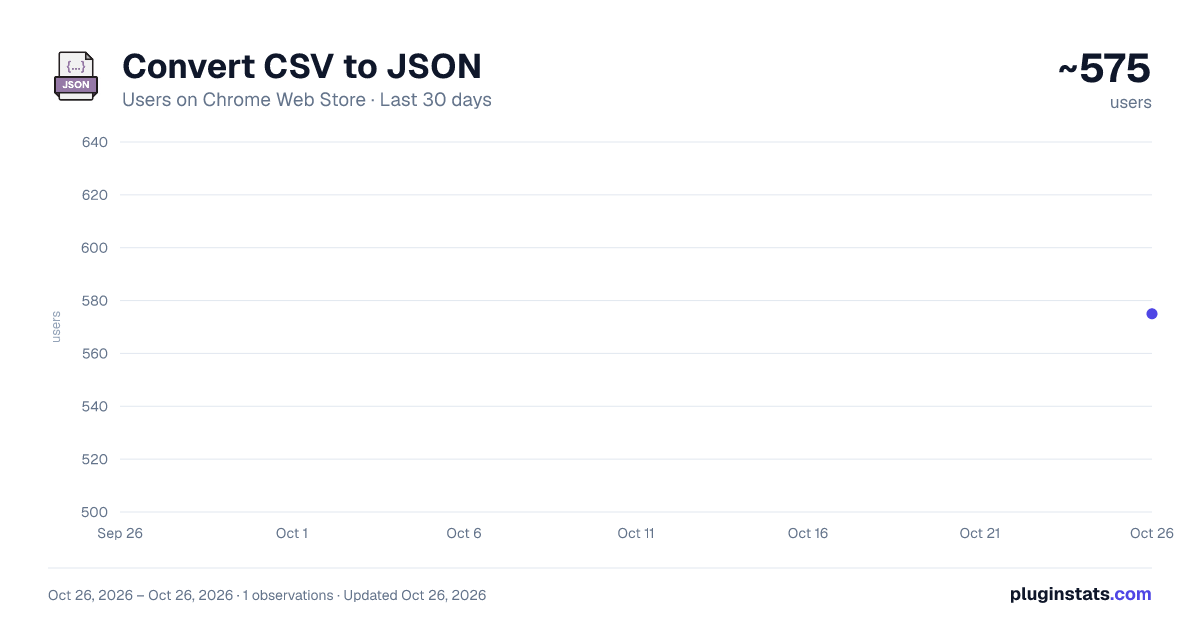
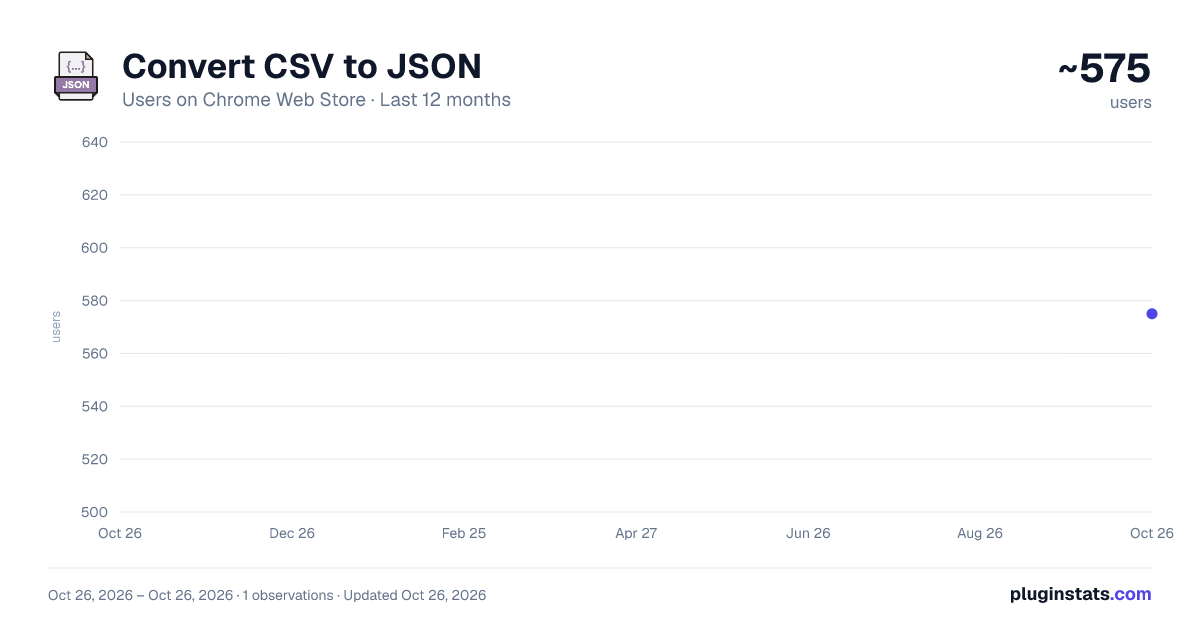
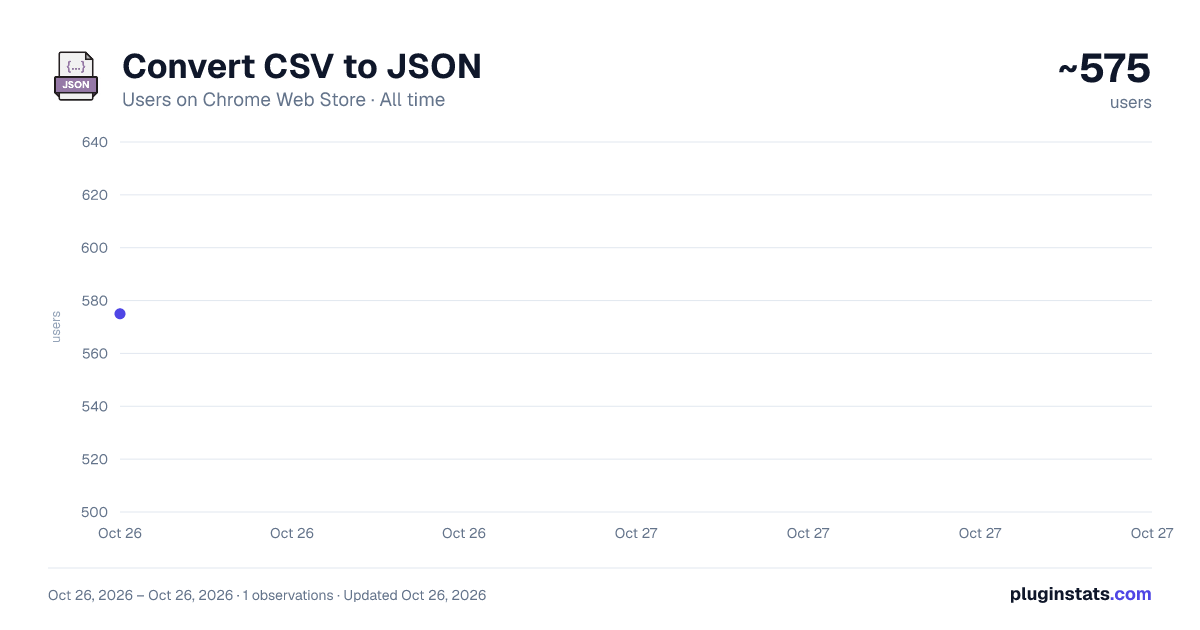
Convert CSV to JSON has approximately 575 recorded users on Chrome Web Store, ranking #2300 of 4,880 tracked listings.
Rating: 5.00 / 5 from 2 ratings
About Convert CSV to JSON
Convert CSV & text files to JSON easily with our Chrome Extension.
Introducing the ultimate Chrome Extension for data enthusiasts, developers, and anyone in need of seamless data transformation: the CSV/Text/Excel to JSON Converter! This powerful tool is designed to effortlessly convert your csv to json, text to json, and even excel to json with just a few clicks directly from your Chrome browser. Let's explore the amazing features and functionalities that make this extension a must-have for efficient and accurate data conversion.
🔁 Effortless Data Conversion:
- Convert csv to json format quickly and accurately.
- Transform plain text and text files to json with ease.
- Seamlessly export excel to json for a smooth workflow transition.
📊 Wide Range of Data Support:
- Convert csv to json, handling all your data conversion needs in one place.
- Utilize the text to json converter for simple text data transformations.
- Leverage the power of the excel to json converter to bring spreadsheet data into the json world.
💡 Simple, User-Friendly Interface: 1️⃣ Easy-to-navigate interface for hassle-free data conversion. 2️⃣ Drag and drop functionality for quick file uploads. 3️⃣ Instant convert button for speedy transformation from csv/text/excel to json.
🌐 Online Accessibility:
- Access csv to json online converter anytime, anywhere.
- Perform text to json conversion directly on the web.
- No need to download software for excel to json transformation.
🔄 Advanced Features for Professionals: • Customize your json output with advanced settings for precise data structuring. • Use the string to json online tool for quick snippets conversion. • Benefit from the convert text to json feature for custom text input.
🔎 Detailed Conversion Options:
- Choose specific sections of your csv or excel files to convert to json.
- Opt for whole document conversion or select parts when using the text to json converter.
- Adjust the json structure during the conversion process for optimal data organization.
📁 Efficient File Management: ➤ Batch convert multiple files at once for time-saving data processing. ➤ Download converted json files directly to your computer for immediate use. ➤ Manage your conversion history for quick access to past projects.
🛠 No Software Installation Required:
- Use the csv to json online tool without the need for additional software.
- Access the convert excel to json feature directly through your browser.
- Enjoy the convenience of the text to json online conversion tool.
🔗 Integration Capabilities: ▸ Integrate converted json data with your existing projects seamlessly. ▸ Utilize the csv to json format for web applications, data visualization, and more. ▸ Export excel to json and incorporate it into your development workflow effortlessly.
📚 Educational Resources and Support:
- Comprehensive guides on how to convert csv to json, text to json, and excel to json.
- Detailed tutorials and examples for using the csv to json converter and other features.
- Responsive customer support for any inquiries or assistance needed.
Whether you're working on a complex data analysis project, developing a web application, or simply need to convert some files for personal use, the CSV/Text to JSON Converter Chrome Extension is your go-to solution. With its extensive range of supported formats, user-friendly interface, and powerful conversion capabilities, you can streamline your data processing tasks and focus on what matters most. Download the extension today and transform your data conversion process into a breeze!
Description from the Chrome Web Store listing.
README badge
Show your rank in a README or on your website. The badge updates automatically.
Charts
Images: 30d · 1y · all time · 1600×900 dark
Adoption over time
7/30/90-day growth
Ranking history
Ratings over time
Listing placement
Listing placement
Filled points are observed values; hollow points come from Internet Archive snapshots of the listing page. Dashed segments span periods with no observations — values between points are not interpolated.
Each band is one page of 20. Users on a linear scale. Placement is projected from users, so it can differ from the marketplace's own sort order. Hover a dot to see the listing.
Recent observations
Full history (1)Similar Chrome Web Store Tools plugins
All 20 Convert CSV to JSON alternatives



Data source
Covers every Chrome Web Store extension with at least 100 users, found through the store's public sitemap. User counts are read from public listing pages. The 10% most-used extensions are refreshed daily, the next 40% weekly and the next 40% monthly; the least-used 10% are not refreshed. Google displays rounded user counts (and caps the display at 10,000,000+), so small changes may not be visible. Rating counts above 1,000 are rounded (e.g. 1.6K).
Listing: https://chromewebstore.google.com/detail/convert-csv-to-json/kicocbdllmfmfkejhgajphjadkickhji. First seen Oct 26, 2026; last successful collection Oct 26, 2026. See the methodology.