 PluginStats

StashTab - New Tab Bookmark Launcher users statistics
A new tab page that displays bookmarks by folder.
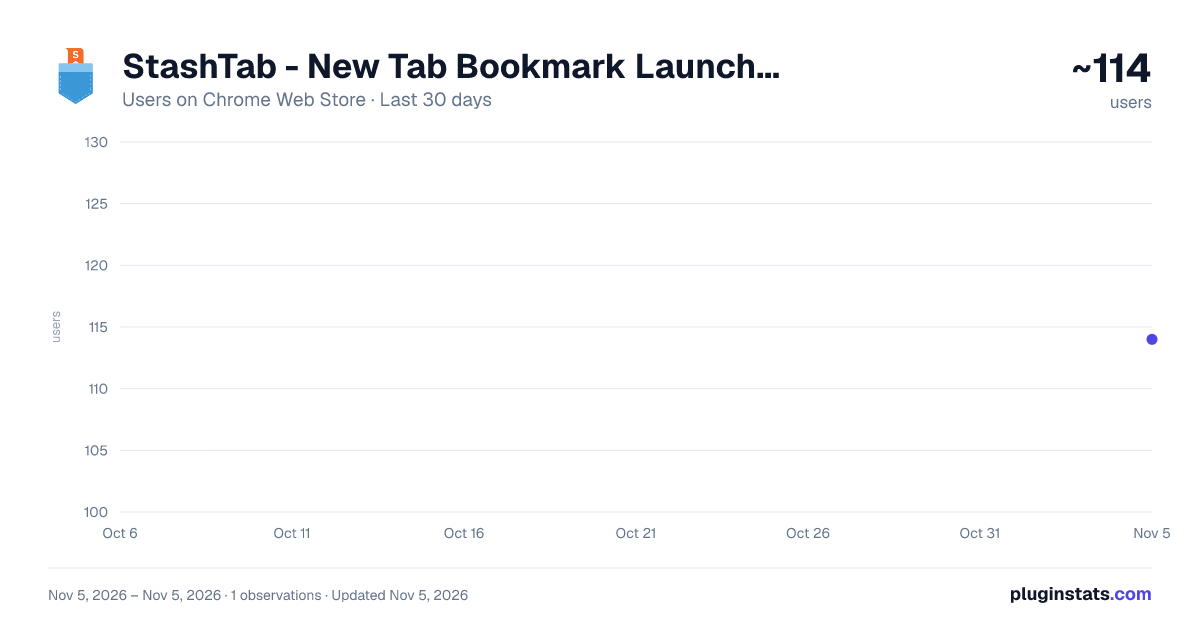
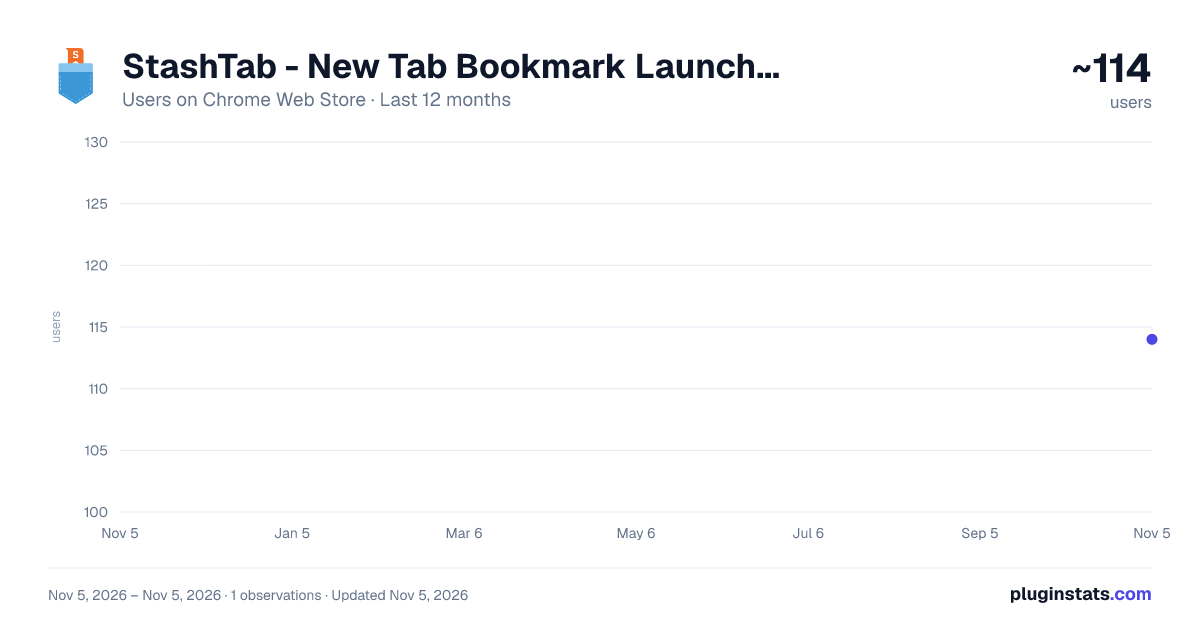
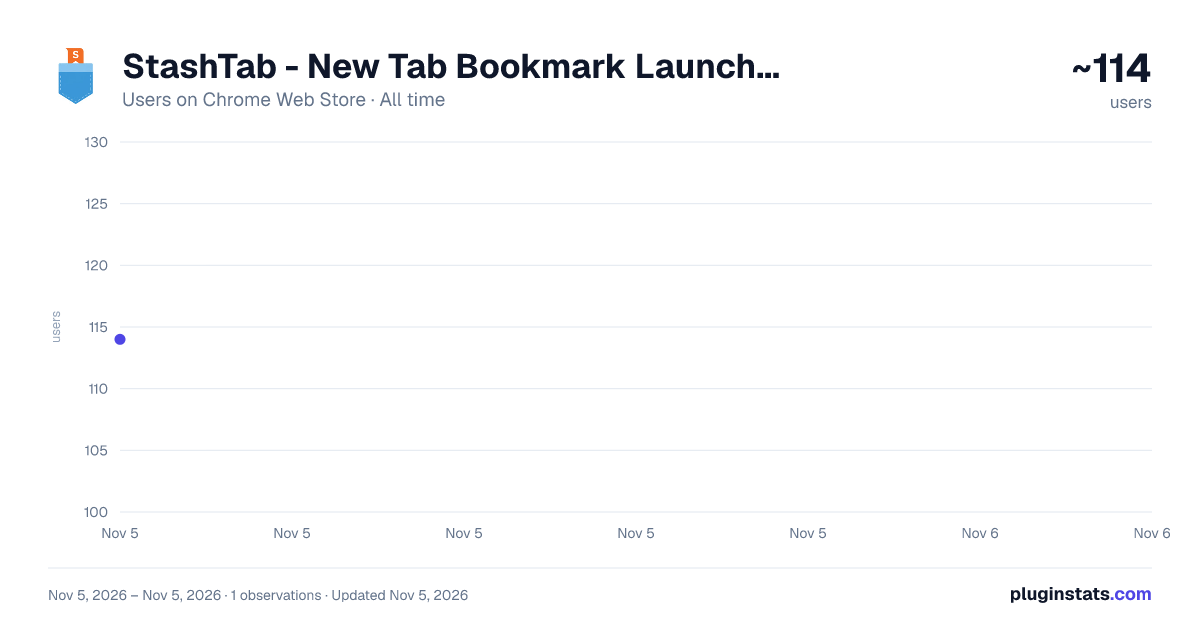
StashTab - New Tab Bookmark Launcher has approximately 114 recorded users on Chrome Web Store, ranking #6958 of 7,342 tracked listings.
Rating: 4.80 / 5 from 5 ratings
About StashTab - New Tab Bookmark Launcher
A new tab page that displays bookmarks by folder.
■ Overview StashTab transforms your Chrome "New Tab" page into a beautifully organized bookmark hub. Don't you want to eliminate the hassle of searching for your desired sites every time you open a new window or tab?
StashTab automatically organizes your ever-growing collection of bookmarks into easy-to-view tiled panels, folder by folder. Enhance your daily Browse experience with its sleek design and advanced customizability that perfectly matches your preferences.
Let's bring your "save for later" bookmarks back to life.
■ Key Features ✅ Intuitive Tiled Bookmarks Folders saved in your bookmarks bar are beautifully arranged as individual panels (tiles). By adopting the Masonry layout engine, the tiles are dynamically rearranged even when you resize the window, always maintaining a clear and easy-to-read layout. Click on a folder to smoothly access the bookmarks and subfolders stored inside.
🎨 Unprecedented Customizability StashTab comes with a powerful settings screen that allows you to change almost every aspect of its appearance to your liking.
Beautiful Wallpapers: Set beautiful, automatically selected photos of natural landscapes as your background. The photos change approximately every hour, giving you a fresh feeling every time you open a new tab. You can also apply a frosted glass effect (glassmorphism) for a modern and stylish screen.
Variety of Themes: In addition to light and dark modes, we offer over 10 preset themes to suit your mood, including Solar, Sky Blue, and Coffee Brown.
Free Color Settings: Create your own unique color scheme with a color picker for everything from accent colors, background colors, panel colors, text colors, to header colors.
Font Adjustments: In addition to system fonts, we support Google Fonts like Noto Sans JP. Freely select easy-to-read or stylish fonts, and intuitively adjust the size with a slider.
Panel Design: Fine-tune every detail of the design, including the roundness of panel corners, the appearance of shadows (position, blur, color), and the style of borders (thickness, line type, color).
Layout: Detailed layout settings are also available, such as panel width and the line spacing between bookmarks.
🛠️ Convenient Tools
Bookmark Search: Instantly search all your bookmarks from the search box at the top of the page.
Recently Added Bookmarks: You can display a section for quick access to recently saved sites (can be toggled ON/OFF in settings).
Link Checker: Lists bookmarks that may no longer be accessible due to site closures or other issues. Use it to keep your bookmarks organized.
CSV Export Function: You can export the contents of your bookmarks bar as a CSV file. This is useful for backing up data or migrating to other tools.
Open All Function: A button in each folder's header allows you to open all bookmarks within that folder in new tabs at once. Convenient for daily routine tasks.
■ Perfect for You If... ・You organize bookmarks into folders and want to see the first level on your new tab. ・You care about design and appearance and want to create your own personalized start page. ・You check many sites daily and want quick access. ・You find Chrome's default new tab page lacking. ・You are looking for a high-performance bookmark management tool to replace the once-popular Bookolio.
■ About Privacy StashTab is designed with user privacy as a top priority. Your personal data, such as bookmarks and Browse history, is all processed locally on your computer. This information is never sent to or stored on external servers, including the developer's, so you can use it with peace of mind. For more details, please review our Privacy Policy.
■ Feedback and Future Updates We welcome your feedback to make StashTab even better. Reviews and ratings in the store are a great encouragement for our development. We also welcome requests for new features.
Come on, upgrade your bookmark experience with StashTab!
Description from the Chrome Web Store listing.
README badge
Show your rank in a README or on your website. The badge updates automatically.
Charts
Images: 30d · 1y · all time · 1600×900 dark
Adoption over time
7/30/90-day growth
Ranking history
Ratings over time
Listing placement
Listing placement
Filled points are observed values; hollow points come from Internet Archive snapshots of the listing page. Dashed segments span periods with no observations — values between points are not interpolated.
Each band is one page of 20. Users on a linear scale. Placement is projected from users, so it can differ from the marketplace's own sort order. Hover a dot to see the listing.
Recent observations
Full history (1)Similar Chrome Web Store Tools plugins
All 20 StashTab - New Tab Bookmark Launcher alternatives



Data source
Covers every Chrome Web Store extension with at least 100 users, found through the store's public sitemap. User counts are read from public listing pages. The 10% most-used extensions are refreshed daily, the next 40% weekly and the next 40% monthly; the least-used 10% are not refreshed. Google displays rounded user counts (and caps the display at 10,000,000+), so small changes may not be visible. Rating counts above 1,000 are rounded (e.g. 1.6K).
Listing: https://chromewebstore.google.com/detail/stashtab-新しいタブのブックマークランチャ/fnphamppcbeofhiceeknmnikmoddoppf. First seen Nov 5, 2026; last successful collection Nov 5, 2026. See the methodology.