 PluginStats

Add Text to Image users statistics
By apps.4allhumankind · Chrome Web Store · Tools
Need to add text to image online? Try our simple editor to make a meme, create a watermark or add wording to a photo.
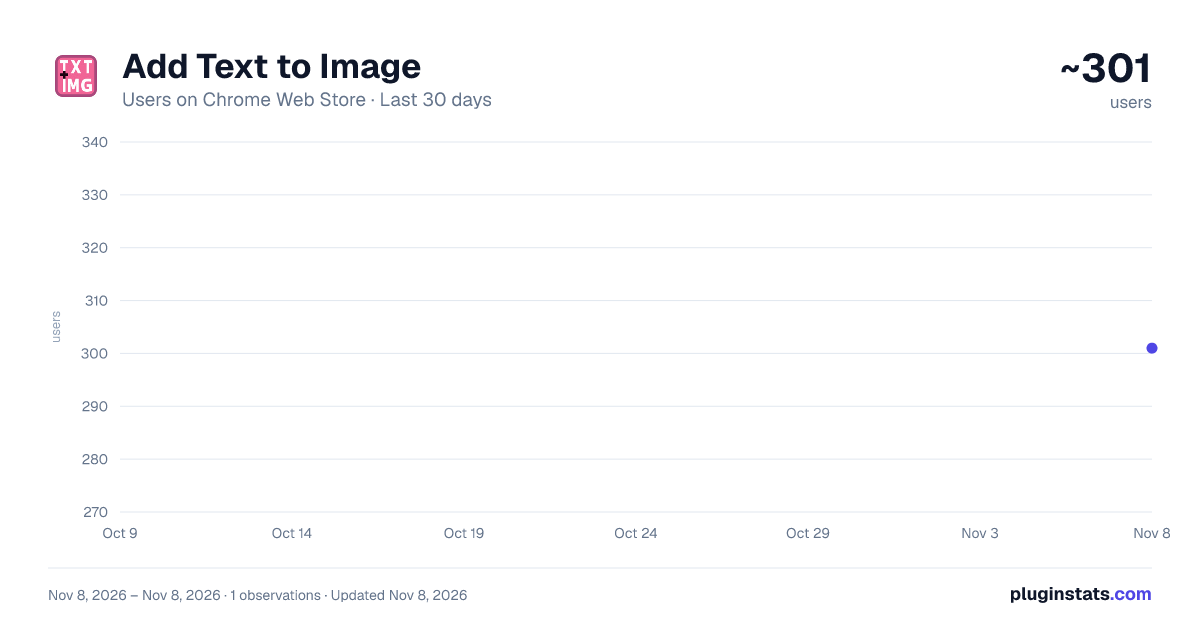
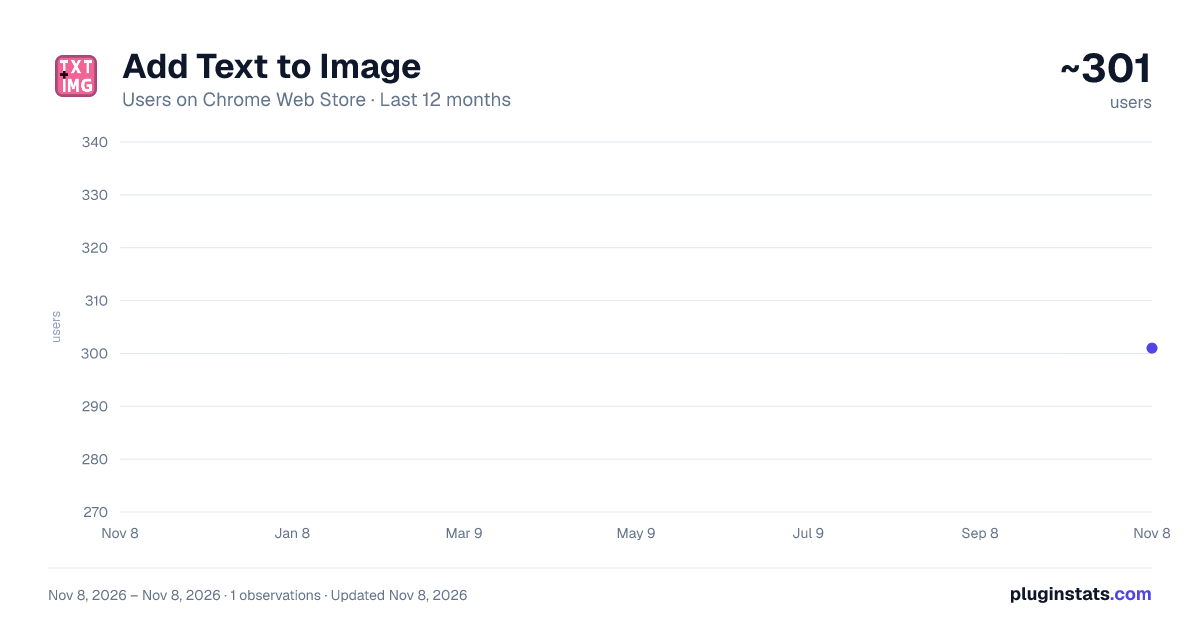
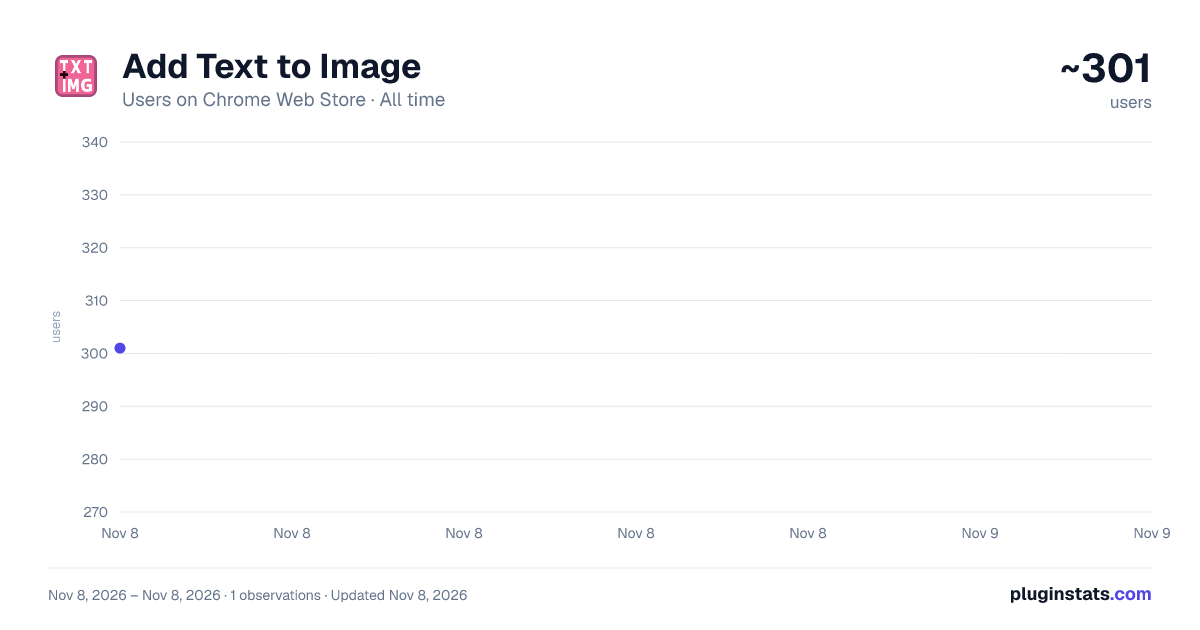
Add Text to Image has approximately 301 recorded users on Chrome Web Store, ranking #5143 of 8,189 tracked listings.
Rating: 4.40 / 5 from 7 ratings
About Add Text to Image
Need to add text to image online? Try our simple editor to make a meme, create a watermark or add wording to a photo.
🖼️ Designed for simplicity and speed, this extension empowers you to add text to image directly within your browser. No complex software, no overwhelming features — just a streamlined tool to enhance your visuals in seconds.
Here are somу things you can easily do with our app: ✅ Create social media content ✅ Personalize photos ✅ Prepare documents ✅ Make memes
The ability to add text to an image is fundamental. Our tool makes this process effortless. Simply open any photo and use our straightforward editor to add text to images online. No heavy downloads or registration required.
❓Why Choose Our Editor? The process to add text to an image online has never been more accessible. Need to write text on image for a project? Our tool is here. Looking to add wording to a photo for a greeting? We’ve got you covered.
➤ One-Click Access: Pin the extension and edit images from any webpage. ➤ Intuitive Controls: Adjust font, size, color, and placement with ease. ➤ No Overload: A clean interface that prioritises the essential task to add text to picture quickly. ➤ Privacy-First: All processing happens locally in your browser; your images are never uploaded to a server.
🎨 Endless Creative Possibilities
- Create your own meme: Quickly add meme text to image for social sharing. It’s the perfect add text to image meme tool for humor and commentary.
- Personalize Photos: Add text to your photo for captions, dates, or messages. Easily add writing to a picture to make it more meaningful.
- Professional Touch: Add captions to pics for blogs, websites, or presentations. Use it as a simple image text editor for marketing materials.
- Protect Your Work: Add text over image to create watermarks. Safeguard your photography, documents, and worksheets from unauthorized use.
👥 Our extension is built for everyone Its core mission is to provide a hassle-free way to add text to the image you are working with. Forget about complicated programs; this is a focused add text to image app experience right in Chrome.
🚀 Powered by Fabric.js At its core, our editor leverages the robust Fabric.js canvas library. This ensures a smooth, responsive, and reliable editing experience. You get professional-grade manipulation capabilities. We cover rotating, scaling, and perfect alignment. It's all working seamlessly to help you add text to photo and graphics with precision.
💡 More Use Cases 1️⃣ Social Media Enthusiasts: Create engaging content. Creatively caption your latest snap. 2️⃣ Educators & Students: Annotate diagrams, worksheets, and study materials. Add text to images for clearer instructional content. 3️⃣ Bloggers & Marketers: Design featured infographics, and other promotional visuals. 4️⃣ Office Professionals: Prepare reports, presentations, and internal documents. Annotate charts and screenshots. 5️⃣ Photographers & Artists: Add subtle signatures or descriptive text on image for portfolios. Utilize watermarks to protect your creative work.
This tool is specifically crafted to add text to image online efficiently. The experience of using such an app should be simple, and that is exactly what we deliver. We've done our homework and can
💫 Key Features at a Glance • One-Click Operation: Start editing from any context. • Rich Text Customization: Choose from various fonts, colors, and styles. • Watermark Tool: Ideal for protecting intellectual property. • Instant Export: Save your work in high quality with a single click. Copying to clipboard is also possible.
❓How to Use:
- Install the extension from the Chrome Web Store.
- Click the puzzle piece in the top right of your browser. Pin the extension for swift access.
- Open an image from your device.
- Use the text tool. Customize to your liking.
- Move, resize, and layer effortlessly.
- Download your newly crafted picture instantly.
- Your Go-To Online Editor
When you need to add text to the image you’re viewing, our extension is your immediate answer. It’s the effortless way to write text on image for any purpose. We've done our homework and guarantee we're the simplest service there is.
Embrace the simplicity of a dedicated image text editor that does one thing, but exceptionally well. It will enable you to add text to images quickly and professionally. Enhance your workflow, protect your assets, and unleash creativity. ✨
Install now and experience the easiest way to add text to image directly within your Chrome browser.
📪 Contact us: Any questions or suggestions? Feel free to reach out at 💌 apps.4allhumankind@gmail.com
Description from the Chrome Web Store listing.
README badge
Show your rank in a README or on your website. The badge updates automatically.
Charts
Images: 30d · 1y · all time · 1600×900 dark
Adoption over time
7/30/90-day growth
Ranking history
Ratings over time
Listing placement
Listing placement
Filled points are observed values; hollow points come from Internet Archive snapshots of the listing page. Dashed segments span periods with no observations — values between points are not interpolated.
Each band is one page of 20. Users on a linear scale. Placement is projected from users, so it can differ from the marketplace's own sort order. Hover a dot to see the listing.
Recent observations
Full history (1)Similar Chrome Web Store Tools plugins
All 20 Add Text to Image alternatives



Data source
Covers every Chrome Web Store extension with at least 100 users, found through the store's public sitemap. User counts are read from public listing pages. The 10% most-used extensions are refreshed daily, the next 40% weekly and the next 40% monthly; the least-used 10% are not refreshed. Google displays rounded user counts (and caps the display at 10,000,000+), so small changes may not be visible. Rating counts above 1,000 are rounded (e.g. 1.6K).
Listing: https://chromewebstore.google.com/detail/add-text-to-image/pfbhjehlekjeidhdpebofhglpfohofhc. First seen Nov 8, 2026; last successful collection Nov 8, 2026. See the methodology.