 PluginStats
WordPress Theme and Plugin Detector users statistics
WordPress Theme and Plugin Detector detects all the installed WordPress Themes and WordPress Plugins on the Websites you visit
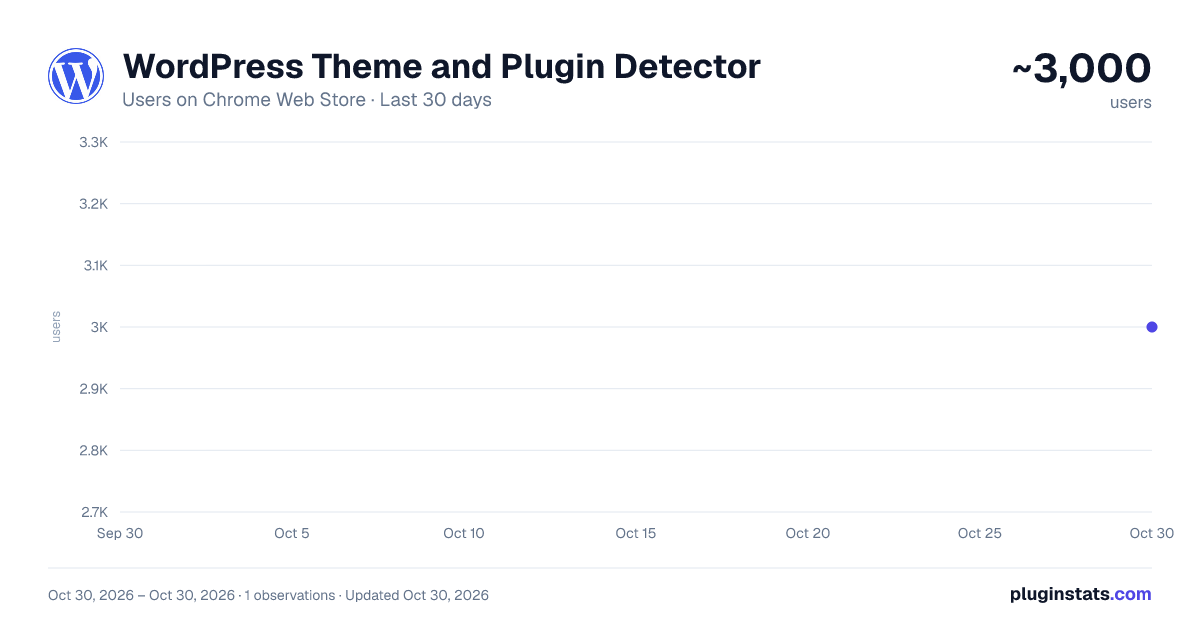
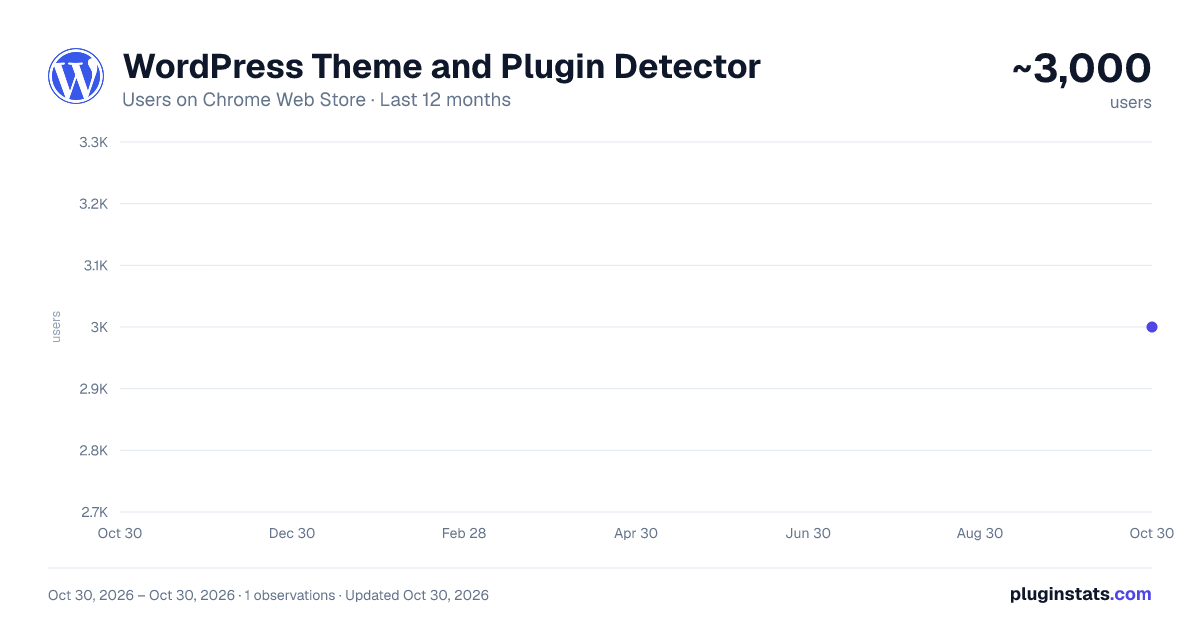
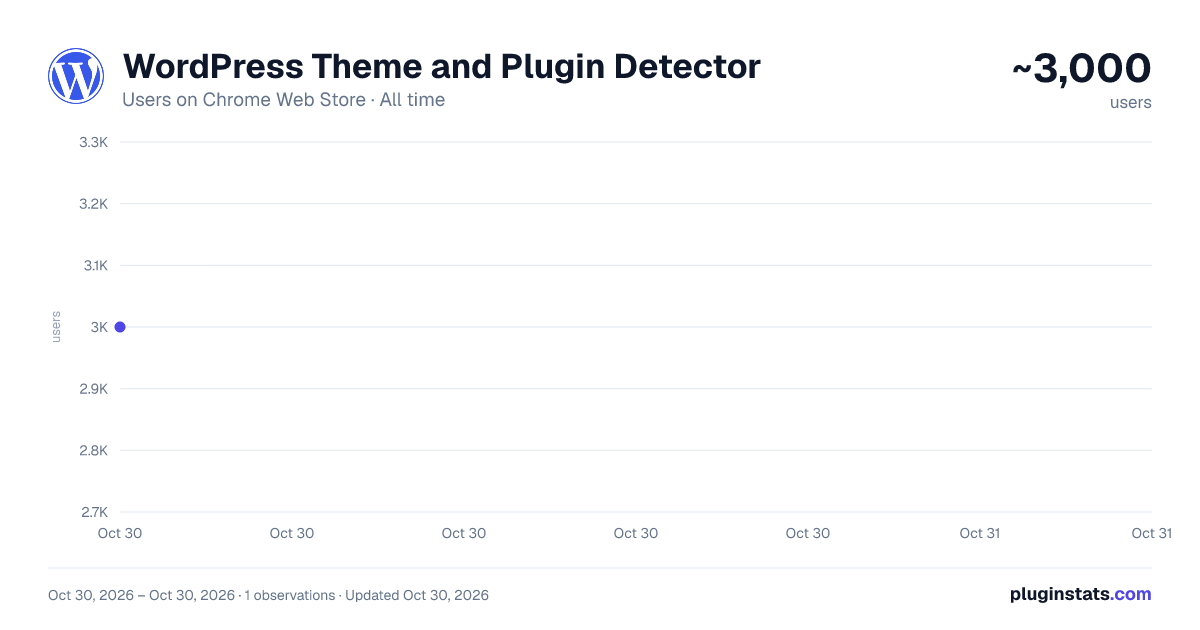
WordPress Theme and Plugin Detector has approximately 3,000 recorded users on Chrome Web Store, ranking #1202 of 5,550 tracked listings.
Rating: 4.90 / 5 from 14 ratings
About WordPress Theme and Plugin Detector
WordPress Theme and Plugin Detector detects all the installed WordPress Themes and WordPress Plugins on the Websites you visit
🟩 When you visit a website USING with WordPress, the badge will turn GREEN. 🟥 When you visit a website NOT USING with WordPress, the badge will turn RED.
👉 WordPress Theme Detector:
Click on the icon and open the popup. If the current page uses WordPress, WP Detector Chrome Extension will display the WordPress theme that it uses.
WordPress Theme information provided:
- Theme Name
- Theme Image
- Theme Author
- Author website (If available)
- Theme version
- Last Updated
- Number of Active Installations
- Theme required WordPress version
- Theme latest PHP version tested
- Theme minim required PHP version
- Theme Description
- More information link
If the website is using more than one theme (for example child themes), it will also display it.
👉 WordPress Plugin Detector:
WP Detector Chrome Extension will also display all the WordPress plugins installed in the website.
WordPress Plugin information provided:
- Plugin Name
- Plugin Banner
- Plugin Icon
- Plugin Contributors / Authors
- Plugin website (If available)
- Plugin version
- Last Updated
- Number of Active Installations
- Plugin required WordPress version
- Plugin latest PHP version tested
- Plugin minim required PHP version
- Plugin Description
- More information link
You can click on any of the Theme and Plugin cards and you will be redirected to their WordPress.org theme / plugin repository page or official websites to know more information about them.
The extension won’t consume your browser resources, since the computation to detect themes and plugins is performed in a remote server to which the extension communicates via API.
If you are not sure about installing this extension, you can test it first in our website: wp-detector.com
If you would like to detect WordPress themes and Plugins as you browse, look no further: this the fastest and more accurate WordPress Theme and Plugin Detector in the market!
To report an issue or make a suggestion please visit https://wp-detector.com/report-issue
For more information about the extension privacy policy, please visit: https://wp-detector.com/extension-privacy-policy
Description from the Chrome Web Store listing.
README badge
Show your rank in a README or on your website. The badge updates automatically.
Charts
Images: 30d · 1y · all time · 1600×900 dark
Adoption over time
7/30/90-day growth
Ranking history
Ratings over time
Listing placement
Listing placement
Filled points are observed values; hollow points come from Internet Archive snapshots of the listing page. Dashed segments span periods with no observations — values between points are not interpolated.
Each band is one page of 20. Users on a linear scale. Placement is projected from users, so it can differ from the marketplace's own sort order. Hover a dot to see the listing.
Recent observations
Full history (1)Similar Chrome Web Store Tools plugins
All 20 WordPress Theme and Plugin Detector alternatives



Data source
Covers every Chrome Web Store extension with at least 100 users, found through the store's public sitemap. User counts are read from public listing pages. The 10% most-used extensions are refreshed daily, the next 40% weekly and the next 40% monthly; the least-used 10% are not refreshed. Google displays rounded user counts (and caps the display at 10,000,000+), so small changes may not be visible. Rating counts above 1,000 are rounded (e.g. 1.6K).
Listing: https://chromewebstore.google.com/detail/wordpress-theme-and-plugi/ckddhlieecghofpfojemicbieacljgji. First seen Oct 30, 2026; last successful collection Oct 30, 2026. See the methodology.