 PluginStats

HumanTyper: Realistic Auto Typing users statistics
Paste text like a human! HumanTyper simulates natural keystrokes with speed control, random delays, and smart typing patterns.
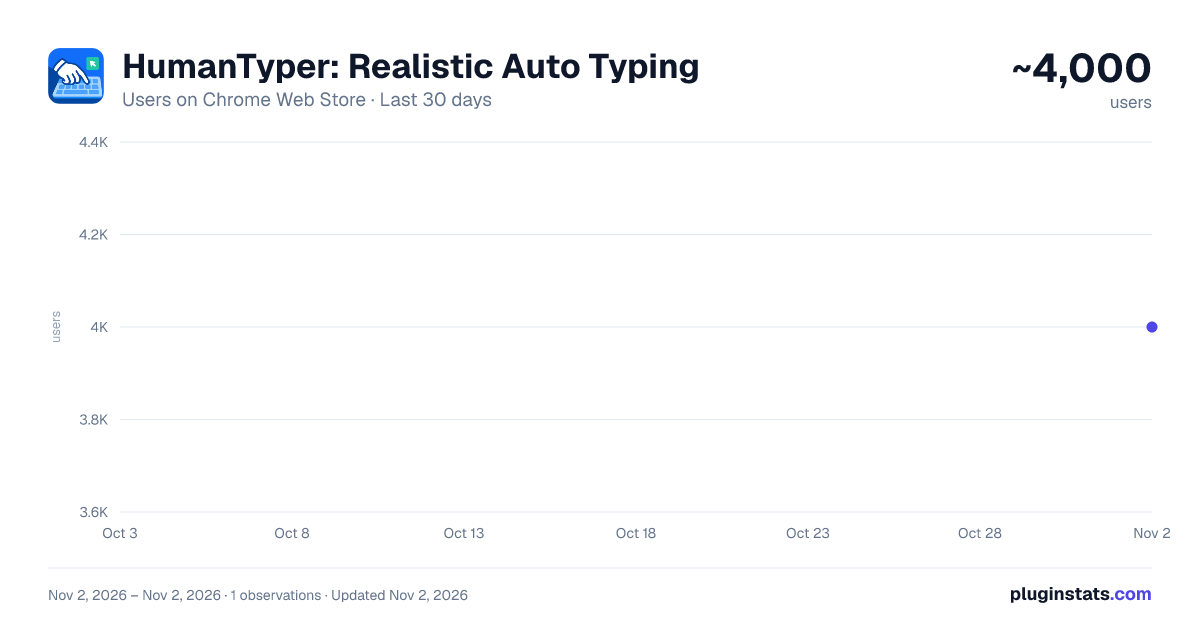
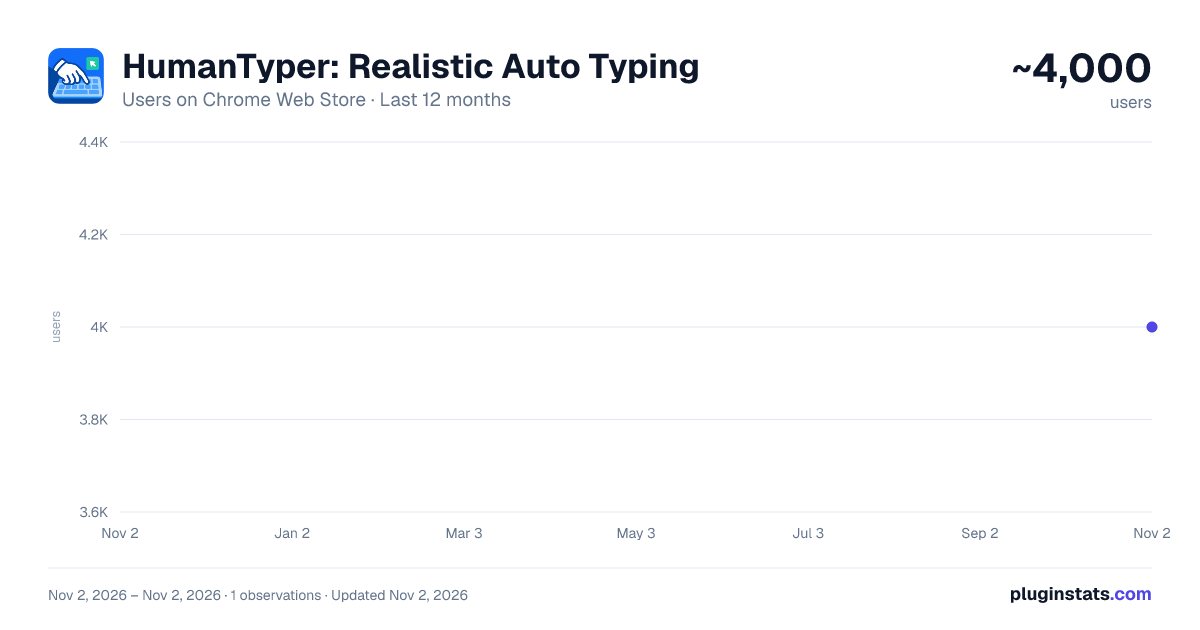
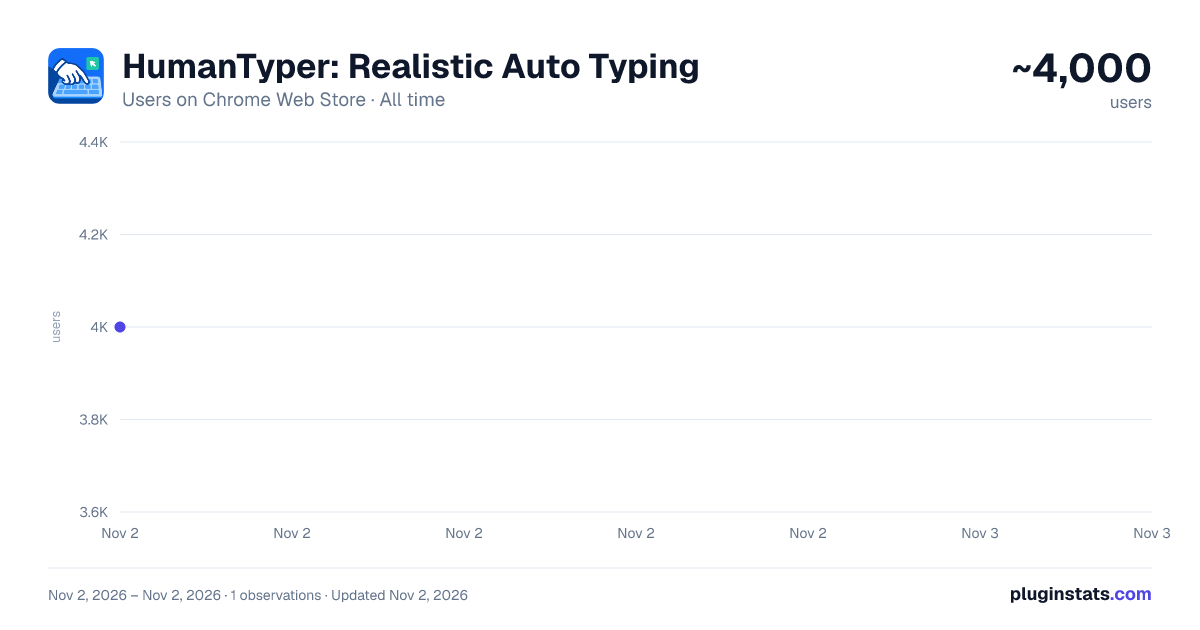
HumanTyper: Realistic Auto Typing has approximately 4,000 recorded users on Chrome Web Store, ranking #1264 of 6,786 tracked listings.
Rating: 3.80 / 5 from 28 ratings
About HumanTyper: Realistic Auto Typing
Paste text like a human! HumanTyper simulates natural keystrokes with speed control, random delays, and smart typing patterns.
HumanTyper is a realistic auto typer and typing simulator for Chrome. It types your text letter by letter with natural timing, random pauses, and optional human-like typos with automatic corrections.
Whether you are preparing a live demo, filling repetitive forms, testing web apps, or creating a natural typing effect, HumanTyper helps you enter text smoothly across the web.
✨ Key Features
• Realistic human-like typing simulation • Adjustable typing speed with 5 speed levels • Random delays and natural pauses • Optional typos with automatic corrections • Variable timing for a less robotic typing rhythm • Works with inputs, textareas, and many online editors • Compatible with websites that support regular keyboard input • Clean, modern, and easy-to-use interface • Lightweight Chrome extension • Local-first: your text stays on your device
🎯 Perfect For
• Creating a natural typing effect for live demos or recordings • Filling repetitive forms more efficiently • Testing websites, forms, inputs, and editors with realistic keystrokes • Re-entering prepared text without manual typing • Simulating real keyboard input for productivity workflows
⚙️ How It Works
- Copy the text you want to type
- Open the HumanTyper Chrome extension
- Paste your text into the popup
- Choose your typing speed and humanization options
- Click inside a text field, textarea, or editor
- Press Start Typing and watch your text appear naturally, keystroke by keystroke
HumanTyper is designed to make automated typing feel smooth, natural, and easy to control. Instead of instantly pasting a block of text, it recreates the rhythm of real keyboard input with small timing variations, pauses, and optional corrections.
🔒 Privacy
HumanTyper works locally in your browser. Your text is not collected, stored, sold, or sent to external servers.
Simple, lightweight, and privacy-friendly.
Description from the Chrome Web Store listing.
README badge
Show your rank in a README or on your website. The badge updates automatically.
Charts
Images: 30d · 1y · all time · 1600×900 dark
Adoption over time
7/30/90-day growth
Ranking history
Ratings over time
Listing placement
Listing placement
Filled points are observed values; hollow points come from Internet Archive snapshots of the listing page. Dashed segments span periods with no observations — values between points are not interpolated.
Each band is one page of 20. Users on a linear scale. Placement is projected from users, so it can differ from the marketplace's own sort order. Hover a dot to see the listing.
Recent observations
Full history (1)Similar Chrome Web Store Tools plugins
All 20 HumanTyper: Realistic Auto Typing alternatives



Data source
Covers every Chrome Web Store extension with at least 100 users, found through the store's public sitemap. User counts are read from public listing pages. The 10% most-used extensions are refreshed daily, the next 40% weekly and the next 40% monthly; the least-used 10% are not refreshed. Google displays rounded user counts (and caps the display at 10,000,000+), so small changes may not be visible. Rating counts above 1,000 are rounded (e.g. 1.6K).
Listing: https://chromewebstore.google.com/detail/humantyper-realistic-auto/emnddjmjlkmgkdcfcpgppmibpekkgifp. First seen Nov 2, 2026; last successful collection Nov 2, 2026. See the methodology.