 PluginStats
Avenues Canvas Extension users statistics
By Steven Carpenter · Chrome Web Store · Education
Teacher tools for Canvas including: printable outcome reports, assignment rubrics, and an interactive Learning Mastery gradebook.
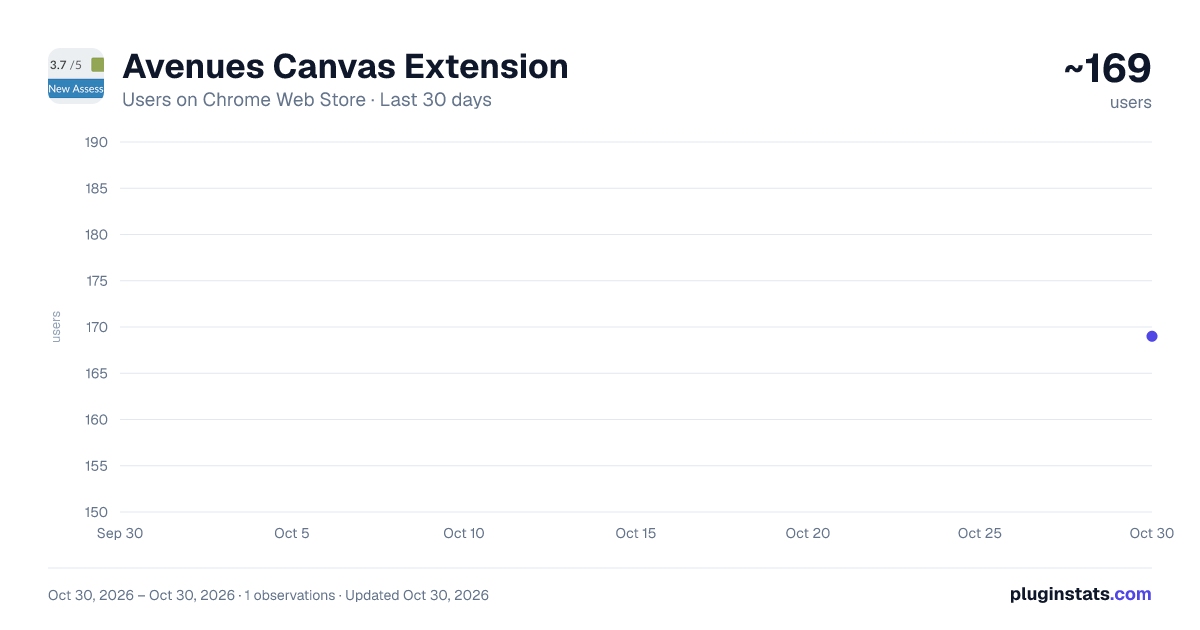
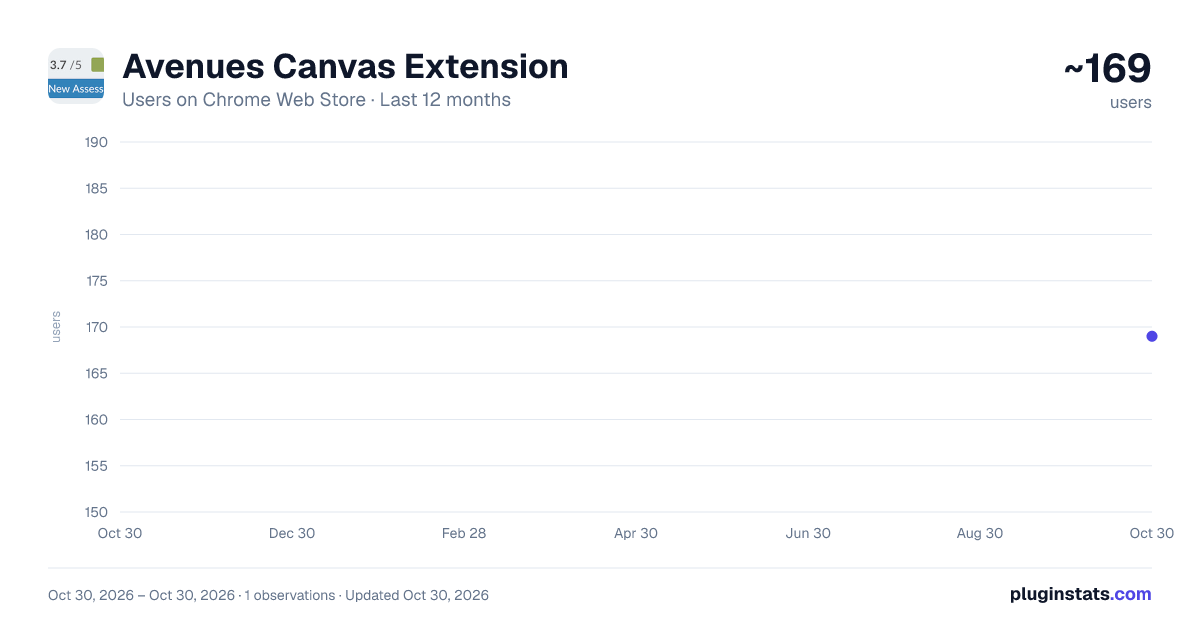
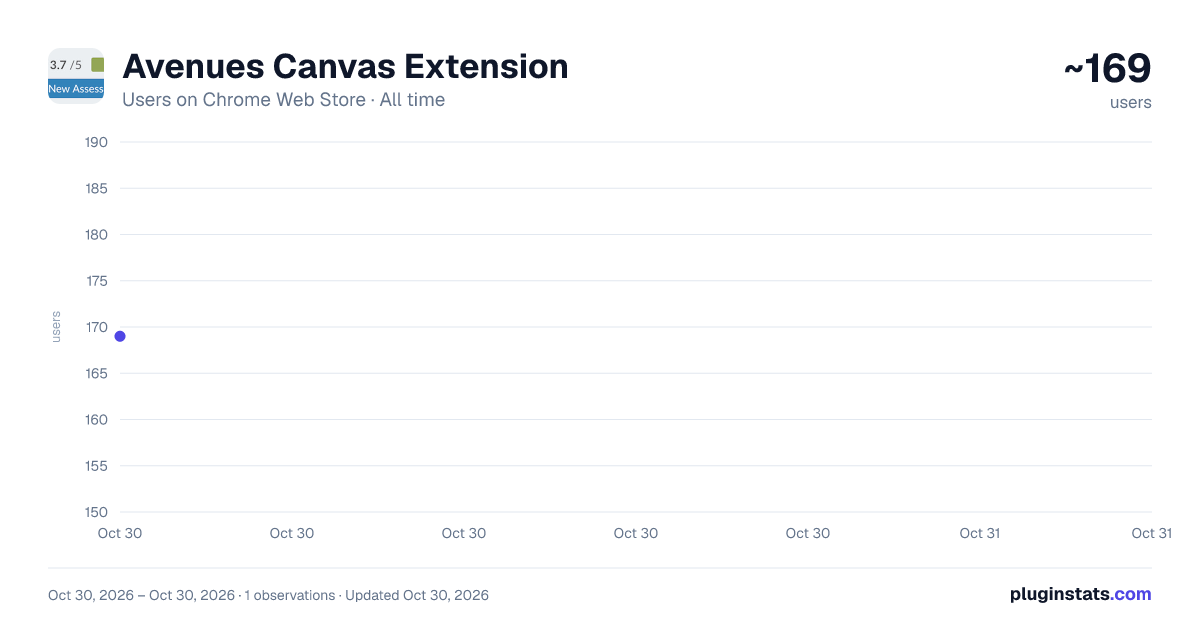
Avenues Canvas Extension has approximately 169 recorded users on Chrome Web Store, ranking #4443 of 5,550 tracked listings.
Rating: 5.00 / 5 from 1 ratings
About Avenues Canvas Extension
Teacher tools for Canvas including: printable outcome reports, assignment rubrics, and an interactive Learning Mastery gradebook.
INTERACTIVE LEARNING MASTERY GRADEBOOK! The Interactive Learning Mastery Gradebook modifies Canvas' default learning mastery gradebook to allow teachers to quickly view all assessments for a student in any outcome, easily add outcome-based rubric assignments to individual students, and edit outcome-based assessments without navigating to SpeedGrader. To view a student's assessments in any outcome, click on the student's grade for that outcome in the grid. Once the sidebar is open, you have access to all these new features.
In addition to the Learning Mastery Gradebook, Avenues Canvas Extensions allows teachers to...
Use SpeedierGrader for a streamlined outcomes-based assignment grade book. Quickly create a new assignment for the full class or even a single student. Add outcomes and enter grades and comments all on one page.
Create printable filled-out versions of RUBRICS for any Canvas assignment. To view and print a class set of student friendly rubrics, navigate to the assignment, then click the grey 'A' icon at the top of your browser, then click "Print rubrics for the current assignment."
Create learning mastery outcomes SUMMARY report. To view and print a class set of summary report rubrics, navigate to the learning mastery grade book, then click the grey A icon at the top of your browser, then click "Print outcome-based report."
Create a outcome report for a single ASSIGNMENT. To view and print a student-by-student outcome breakdown for a given assignment, navigate to that assignment's page, then click the grey A icon at the top of your browser, then click "Print outcome-based report for this assignment."
Description from the Chrome Web Store listing.
README badge
Show your rank in a README or on your website. The badge updates automatically.
Charts
Images: 30d · 1y · all time · 1600×900 dark
Adoption over time
7/30/90-day growth
Ranking history
Ratings over time
Listing placement
Listing placement
Filled points are observed values; hollow points come from Internet Archive snapshots of the listing page. Dashed segments span periods with no observations — values between points are not interpolated.
Each band is one page of 20. Users on a linear scale. Placement is projected from users, so it can differ from the marketplace's own sort order. Hover a dot to see the listing.
Recent observations
Full history (1)Similar Chrome Web Store Education plugins
All 20 Avenues Canvas Extension alternatives



Data source
Covers every Chrome Web Store extension with at least 100 users, found through the store's public sitemap. User counts are read from public listing pages. The 10% most-used extensions are refreshed daily, the next 40% weekly and the next 40% monthly; the least-used 10% are not refreshed. Google displays rounded user counts (and caps the display at 10,000,000+), so small changes may not be visible. Rating counts above 1,000 are rounded (e.g. 1.6K).
Listing: https://chromewebstore.google.com/detail/avenues-canvas-extension/ddnhilpjjnnckinnlahidekojjhmbpio. First seen Oct 30, 2026; last successful collection Oct 30, 2026. See the methodology.