 PluginStats
WebMCP Inspector users statistics
Chrome Web Store · Developer Tools
Developer-grade WebMCP diagnostics by webmcpworld.com
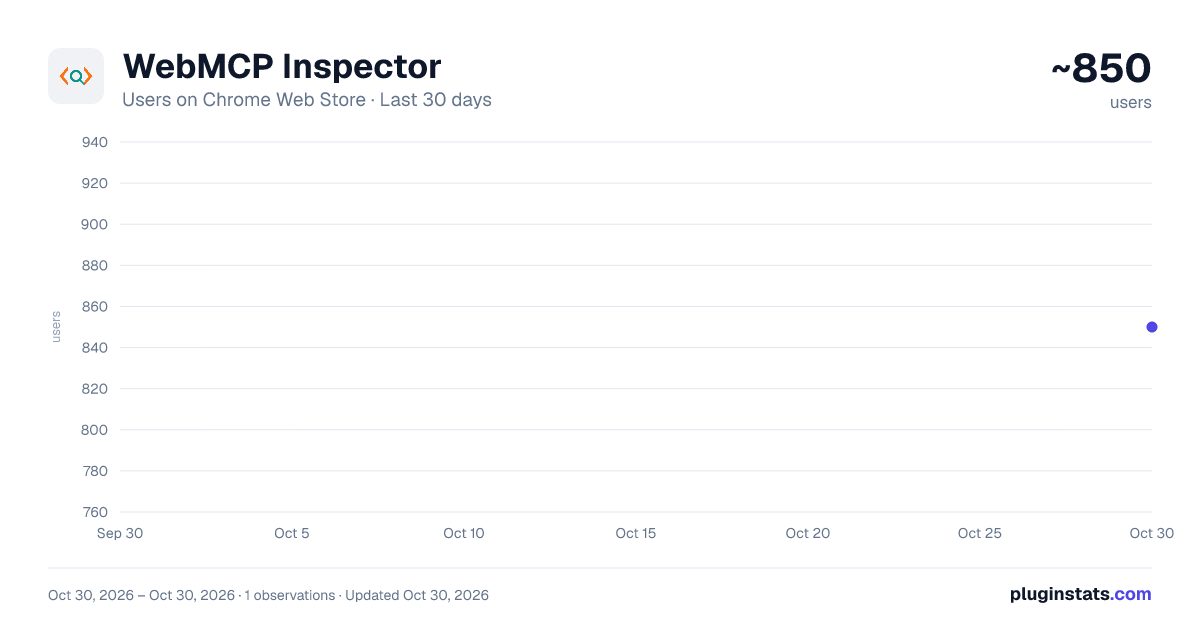
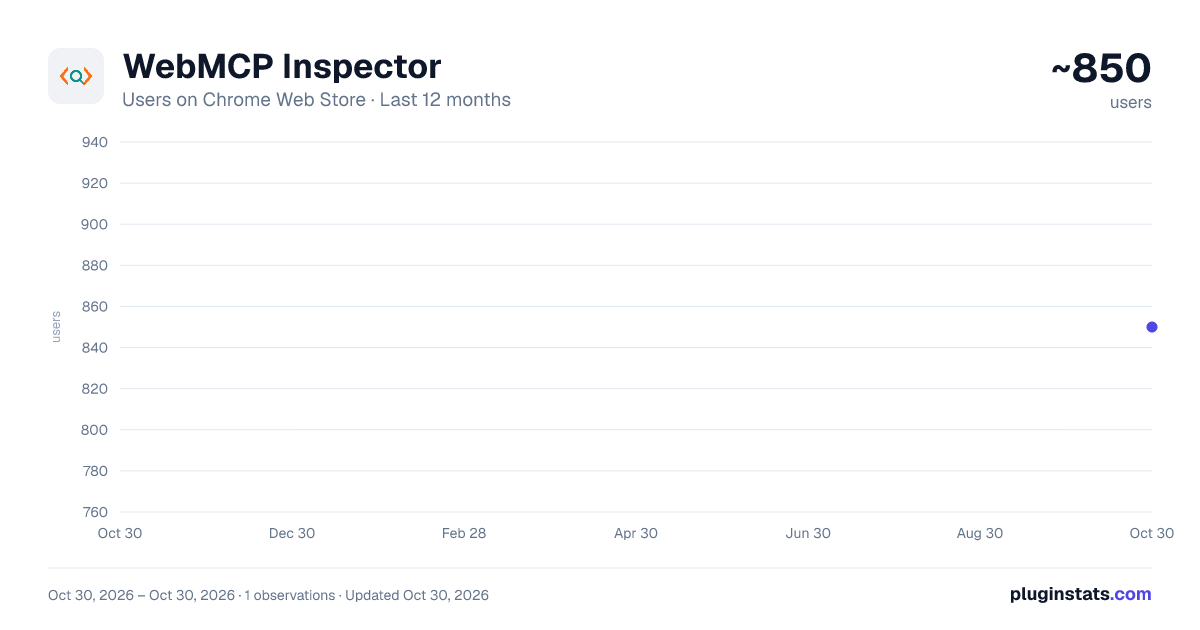
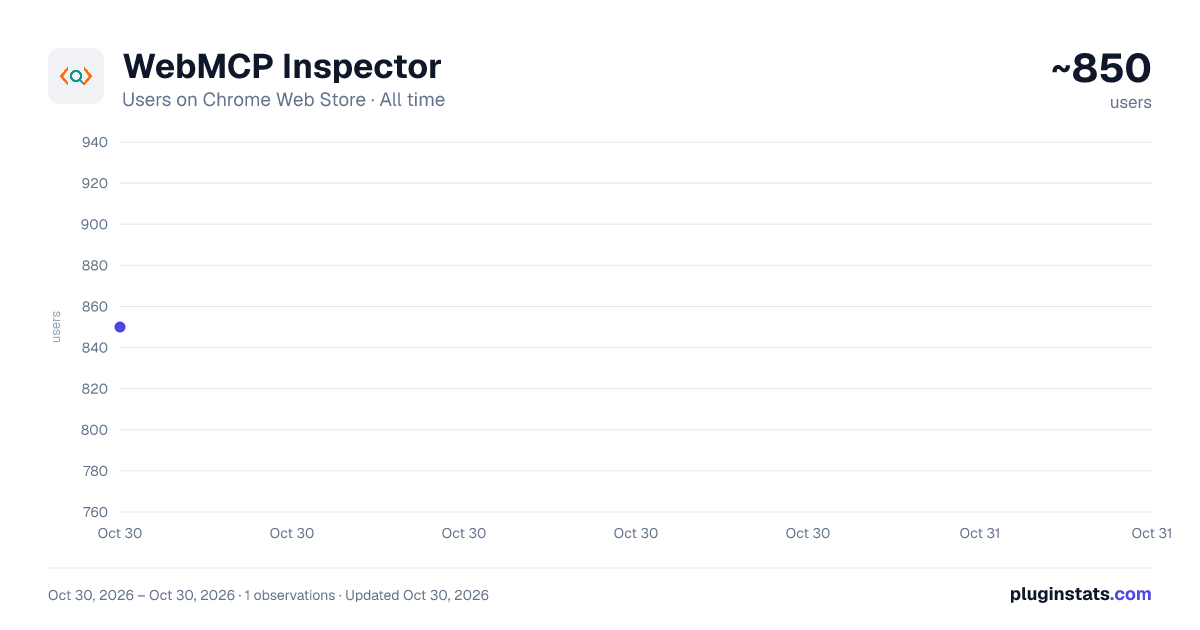
WebMCP Inspector has approximately 850 recorded users on Chrome Web Store, ranking #2193 of 5,550 tracked listings.
Rating: 4.00 / 5 from 4 ratings
About WebMCP Inspector
Developer-grade WebMCP diagnostics by webmcpworld.com
If you're building for the AI-first web, you already know the problem — there's no reliable way to see what WebMCP tools your site is actually exposing, whether they're valid, or how an AI agent would interact with them.
WebMCP Inspector fixes that.
What does this extension do? WebMCP (Web Model Context Protocol) is the new W3C standard shipping in Chrome 146 that lets AI agents discover and use tools on websites. Think of it as the bridge between your site and every AI assistant, browser agent, or automated workflow that tries to interact with it.
This extension gives you a full developer console for that layer - right inside Chrome.
What you get: Audit Tab Run a 15-point compliance check on any page in seconds. It covers HTTPS, llms.txt, robots.txt AI access, /.well-known/webmcp manifest, document.modelContext, window.ai availability, declarative attributes, Open Graph, schema.org, and more. Every failed check tells you exactly how to fix it.
Tools Tab See every WebMCP tool registered on the page — both imperative (JavaScript) and declarative (HTML attributes). Expand any tool to inspect its full JSON schema, fill in parameters, and run it directly from the panel. No copy-pasting, no guesswork.
Monitor Tab A live event stream that captures every tool registration, invocation, result, and context update as it happens. Click any event to see the full payload. Useful when tools are registered dynamically or you need to trace exactly what fired during a user interaction.
AI Chat Tab Connect your own Gemini, OpenAI, Anthropic, or local Ollama instance. Ask the AI to explain what tools are available, call a tool on your behalf, or analyse the page's WebMCP readiness — using the actual tools it finds, not a simulation.
Settings Tab WebMCP World Native AI: Built-in free AI to use instantly without needing any API keys or configuration. Bring your own API keys: Supports Google Gemini, OpenAI GPT, Anthropic Claude, and Ollama for fully local usage. All keys are stored locally on your machine — nothing leaves your browser except your own API calls.
- Custom OpenAI-Compatible & Local LLM Support: Connect any OpenAI-compatible provider or self-hosted models via local servers and proxies.
- Configurable Base URLs: Easily override API endpoints for enterprise gateways or custom proxies.
Export Reports Export the full inspection report as a JSON file using the Export Full Report as JSON button. This allows developers to save, share, or analyse WebMCP validation results outside the extension.
Who is this for?
- Web developers implementing WebMCP on their sites or apps
- Frontend engineers testing tool registration and invocation flows
- Full-stack teams debugging why an AI agent isn't picking up their tools
- Agencies auditing client sites for AI-agent compatibility
- Anyone building AI-integrated web experiences who needs to see what's actually happening under the hood
How to get started:
- Enable the WebMCP testing flag at chrome://flags/#enable-webmcp-testing
- Install the extension and navigate to any page
- Click the WebMCP Inspector icon in your toolbar
- Hit Scan — your results are ready in under a second
Built by WebMCPWorld Team — the team behind webmcpworld.com and the WebMCP Validator.
Description from the Chrome Web Store listing.
README badge
Show your rank in a README or on your website. The badge updates automatically.
Charts
Images: 30d · 1y · all time · 1600×900 dark
Adoption over time
7/30/90-day growth
Ranking history
Ratings over time
Listing placement
Listing placement
Filled points are observed values; hollow points come from Internet Archive snapshots of the listing page. Dashed segments span periods with no observations — values between points are not interpolated.
Each band is one page of 20. Users on a linear scale. Placement is projected from users, so it can differ from the marketplace's own sort order. Hover a dot to see the listing.
Recent observations
Full history (1)Similar Chrome Web Store Developer Tools plugins
All 20 WebMCP Inspector alternatives



Data source
Covers every Chrome Web Store extension with at least 100 users, found through the store's public sitemap. User counts are read from public listing pages. The 10% most-used extensions are refreshed daily, the next 40% weekly and the next 40% monthly; the least-used 10% are not refreshed. Google displays rounded user counts (and caps the display at 10,000,000+), so small changes may not be visible. Rating counts above 1,000 are rounded (e.g. 1.6K).
Listing: https://chromewebstore.google.com/detail/webmcp-inspector/ddmnodehiebeklbngpeeghmcohomfimd. First seen Oct 30, 2026; last successful collection Oct 30, 2026. See the methodology.