 PluginStats
Your Anki on Chrome users statistics
Study your Anki decks in a Chrome tab through AnkiConnect.
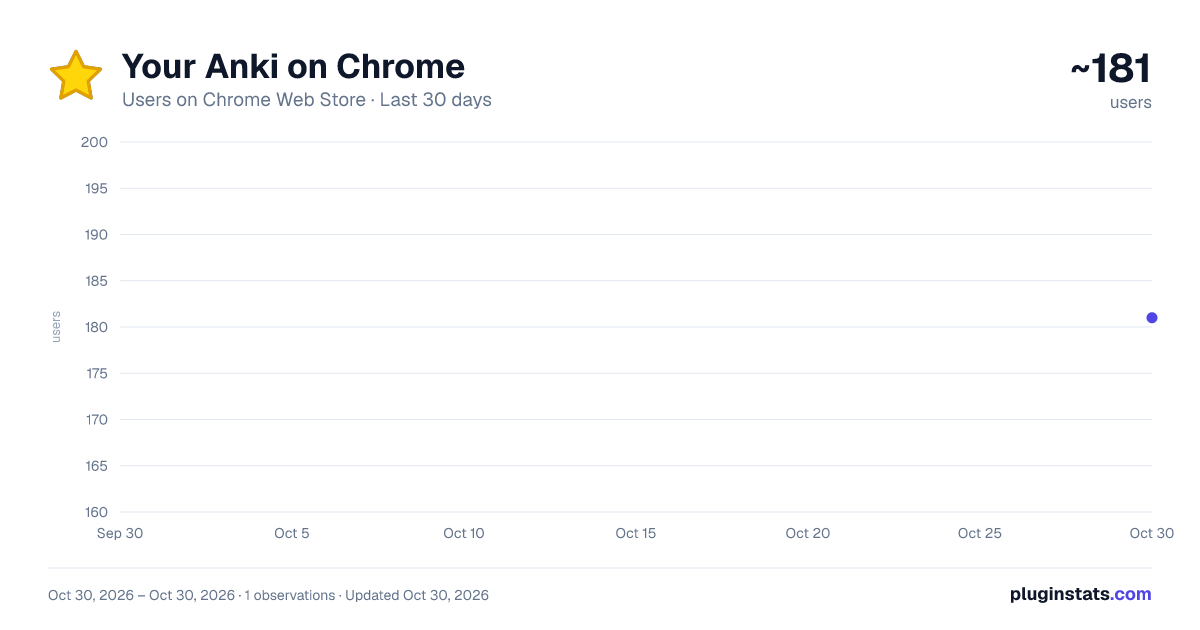
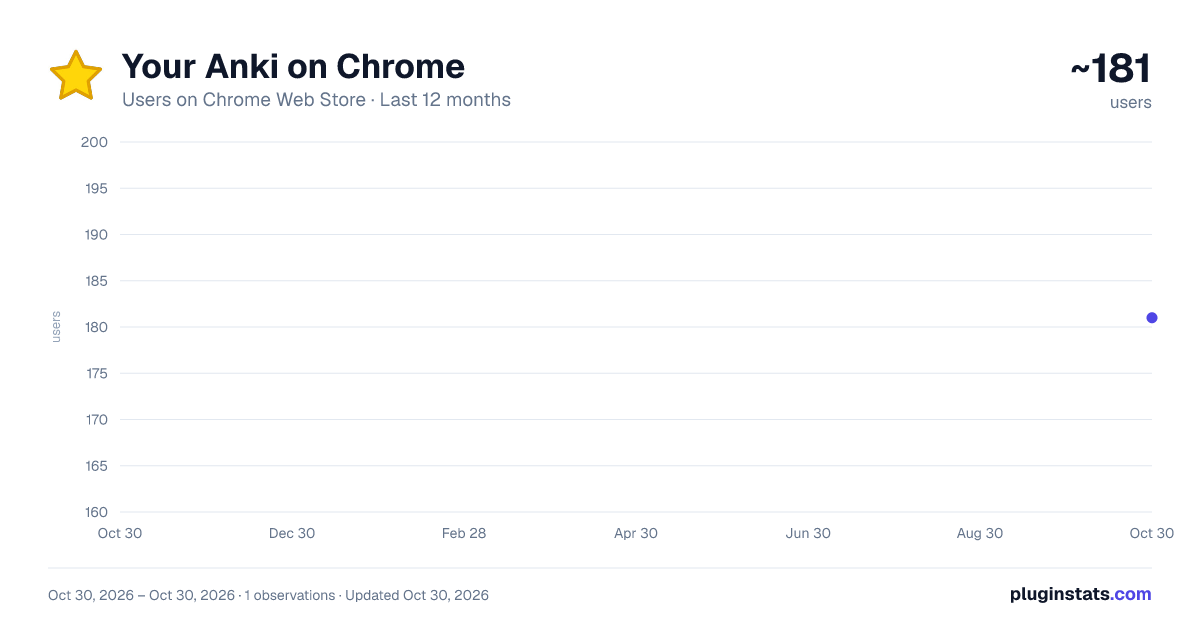
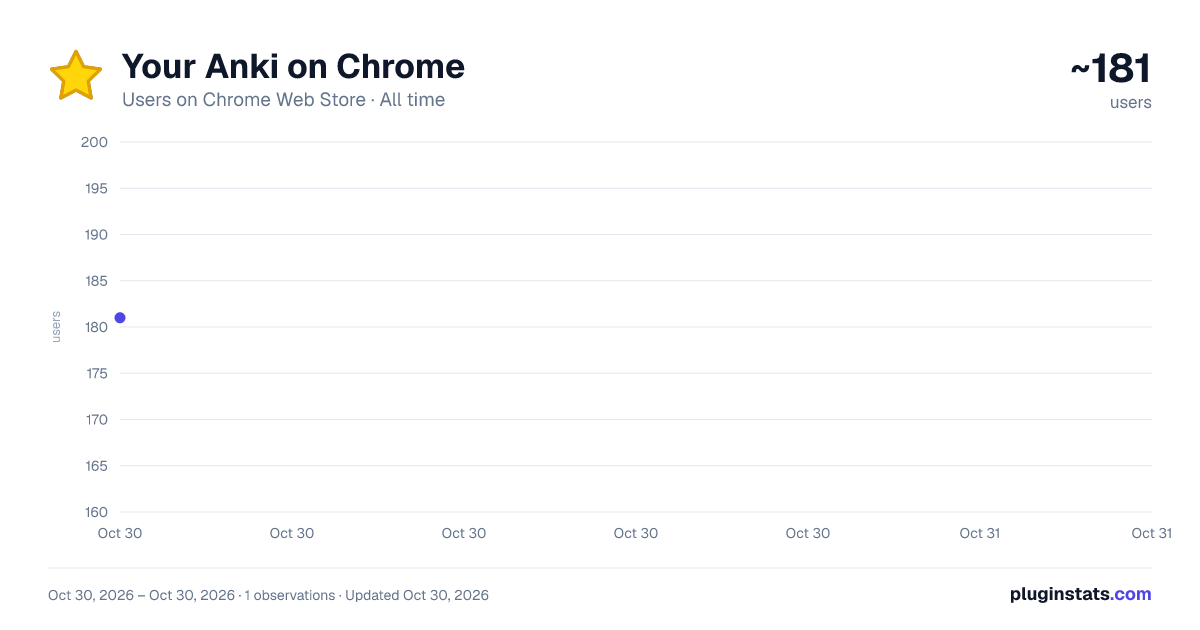
Your Anki on Chrome has approximately 181 recorded users on Chrome Web Store, ranking #4329 of 5,550 tracked listings.
Rating: 5.00 / 5 from 6 ratings
About Your Anki on Chrome
Study your Anki decks in a Chrome tab through AnkiConnect.
Your Anki on Chrome lets you study your Anki decks in a Chrome tab, with a clean, fast interface.
It works with Anki running on your own computer, through the companion add-on "Your Anki Connector": https://ankiweb.net/shared/info/345934930
GETTING STARTED
- Install Anki desktop and open it.
- Install the add-on "Your Anki Connector": in Anki, go to Tools › Add-ons › Get Add-ons…, paste the code 345934930, click OK, then restart Anki. Add-on page: https://ankiweb.net/shared/info/345934930
- Click the extension icon. Your decks appear in a new tab. A step-by-step tour runs the first time, and Help (in Settings, or press ?) has the full guide and a connection check.
FEATURES • Deck tree with new / learning / due counts, instant search (works without accents for Vietnamese) • Review cards with Anki's own scheduler (FSRS supported): Space to flip, 1-4 to answer, Ctrl+Z to undo • Card templates render like in Anki (your CSS and JavaScript, audio, images, typing cards); large images fit the screen • Edit the current card without leaving the tab (E), with Ctrl+B / I / U formatting • Study more today (C) without changing your shared deck options • Two-button mode (Forgot / Remembered), focus mode (F) and a restart-Anki button in Settings • Sync with AnkiWeb from the browser (Y); a red dot shows when you have unsynced changes • Statistics page with a GitHub-style review calendar, streaks, retention and per-deck numbers • Edit decks: create, rename, drag and drop, delete, undo • Built-in plugins you can turn on or off (review heatmap, streak) • Light and dark theme, 8 colour palettes and your own background picture (built-in, from your computer, or a link), Vietnamese and English interface • Opens as your new tab page • Optional Pomodoro timer (beta, off by default)
REQUIREMENTS • Anki desktop must be running (it can stay minimized in the system tray). • The companion add-on "Your Anki Connector" (free): https://ankiweb.net/shared/info/345934930
PRIVACY This version connects only to Anki on your own computer (plus, if you choose a background picture from a link, that image). It has no accounts, analytics or ads, and keeps its settings in your browser's local extension storage. See our privacy policy for details.
Description from the Chrome Web Store listing.
README badge
Show your rank in a README or on your website. The badge updates automatically.
Charts
Images: 30d · 1y · all time · 1600×900 dark
Adoption over time
7/30/90-day growth
Ranking history
Ratings over time
Listing placement
Listing placement
Filled points are observed values; hollow points come from Internet Archive snapshots of the listing page. Dashed segments span periods with no observations — values between points are not interpolated.
Each band is one page of 20. Users on a linear scale. Placement is projected from users, so it can differ from the marketplace's own sort order. Hover a dot to see the listing.
Recent observations
Full history (1)Similar Chrome Web Store Education plugins
All 20 Your Anki on Chrome alternatives



Data source
Covers every Chrome Web Store extension with at least 100 users, found through the store's public sitemap. User counts are read from public listing pages. The 10% most-used extensions are refreshed daily, the next 40% weekly and the next 40% monthly; the least-used 10% are not refreshed. Google displays rounded user counts (and caps the display at 10,000,000+), so small changes may not be visible. Rating counts above 1,000 are rounded (e.g. 1.6K).
Listing: https://chromewebstore.google.com/detail/your-anki-on-chrome/ckhdgdiaapaliaeiiikbaamiplighbfi. First seen Oct 30, 2026; last successful collection Oct 30, 2026. See the methodology.