 PluginStats
Save Emails as PDF by cloudHQ users statistics
Chrome Web Store · Workflow & Planning
Export, convert and save Gmail™ emails as a PDF document
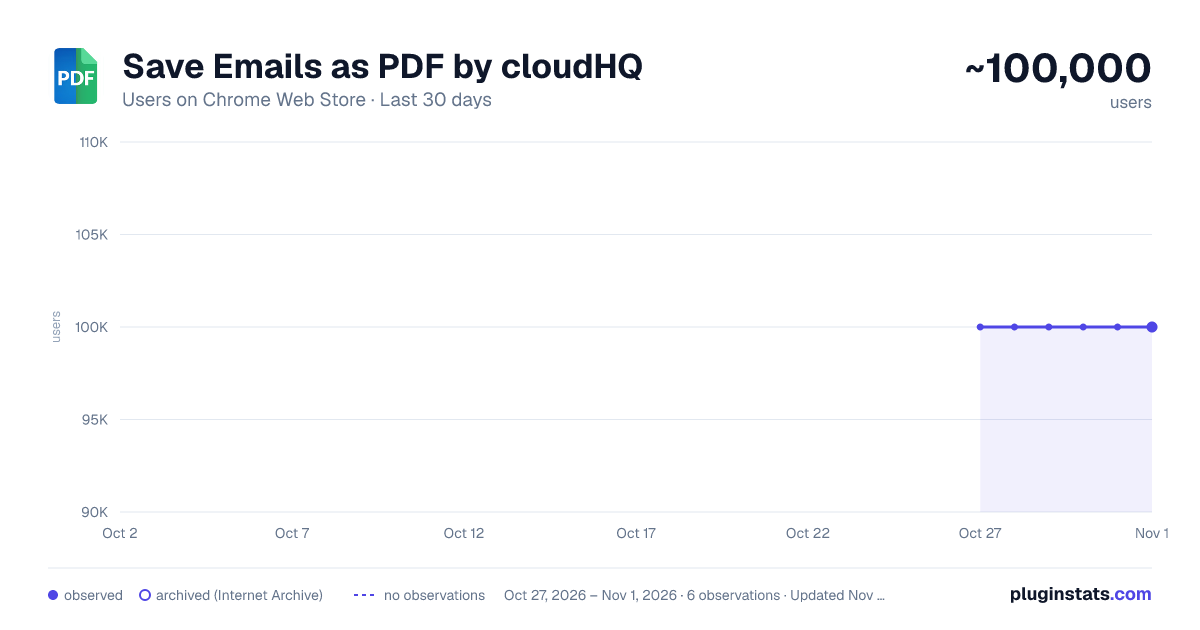
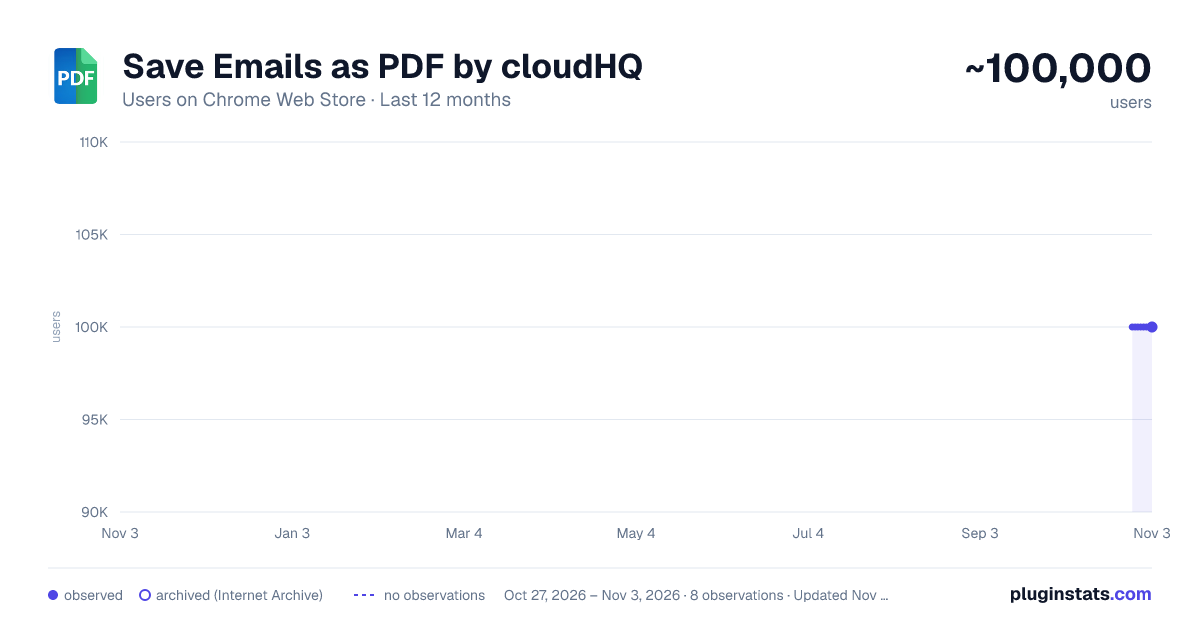
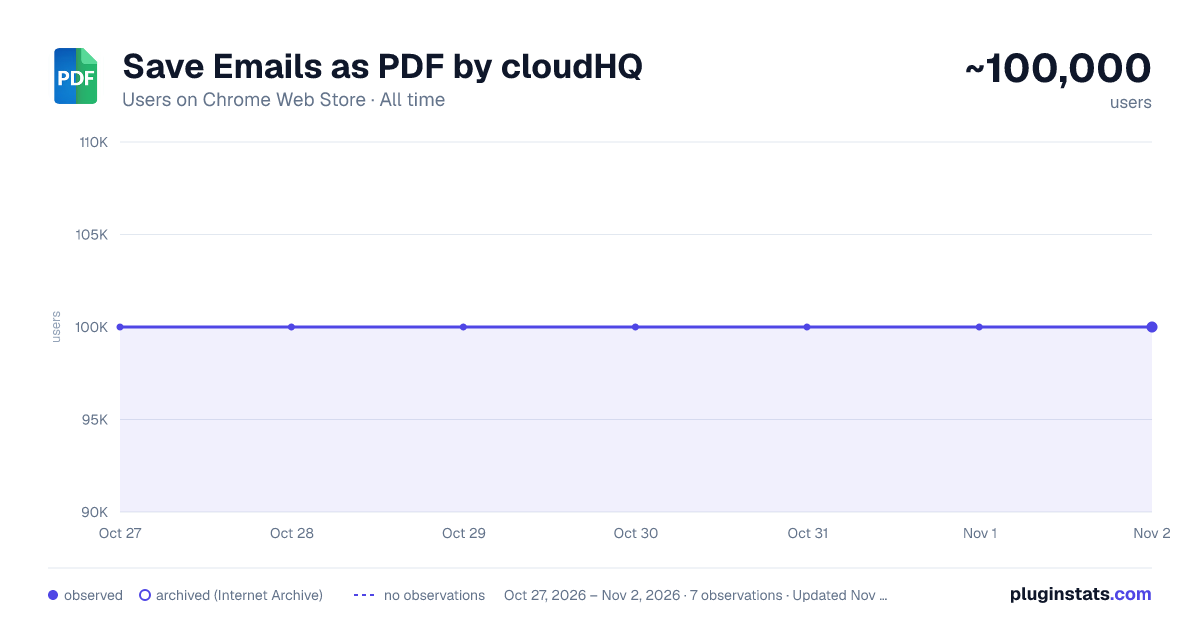
Save Emails as PDF by cloudHQ has approximately 100,000 recorded users on Chrome Web Store, ranking #144 of 4,553 tracked listings.
Rating: 4.30 / 5 from 611 ratings
About Save Emails as PDF by cloudHQ
Export, convert and save Gmail™ emails as a PDF document
This extension lets you easily save Gmail emails and labels as a PDF document. Our service works in just 3 clicks, and you're done!
With this extension you can: ✔️ Create a hard copy backup of messages for your own records ✔️ Merge multiple emails into one PDF ✔️ Backup multiple messages into separate PDFs ✔️ Save only the attachments of your Gmail messages into PDF ✔️ Great to upload your correspondence and:
- Upload them into your CRM, like Salesforce, Zoho, etc.
- Send it to your lawyer for legal proceedings
- Send your bills, receipts, or invoices to your accountant
- Send it to your human resources department for any internal issues
This this extension is great for:
-
Real estate agents: 🏡Package all your Gmail messages regarding your sales transactions and upload them into SkySlope or another CRM that you're using.
-
Lawyers and legal professionals: ⚖️ Save, organize and sort all Gmail messages into one document and submit it to court. ⚖️ Convert all online conversations (sent documents, received documents, etc.) into a single file that you can then easily Clio or another CRM that you're using.
-
Project Managers and Team leads: 🚧 Archive all project communication as one document and keep it organized. 🚧 Setup an automatic saving of Gmail labels with project-related conversations to your Google Shared Drive for collaboration with your team.
-
Business owners: 💼 Get all your Gmail messages with receipts and organize them by date, customer, etc.
-
Contractors: 👩💻 Archive all communication with your clients.
-
Anybody who needs to convert, save and archive important online conversations, this is FOR YOU! 🕵️👮🏾♀️👨🎨🧑🎤👨💻🤵🏻♀️👩🔬🧕🏽🧑💼🧑🔧👩🏿🏫🧏👷
Here's everything you can do with this Convert Gmail to PDF Chrome extension:
- You can save:
- A single message or conversation
- Multiple messages or conversations
- An entire Gmail label
- Messages and conversations matching filters
- Your entire account
- To any of these platforms:
- A downloadable PDF to your local hard drive
- Google Drive
- Dropbox
- Box
- Egnyte
- OneDrive
- Feature Options you can choose to:
- Include or exclude attachments
- Append emails to an existing PDF document
- Save your attachments only (not the body itself, but just the attachment)
- Add page numbers
- Condensed format (all signatures, quotations and other unnecessary data is removed)
- Select an appropriate page size for printing purposes
- Encrypt your file with password protection (highly encouraged for legal documents)
- Forward your Gmail mails as a pdf attachment to someone else
- Save your online conversation as one document with your selection
- Convert and save your online conversation as a zip file with each Gmail message or conversation in separate PDF files
- Convert and save your online communication one text (TXT) file
- Convert and save your online communication as one HTML document
- Share packages with your online conversations using secure share links
We know that not one size fits all—especially when it comes to your Google e-mail, but with these flexible features, you should be covered with this extension.
cloudHQ. Helping your productivity, 1 click at a time.
cloudHQ website: https://www.cloudhq.net Website: https://www.save-emails-as-pdf.com Pricing: https://www.save-emails-as-pdf.com/pricing Support page: https://support.cloudhq.net/category/browser-extensions/save-emails-to-pdf/ Blog: https://blog.cloudhq.net
Gmail, Google Calendar, and Google Workspace are trademarks of Google LLC. Use of these trademarks is subject to Google Permissions.
cloudHQ is trademark of cloudHQ LLC. https://tsdr.uspto.gov/documentviewer?caseId=sn97775615&docId=ORC20250405001500&linkId=2#docIndex=1&page=1
Description from the Chrome Web Store listing.
README badge
Show your rank in a README or on your website. The badge updates automatically.
Charts
Images: 30d · 1y · all time · 1600×900 dark
Adoption over time
7/30/90-day growth
Ranking history
Ratings over time
Listing placement
Listing placement
Filled points are observed values; hollow points come from Internet Archive snapshots of the listing page. Dashed segments span periods with no observations — values between points are not interpolated.
Each band is one page of 20. Users on a linear scale. Placement is projected from users, so it can differ from the marketplace's own sort order. Hover a dot to see the listing.
Recent observations
Full history (1)Similar Chrome Web Store Workflow & Planning plugins
All 20 Save Emails as PDF by cloudHQ alternatives



Data source
Covers every Chrome Web Store extension with at least 100 users, found through the store's public sitemap. User counts are read from public listing pages. The 10% most-used extensions are refreshed daily, the next 40% weekly and the next 40% monthly; the least-used 10% are not refreshed. Google displays rounded user counts (and caps the display at 10,000,000+), so small changes may not be visible. Rating counts above 1,000 are rounded (e.g. 1.6K).
Listing: https://chromewebstore.google.com/detail/save-emails-as-pdf-by-clo/dngbhajancmfmdnmhhdknhooljkddgnk. First seen Oct 27, 2026; last successful collection Oct 27, 2026. See the methodology.