 PluginStats
WPSniffer - WordPress Theme, Plugin & Hosting users statistics
Chrome Web Store · Developer Tools
Instantly detect which WordPress theme, plugins, hosting, and page builder any site uses. One click shows you the full tech stack.
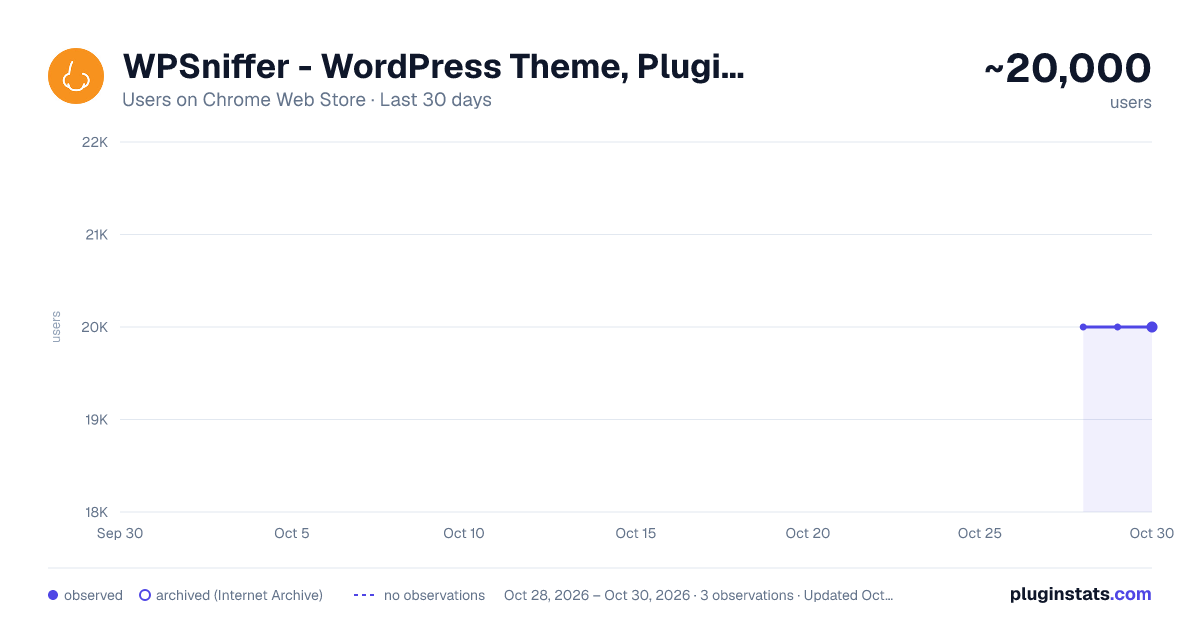
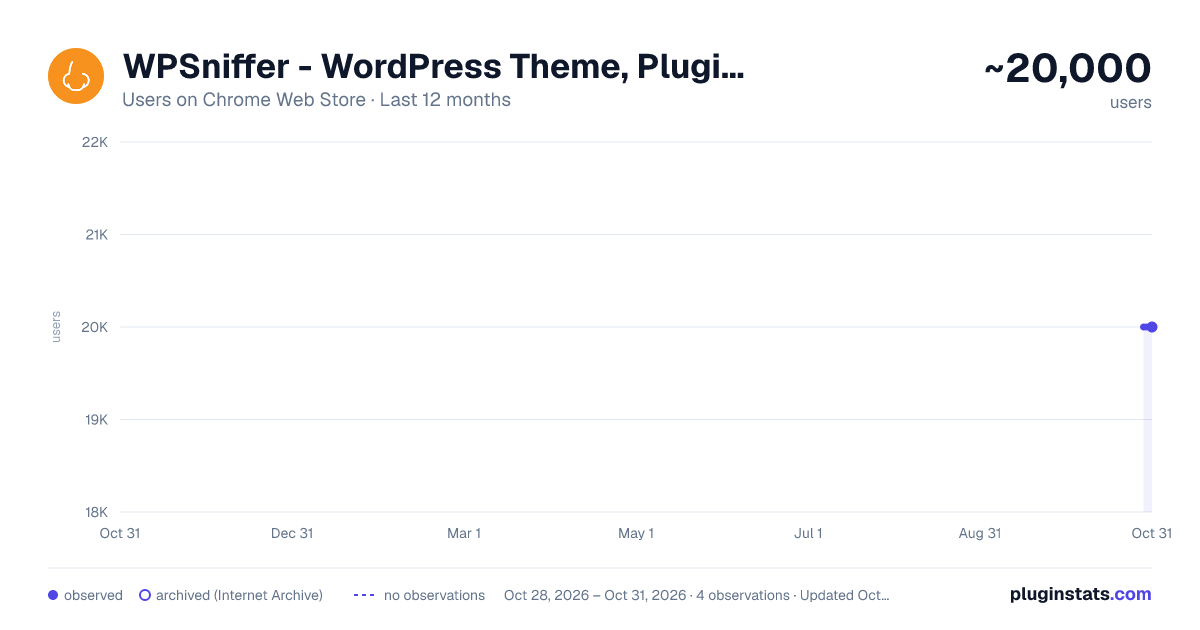
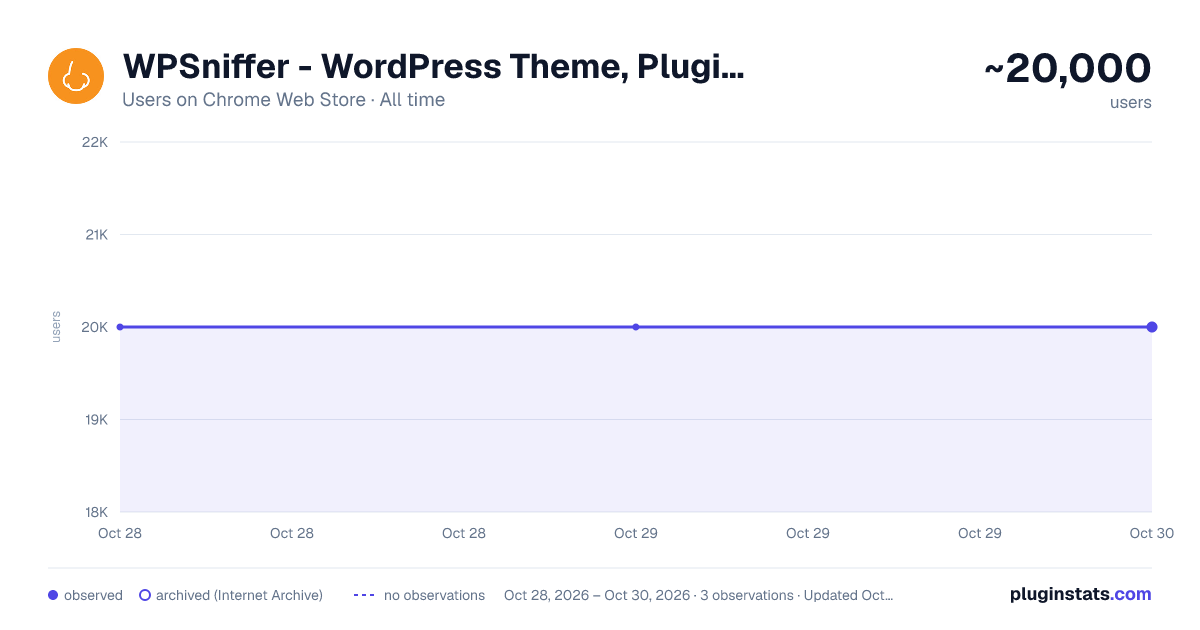
WPSniffer - WordPress Theme, Plugin & Hosting has approximately 20,000 recorded users on Chrome Web Store, ranking #402 of 4,880 tracked listings.
Rating: 3.80 / 5 from 84 ratings
About WPSniffer - WordPress Theme, Plugin & Hosting
Instantly detect which WordPress theme, plugins, hosting, and page builder any site uses. One click shows you the full tech stack.
Visit any WordPress site and click the WPSniffer icon. In one click you get the full tech stack: theme, plugins, host, page builder, CDN, WordPress version, and PHP version. No account required. Nothing uploaded. Works on any public WordPress site.
WHAT WPSNIFFER DETECTS
WordPress Theme Detector See which theme any WordPress site is using. WPSniffer identifies 400+ themes by reading theme file paths directly, so you get an accurate result even when sites try to hide it.
WordPress Plugin Checker Find out which plugins a WordPress site is running, with install counts and last-updated dates. Detects WooCommerce, Yoast SEO, Elementor Pro, and hundreds of others.
Page Builder Detector See which page builder a site uses: Elementor, Divi Builder, Gutenberg, and others. Useful before quoting a project.
WordPress Hosting Detector Find the hosting provider behind any WordPress site. Detects WP Engine, Kinsta, SiteGround, and others, plus CDN layers like Cloudflare.
Technical Details Check the WordPress version and PHP version. Also works on Japanese hosts: Xserver, ConoHa WING, Sakura Internet, Lolipop.
WHO IT'S FOR
- Developers checking a site's setup before quoting a project
- Designers who spot a theme they want to identify
- Agencies doing competitive research on WordPress sites
- WordPress consultants recommending tools to clients
- Anyone who has ever asked "what theme is this website using?"
ALSO INCLUDED
When WPSniffer detects a theme, plugin, or host you use, it shows a direct link to the official page or current promotion. Scan history lets you revisit past results. Export reports as Markdown, JSON, or CSV.
Description from the Chrome Web Store listing.
README badge
Show your rank in a README or on your website. The badge updates automatically.
Charts
Images: 30d · 1y · all time · 1600×900 dark
Adoption over time
7/30/90-day growth
Ranking history
Ratings over time
Listing placement
Listing placement
Filled points are observed values; hollow points come from Internet Archive snapshots of the listing page. Dashed segments span periods with no observations — values between points are not interpolated.
Each band is one page of 20. Users on a linear scale. Placement is projected from users, so it can differ from the marketplace's own sort order. Hover a dot to see the listing.
Recent observations
Full history (1)Similar Chrome Web Store Developer Tools plugins
All 20 WPSniffer - WordPress Theme, Plugin & Hosting alternatives



Data source
Covers every Chrome Web Store extension with at least 100 users, found through the store's public sitemap. User counts are read from public listing pages. The 10% most-used extensions are refreshed daily, the next 40% weekly and the next 40% monthly; the least-used 10% are not refreshed. Google displays rounded user counts (and caps the display at 10,000,000+), so small changes may not be visible. Rating counts above 1,000 are rounded (e.g. 1.6K).
Listing: https://chromewebstore.google.com/detail/wpsniffer-wordpress-theme/kihhefcbenhkjgjhchanjfhhflaojldn. First seen Oct 28, 2026; last successful collection Oct 28, 2026. See the methodology.