 PluginStats

Testing Reading Speed users statistics
Read at double or triple your normal speed.
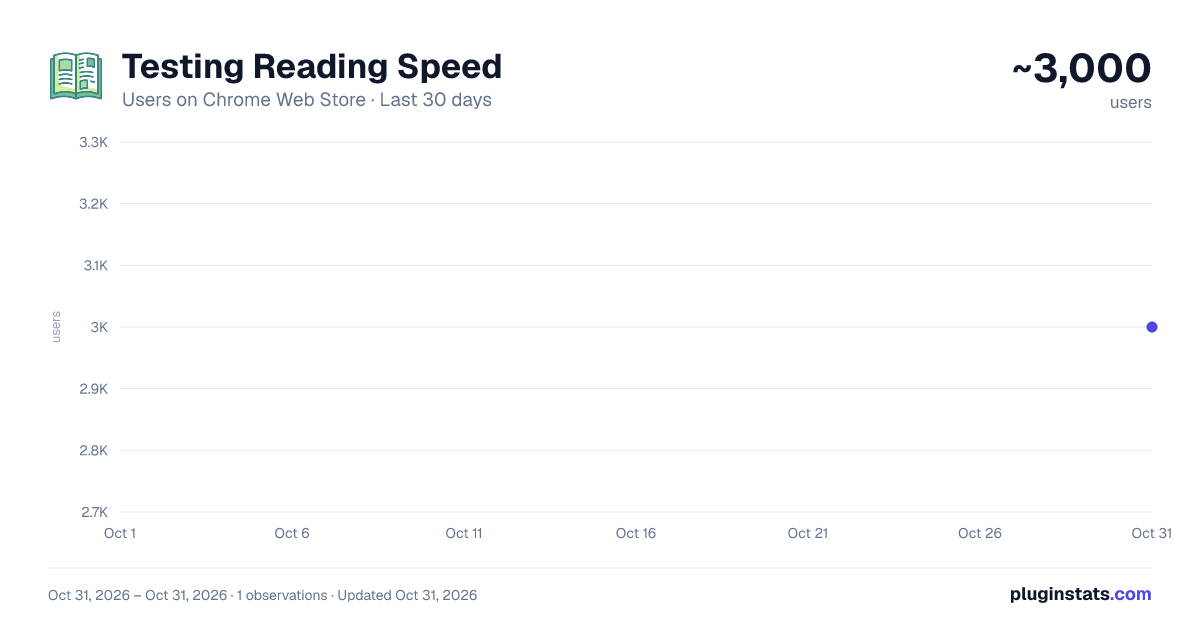
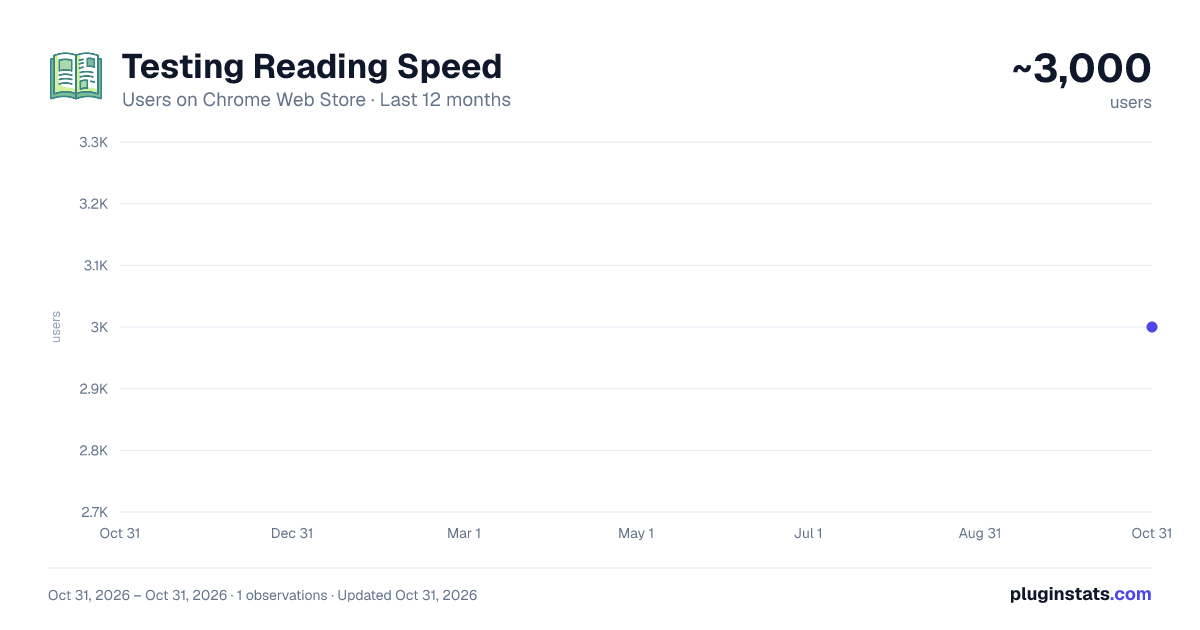
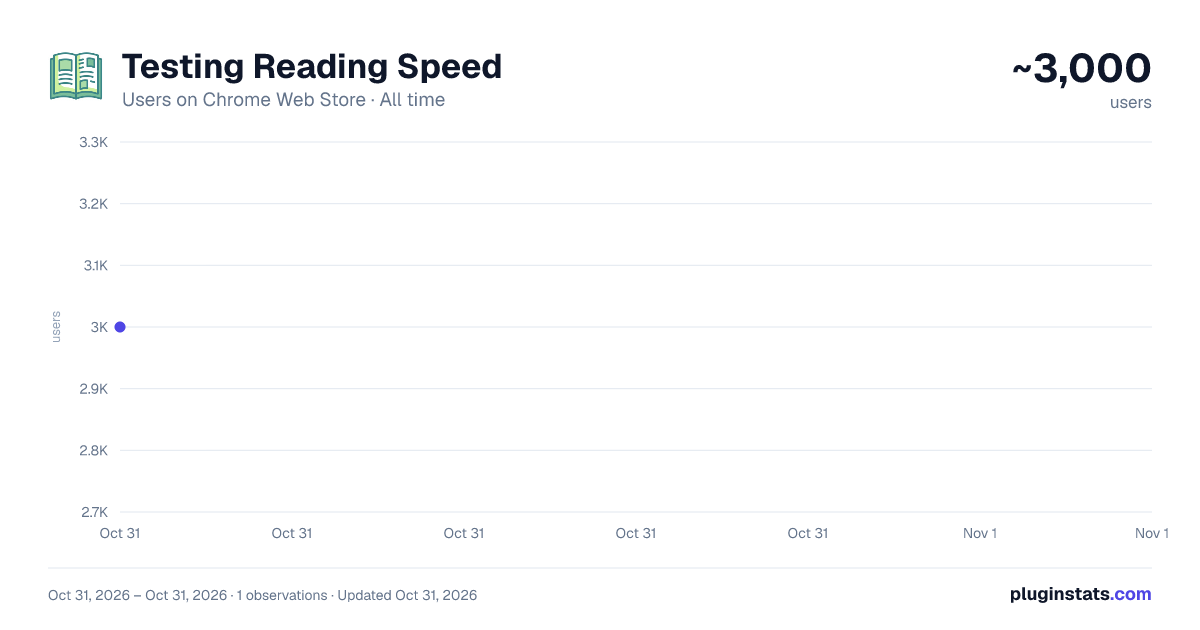
Testing Reading Speed has approximately 3,000 recorded users on Chrome Web Store, ranking #1414 of 6,672 tracked listings.
Rating: 4.20 / 5 from 16 ratings
About Testing Reading Speed
Read at double or triple your normal speed.
Speed Reader 4.0 — Read Faster, With Less Effort
Speed Reader helps you read at double or triple your usual pace using a proven technique called RSVP (Rapid Serial Visual Presentation). Instead of dragging your eyes across line after line, Speed Reader flashes your text one word at a time in a single, fixed spot on the screen. Because your eyes never have to jump between words or slide back to re-read, two of the biggest habits that slow readers down — eye movement and regression — simply disappear. Paste any text, pick a speed, and start reading.
Version 4.0 is our biggest release ever. We rebuilt the extension from the ground up, fixed every known bug, and added a long list of features that make reading faster, smoother, and more comfortable.
WHAT'S NEW
Read the page you're on. You no longer have to copy and paste. Click "Read page / selection" and Speed Reader pulls in the article you're viewing — or just the part you've highlighted — and starts flashing it instantly. It's the fastest way yet to get from "I found something to read" to actually reading it.
Open text files. Have a note, a draft, or a document saved as a .txt or .md file? Open it directly in Speed Reader with one click, no copying required.
Natural pacing on punctuation. Great reading has rhythm. Speed Reader now pauses a little longer at the end of sentences and after commas, so your brain gets a natural beat to absorb each idea instead of being pushed through everything at one flat, mechanical speed. You can turn this on or off.
Focus letter (ORP) highlighting. Every word has an "optimal recognition point" — the exact spot your eye should land on to recognize it fastest. Speed Reader can highlight that pivot letter in a bright accent color and line every word up on it, so your gaze stays perfectly still and locked in. This is the signature feature of premium speed-reading tools, and it's now built in.
Progress and timing at a glance. While you read, you'll see how far along you are, how much time has passed, and how long is left. There's also a lifetime counter of the total words you've read, so you can watch your practice add up over time.
Easy navigation. Missed a word? Use the on-screen controls to jump back ten words, skip forward, or move to the previous or next sentence — no fiddling required. The scrub bar lets you slide to any point in your text, and it now pauses while you drag and resumes right where you let go.
Make it yours. Choose your word size, pick a font that suits you — including a spaced, easier-to-read option — and select Light, Dark, or Auto theme. Auto follows your system's appearance, switching to a comfortable dark mode automatically at night. You can also set how many words appear per flash if you'd like to read in small groups instead of single words.
Your language. The interface now supports translation across dozens of languages, so the controls and help text can appear in the language you're most comfortable with.
RELIABILITY: EVERY KNOWN BUG FIXED
The old version had a handful of rough edges, and we fixed all of them. Reading a passage all the way to the end used to trigger an error on the final word — that's gone, and playback now finishes cleanly every time. Dragging the progress bar to the very end could break the reader; now it's rock solid at every position. Setting the speed to zero or nudging it too low could freeze or race the display; speed is now safely limited to a sensible range. Saved settings that somehow became corrupted could stop the popup from opening at all; now your preferences are validated and safely restored, and if anything looks wrong the app quietly falls back to sensible defaults.
We also removed a leftover font request, tidied up the controls, and made the keyboard shortcuts more reliable so pressing Space or "P" pauses and resumes exactly once, without any surprises. Under the hood, the extension is now dramatically lighter and faster to load — we removed hundreds of kilobytes of unused code — which means it opens quicker and uses less of your device's resources.
PRIVATE BY DESIGN
Speed Reader works completely offline, and your text never leaves your device. There are no accounts, no sign-ups, and no tracking. Your reading stays yours.
KEYBOARD SHORTCUTS
- P or Space: pause and resume
- Left arrow: slow down by 25 words per minute
- Right arrow: speed up by 25 words per minute
- B: jump back ten words
Whether you're a student powering through readings, a professional clearing a busy inbox, or simply someone who wants to get through more of what they love reading, Speed Reader 4.0 makes every session faster and more focused. Install it, paste or pull in some text, and feel the difference on your very first read.
Description from the Chrome Web Store listing.
README badge
Show your rank in a README or on your website. The badge updates automatically.
Charts
Images: 30d · 1y · all time · 1600×900 dark
Adoption over time
7/30/90-day growth
Ranking history
Ratings over time
Listing placement
Listing placement
Filled points are observed values; hollow points come from Internet Archive snapshots of the listing page. Dashed segments span periods with no observations — values between points are not interpolated.
Each band is one page of 20. Users on a linear scale. Placement is projected from users, so it can differ from the marketplace's own sort order. Hover a dot to see the listing.
Recent observations
Full history (1)Similar Chrome Web Store Education plugins
All 20 Testing Reading Speed alternatives



Data source
Covers every Chrome Web Store extension with at least 100 users, found through the store's public sitemap. User counts are read from public listing pages. The 10% most-used extensions are refreshed daily, the next 40% weekly and the next 40% monthly; the least-used 10% are not refreshed. Google displays rounded user counts (and caps the display at 10,000,000+), so small changes may not be visible. Rating counts above 1,000 are rounded (e.g. 1.6K).
Listing: https://chromewebstore.google.com/detail/testing-reading-speed/kmkdgnfgallnjpdldcmplbggbmkgcgdl. First seen Oct 31, 2026; last successful collection Oct 31, 2026. See the methodology.