 PluginStats

CaptionSpeaker users statistics
Chrome Web Store · Accessibility
CaptionSpeaker is a chrome extension that allows you to hear subtitles in a specified language when they are set on youtube.
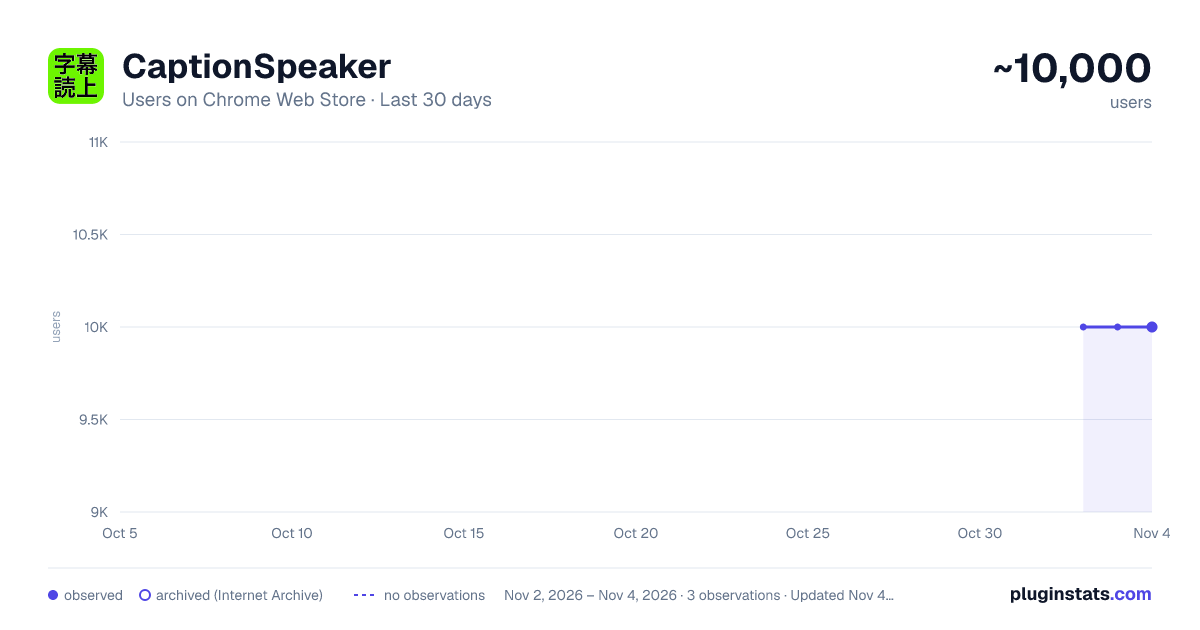
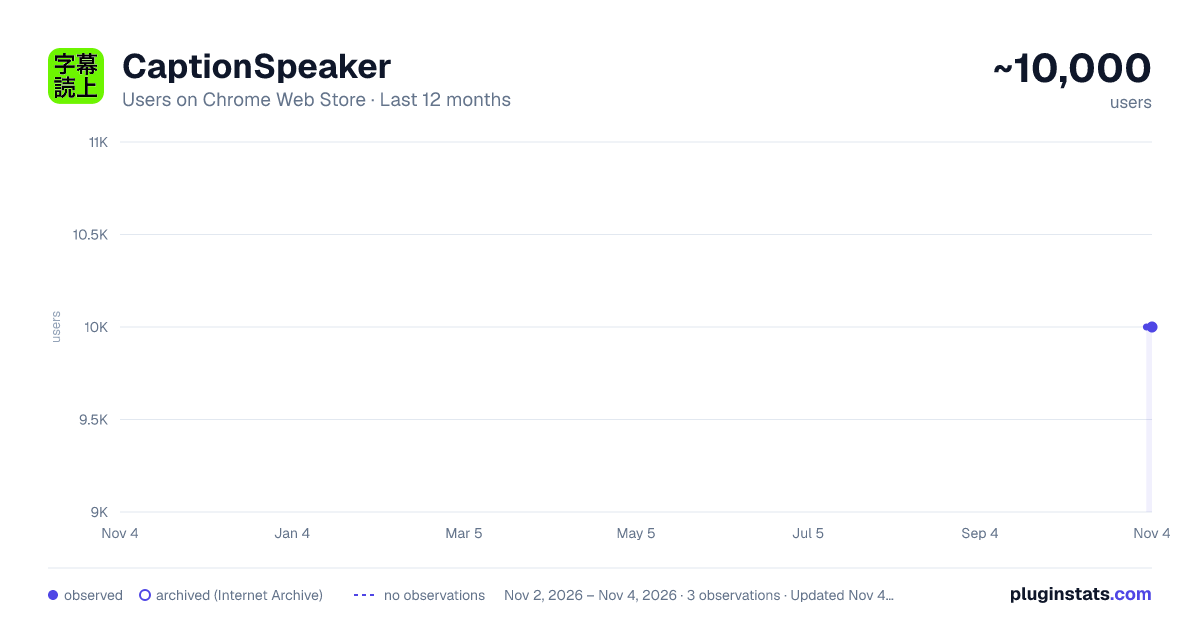
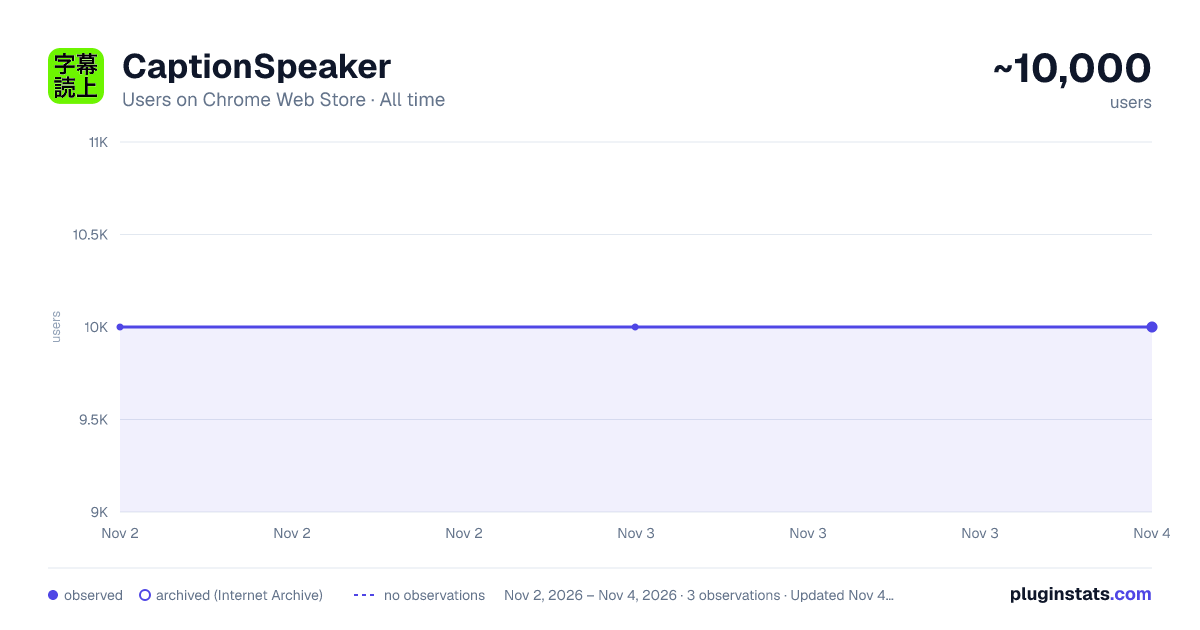
CaptionSpeaker has approximately 10,000 recorded users on Chrome Web Store, ranking #790 of 6,786 tracked listings.
Rating: 3.80 / 5 from 84 ratings
About CaptionSpeaker
CaptionSpeaker is a chrome extension that allows you to hear subtitles in a specified language when they are set on youtube.
CaptionSpeaker reads YouTube captions aloud using text-to-speech. It works with captions available as a YouTube caption track, including auto-generated captions when YouTube provides them. It cannot read subtitles that are permanently embedded in the video image (“burned-in” or “hardcoded” subtitles), or other text shown only in the picture.
Usage
1.Right-click the CaptionSpeaker icon to open the settings (Options) and save the appropriate speaker settings (Please be sure to do so as there is a possibility that the speech may fail in the standard setting.). 2.Open a YouTube video with a caption track available in the player. Check that captions can be turned on with the CC button. 3.Click CaptionSpeaker icon to enable subtitle speech (If the icon is green, it is on.) 4.Start playing movie (The speech starts when the subtitles appear.)
If you want to stop the subtitle speech, you can turn it off by clicking the CaptionSpeaker icon.
When speaking, the speaker is the default setting of the browser at first. For example, in a Japanese environment, the speaker is Japanese, so if you want him to speak English, please set it on the setting page (Right-click the icon to select an option, or click the icon to select Options.). You can also change the reading speed on the settings page.
When you change the speaker's language (Locale), you try to produce subtitles in that language (I sometimes fail.).
Note
- CaptionSpeaker is a Chrome Extension that reads out the subtitles set for YouTube videos. It does not have the ability to translate Youtube videos. If the YouTube video does not have subtitles in the target language, it will not be spoken.
Before Reporting a Bug: A Request for Your Cooperation
If the extension or app isn’t working as expected, we truly appreciate you taking the time to report it. However, please understand that if the issue cannot be reproduced on the developer’s side, it can be very difficult to fix or respond to.
To help us investigate and resolve the issue more effectively, we’d greatly appreciate it if you could include the following information in your report:
Helpful Minimum Information
- The situation in which the issue occurred (what happened and under what conditions)
- The behavior you expected to see
- The exact steps you took before the issue occurred (This helps developers reproduce the problem. Reproducibility is key, so please avoid skipping any steps.)
- Your environment:
- Chrome version
- OS and its version
- CaptionSpeaker version
- CaptionSpeaker settings
- The URL of the video where the issue occurred
A Small Tip
Saying only “It doesn’t work” makes it very difficult for developers to investigate.
What you don’t know, the developer likely doesn’t know either.
Clearly describing how to reproduce the issue greatly increases the chances of a quick and accurate fix.
Update History
# Version 1.0
First release
# Version 1.1
- Add an option to stop the previous utterance when a new utterance is made
- If the subtitle in the same language as the speech setting is default, add the option of not speaking
# Version 1.2
- When reading is turned off, stop speaking if you are speaking.
- Addresses an issue that may cause a slight delay in reading
Version 1.3
-Slightly changed the judgment criteria of "Subtitles in the same language as the speech setting"
Version 1.4
-Added "Setting to read only when subtitles are displayed" setting item
Version 1.4.2
- Fixed an issue where subtitles could not be read (November 26, 2020 JST)
Version 1.4.3
- Fixed the problem that subtitles could not be read
Version 2.0.0
- Compatible with Manifest V3
- Fixed the problem of not speaking when transitioning from a channel (www.youtube.com/channel/...) or playlist (www.youtube.com/playlist?list=...) to a video page.
- Supports embedding in pages other than www.youtube.com (type that iframe captures www.youtube.com/embed ...) (Note that when you "add to queue" in youtube Not compatible with the displayed mini player)
- Added "Lower volume of original video during utterance" setting
Verson 2.0.1 (2022/05)
- Fixed the problem of trying to speak the language of the browser's language setting side when the language setting of the browser (window.navigator.language) and the language to be read are different.
Version 2.0.2 (2022/06)
- By going to get the next information when you couldn't get the subtitles, you reduced the possibility that you couldn't get the subtitles.
Version 2.0.3 (2022/06)
- Fixed the problem that sometimes failed to be obtained in the part to get the next information entered in Version 2.0.2.
Version 2.0.4 (2023/12)
- When video playback is stopped, speech will also stop (Thanks @RonnieBlade)
- ON/OFF setting of "Enable speech without time synchronization" will be added to "Options" (Thanks @billythekidz)
Version 2.0.5 (2025/05)
- Ignore HTML tags such as <b> if they are present in the subtitles.
- Also target videos on https://www.youtube.com/live/. However, please note that since subtitle data is required, it will not work if the subtitle data has not been generated during live streaming, etc. In other words, it will only work if you watch after the live streaming has ended (after YouTube has generated the subtitle data or the channel owner has added the subtitles).…
Description from the Chrome Web Store listing.
README badge
Show your rank in a README or on your website. The badge updates automatically.
Charts
Images: 30d · 1y · all time · 1600×900 dark
Adoption over time
7/30/90-day growth
Ranking history
Ratings over time
Listing placement
Listing placement
Filled points are observed values; hollow points come from Internet Archive snapshots of the listing page. Dashed segments span periods with no observations — values between points are not interpolated.
Each band is one page of 20. Users on a linear scale. Placement is projected from users, so it can differ from the marketplace's own sort order. Hover a dot to see the listing.
Recent observations
Full history (2)Similar Chrome Web Store Accessibility plugins
All 20 CaptionSpeaker alternatives



Data source
Covers every Chrome Web Store extension with at least 100 users, found through the store's public sitemap. User counts are read from public listing pages. The 10% most-used extensions are refreshed daily, the next 40% weekly and the next 40% monthly; the least-used 10% are not refreshed. Google displays rounded user counts (and caps the display at 10,000,000+), so small changes may not be visible. Rating counts above 1,000 are rounded (e.g. 1.6K).
Listing: https://chromewebstore.google.com/detail/captionspeaker/infafaffjndfcflcoemolnggghgoodce. First seen Nov 2, 2026; last successful collection Nov 3, 2026. See the methodology.