 PluginStats

Roblox Server Suite users statistics
Chrome Web Store · Accessibility
Roblox Server Suite is a quality-of-life browser extension for Roblox that gives you full control over how you join and manage game…
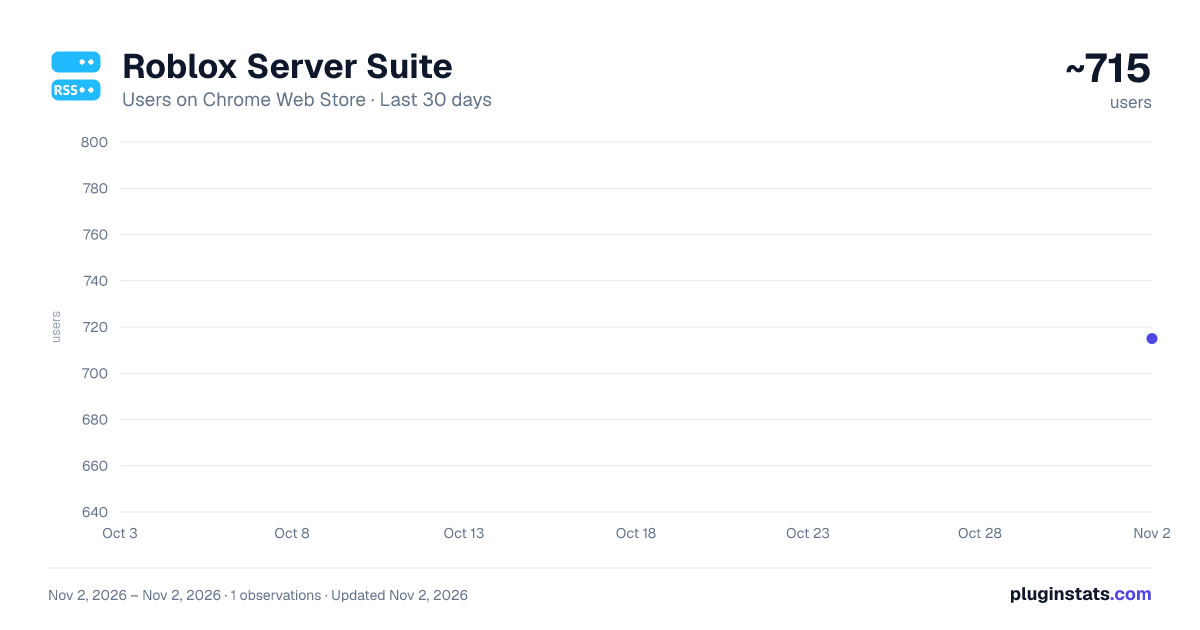
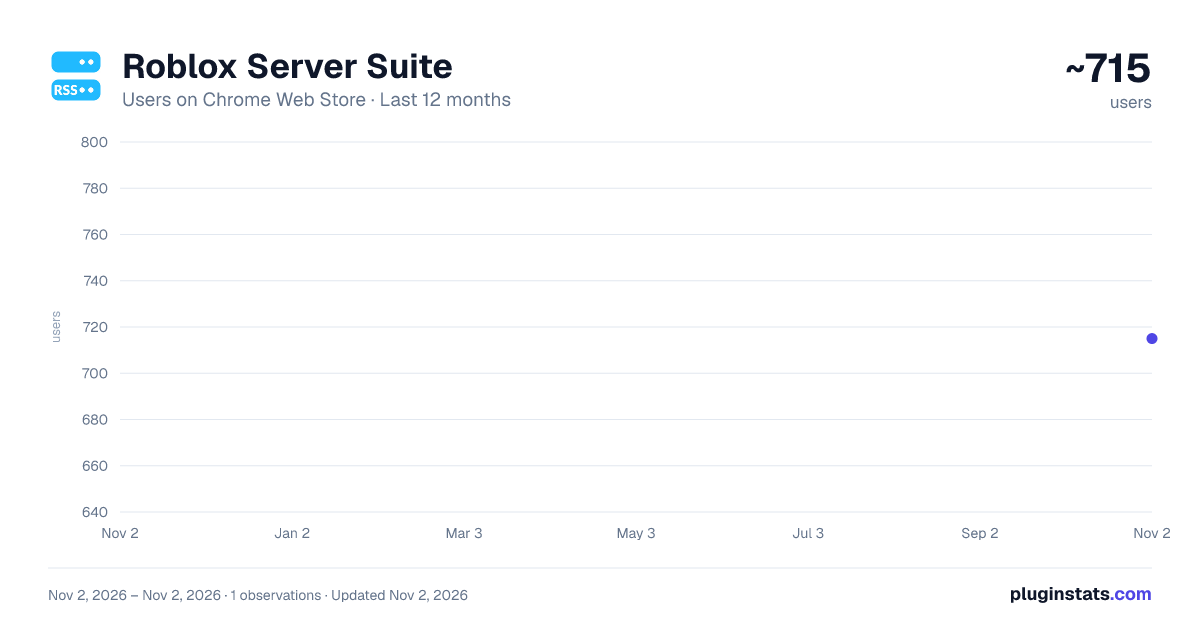
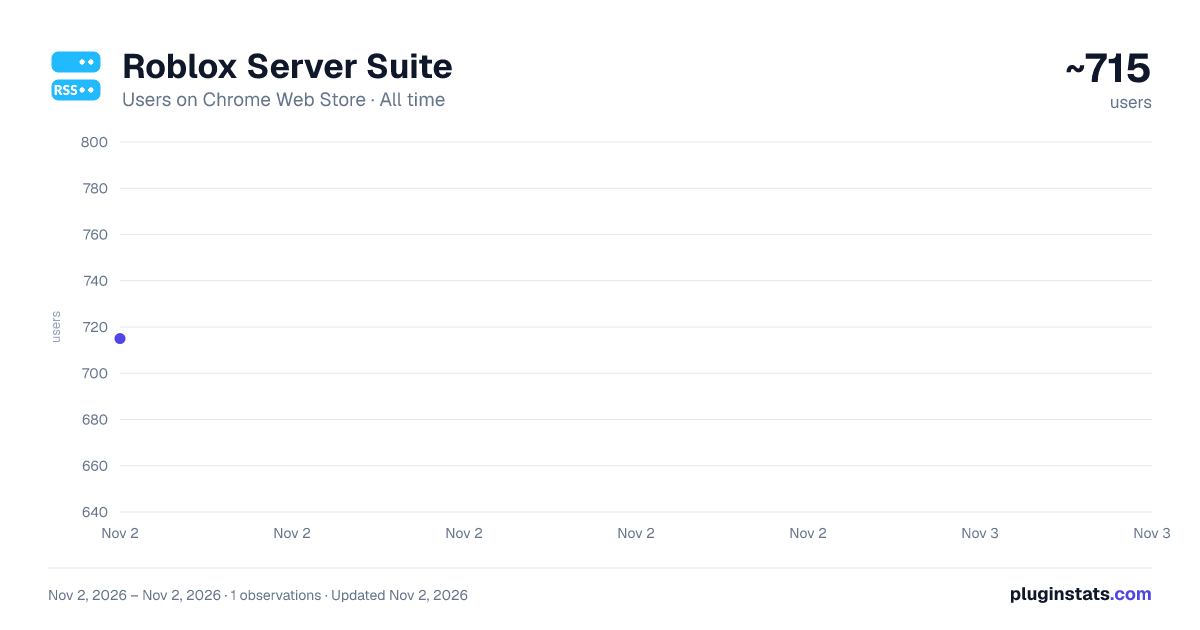
Roblox Server Suite has approximately 715 recorded users on Chrome Web Store, ranking #2818 of 6,672 tracked listings.
Rating: 4.50 / 5 from 2 ratings
About Roblox Server Suite
Roblox Server Suite is a quality-of-life browser extension for Roblox that gives you full control over how you join and manage game…
Roblox Server Suite is a quality-of-life browser extension for Roblox that gives you full control over how you join and manage game servers — bypassing Roblox's default behavior of dropping you into a friend's server or a random one with no transparency.
Smart Join A "Smart Join" button is added next to the standard Play button on any game page. Instead of Roblox choosing your server, the extension queries up to 100 live public servers and picks one based on your preferred settings. You can choose between:
Smallest Servers — joins one of the 10 least-populated servers for a quieter experience Pure Random — picks any available server at random, giving a true random join with no friend-bias An optional Exclude Full Servers filter ensures you're never placed in a server that has no open slots.
Last Session Bar After joining a server through Smart Join, the extension remembers your server's Job ID per game. A "Latest Session" bar appears above the Play button, letting you click directly back into the exact same server instance — useful for rejoining after a disconnect without losing your spot.
Private Server Quick Config The "..." (more options) menu on any of your private server listings gains three extra controls, without needing to visit the configuration page:
Allow Joining: On/Off — instantly enable or disable your private server Connections Allowed: On/Off — toggle whether friends can join Copy Link — copies your private server's share link to your clipboard in one click Private Servers Collapse A collapse toggle is added to the Private Servers section heading on game pages. Click the chevron (or the heading itself) to hide or show the entire private server list. The collapsed/expanded state is saved across page loads.
Description from the Chrome Web Store listing.
README badge
Show your rank in a README or on your website. The badge updates automatically.
Charts
Images: 30d · 1y · all time · 1600×900 dark
Adoption over time
7/30/90-day growth
Ranking history
Ratings over time
Listing placement
Listing placement
Filled points are observed values; hollow points come from Internet Archive snapshots of the listing page. Dashed segments span periods with no observations — values between points are not interpolated.
Each band is one page of 20. Users on a linear scale. Placement is projected from users, so it can differ from the marketplace's own sort order. Hover a dot to see the listing.
Recent observations
Full history (1)Similar Chrome Web Store Accessibility plugins
All 20 Roblox Server Suite alternatives



Data source
Covers every Chrome Web Store extension with at least 100 users, found through the store's public sitemap. User counts are read from public listing pages. The 10% most-used extensions are refreshed daily, the next 40% weekly and the next 40% monthly; the least-used 10% are not refreshed. Google displays rounded user counts (and caps the display at 10,000,000+), so small changes may not be visible. Rating counts above 1,000 are rounded (e.g. 1.6K).
Listing: https://chromewebstore.google.com/detail/roblox-server-suite/inegbibhdhddgaacfmfidkjpgliaampk. First seen Nov 2, 2026; last successful collection Nov 2, 2026. See the methodology.