 PluginStats
SF Quick Links users statistics
Chrome Web Store · Developer Tools
Quick access to essential Salesforce pages via a floating menu and right-click shortcuts.
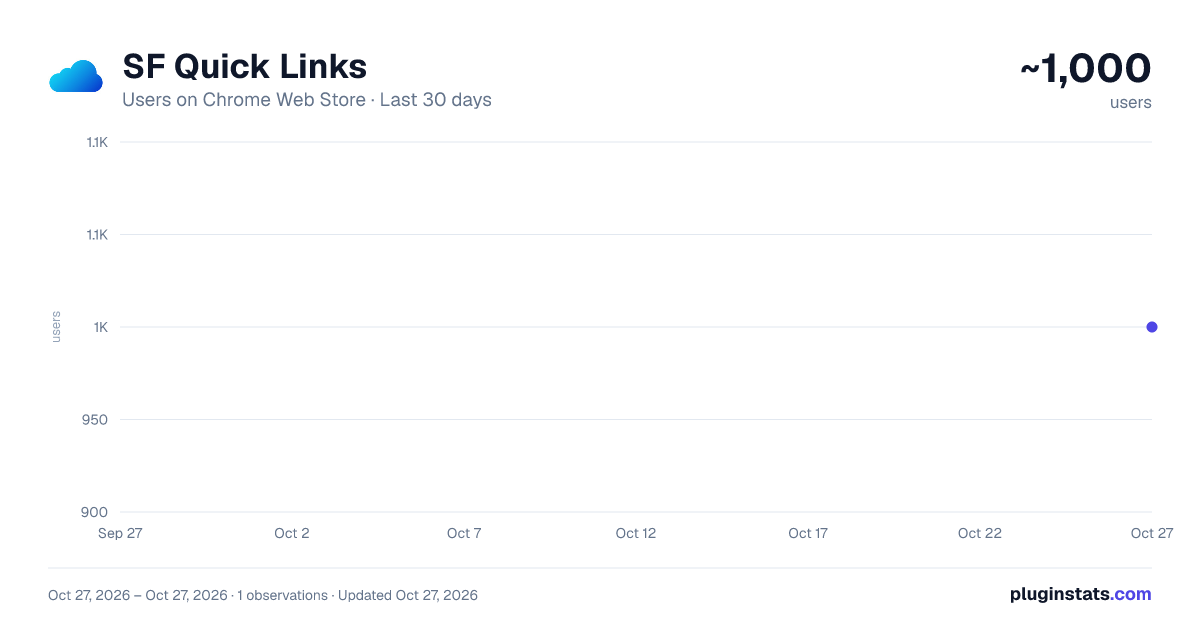
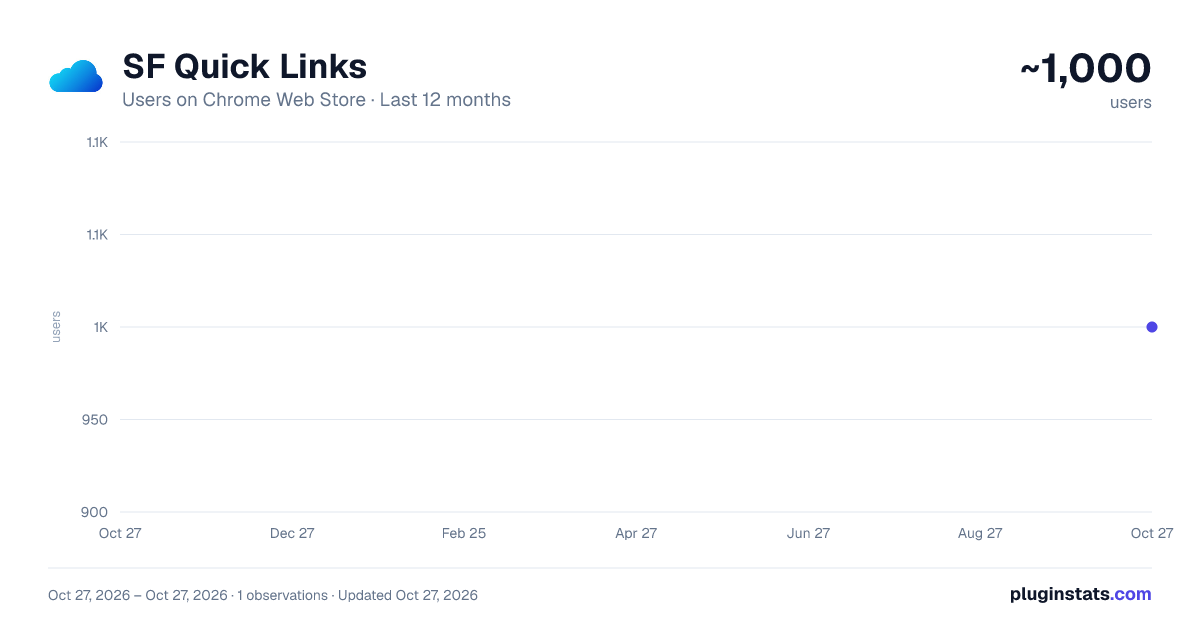
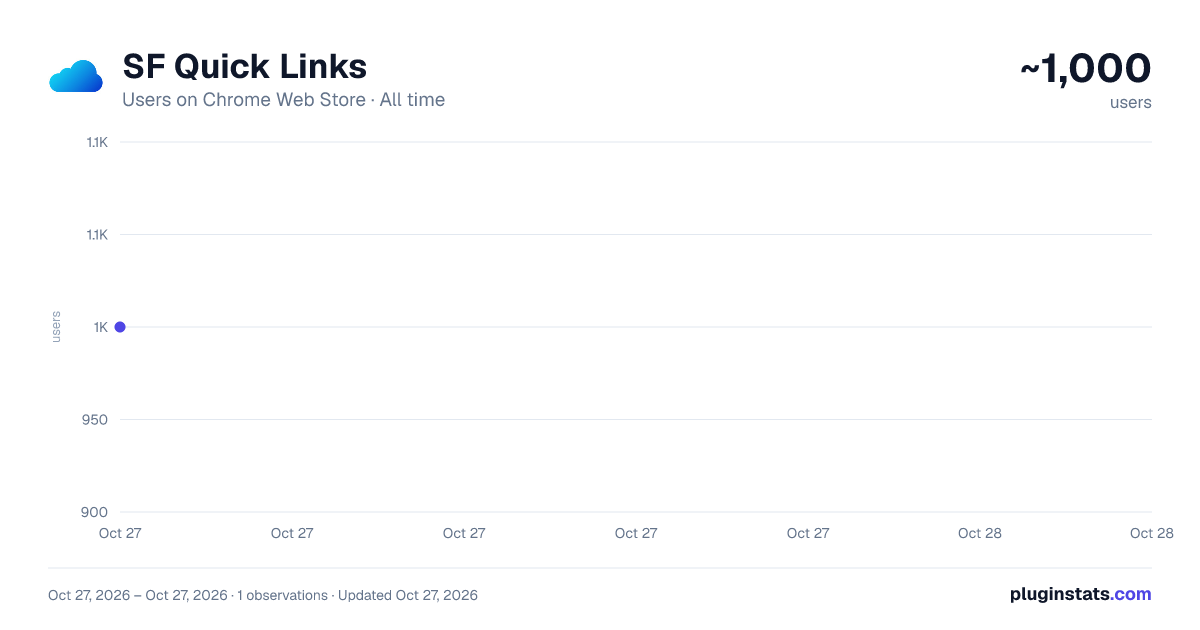
SF Quick Links has approximately 1,000 recorded users on Chrome Web Store, ranking #1663 of 4,553 tracked listings.
Rating: 4.60 / 5 from 12 ratings
About SF Quick Links
Quick access to essential Salesforce pages via a floating menu and right-click shortcuts.
SF Quick Links enhances your Salesforce workflow with instant access to frequently used pages:
Key Features:
- Floating menu panel for quick navigation
- Right-click context menu shortcuts
- Empty cache and hard reload option
- Grouped sections for easy access:
- Setup Essentials: Access key tools like Setup, Object Manager, and App Manager.
- User Management & Security: Manage Users, Profiles, Roles, Permission Sets, and Sharing Settings.
- Reports & Dashboards: Quick navigation to Reports and Dashboards for data visualization and insights.
- Automation & Development: Streamline processes with Flows, Apex Classes, Triggers, Custom Metadata, and the Developer Console.
- Debugging Tools: Includes Debug Logs, Email Logs, Lightning Debug Mode, and Paused Flow Interviews.
- Apps & Digital Experience: Manage Connected Apps, Installed Packages, and External Sites.
- Jobs Management: Monitor and manage Apex Jobs, Scheduled Jobs, and Bulk Data Load Jobs.
Perfect for:
- Salesforce Admins
- Developers
- Regular Salesforce users
- Anyone who frequently navigates between Salesforce pages
Compatible with:
- Lightning Experience
- Classic interface
- Visualforce pages
- Developer Console
- All Salesforce domains (.force.com, .salesforce.com, etc.)
Automatically detects your org's settings and adjusts links accordingly, such as Enhanced Profile Management URLs.
Save time and boost productivity by eliminating multiple clicks through the Salesforce menu structure.
Privacy Note: This extension only runs on Salesforce domains and requires minimal permissions to function. No data is collected or transmitted outside your Salesforce org.
Share feedback to help us improve: Access the feedback form through the floating menu.
Release 1.7.0 We've added links for Agentforce. The font size of the menu items is now larger, and the menu appears when you click the icon.
Release 1.5.0 We’ve implemented several key improvements and enhancements in this release to optimize the user experience:
1.Nested Content Menu:
- Introduced a structured and categorized content menu for better organization and faster navigation.
- The menu is now divided into clear categories, making it easier to locate specific tools and settings.
- Floating Icon Position Change:
- The position of the floating icon has been adjusted to improve visibility and minimize obstruction while working within the interface.
- New Links and Enhanced Categorization:
- Added new links to frequently accessed areas such as Object Manager, App Manager, and Logged-in User Detail.
- Enhanced the categorization of links, dividing them into intuitive groups
Release 1.4.0
- Floating Icon Introduction:
- A floating icon was introduced to enhance navigation and accessibility. This new feature allows users to quickly access frequently used tools and settings with ease.
Description from the Chrome Web Store listing.
README badge
Show your rank in a README or on your website. The badge updates automatically.
Charts
Images: 30d · 1y · all time · 1600×900 dark
Adoption over time
7/30/90-day growth
Ranking history
Ratings over time
Listing placement
Listing placement
Filled points are observed values; hollow points come from Internet Archive snapshots of the listing page. Dashed segments span periods with no observations — values between points are not interpolated.
Each band is one page of 20. Users on a linear scale. Placement is projected from users, so it can differ from the marketplace's own sort order. Hover a dot to see the listing.
Recent observations
Full history (1)Similar Chrome Web Store Developer Tools plugins
All 20 SF Quick Links alternatives



Data source
Covers every Chrome Web Store extension with at least 100 users, found through the store's public sitemap. User counts are read from public listing pages. The 10% most-used extensions are refreshed daily, the next 40% weekly and the next 40% monthly; the least-used 10% are not refreshed. Google displays rounded user counts (and caps the display at 10,000,000+), so small changes may not be visible. Rating counts above 1,000 are rounded (e.g. 1.6K).
Listing: https://chromewebstore.google.com/detail/sf-quick-links/eifpebkonkdgimgpclelnplicglafega. First seen Oct 27, 2026; last successful collection Oct 27, 2026. See the methodology.