 PluginStats
Elementor - Inspect, Copy & Download Elements users statistics
By Azamat Jumabaev · Chrome Web Store · Developer Tools
Visual Element Inspector with CSS Copy, Color Picker, Asset Download & DOM Eraser
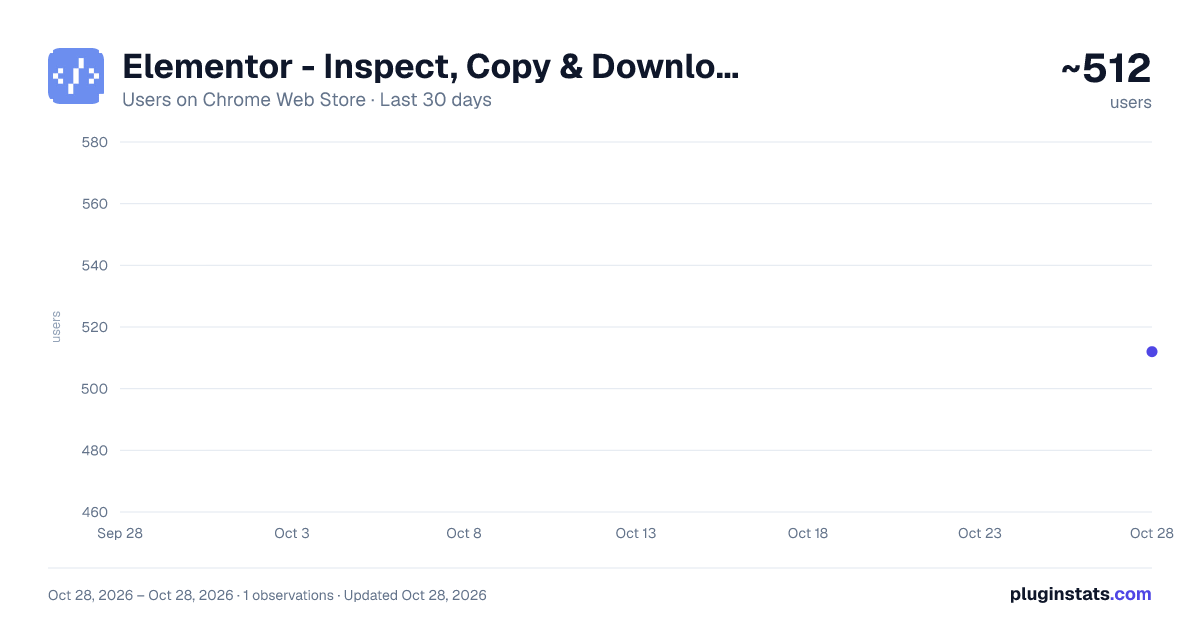
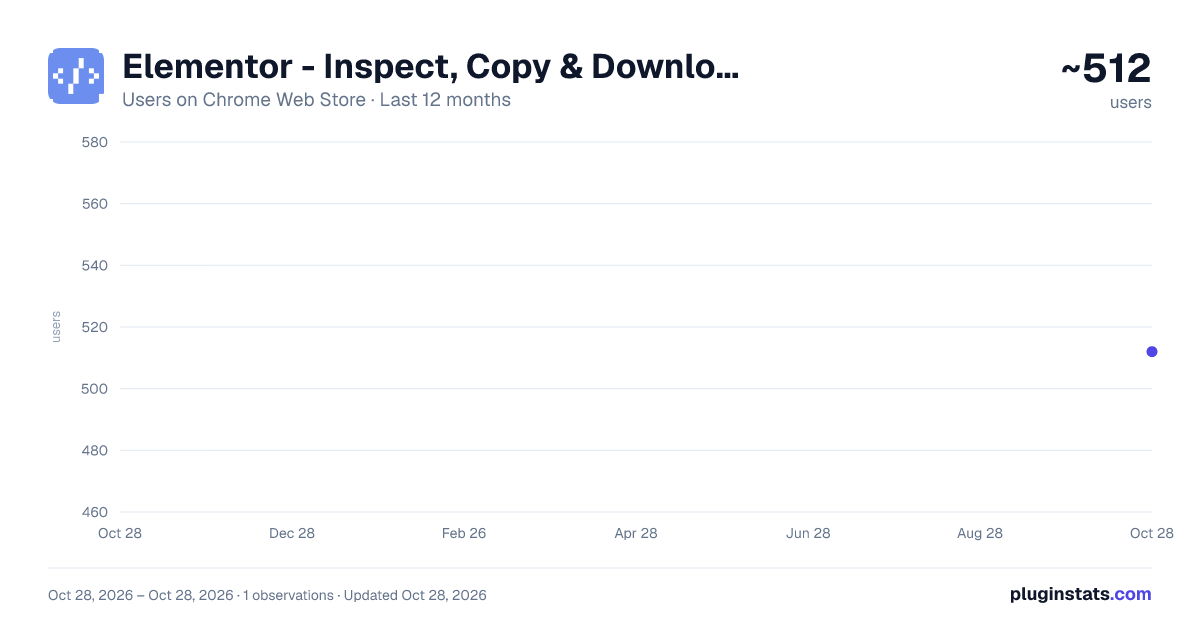
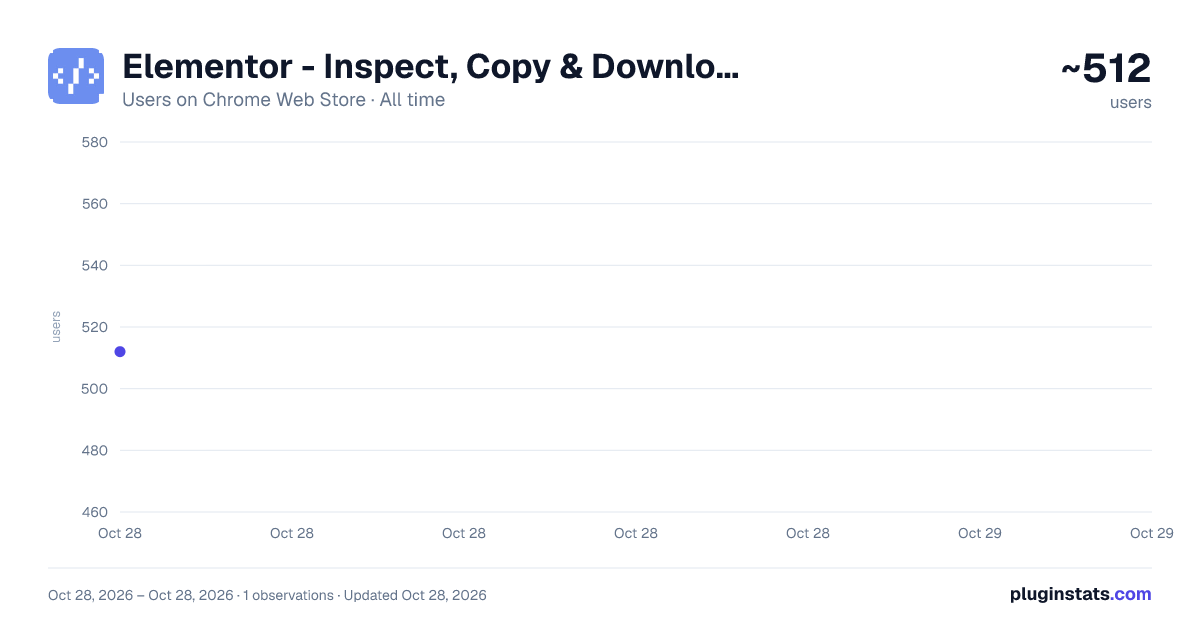
Elementor - Inspect, Copy & Download Elements has approximately 512 recorded users on Chrome Web Store, ranking #2416 of 4,880 tracked listings.
Rating: 5.00 / 5 from 3 ratings
About Elementor - Inspect, Copy & Download Elements
Visual Element Inspector with CSS Copy, Color Picker, Asset Download & DOM Eraser
Elementor puts element inspection at your fingertips. Alt+Click any element to instantly see its properties, styles, media, and child structure in a clean, copy-ready popup.
WHAT YOU GET
- Alt+Click any element to inspect it
- Click any property to copy its value instantly
- Auto-generated CSS selectors, ready to paste
- Image preview with Copy URL and Download buttons
- SVG extraction with resolved colors — clean markup ready for standalone use
- Icon font detection for 20+ libraries including Font Awesome, Material Icons, Bootstrap Icons, Ionicons, Feather, Phosphor, and more
- Copy-ready HTML snippets for icon fonts
- Recursive child element tree with inline media previews
- Dark and light themes
- Background image detection
- Form element inspection (inputs, selects, textareas, buttons)
- Data attribute inspection
- Computed style display (font, color, background)
HOW TO USE
- Click the Elementor icon and toggle the Inspector on
- Hover over any element — it highlights with a dashed outline
- Alt+Click to open the inspection popup
- Click any property row to copy its value
- Press Esc to close
PRIVACY
Elementor runs entirely in your browser. No data is collected, no analytics, no external requests. It only needs activeTab to inspect elements, scripting to inject the inspector, and storage to remember your toggle state and theme preference.
Zero dependencies. Pure vanilla JavaScript. Fast and lightweight.
Description from the Chrome Web Store listing.
README badge
Show your rank in a README or on your website. The badge updates automatically.
Charts
Images: 30d · 1y · all time · 1600×900 dark
Adoption over time
7/30/90-day growth
Ranking history
Ratings over time
Listing placement
Listing placement
Filled points are observed values; hollow points come from Internet Archive snapshots of the listing page. Dashed segments span periods with no observations — values between points are not interpolated.
Each band is one page of 20. Users on a linear scale. Placement is projected from users, so it can differ from the marketplace's own sort order. Hover a dot to see the listing.
Recent observations
Full history (1)Similar Chrome Web Store Developer Tools plugins
All 20 Elementor - Inspect, Copy & Download Elements alternatives



Data source
Covers every Chrome Web Store extension with at least 100 users, found through the store's public sitemap. User counts are read from public listing pages. The 10% most-used extensions are refreshed daily, the next 40% weekly and the next 40% monthly; the least-used 10% are not refreshed. Google displays rounded user counts (and caps the display at 10,000,000+), so small changes may not be visible. Rating counts above 1,000 are rounded (e.g. 1.6K).
Listing: https://chromewebstore.google.com/detail/elementor-inspect-copy-do/nmmibdfmehfmhbaaookadnlabammdhna. First seen Oct 28, 2026; last successful collection Oct 28, 2026. See the methodology.