 PluginStats

Transcript Guru: YouTube Transcript, Summary, Translate (ChatGPT, Claude) users statistics
YouTube transcript downloader. Transcribe, get AI summaries, chat and translate to 75+ languages. Copy or download transcripts.
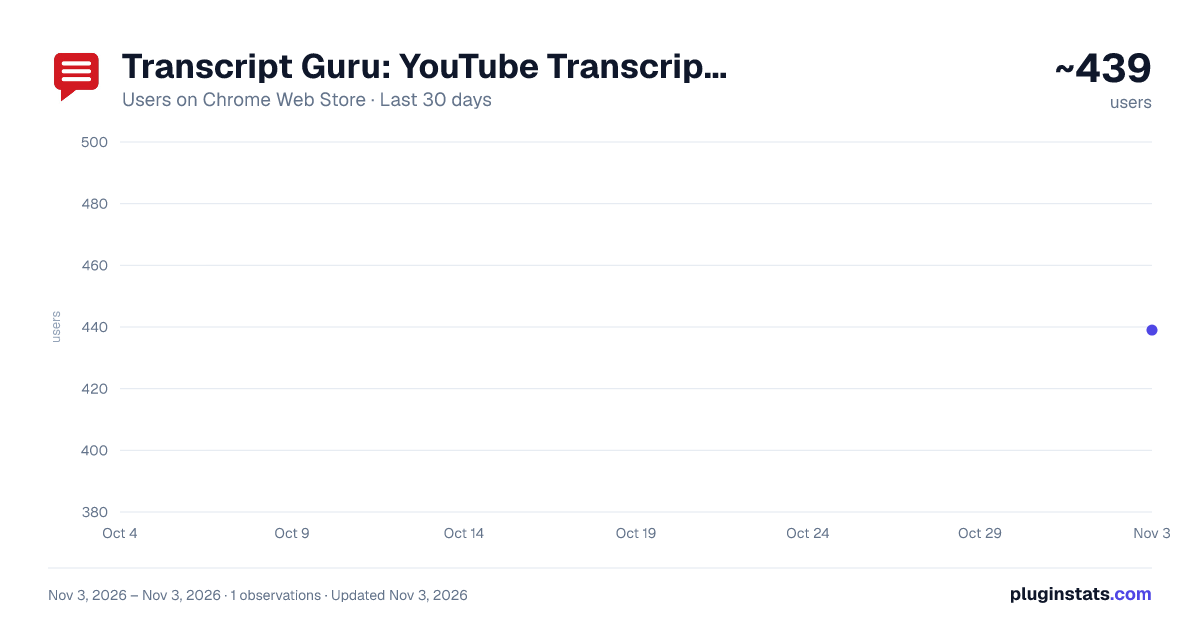
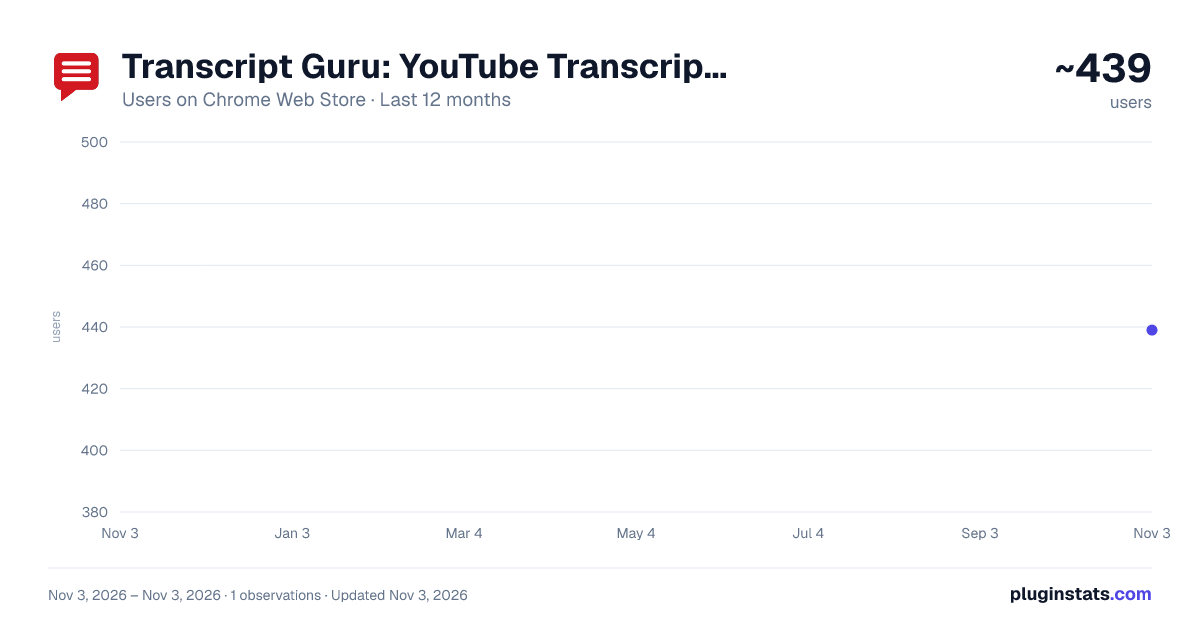
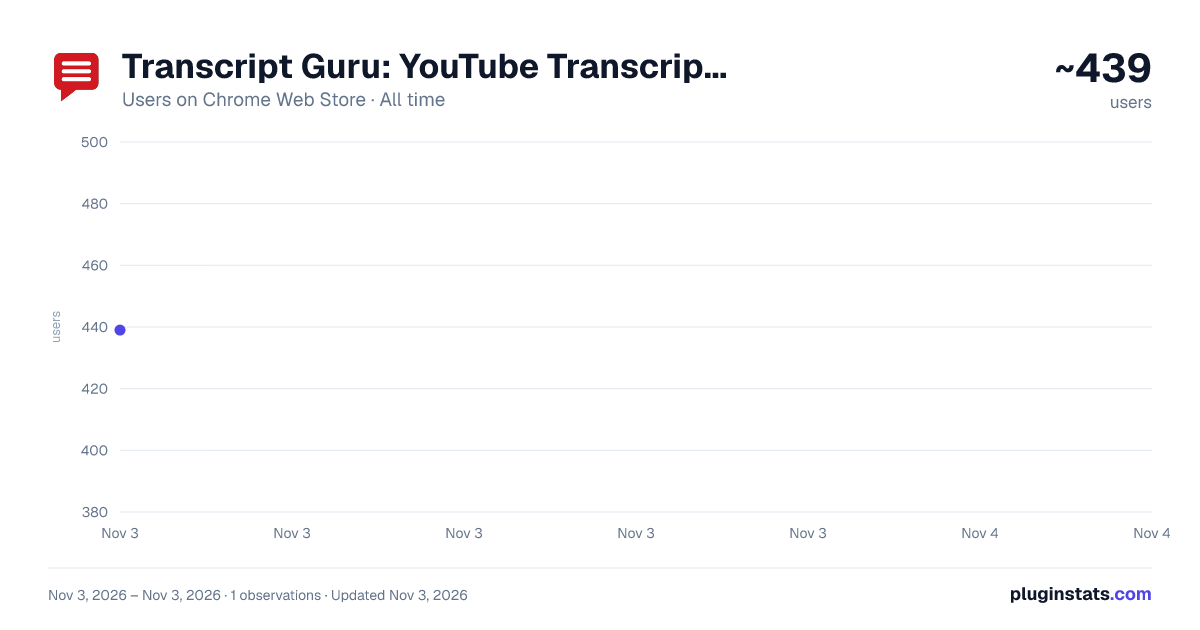
Transcript Guru: YouTube Transcript, Summary, Translate (ChatGPT, Claude) has approximately 439 recorded users on Chrome Web Store, ranking #3589 of 6,786 tracked listings.
Rating: 5.00 / 5 from 1 ratings
About Transcript Guru: YouTube Transcript, Summary, Translate (ChatGPT, Claude)
YouTube transcript downloader. Transcribe, get AI summaries, chat and translate to 75+ languages. Copy or download transcripts.
Transcript Guru turns available YouTube captions into a clean, searchable transcript beside the video, then helps you summarize, translate and repurpose it with AI. Reading caption transcripts is free, with no account needed.
Whether you're a student taking notes, a researcher reviewing interviews, a content creator repurposing your back catalog, or someone who wants to read instead of watch, Transcript Guru helps you work with the words in a video. This YouTube transcript downloader lets you find a passage, save subtitles and return to the moment you need. Built-in AI tools help you turn a transcript into summaries, study notes and content drafts.
KEY FEATURES
▎ Instant YouTube Transcript Extraction Get the full transcript of any YouTube video in seconds, with clickable timestamps that jump the player to the right moment. Loads in milliseconds, even when the video starts with a pre-roll ad.
▎ Live Stream Transcription Capture YouTube Live Stream captions in real time, with optional AI Speech Recognition for streams without auto-captions. Supports English, Spanish, French, German, Hindi, Japanese, Mandarin, Arabic, Portuguese, Russian and 30+ more languages. Translate live captions into any of 75+ languages as they arrive.
▎ AI Chat with the Video Ask questions about a video and get answers based on its transcript. Find a quote, clarify a point or explore an explanation beside the player. Use it while reviewing a lecture, podcast or interview, and copy an answer when you need it for your notes.
▎ Use the Extension in 34 Languages The Transcript Guru panel, buttons and menus are available in 34 display languages. Choose your display language in Settings. Your preference is remembered across videos and is separate from the transcript language and the language you choose for AI results.
▎ Audio and Video File Upload (Audio-to-Text) Upload your own recordings through the Transcript Guru web app at https://transcriptguru.io/dashboard/transcribe. Turn a podcast, voice memo, interview or lecture into searchable text, then choose the AI tools you want to use. File transcription requires an eligible paid plan and uses credits. Your plan sets the file-size and recording-length limits.
▎ AI Summary, In-Page Generate an AI summary in the panel beside the video. Choose a summary style, an output language and an optional focus. Show or hide timestamps, copy the result or regenerate the summary. Built-in summary generation requires sign-in and uses Transcript Guru credits.
The player's summary button provides another option: open the complete selected transcript in your own AI app. Choose the app in Settings and decide whether to send the request automatically or review it first. This option does not use Transcript Guru credits. The provider's account requirements and usage limits apply. If you need AI transcription first, that transcription still uses credits.
▎ Translate Transcripts into 75 Languages Translate a transcript and read the result beside the video. You can also choose a different output language for AI summaries. Transcript translation requires sign-in and uses credits. Live caption translation follows the paid-plan requirements described above.
▎ Repurpose into 8+ Content Formats Turn a transcript into a draft for your audience. Write a social media post, prepare a newsletter section or create podcast show notes from the video's content. Choose a format in Repurpose, generate your draft and edit it before publishing.
▎ Mind Maps, Chapters and Study Notes Explore creator chapters or generate chapter markers from the transcript. Show chapter titles on their own or include the accompanying text. Open Mind Map to create and customize a visual map in the Transcript Guru web app. The web app also offers flashcards, quizzes and study guides for reviewing what you've learned.
▎ Download Transcripts and Subtitles Save a readable document for your notes, or export timed subtitles for a video editor. Choose whether to include timestamps in the document formats that support this option. Subtitle and structured-data downloads preserve timing information. Some download options require sign-in. Downloads do not use credits. Full format options (PDF, DOCX) and account details are at https://transcriptguru.io/faq.
▎ Search, Sync, and Click-to-Seek Search inside a transcript, copy a passage or click a timestamp to replay that moment. Follow the transcript as the video plays, or scroll at your own pace while you read and take notes.
▎ AI Speech Recognition for Videos Without Captions When usable captions are unavailable, use AI Speech Recognition to transcribe the audio with an eligible paid plan. The system can automatically detect the spoken language. Transcription uses credits based on the recording's length.
▎ Privacy and Data Use We do not sell your personal data. Transcript Guru's text-based AI tools send transcript text to AI services to generate results. AI transcription processes audio, including audio from video files. When you use your own AI app, that provider's privacy terms apply. Read our privacy policy at https://transcriptguru.io/privacy.
HOW TO USE
- Install Transcript Guru and pin it to your toolbar.
- Open a YouTube video, Short or captioned live stream, then expand the Transcript Guru panel.
- Read the transcript or choose Summary, Repurpose, Chapters or Chat. Mind Map opens in the web app.
- On a live stream, start capturing the available live captions in the panel.
- Copy, download, search or click a timestamp to seek the video.
- Create a free account to get 20 credits for built-in AI tools. AI transcription and file uploads require an eligible paid plan.
- Open Settings to choose your display language and summary preferences, or select Quick guide for help.
FAQ…
Description from the Chrome Web Store listing.
README badge
Show your rank in a README or on your website. The badge updates automatically.
Charts
Images: 30d · 1y · all time · 1600×900 dark
Adoption over time
7/30/90-day growth
Ranking history
Ratings over time
Listing placement
Listing placement
Filled points are observed values; hollow points come from Internet Archive snapshots of the listing page. Dashed segments span periods with no observations — values between points are not interpolated.
Each band is one page of 20. Users on a linear scale. Placement is projected from users, so it can differ from the marketplace's own sort order. Hover a dot to see the listing.
Recent observations
Full history (1)Similar Chrome Web Store Education plugins
All 20 Transcript Guru: YouTube Transcript, Summary, Translate (ChatGPT, Claude) alternatives



Data source
Covers every Chrome Web Store extension with at least 100 users, found through the store's public sitemap. User counts are read from public listing pages. The 10% most-used extensions are refreshed daily, the next 40% weekly and the next 40% monthly; the least-used 10% are not refreshed. Google displays rounded user counts (and caps the display at 10,000,000+), so small changes may not be visible. Rating counts above 1,000 are rounded (e.g. 1.6K).
Listing: https://chromewebstore.google.com/detail/transcript-guru-youtube-t/kmoijhggkchlpndmchjebgglbhhjkojh. First seen Nov 3, 2026; last successful collection Nov 3, 2026. See the methodology.