 PluginStats

uTorrent | Torrent UI Sender users statistics
By Brad (2 listings) · Chrome Web Store · Functionality & UI
The ultimate uTorrent helper! Find all links in a popup or right-click to send & choose the download folder instantly.
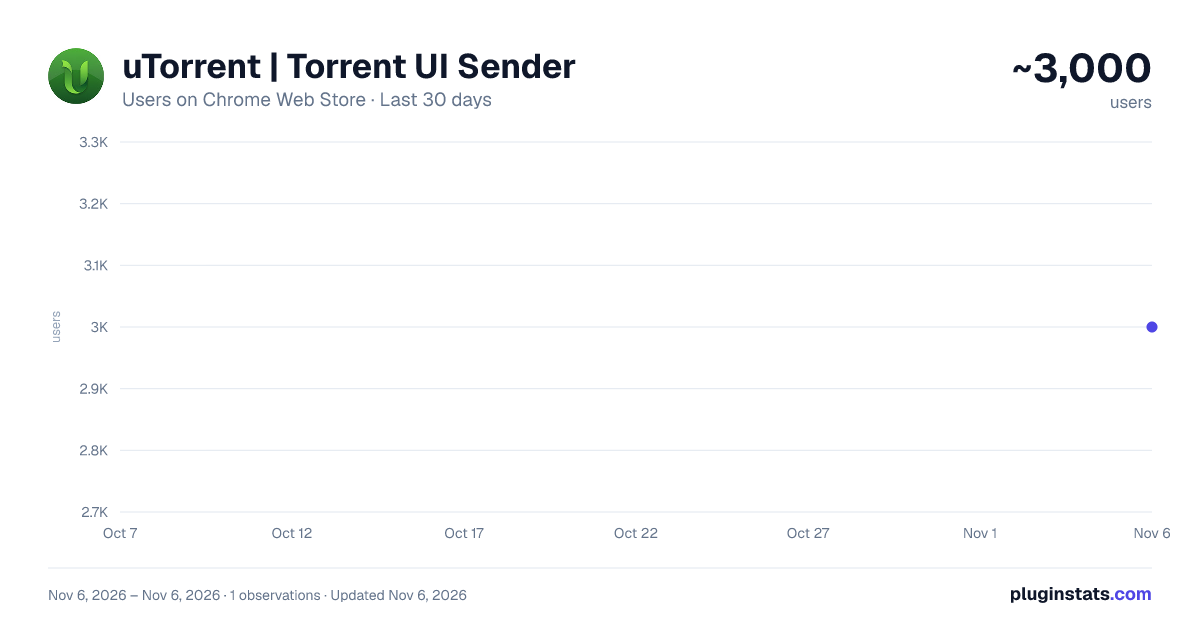
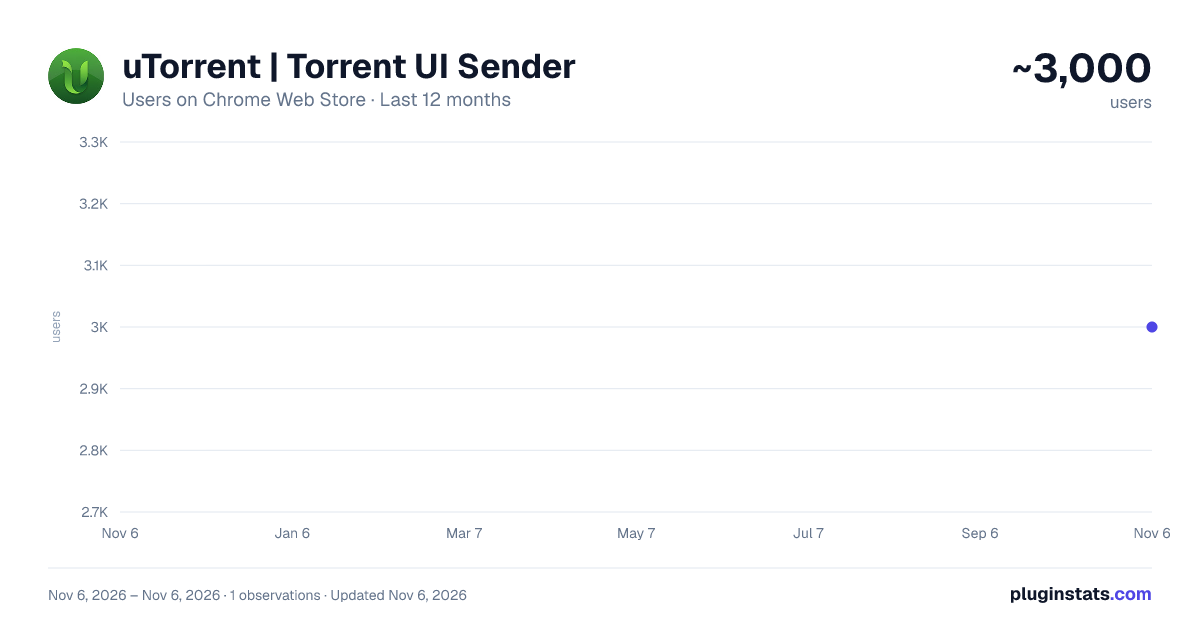
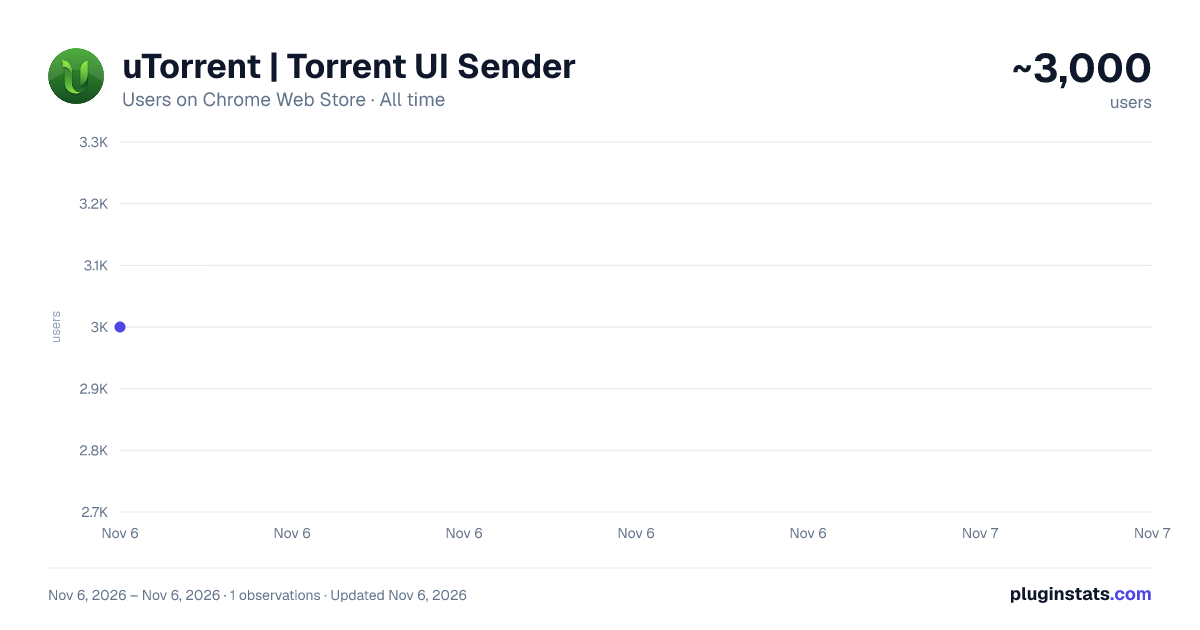
uTorrent | Torrent UI Sender has approximately 3,000 recorded users on Chrome Web Store, ranking #1642 of 7,624 tracked listings.
Rating: 3.70 / 5 from 3 ratings
About uTorrent | Torrent UI Sender
The ultimate uTorrent helper! Find all links in a popup or right-click to send & choose the download folder instantly.
uTorrent | Torrent UI Sender - Take your uTorrent experience to the next level! - uTorrent For Chrome
muTorrent or uTorrent | Torrent UI Sender was designed from the ground up to completely transform your downloading habits by creating a seamless bridge between your browser and your uTorrent Classic client. More than just a link sender, this extension automates and accelerates your workflow with smart features and a unique design that stays true to uTorrent's identity.
The extension is intelligent, too. Its toolbar icon automatically lights up with uTorrent's signature green color when it finds downloadable links on a page, so you're always aware of a download opportunity without ever being interrupted.
Key Features:
-
Instant Folder Selection (Right-Click Menu): The ultimate power feature! Right-click a link, and from the "Send to uTorrent..." menu, choose the exact download location from a dynamic folder list fetched directly from your client. Say goodbye to post-download file sorting!
-
Smart Link Hunter (Popup Interface): Click the extension's toolbar icon to discover a modern and sleek popup interface that instantly lists all .torrent and magnet: links found on the current page.
-
Dynamic Page Awareness: The extension icon transforms from standard gray to uTorrent's vibrant green the moment it detects downloadable links on a page. This provides a subtle but clear visual cue without any annoying notifications.
-
One-Click Actions: From the convenient popup list, you can send any link to your uTorrent client or copy it to your clipboard with a single click.
-
Modern & Unique Design: Enjoy clean, modern, and user-friendly interfaces designed from scratch, inspired by uTorrent's iconic green theme.
-
Clear Notifications: Get instant feedback when a link is sent, copied, or if the extension can't connect to your client. You're never left guessing what's happening.
-
Easy Setup: A completely redesigned, user-friendly options page with step-by-step instructions makes connecting to your client's Web UI a breeze.
How to Get Started:
- Install the Extension: Add the extension to your Chrome browser.
- Configure Your Settings:
- Open the extension's "Options" page.
- Enter the Port, Username, and Password from your uTorrent client's Options > Preferences > Advanced > Web UI section.
- Click the "Save Configuration" button.
- Start Downloading:
- Method 1 (The Popup): When you visit a page with torrent links, the extension icon will turn green. Click it to send any link from the list.
- Method 2 (The Right-Click): Right-click any torrent or magnet link, hover over "Send to uTorrent...", and select your desired download folder.
It's that simple!
Privacy: Your privacy is important. This extension does not collect or share any personal data. All your settings are stored locally, exclusively on your own computer.
Description from the Chrome Web Store listing.
README badge
Show your rank in a README or on your website. The badge updates automatically.
Charts
Images: 30d · 1y · all time · 1600×900 dark
Adoption over time
7/30/90-day growth
Ranking history
Ratings over time
Listing placement
Listing placement
Filled points are observed values; hollow points come from Internet Archive snapshots of the listing page. Dashed segments span periods with no observations — values between points are not interpolated.
Each band is one page of 20. Users on a linear scale. Placement is projected from users, so it can differ from the marketplace's own sort order. Hover a dot to see the listing.
Recent observations
Full history (1)Similar Chrome Web Store Functionality & UI plugins
All 20 uTorrent | Torrent UI Sender alternatives



Data source
Covers every Chrome Web Store extension with at least 100 users, found through the store's public sitemap. User counts are read from public listing pages. The 10% most-used extensions are refreshed daily, the next 40% weekly and the next 40% monthly; the least-used 10% are not refreshed. Google displays rounded user counts (and caps the display at 10,000,000+), so small changes may not be visible. Rating counts above 1,000 are rounded (e.g. 1.6K).
Listing: https://chromewebstore.google.com/detail/utorrent-torrent-ui-sende/anjdkopedojohndhpbhniejdniiahlgp. First seen Nov 6, 2026; last successful collection Nov 6, 2026. See the methodology.