 PluginStats

Cool Cursors for Chrome™ users statistics
Chrome Web Store · Just for Fun
Fun cool cursors for Chrome™. Use a big collection of free cursors or upload your own.
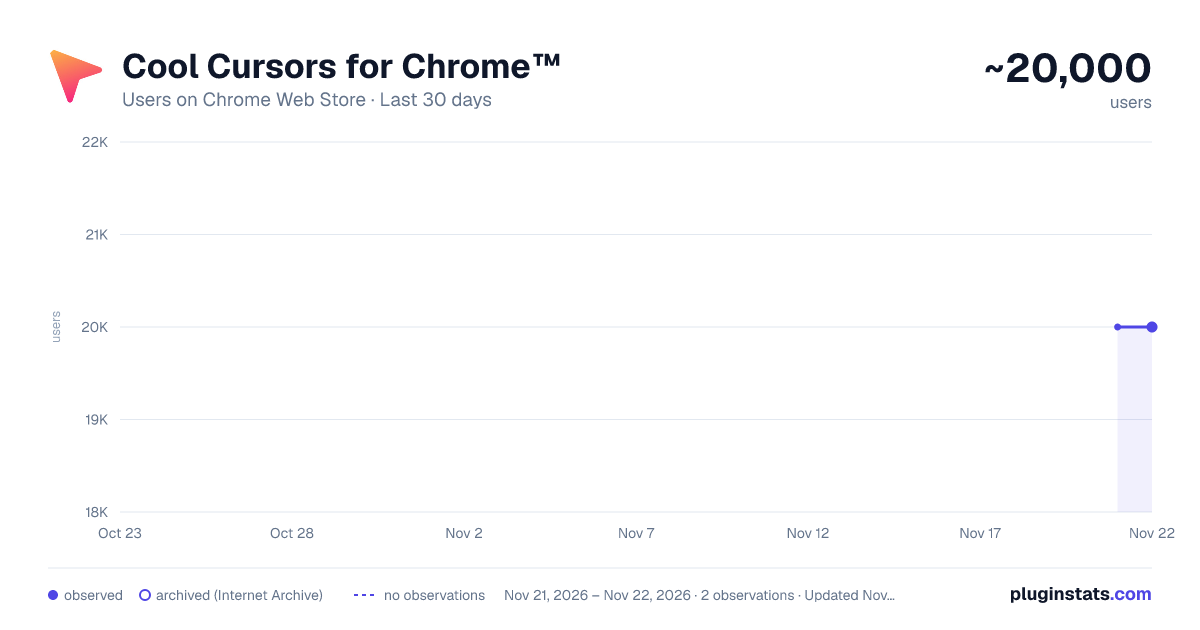
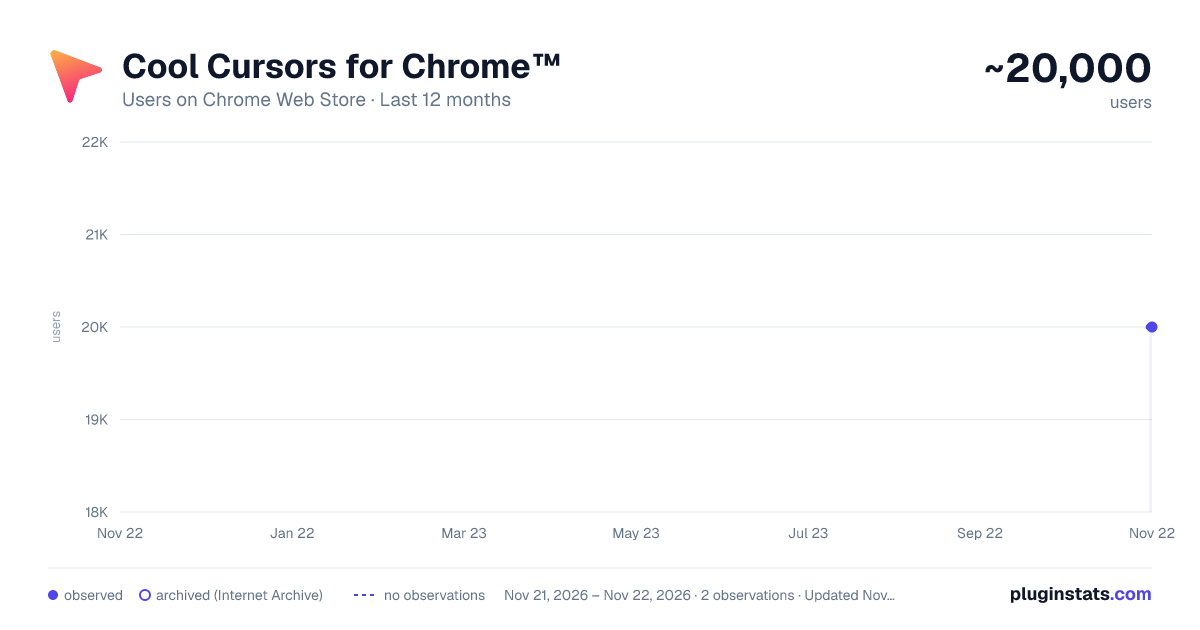
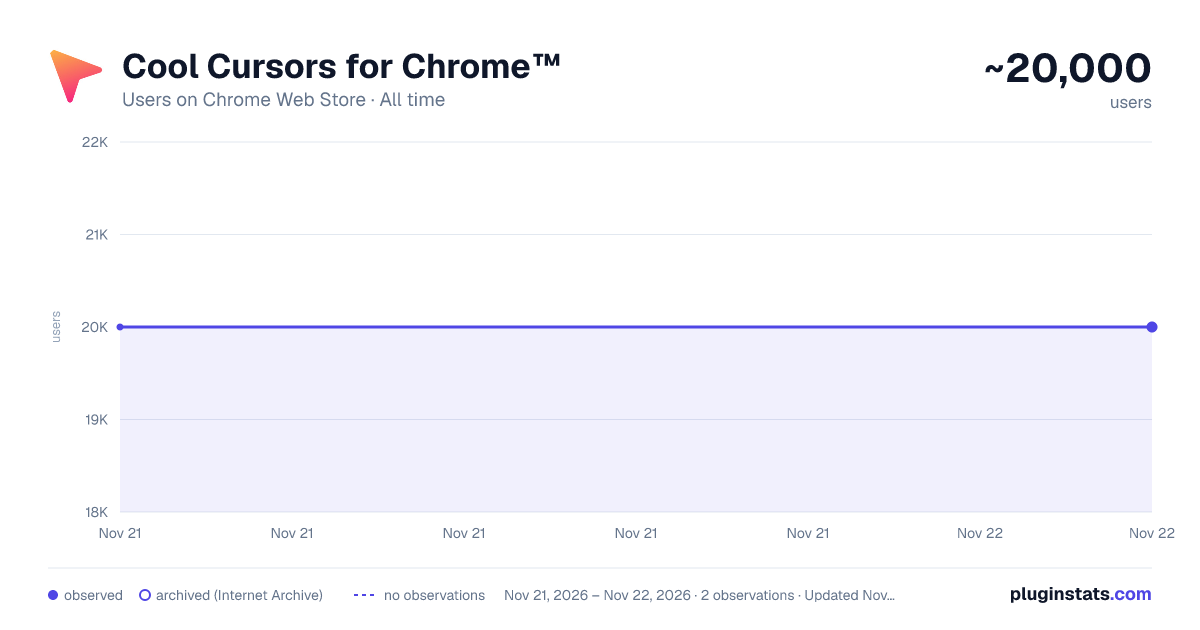
Cool Cursors for Chrome™ has approximately 20,000 recorded users on Chrome Web Store, ranking #764 of 10,388 tracked listings.
Rating: 3.30 / 5 from 332 ratings
About Cool Cursors for Chrome™
Fun cool cursors for Chrome™. Use a big collection of free cursors or upload your own.
Cool Cursors for Chrome — Make, Animate & Generate Your Own Cursor
Give your browser a personality. Cool Cursors replaces your everyday pointer with something fun, cute, bold, or beautiful — and now you can draw it, animate it, or even describe it in words and let on-device AI build it for you. Completely free, works offline, and collects nothing.
This is the biggest update in the extension's history. We rebuilt Cool Cursors from the ground up for reliability, then added a real creation studio and a layer of features no other cursor extension has.
✨ NEW: Describe your cursor, and AI makes it Type something like "a purple flaming sword" or "a cute pink heart" and our on-device generator turns your words into a real, usable cursor — shape, colors, and matching effect. It runs entirely on your device using Chrome's built-in AI (Gemini Nano), so it's instant, private, and free. No accounts, no servers, no per-use cost. Don't have AI-capable hardware? It gracefully falls back to smart keyword matching, so everyone can still create.
🎞️ NEW: Animated cursors Static cursors are great, but now your pointer can move. Build frame-by-frame animations right in Cursor Studio — draw a pose, add it as a frame, draw the next, set your speed, and save. Animated cursors play through a lightweight, opt-in overlay so your default pointer always stays fast and reliable.
🪄 NEW: Trails & click effects Turn on a sparkle, dots, or ribbon trail that follows your pointer, and add a ripple, sparkle, or burst when you click. Choose your own colors and intensity. Everything is strictly opt-in and off by default, so effects never get in your way — and a live preview lets you dial them in before you apply.
🎨 Cursor Studio — make your own Draw your own cursor on a pixel canvas with pencil, eraser, fill, eyedropper, mirror mode, a grid, and undo. Or upload any image and set the exact click point with the hotspot picker. Save your creations to "My Cursors," mark favorites, and find anything fast with search and a recently-used list.
🔁 Share with friends — no account needed Export your cursor packs to a file and send them to friends, or import packs they've made. Cursors are tiny, sharing is free, and there's nothing to sign up for.
♿ Accessibility presets Need a bigger or higher-contrast pointer? One click gives you a large or extra-large cursor, or a high-contrast dark/light pointer that's easy to see on any background. A fun extension that's also genuinely useful.
✅ Works on (almost) every site The number-one complaint about cursor extensions is that they only work sometimes. We fixed that. Cool Cursors now applies the moment a page starts loading, survives navigation and dynamic content, reaches into modern web components, and re-applies on new tabs automatically. When a page genuinely can't take a custom cursor (like the Chrome Web Store or browser settings pages), we tell you clearly instead of silently failing.
⌨️ Instant control
- One-click revert to the normal cursor.
- Toggle the custom cursor on or off instantly with Alt+Shift+C.
- Turn it off for just one website — we'll remember.
- Resize any cursor with crisp, clean scaling and proper click-point handling.
🔒 Private by design Cool Cursors collects nothing. There are no background network requests, no tracking, no uploads, and no data leaves your device. It works fully offline — every cursor and the AI generator run locally. We also slimmed the permissions down to only what's needed to put a cursor on the page, and the on-device AI never sends your descriptions anywhere. (You'll see one welcome page open the first time you install — that's it.)
🧩 Everything original We removed all licensed and branded character packs and now ship only original, generic, and your-own designs — so there's nothing sketchy, and nothing that disappears later. Browse categories like cute, neon, animals, arrows, holiday, seasonal, retro, and minimalist, with free seasonal refreshes.
Who it's for Students and anyone who wants their browser to feel like theirs; creators who want to draw, animate, and share; and anyone who needs a larger or higher-contrast pointer. Whether you want a single perfect arrow or a whole animated, sparkling, AI-generated set, it's all here — free.
Getting started is easy Install Cool Cursors, open the popup, and pick a cursor. Then tap the ✨ Effects & AI button to generate one from a description or add trails and click effects, the brush to draw your own in Studio, or the upload button to turn any image into a cursor. Make your pointer yours.
Got questions, ideas, or a cursor you'd love to see? We'd love your feedback — and if Cool Cursors makes you smile, a quick rating really helps us keep it growing. Thanks for trying it!
Please note we need "Read and change all your data on the websites you visit" permissions to allow the custom cursor to be shown on the webpage you are visiting. We do NOT collect/sell any of the websites data you are using.
This extension works on any web page except the Chrome Web Store, Google internal pages, and the Chrome home page, as Google’s policy prohibits the use of custom cursors on these pages.
Description from the Chrome Web Store listing.
README badge
Show your rank in a README or on your website. The badge updates automatically.
Charts
Images: 30d · 1y · all time · 1600×900 dark
Adoption over time
7/30/90-day growth
Ranking history
Ratings over time
Listing placement
Listing placement
Filled points are observed values; hollow points come from Internet Archive snapshots of the listing page. Dashed segments span periods with no observations — values between points are not interpolated.
Each band is one page of 20. Users on a linear scale. Placement is projected from users, so it can differ from the marketplace's own sort order. Hover a dot to see the listing.
Recent observations
Full history (1)Similar Chrome Web Store Just for Fun plugins
All 20 Cool Cursors for Chrome™ alternatives



Data source
Covers every Chrome Web Store extension with at least 100 users, found through the store's public sitemap. User counts are read from public listing pages. The 10% most-used extensions are refreshed daily, the next 40% weekly and the next 40% monthly; the least-used 10% are not refreshed. Google displays rounded user counts (and caps the display at 10,000,000+), so small changes may not be visible. Rating counts above 1,000 are rounded (e.g. 1.6K).
Listing: https://chromewebstore.google.com/detail/cool-cursors-for-chrome/empjidjbllcmlgaobahepkijkfmfkjdb. First seen Nov 21, 2026; last successful collection Nov 21, 2026. See the methodology.