 PluginStats

Claude Limit & Usage Tracker + Fable 5 - ClaudeKarma users statistics
Track your Claude AI usage limits at a glance: Fable 5, session and weekly limits with a beautiful toolbar icon.
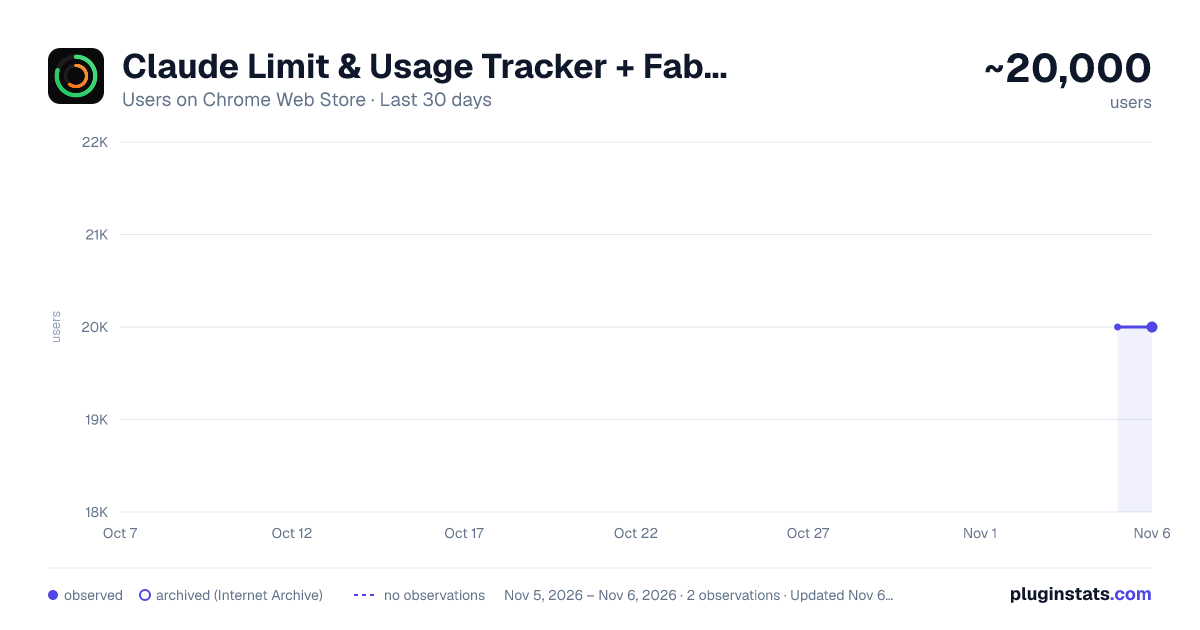
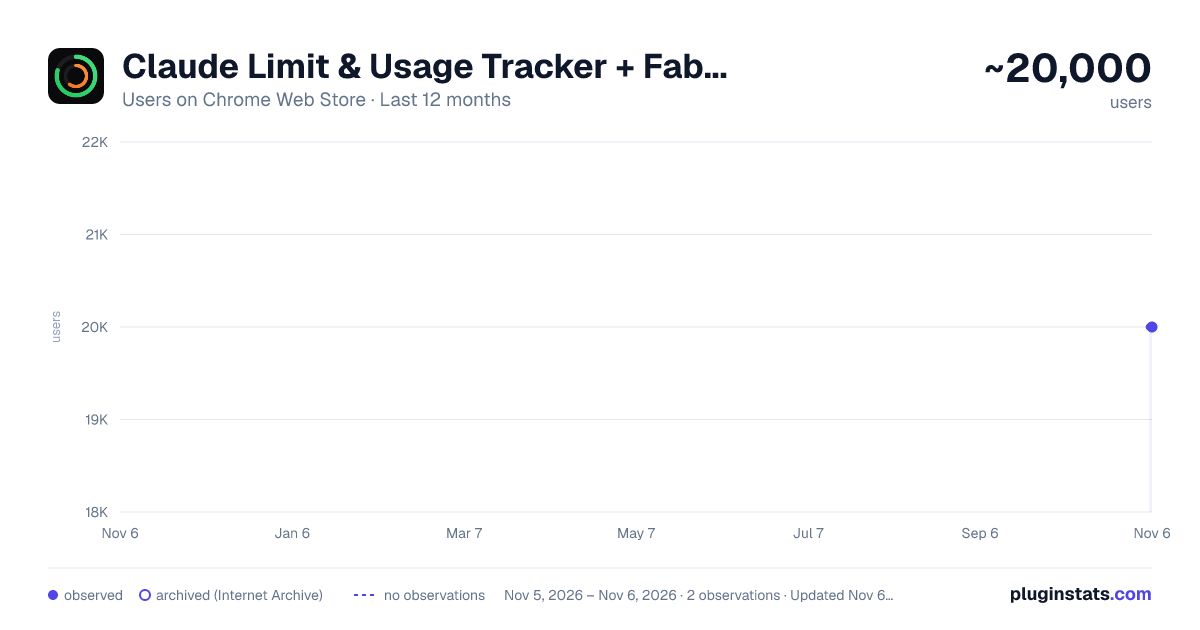
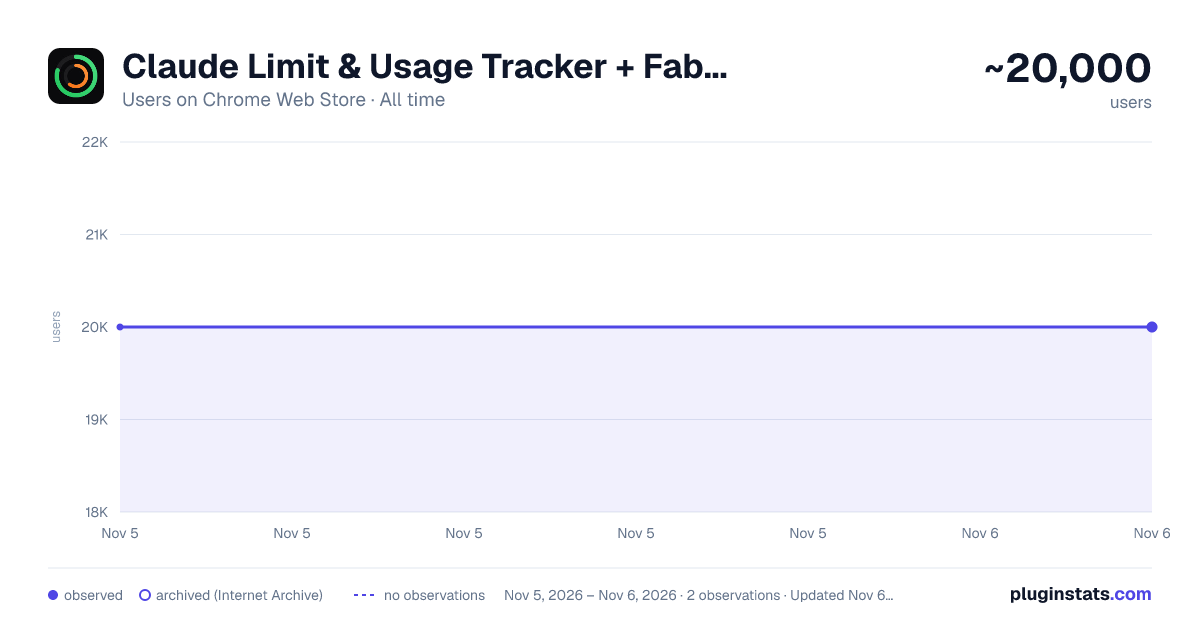
Claude Limit & Usage Tracker + Fable 5 - ClaudeKarma has approximately 20,000 recorded users on Chrome Web Store, ranking #593 of 7,624 tracked listings.
Rating: 4.70 / 5 from 128 ratings
About Claude Limit & Usage Tracker + Fable 5 - ClaudeKarma
Track your Claude AI usage limits at a glance: Fable 5, session and weekly limits with a beautiful toolbar icon.
Track your Claude usage, your Claude weekly limits the moment they change.
ClaudeKarma puts your weekly limit, your Fable 5 limit, your 5-hour session limit (on plans that have one), your per-model usage, your Extra Usage credits and Anthropic's peak hours one click away from any tab. Stop guessing how much Claude you have left. Stop hitting "you have reached your limit" mid-prompt.
Free, local-first, privacy-respecting. Works with all Claude accounts.
ULTRA PLAN SUPPORT (NEW IN 1.6.0)
Anthropic renamed Max 20x to Ultra, and verified Ultra accounts no longer have a 5-hour limit. ClaudeKarma follows: on Ultra, the gauge and the toolbar icon lead with your weekly limit, labelled "Ultra: no 5-hour limit". Pro and Max keep their 5-hour session gauge.
FABLE 5 TRACKING
Claude reports Fable 5 usage as a separate weekly limit, and ClaudeKarma shows it as a highlighted bar in your 7-day limits, so you always know how much Fable 5 you have left this week. No setup: if your plan has Fable 5, the bar appears automatically.
EXTRA USAGE CREDITS
ClaudeKarma tracks your Extra Usage in real money: monthly spend, remaining prepaid balance and your credit cap, right in the popup. Know exactly where you stand before you buy more.
WEEKLY PACE AND FREE RESETS
Like claude.ai's own usage page, ClaudeKarma tells you when, at your current pace, you will run out before the weekly reset. When Anthropic grants you a free limit reset, the popup shows it with a direct link to use it.
FREE PLAN: ESTIMATED SESSION
Claude no longer shows usage data to Free accounts. ClaudeKarma estimates your 5-hour session from your own recent messages, and gets more accurate each time you tell it you hit the limit. If Anthropic brings the data back, exact tracking returns automatically.
PEAK HOURS
Peak hours drain your 5-hour Claude session 3 to 5x faster (weekdays 5 to 11 AM Pacific Time, per Anthropic's official schedule). ClaudeKarma shows a live peak/off-peak banner with a countdown to the next change, so you can shift your heavy work to off-peak windows. The schedule updates automatically when Anthropic adjusts it, with no extension update required. On Pro and Max, peak hours affect chat sessions only, not Claude Code. Ultra accounts without a 5-hour limit don't see the banner, since peak hours have nothing to drain.
LIVE USAGE TRACKING
Main gauge: the percentage of your 5-hour limit used (your weekly limit on Ultra), color-coded green to red as you approach the cap. Per-model breakdown: All models, Fable 5, Opus, Sonnet, Haiku and Claude Design as stacked bars on your weekly cap. Daily routines: your scheduled Claude Code routines, when your plan includes them. Plan badge: your tier at a glance (Free, Pro, Max, Ultra, Team, Enterprise).
CLAUDE HOURS HEATMAP
A GitHub-style hourly grid that shows when you actually use Claude across the week or the month. Spot your patterns. Plan around peak. Work smarter.
KARMA LEVELS
A small progress system that tracks your milestones from your first install to surviving a 90% session usage spike. Six levels: Tracker, Daily, Power, Halfway, Marathoner, Foresight. A subtle star badge in the popup header, with a popover explaining where you are and what unlocks next. Toggle off in settings if you prefer it hidden.
CLAUDE LIMITS MONITORING
The toolbar icon shows two concentric rings:
- Outer ring: 5-hour session limit (weekly limit on Ultra)
- Inner ring: 7-day weekly limit (on Ultra: your highest per-model weekly limit, such as Fable 5)
Colors shift from green to yellow to orange to red as you approach your Claude limits. At 90% and above the icon blinks to grab your attention before you hit the wall. Browser notifications fire at 75%, 90% and 100%; turn them off or change the thresholds in settings.
LIGHT AND DARK MODE
The popup, tips page and update page fully support light mode. A toggle in the header cycles between auto (follows your OS setting), light and dark. Your preference is saved and applied instantly with no flash on open.
PRIVACY FIRST
ClaudeKarma keeps your data on your device. Your usage history, your settings and your Karma progress all live in your browser, in chrome.storage.local. During normal use the extension contacts:
- claude.ai, to read your own usage and credits data with your existing session (no password ever stored)
- tokenkarma.app, without cookies or identifiers, for public configuration files that are the same for every user: the peak hours schedule and the Free plan estimate settings
- one anonymous daily heartbeat: extension version, operating system, browser language, how many usage reads succeeded or failed, and days since the last successful read. No account, no usage data, no identifier. No analytics, no third-party tracking SDKs, no fingerprinting inside the extension.
When you uninstall, Chrome opens a short feedback page on tokenkarma.app where the extension version, your browser language, your operating system, your plan type and a handful of anonymous health counters (whether the extension could read your usage, and which errors it hit) are passed as plain query parameters, so we can tell why it did not work for you. You can close the tab without answering. Full transparency on this and everything else: https://tokenkarma.app/claudekarma/privacy
WHAT IS NEW IN V1.6.0
- NEW: Ultra plan support. Verified Ultra accounts have no 5-hour limit, so the gauge and the toolbar icon lead with your weekly limit
- Plan names follow Anthropic's update: Max and Ultra
- Fixed an empty "Breakdown" bar that could appear in your weekly limits
WHAT IS NEW IN V1.5…
Description from the Chrome Web Store listing.
README badge
Show your rank in a README or on your website. The badge updates automatically.
Charts
Images: 30d · 1y · all time · 1600×900 dark
Adoption over time
7/30/90-day growth
Ranking history
Ratings over time
Listing placement
Listing placement
Filled points are observed values; hollow points come from Internet Archive snapshots of the listing page. Dashed segments span periods with no observations — values between points are not interpolated.
Each band is one page of 20. Users on a linear scale. Placement is projected from users, so it can differ from the marketplace's own sort order. Hover a dot to see the listing.
Recent observations
Full history (2)Similar Chrome Web Store Tools plugins
All 20 Claude Limit & Usage Tracker + Fable 5 - ClaudeKarma alternatives



Data source
Covers every Chrome Web Store extension with at least 100 users, found through the store's public sitemap. User counts are read from public listing pages. The 10% most-used extensions are refreshed daily, the next 40% weekly and the next 40% monthly; the least-used 10% are not refreshed. Google displays rounded user counts (and caps the display at 10,000,000+), so small changes may not be visible. Rating counts above 1,000 are rounded (e.g. 1.6K).
Listing: https://chromewebstore.google.com/detail/claude-limit-usage-tracke/hoffoefgnaakaafdfjpnjdkclhjkebjn. First seen Nov 5, 2026; last successful collection Nov 6, 2026. See the methodology.