 PluginStats

Precision Screenshot - Smart Screenshot Tool users statistics
The first intelligent screenshot tool in the AI era!
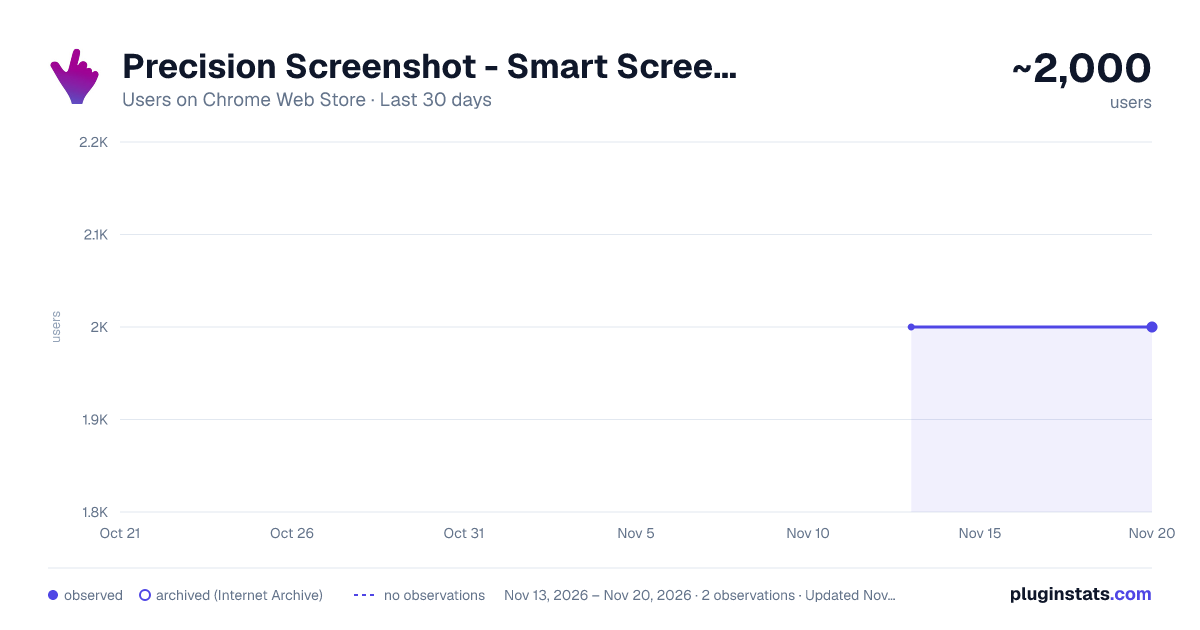
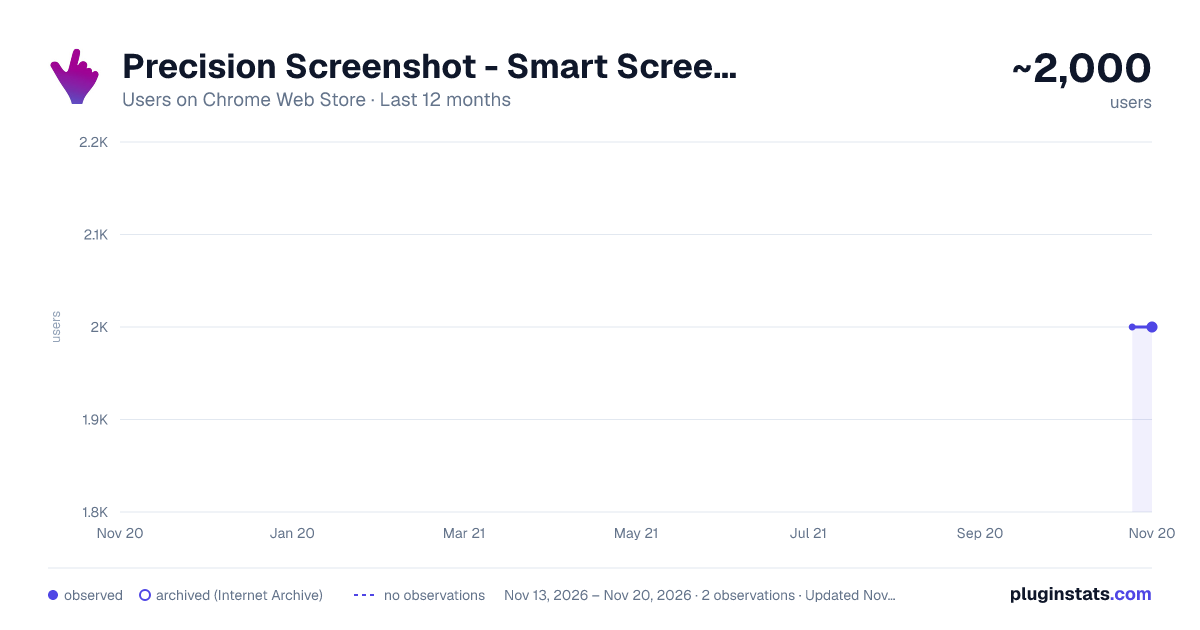
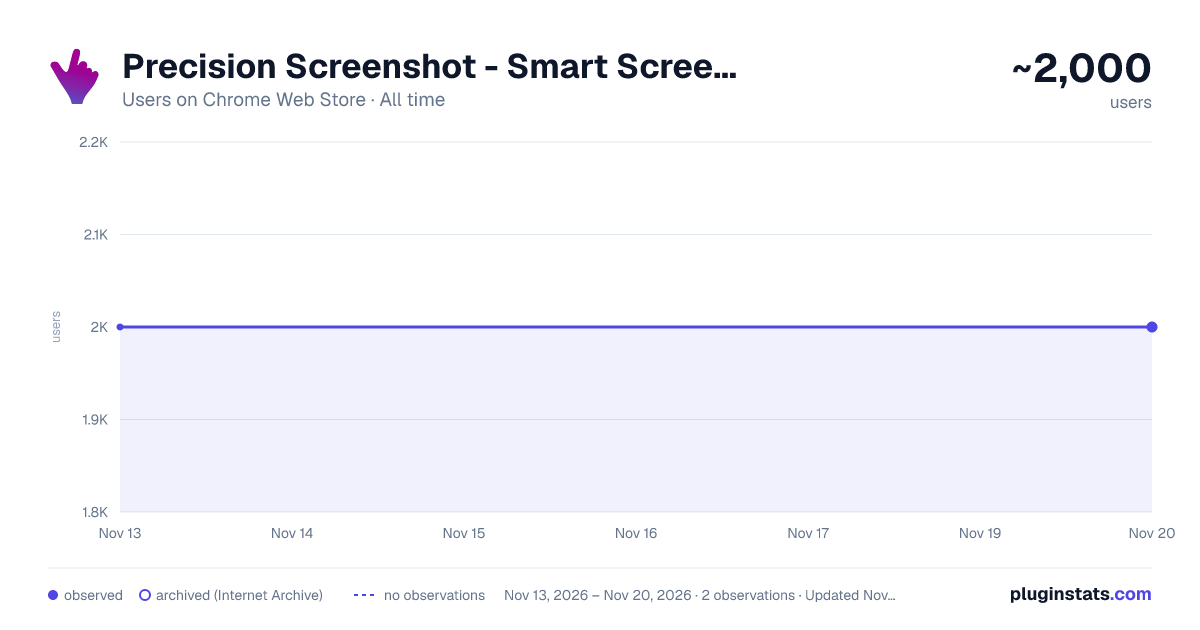
Precision Screenshot - Smart Screenshot Tool has approximately 2,000 recorded users on Chrome Web Store, a change of 0.0% over the past 7 days, ranking #2640 of 10,388 tracked listings.
Rating: 4.50 / 5 from 11 ratings
About Precision Screenshot - Smart Screenshot Tool
The first intelligent screenshot tool in the AI era!
[Core Advantages] • Intelligent Recognition: Hover to preview, click to precisely capture webpage elements • Magnetic Alignment: Automatically aligns with page elements, guide lines improve precision • Flexible Aspect Ratios: Multiple preset ratios, customizable options, maintain ratio while dragging • Continuous Screenshots: Scroll the page to continue taking screenshots without exiting • AI Capabilities: One-click to start intelligent conversation, analyze screenshot content • One-click Background Removal: Create transparent images, easily produce materials • QR Code Recognition: Automatically parse and copy link content
[Use Cases] • Designers: Quickly obtain webpage materials in specific ratios, one-click background removal • Content Creators: Prepare uniformly sized images for various platforms, AI assistant analyzes content • E-commerce Sellers: Create standardized product images, remove backgrounds for visual consistency • Social Media Managers: Adapt to size requirements across platforms, easily scan and share QR codes
[Why Choose Us] • Free Premium Features: AI conversation, background removal and other features free to use • Privacy Focused: Primarily local processing to protect your data security • Open Source: Following CC BY-NC-ND 4.0 license, code is open and transparent • Continuous Optimization: Regular updates, constantly improving user experience
[Easy to Use] Install and use immediately, no complex setup. Supports keyboard shortcuts (Ctrl+Shift+S), making screenshots simple and efficient!
Description from the Chrome Web Store listing.
README badge
Show your rank in a README or on your website. The badge updates automatically.
Charts
Images: 30d · 1y · all time · 1600×900 dark
Adoption over time
7/30/90-day growth
Ranking history
Ratings over time
Listing placement
Listing placement
Filled points are observed values; hollow points come from Internet Archive snapshots of the listing page. Dashed segments span periods with no observations — values between points are not interpolated.
Each band is one page of 20. Users on a linear scale. Placement is projected from users, so it can differ from the marketplace's own sort order. Hover a dot to see the listing.
Recent observations
Full history (2)Similar Chrome Web Store Tools plugins
All 20 Precision Screenshot - Smart Screenshot Tool alternatives



Data source
Covers every Chrome Web Store extension with at least 100 users, found through the store's public sitemap. User counts are read from public listing pages. The 10% most-used extensions are refreshed daily, the next 40% weekly and the next 40% monthly; the least-used 10% are not refreshed. Google displays rounded user counts (and caps the display at 10,000,000+), so small changes may not be visible. Rating counts above 1,000 are rounded (e.g. 1.6K).
Listing: https://chromewebstore.google.com/detail/精准截图-一键智能精准截图工具/mebflgmmheidlmggndpkkodonedongin. First seen Nov 13, 2026; last successful collection Nov 20, 2026. See the methodology.