 PluginStats

Companion Window | Always on Top users statistics
By Robert Golderbine · Chrome Web Store · Tools
Transform any webpage into a floating, always-on-top window for seamless multitasking and enhanced productivity
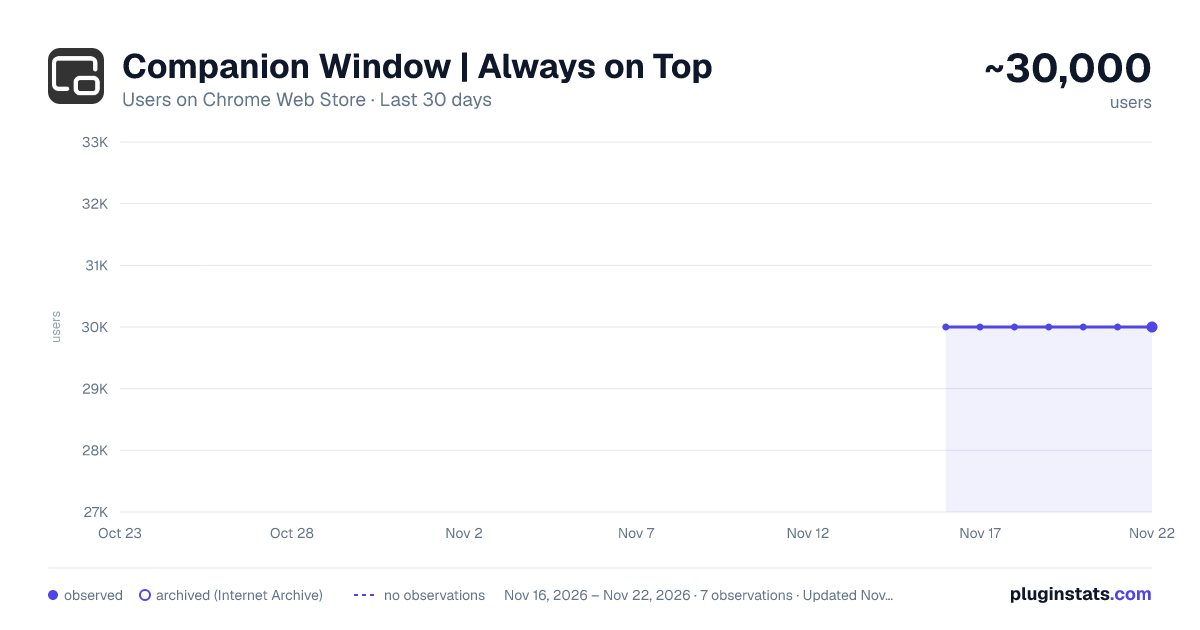
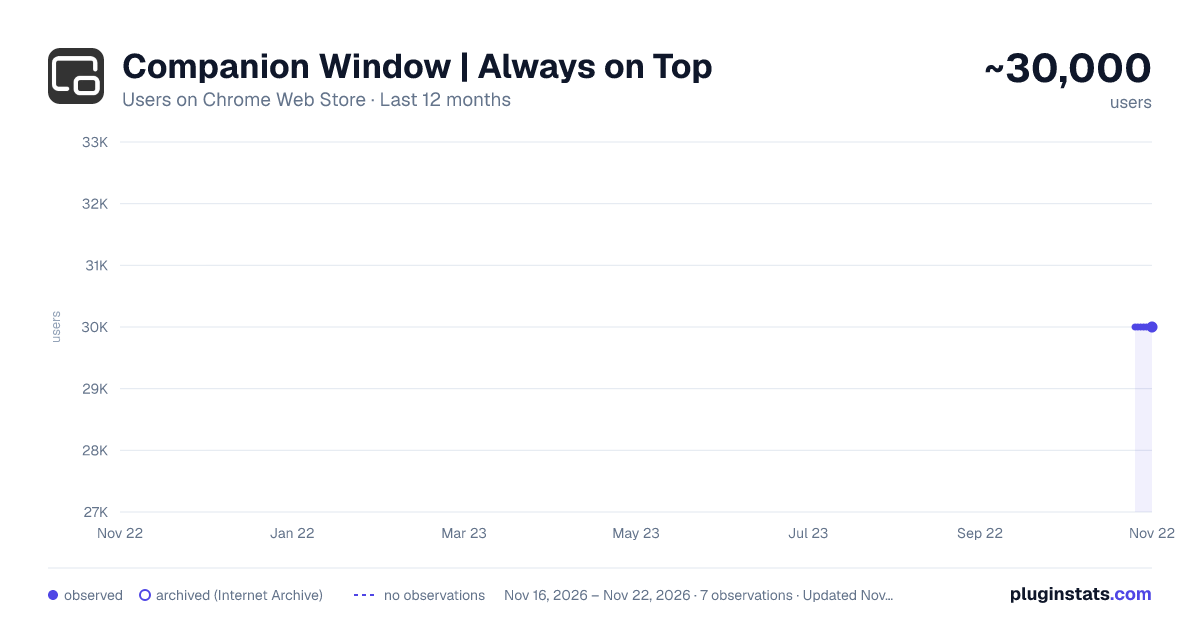
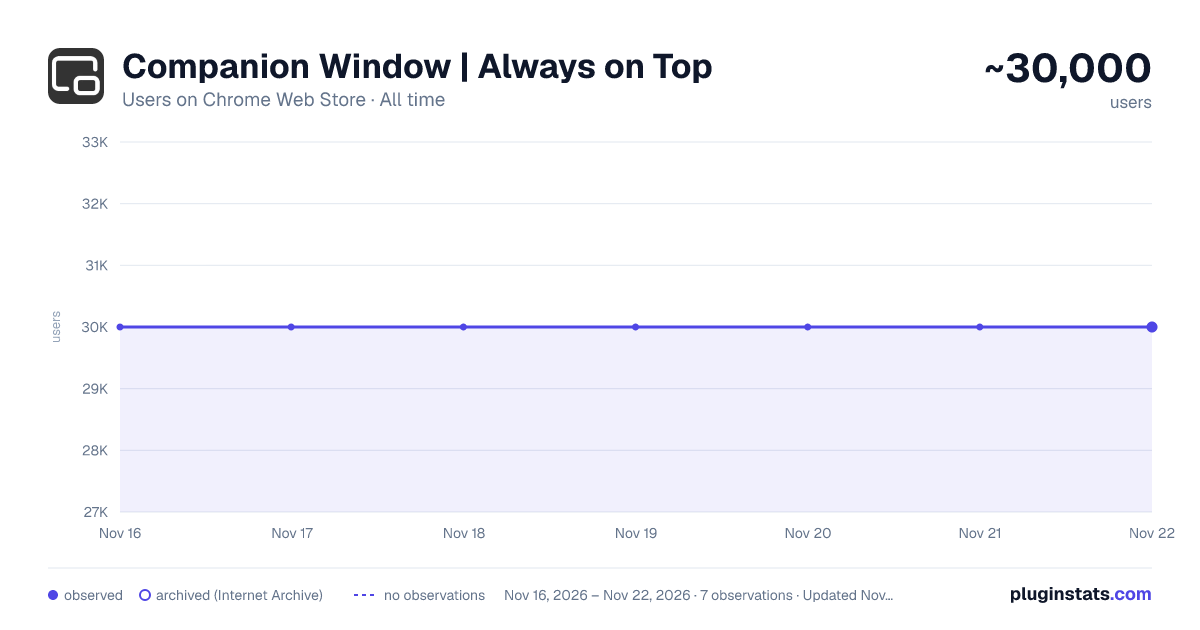
Companion Window | Always on Top has approximately 30,000 recorded users on Chrome Web Store, ranking #610 of 10,388 tracked listings.
Rating: 4.80 / 5 from 218 ratings
About Companion Window | Always on Top
Transform any webpage into a floating, always-on-top window for seamless multitasking and enhanced productivity
Transform any webpage into an always-on-top floating window using Document Picture-in-Picture (PiP) technology.
Enhance your browsing experience and boost productivity by keeping essential content visible—no matter which app or tab you're using.
Whether you’re coding, following a tutorial, monitoring live updates, or engaging with AI assistants, Companion Window makes multitasking effortless.
🌟 Key Features
🔝 Always-on-Top Window: Keep any webpage visible and accessible while working in other browser tabs or applications.
🔄 Flexible Access: Open the Companion Window using the toolbar icon, right-click context menu, or the convenient keyboard shortcut (Alt+C).
🎛️ Window Controls: Easily minimize, restore, and refresh your companion windows to maintain an organized workspace.
⚙️ Customizable Experience: Tailor the extension to your preferences by toggling options such as:
- Context Menu Options: Enable/disable "Open in Companion Window" for both web pages and links.
- Floating Button: Show or hide the floating menu button (displayed at the top-center of the window) for quick access to additional controls.
🤖 Seamless Integration with AI Platforms: Ideal for keeping AI assistants like ChatGPT, Gemini, Claude, DeepSeek, and others always within reach.
📋 How to Use
🧰 Toolbar Icon: Simply click the extension icon in your browser toolbar to open the current tab in a Companion Window.
📌 Context Menu: Right-click on any webpage and select "Open in Companion Window" to launch the floating window.
⌨️ Keyboard Shortcut: Press Alt+C for a quick and easy way to activate the Companion Window.
🛠️ Extension Options
Access additional settings by right-clicking the extension icon and selecting "⚙️ Options":
📝 Context Menu Settings:
- In Page: Enable/disable the right-click option for webpages.
- On Link: Enable/disable opening links directly in a Companion Window.
👁️ Floating Button Visibility: Toggle the display of the floating menu button that offers additional window controls.
⌨️ Keyboard Shortcuts: Customize the default keyboard shortcut (Alt+C) via your browser's extension settings to better suit your workflow.
➡️Contributing We’re open to contributions! If you find any bugs or have suggestions for improvements or new features, feel free to open an issue or submit a pull request.
Description from the Chrome Web Store listing.
README badge
Show your rank in a README or on your website. The badge updates automatically.
Charts
Images: 30d · 1y · all time · 1600×900 dark
Adoption over time
7/30/90-day growth
Ranking history
Ratings over time
Listing placement
Listing placement
Filled points are observed values; hollow points come from Internet Archive snapshots of the listing page. Dashed segments span periods with no observations — values between points are not interpolated.
Each band is one page of 20. Users on a linear scale. Placement is projected from users, so it can differ from the marketplace's own sort order. Hover a dot to see the listing.
Recent observations
Full history (6)Similar Chrome Web Store Tools plugins
All 20 Companion Window | Always on Top alternatives



Data source
Covers every Chrome Web Store extension with at least 100 users, found through the store's public sitemap. User counts are read from public listing pages. The 10% most-used extensions are refreshed daily, the next 40% weekly and the next 40% monthly; the least-used 10% are not refreshed. Google displays rounded user counts (and caps the display at 10,000,000+), so small changes may not be visible. Rating counts above 1,000 are rounded (e.g. 1.6K).
Listing: https://chromewebstore.google.com/detail/companion-window-always-o/hhneckfekhpegclkfhefepcjmcnmnpae. First seen Nov 16, 2026; last successful collection Nov 21, 2026. See the methodology.