 PluginStats

YouTube Resume users statistics
Automatically resume YouTube videos exactly where you left off.
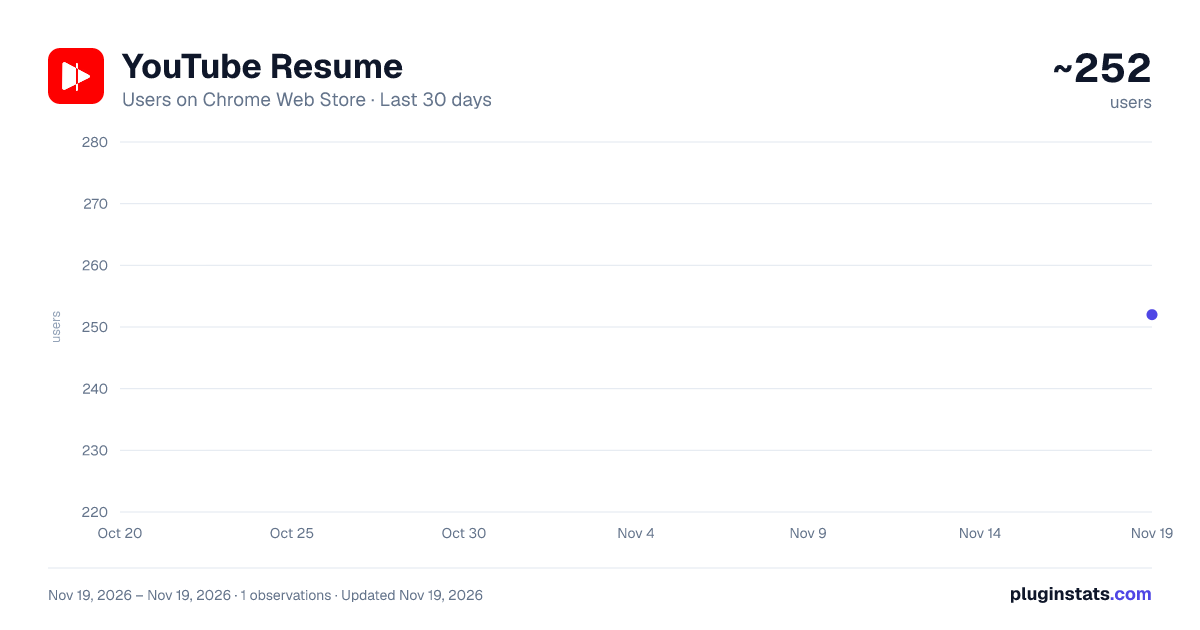
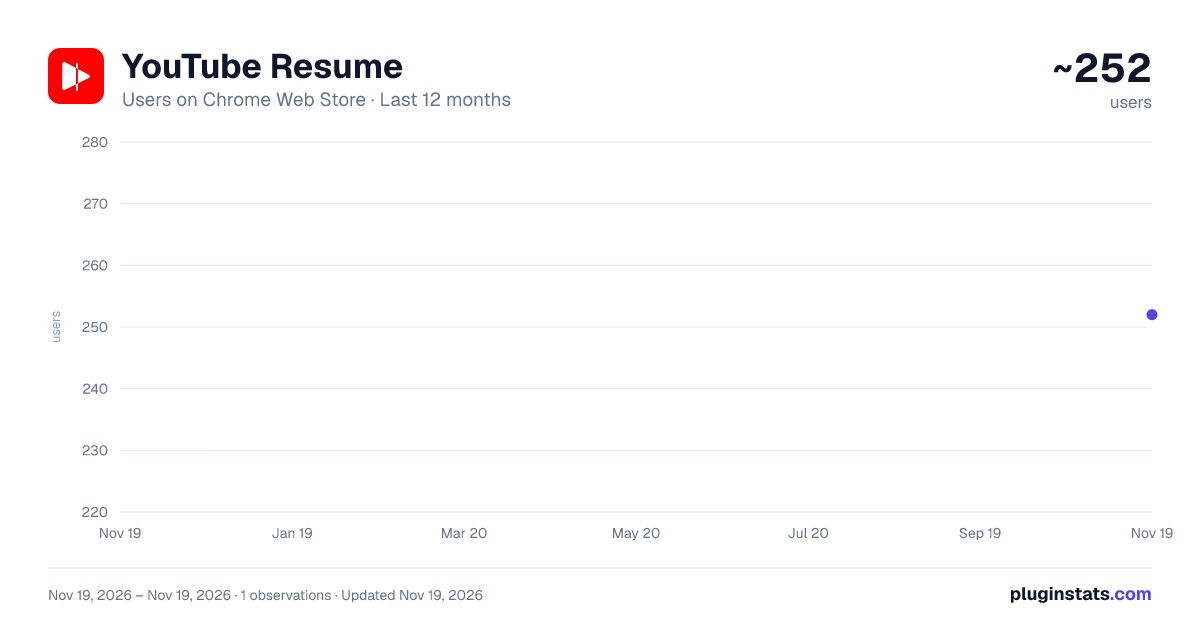
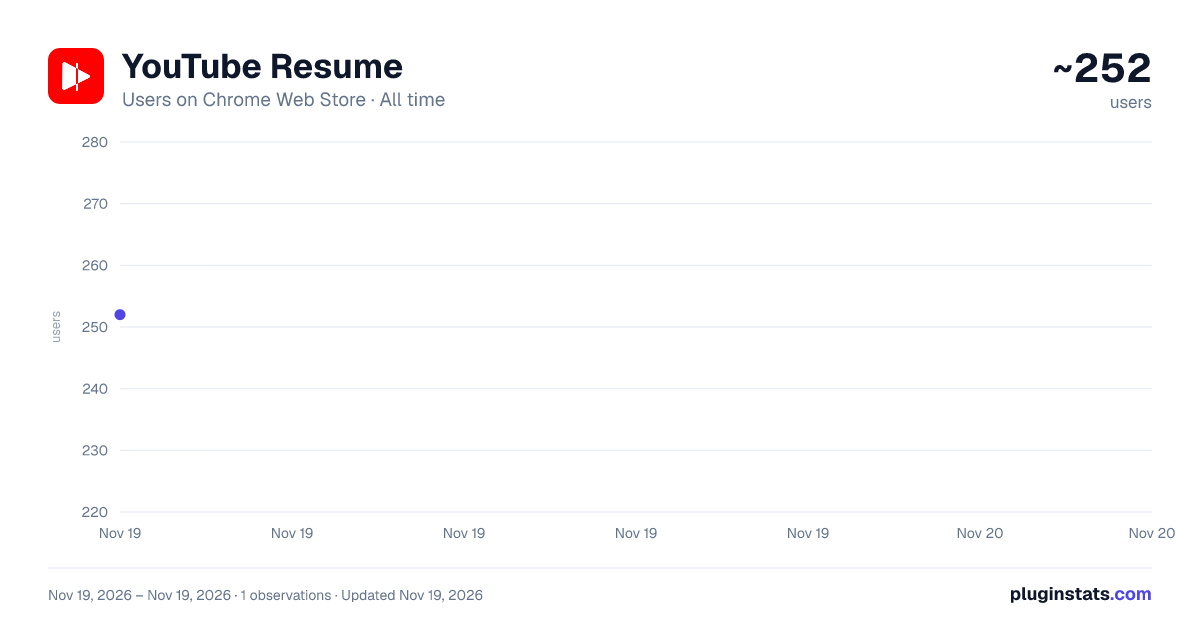
YouTube Resume has approximately 252 recorded users on Chrome Web Store, ranking #7076 of 10,388 tracked listings.
Rating: 4.40 / 5 from 7 ratings
About YouTube Resume
Automatically resume YouTube videos exactly where you left off.
YouTube Resume picks up exactly where you stopped — without you having to do anything.
No setup. No account. No interaction required.
——————————————————————————
HOW IT WORKS
While you watch, YouTube Resume quietly saves your position to your browser's local storage. When you come back to that video, it resumes a few seconds before where you left off.
A small "↺ Restart" button appears briefly in the player controls if you'd rather start from the beginning. It disappears on its own.
That's the whole product. Everything else is optional.
——————————————————————————
WHY THIS EXISTS
YouTube's own resume feature is tied to your Google account and your watch history. It works well when those work well. It doesn't help you after:
· A browser crash · A computer restart · An accidentally closed tab · A logged-out or incognito-adjacent session · Watch history being paused or cleared
YouTube Resume works independently of your account. It's reliable by design.
——————————————————————————
BUILT FOR LONG-FORM CONTENT
If you watch YouTube like a podcast app — lectures, documentaries, conference talks, tutorials, video essays — this was made for you.
Losing your place 70 minutes into a 90-minute video is the kind of small frustration that makes you stop watching entirely. This removes it.
——————————————————————————
WHAT'S NEW IN 4.0
- Far more reliable resume — resume now waits for a verified, confirmed seek before ever declaring success; a restored, backgrounded, or slow-loading tab recovers automatically without reopening the extension; concurrent tabs and rapid actions (pin, remove, settings, clear) no longer overwrite or resurrect each other's data.
- "Remove completed" videos in one action — clear out everything you've actually finished from the saved videos panel, with a live count and the option to include or exclude pinned videos. Finished is now based on whether a video genuinely played to the end, not a rounded percentage.
- A fourth "finished" option: "Only at the end" — for viewers who don't want a video to stop offering resume until it's truly over, however long it is.
- Smoother, more accessible saved videos panel — the list now updates live as your other tabs save progress, keyboard and screen-reader support was substantially improved (per-video labels, clearer announcements when videos are removed), and thumbnails can be turned off instantly without a pending request finishing anyway.
- Explicit timestamp links now take precedence — opening a video with a specific starting time (?t=) is respected over your saved position.
- Under-the-hood storage rework — all saves now go through a single serialized writer, closing a class of rare data-loss bugs possible under v3.0 when multiple tabs or rapid actions overlapped. No visible change for most users; more dependable saves for everyone.
——————————————————————————
ALSO INCLUDED, SINCE 2.0
· Pin the videos you care about — pin up to 20 saved videos and they'll never be pushed out to make room for newer ones. Pinned videos sort to the top of your list.
· Saved positions are more durable — fixes a bug where a saved position could be overwritten with a near-zero value you didn't cause, sending you back to the start of a video you were deep into.
· Titles fill themselves in — a video saved before its title could be read no longer stays "Untitled video." The next time you watch it, the title is captured and the entry updates.
· Renamed videos still resume — your saved position is tied to the video itself, not its title. A creator editing a title after upload has no effect on where you pick up.
· Saved videos panel — every video you've been watching, with thumbnails, titles, channel names, and progress, right from the toolbar icon. Jump back in or remove an entry with one click.
· Settings you control — set your minimum watch time before a position is saved, when a video counts as "finished," how far to rewind on resume, and whether to show the Restart button, the resume message, and thumbnails.
No new permissions. No new network activity. Everything you'd already saved carries over untouched. ——————————————————————————
PRIVACY — YOUR DATA STAYS ON YOUR DEVICE
YouTube Resume stores your watch positions only on your own device. Nothing is sent to any server we operate. There is no account, no tracking, and no analytics.
The one exception: when the saved videos panel is open and thumbnails are enabled (on by default, and you can turn this off), it loads thumbnail images directly from YouTube's own image servers (i.ytimg.com) so you can see what you were watching at a glance.
Permissions requested: · storage — to save your playback positions locally · youtube.com access — to interact with the YouTube video player
That's it. No access to your browsing history, no other tabs, no Google account.
Full privacy policy: https://youtuberesume.emeraldzhu.com/privacy
——————————————————————————
FROM THE SAME DEVELOPER
Session Switcher — switch between multiple AI account sessions on ChatGPT, Claude, and Perplexity without manually signing in and out. Find it on the Chrome Web Store.
——————————————————————————
SUPPORT
Found a bug or have a suggestion? Email support@emeraldzhu.com.
Description from the Chrome Web Store listing.
README badge
Show your rank in a README or on your website. The badge updates automatically.
Charts
Images: 30d · 1y · all time · 1600×900 dark
Adoption over time
7/30/90-day growth
Ranking history
Ratings over time
Listing placement
Listing placement
Filled points are observed values; hollow points come from Internet Archive snapshots of the listing page. Dashed segments span periods with no observations — values between points are not interpolated.
Each band is one page of 20. Users on a linear scale. Placement is projected from users, so it can differ from the marketplace's own sort order. Hover a dot to see the listing.
Recent observations
Full history (1)Similar Chrome Web Store Tools plugins
All 20 YouTube Resume alternatives



Data source
Covers every Chrome Web Store extension with at least 100 users, found through the store's public sitemap. User counts are read from public listing pages. The 10% most-used extensions are refreshed daily, the next 40% weekly and the next 40% monthly; the least-used 10% are not refreshed. Google displays rounded user counts (and caps the display at 10,000,000+), so small changes may not be visible. Rating counts above 1,000 are rounded (e.g. 1.6K).
Listing: https://chromewebstore.google.com/detail/youtube-resume/ofjdhidbckonobbcgogkmgkjniopcjkh. First seen Nov 19, 2026; last successful collection Nov 19, 2026. See the methodology.