 PluginStats

schedulr users statistics
It scrapes the timetable from CliC and inserts it into google calendar
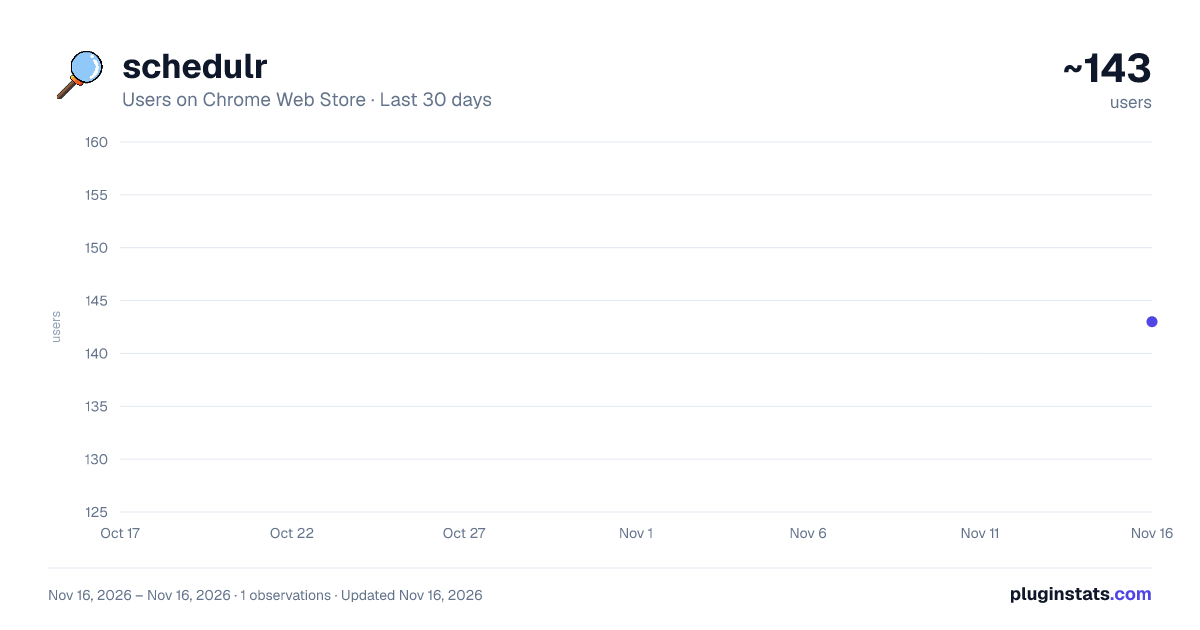
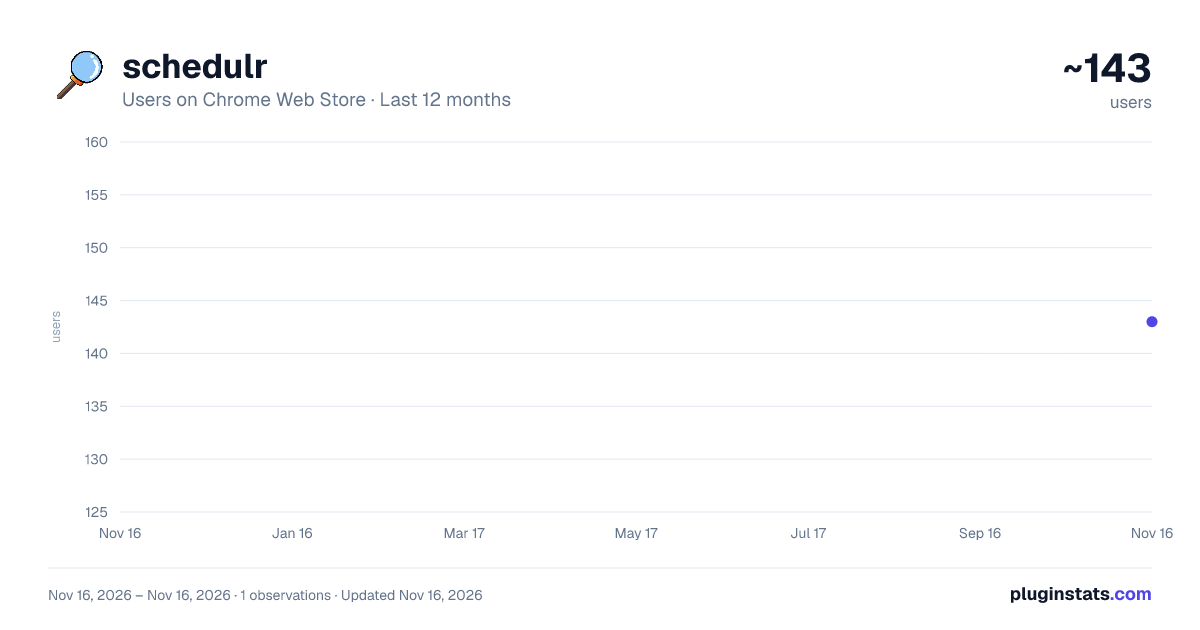
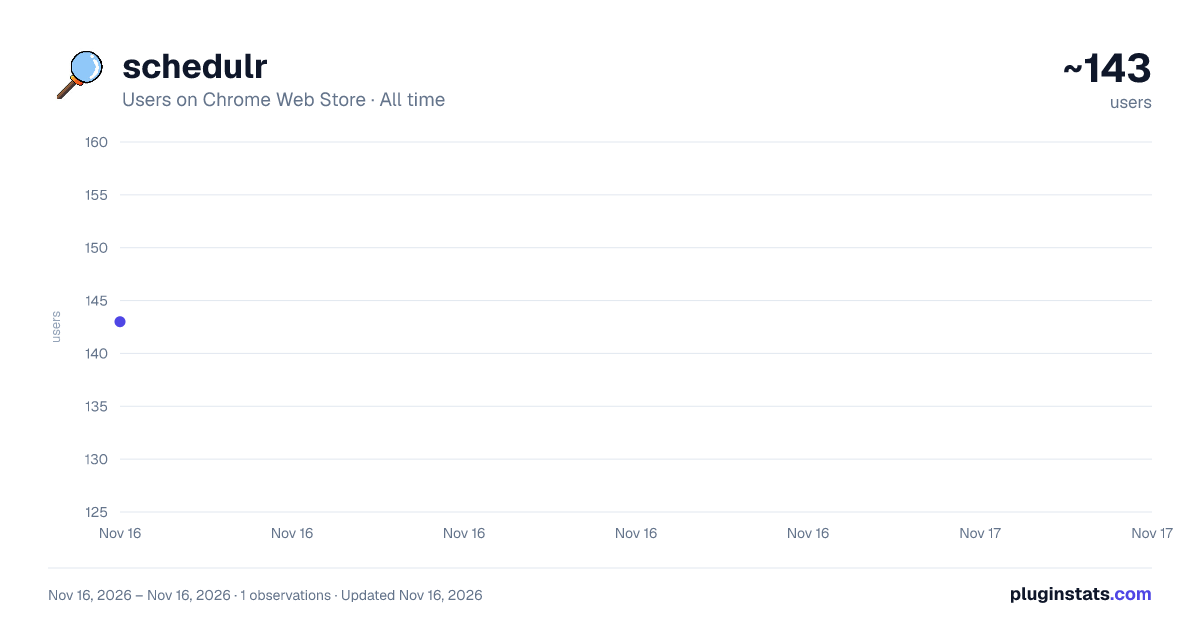
schedulr has approximately 143 recorded users on Chrome Web Store, ranking #8955 of 10,388 tracked listings.
Rating: 4.80 / 5 from 9 ratings
About schedulr
It scrapes the timetable from CliC and inserts it into google calendar
Requirements 👀
- MMU student with "Active" current student status ONLY.
- Chrome browser ONLY.
Usage 🕹️ Note: Some steps after step 4 may vary depending on your target calendar.
For students:
- Go to "View My Classes/Schedule > By Class" in CLiC. (Ensure all subjects are expanded)
For lecturers:
- Go to "Instructor WorkCenter > My Weekly Schedule" in CLiC.
- Open the extension by using the shortcut key or by clicking the extension icon.
- An authentication window will appear, grant permission for both scopes and then reopen the extension.
To import calendar into Google Calendar: 4. Select Transfer to Google Calendar, then click Confirm. 5. Select all the necessary options. 6. Press the Submit button to transfer timetable to Google Calendar.
To import calendar into other calendars (like Outlook, Apple Calendar): 4. Select Download an .ics file, then click Confirm. 5. Select all the necessary options. 6. Press the Submit button to download the .ics file. 7. Go to your target calendar and import the .ics file.
Tip: An .ics file lets you import events into other calendar apps like Outlook.
Key binding ⌨️ The shortcut key opens up the popup page
- Linux and Windows: Alt+Shift+S
- macOS: Command+Shift+S
Contributing 🤝🏻 Schedulr is an open-source project designed to assist fellow MMU peers. I invite you to participate in various ways to contribute and enhance the project!
Feel free to explore the contribution guidelines (https://github.com/sycanz/schedulr/blob/main/.github/CONTRIBUTING.md) below to get started. Your involvement is greatly appreciated!
Tech Stack 🚀
- Javascript
- Google calendar API
Changelog 📁 Detailed changes for each release are documented in the release notes.
Privacy policy 📜 Please read the Privacy Policy for this extension before proceeding.
License ⚖️ This project is licensed under the GNU General Public License v3.0 - see the LICENSE on GitHub
Buy me a coffee ☕ I seem to have developed a bit of an addiction to espresso shots, so if you're feeling generous, feel free to buy me a coffee (find the link on schedulr website or my GitHub repo)!
Credit 🤝🏻 This project was developed at Hackerspace MMU. Also shoutout to a couple of friends who helped me out on this project.
Frequently Asked Questions (FAQs) 🤔 Q: What browser does Schedulr currently support?
A: Google Chrome as of now.
Q: Do I have to pay for this extension?
A: No, Schedulr is free to use for all active MMU students/lecturers and open-source.
Q: Why are some of my classes not showing up in the timetable?
A: Ensure you have expanded all subjects in the "By Class" page.
Q: Do I need to grant permission every time I open the extension? And should I grant permission for both scopes in the authentication window?
A: You only need to grant permission once and you're good to go. And yes you absolutely should grant permission for both scopes, otherwise the extension will not work properly.
Q: Should I be worried about my privacy when using this extension?
A: No, the extension only reads your timetable and transfers it to your calendar. It does not store any personal data.
Q: Can I use this extension for other universities?
A: No, this extension is specifically designed for MMU students and lecturers only.
Q: Are there any plans to support other browsers?
A: Maybe in the future, but for now, the focus is on Chrome.
Q: Can I rely on this extension for my timetable?
A: Somewhat, reason being CLiC might have unexpected bugs or changes that might affect the extension.
Q: How can I contribute to this project?
A: There are things like bug fixes, feature requests, code, and documentation that you can contribute to. Check out the contribution guidelines
Q: Where can I get any help or support?
A: Check if the encountered issues are mentioned in this documentation. If not, you can communicate with me through email, issue tracker, or discord
Description from the Chrome Web Store listing.
README badge
Show your rank in a README or on your website. The badge updates automatically.
Charts
Images: 30d · 1y · all time · 1600×900 dark
Adoption over time
7/30/90-day growth
Ranking history
Ratings over time
Listing placement
Listing placement
Filled points are observed values; hollow points come from Internet Archive snapshots of the listing page. Dashed segments span periods with no observations — values between points are not interpolated.
Each band is one page of 20. Users on a linear scale. Placement is projected from users, so it can differ from the marketplace's own sort order. Hover a dot to see the listing.
Recent observations
Full history (1)Similar Chrome Web Store Tools plugins
All 20 schedulr alternatives



Data source
Covers every Chrome Web Store extension with at least 100 users, found through the store's public sitemap. User counts are read from public listing pages. The 10% most-used extensions are refreshed daily, the next 40% weekly and the next 40% monthly; the least-used 10% are not refreshed. Google displays rounded user counts (and caps the display at 10,000,000+), so small changes may not be visible. Rating counts above 1,000 are rounded (e.g. 1.6K).
Listing: https://chromewebstore.google.com/detail/schedulr/ofaflpillnejkhmkefmcpoamjeaghipp. First seen Nov 16, 2026; last successful collection Nov 16, 2026. See the methodology.