 PluginStats

Speed Dial users statistics
By Jorvi · Chrome Web Store · Functionality & UI
Easy access to your favorite websites via a stylish speed dial!
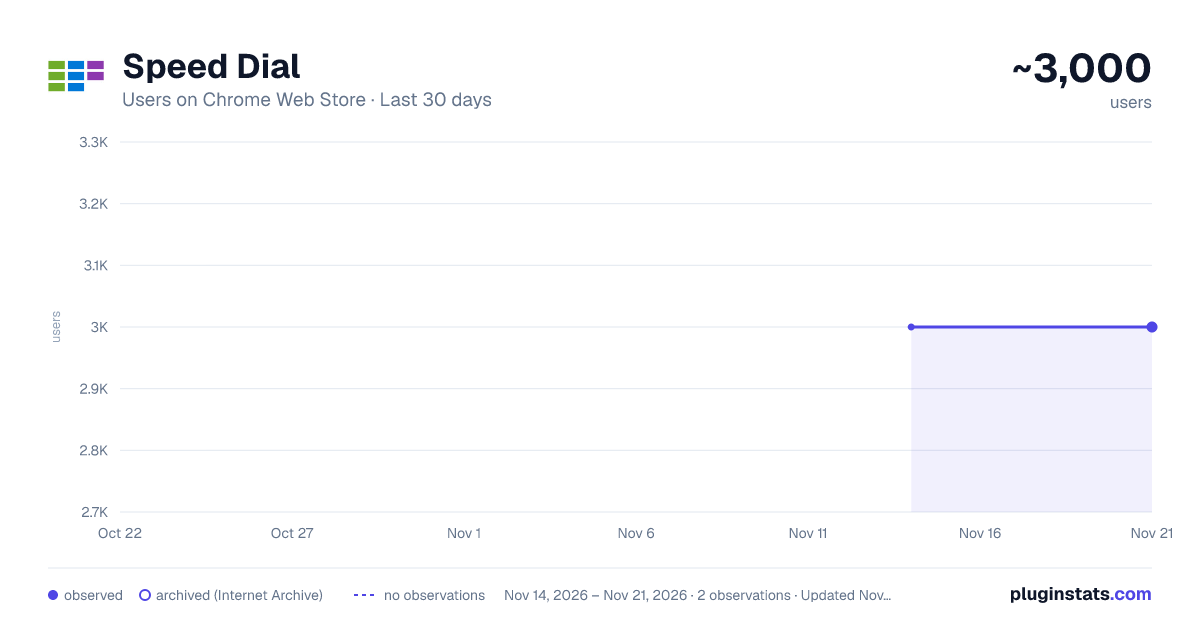
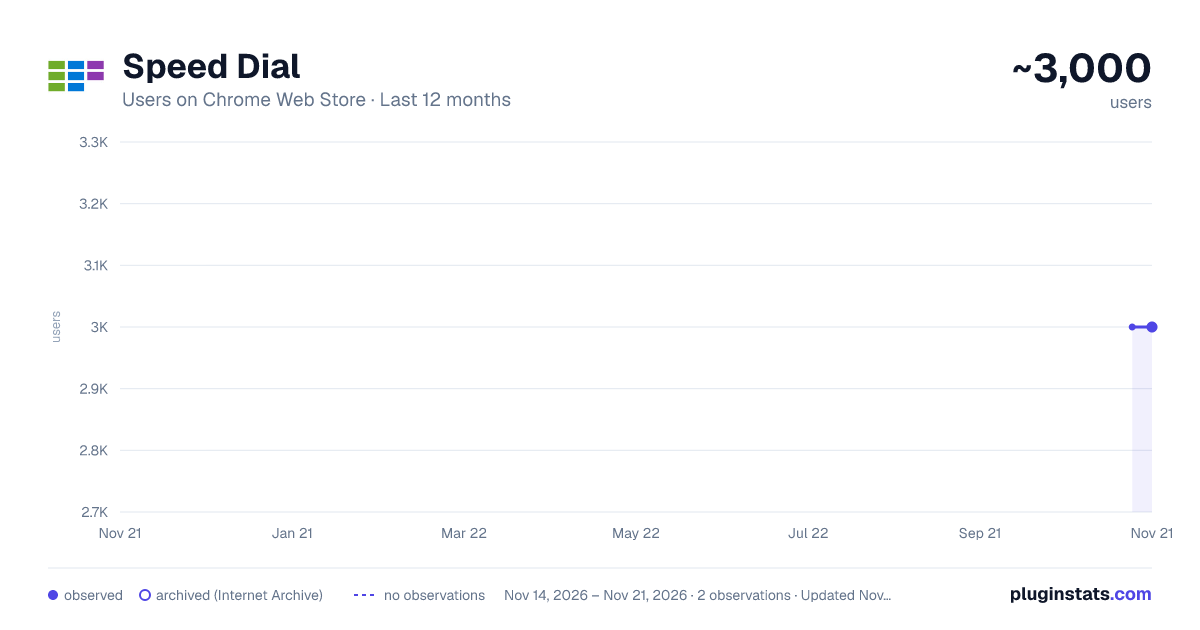
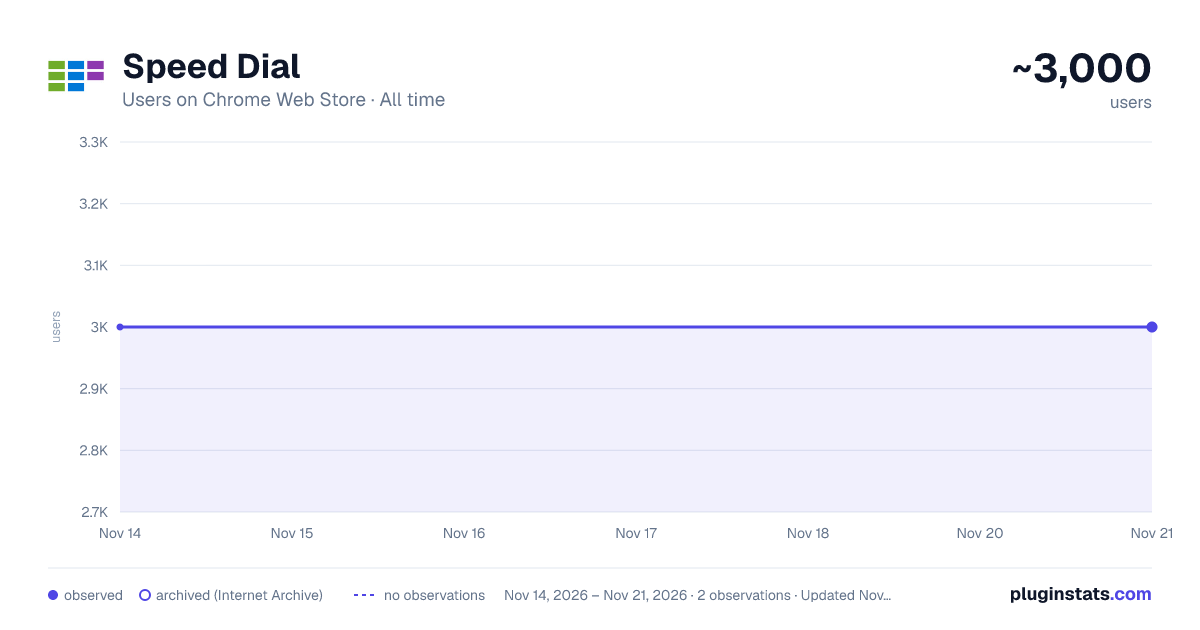
Speed Dial has approximately 3,000 recorded users on Chrome Web Store, a change of 0.0% over the past 7 days, ranking #2178 of 10,388 tracked listings.
Rating: 3.70 / 5 from 15 ratings
About Speed Dial
Easy access to your favorite websites via a stylish speed dial!
Speed Dial is an extension to help you browse your favorite sites much faster.
On any page, please right-click and then select Add to Speed Dial. You can also right-click on the toolbar button and then click on the add to speed dial from there. The website will be added to the speed dial page with a screenshot included. To open the speed dial, click on the toolbar icon. Within the speed dial UI, there is a settings sidebar that lets you adjust some aesthetic options. This extension includes several background images (open sidebar to change). Please note that all the options are auto-saved to the memory.
Note 1: when you first install the extension, a few websites are added to the speed dial automatically from your history (most visited websites). These websites do not have any screenshots included.
Note 2: all cells within the speed dial UI are drag-able. Simply drag and drop the cell to your desired location; all cells will be reordered automatically and saved to the memory.
Note 3: The speed dial add-on, does NOT change the look of the new tab in your browser. It just adds a stand-alone page rendered with Speed Dial UI.
Note 4: use the keyboard shortcut (Alt + Shift + A) to add desired pages to the speed dial.
Note 5: use the toolbar button's context menu item to add the current tab or, all tabs, to the speed dial automatically. If you choose all tabs, the extension will ask for broad host permission.
If you have a feature request or found a bug to report, please fill out the bug report form on the addon's homepage (https://mybrowseraddon.com/speed-dial.html).
Description from the Chrome Web Store listing.
README badge
Show your rank in a README or on your website. The badge updates automatically.
Charts
Images: 30d · 1y · all time · 1600×900 dark
Adoption over time
7/30/90-day growth
Ranking history
Ratings over time
Listing placement
Listing placement
Filled points are observed values; hollow points come from Internet Archive snapshots of the listing page. Dashed segments span periods with no observations — values between points are not interpolated.
Each band is one page of 20. Users on a linear scale. Placement is projected from users, so it can differ from the marketplace's own sort order. Hover a dot to see the listing.
Recent observations
Full history (2)Similar Chrome Web Store Functionality & UI plugins
All 20 Speed Dial alternatives



Data source
Covers every Chrome Web Store extension with at least 100 users, found through the store's public sitemap. User counts are read from public listing pages. The 10% most-used extensions are refreshed daily, the next 40% weekly and the next 40% monthly; the least-used 10% are not refreshed. Google displays rounded user counts (and caps the display at 10,000,000+), so small changes may not be visible. Rating counts above 1,000 are rounded (e.g. 1.6K).
Listing: https://chromewebstore.google.com/detail/speed-dial/iabdallljpblefakghecaimjnfgcmmdg. First seen Nov 14, 2026; last successful collection Nov 21, 2026. See the methodology.