 PluginStats
Add Text to PDF users statistics
By serhongyvtg · Chrome Web Store · Tools
Easily add text to PDF, add signature to PDF, create PDF fillable forms, and edit documents online directly in your browser.
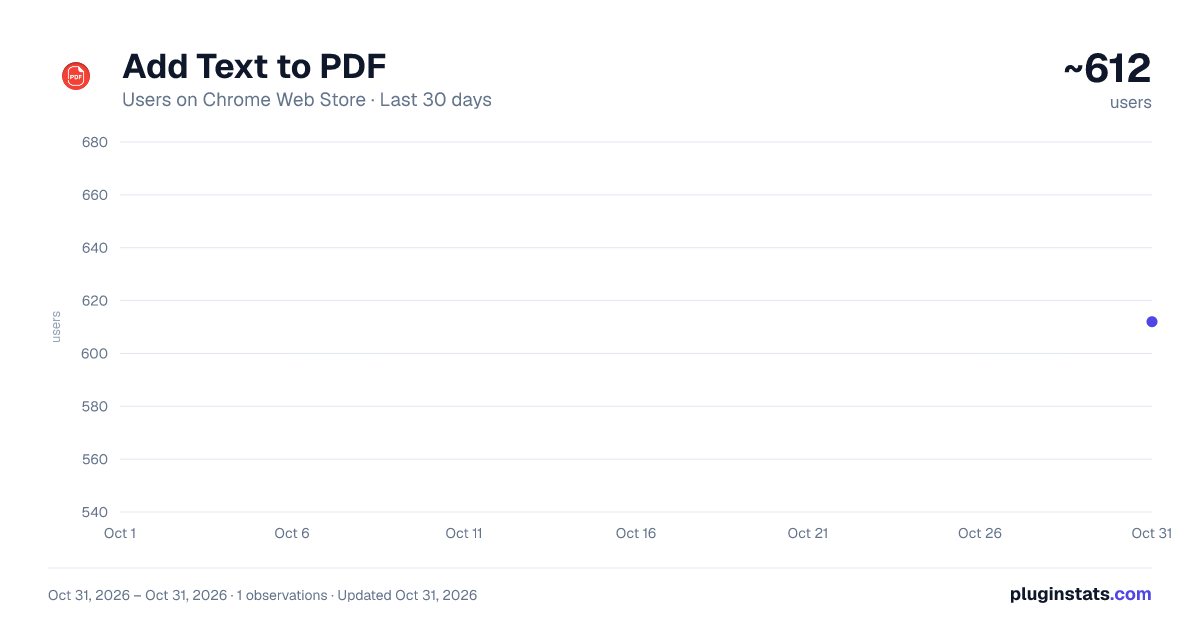
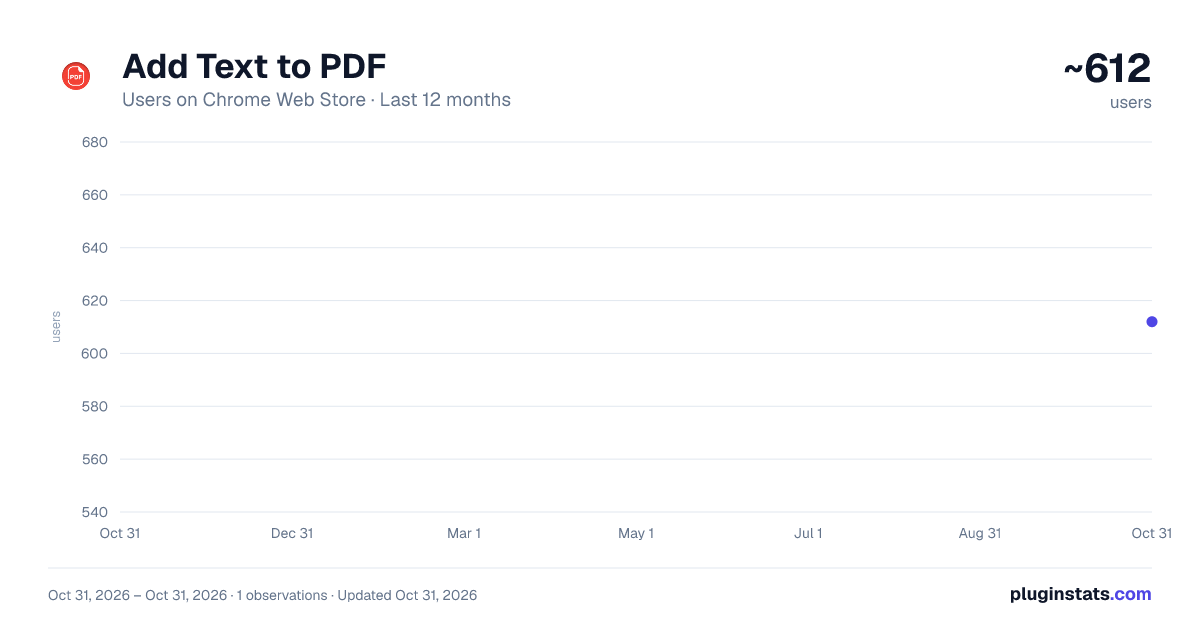
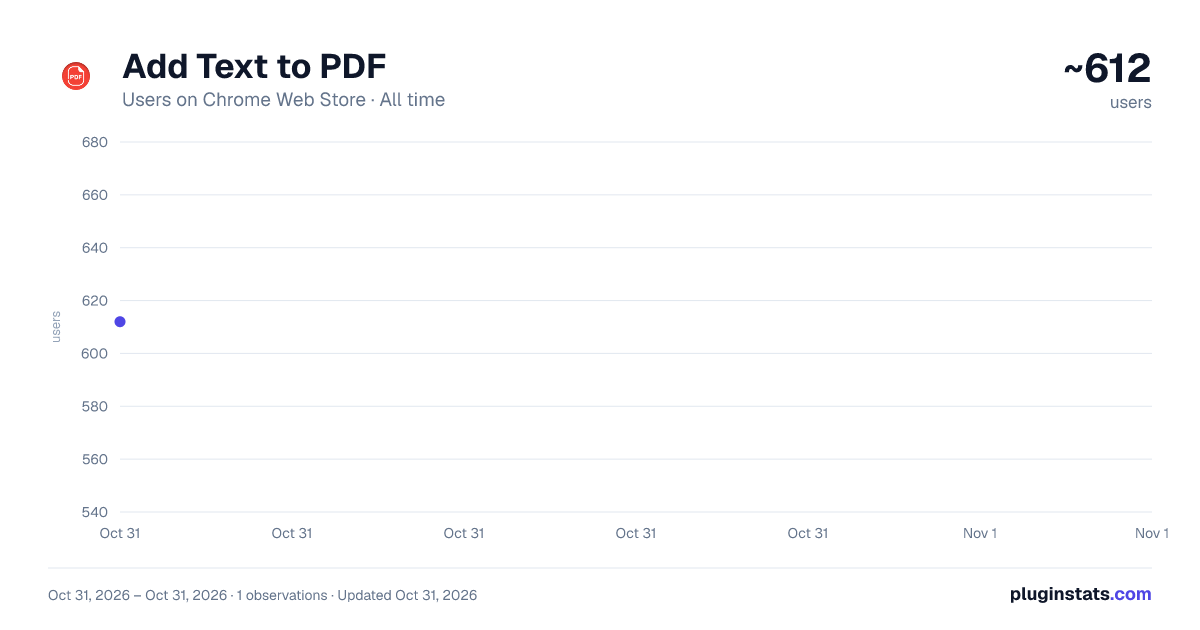
Add Text to PDF has approximately 612 recorded users on Chrome Web Store, ranking #2867 of 6,300 tracked listings.
Rating: 3.80 / 5 from 4 ratings
About Add Text to PDF
Easily add text to PDF, add signature to PDF, create PDF fillable forms, and edit documents online directly in your browser.
🚀 The Add Text to PDF Chrome Extension makes editing documents intuitive and accessible. Whether you need to add a text box to a PDF or create interactive fields, this tool provides everything you need in a user-friendly format.
📒 How to Get Started
- Install the Add Text to PDF Chrome Extension.
- Upload your document to add text to PDF files with ease.
- Use the intuitive tools to add text boxes to PDF or customize your file as needed.
- Save your updated document and share it instantly.
📎 Key Uses ➔ Add text to PDF for seamless document editing. ➔ Add image to PDF with text for a professional touch. ➔ Create interactive documents. ➔ Fill PDF forms easily using the built-in tools.
🗝 Key Features • Add text box to PDF to emphasize key information. • Add fillable text box to PDF for interactive forms. • Add text to PDF online without installing bulky software. • Create fillable PDF forms with structured fields and interactive options.
💪 Unleash the Power of the Extension Transform static documents into dynamic files with the Add Text to PDF tool. Add text fields to PDF forms, insert images, and create interactive fields effortlessly. Perfect for contracts, educational materials, or personal projects, this extension ensures polished and functional results.
✅ Additional Features 🟡 Add text to a PDF document directly in your browser. 🟡 Add a text to files with just a few clicks. 🟡 Customize font, size, and color. 🟡 Generate editable PDF forms for professional use.
💻 Make Your Documents Professional Discover the ultimate solution to enhance your files. Integrate fillable fields, and include images for impactful results. Whether you're editing personal documents or preparing professional materials, this tool simplifies your workflow. You can also create typeable PDF or add signature to it effortlessly.
🎯 Top Advantages
- Effortlessly add images and signatures for quick updates.
- Customize and add text field to PDF for unique needs.
- Save time with a browser-based editing tool.
- Make form fillable PDF for contracts and forms.
💼 Share your interactive files effortlessly with built-in sharing options that ensure compatibility across devices. Collaborate in real-time by allowing others to fill out forms or sign it, making it perfect for team projects, client agreements, or feedback collection. Enjoy a seamless workflow that keeps everyone connected and productive.
🎁 Bonus Features ➤ Create interactive forms. ➤ Easily add text to PDF documents without additional software. ➤ Enhance documents by adding fillable text fields. ➤ Convert PDF to editable PDF formats.
📌 Why Choose Add Text to PDF?
- Versatility: insert images, signs, or create interactive fields.
- Accessibility: Correct document online without downloading any software.
- Simplicity: Intuitive tools to add text boxes to forms in minutes.
- Advanced Tools: add signature to files seamlessly.
👀 How It Works 1️⃣ Upload your file to the extension. 2️⃣ Select the action, creating pdf fillable form - insert images, or generate fields. 3️⃣ Use the intuitive tools to customize your document, making it interactive and professional.
✔ Save your updated file and share it instantly. Whether for business, education, or personal use, this extension ensures a smooth experience. You can also use it as a fillable PDF maker in seconds.
💻 Professional Tools for Documents 🔹 Add fillable text box for forms and surveys. 🔹 Add text fields to documets for structured layouts. 🔹 Create fillable pdf from pdf effortlessly for all your needs. 🔹 Use the signature PDF feature to finalize contracts and agreements.
🟢 Simplify Document Sharing and Collaboration Easily share your updated files with built-in options that ensure compatibility across devices. Collaborate with others by allowing them to fill out forms or edit text fields, making it perfect for teams, agreements, or data collection. The fillable PDF creator ensures everyone can interact with your documents efficiently.
🤵♂ Who Can Benefit? ▶️ Businesses: Edit your contracts, invoices, or agreements. ▶️ Educators: Use the tool to add assignments and materials. ▶️ Freelancers: Simplify project proposals. ▶️ HR Professionals: make pdf fillable for onboarding or evaluations.
♻️ Secure and Reliable Document Management Ensure the safety of your sensitive data while editing. Generate editable files securely with encrypted sharing and robust file management tools. Precision and reliability are guaranteed.
⏩ Transform Your Documents Today The Add Text to PDF Chrome Extension is the ultimate tool for editing and enhancing your PDF files. Add text, images, and interactive fields directly in your browser. Install it now and take your document management to the next level!
Description from the Chrome Web Store listing.
README badge
Show your rank in a README or on your website. The badge updates automatically.
Charts
Images: 30d · 1y · all time · 1600×900 dark
Adoption over time
7/30/90-day growth
Ranking history
Ratings over time
Listing placement
Listing placement
Filled points are observed values; hollow points come from Internet Archive snapshots of the listing page. Dashed segments span periods with no observations — values between points are not interpolated.
Each band is one page of 20. Users on a linear scale. Placement is projected from users, so it can differ from the marketplace's own sort order. Hover a dot to see the listing.
Recent observations
Full history (1)Similar Chrome Web Store Tools plugins
All 20 Add Text to PDF alternatives



Data source
Covers every Chrome Web Store extension with at least 100 users, found through the store's public sitemap. User counts are read from public listing pages. The 10% most-used extensions are refreshed daily, the next 40% weekly and the next 40% monthly; the least-used 10% are not refreshed. Google displays rounded user counts (and caps the display at 10,000,000+), so small changes may not be visible. Rating counts above 1,000 are rounded (e.g. 1.6K).
Listing: https://chromewebstore.google.com/detail/add-text-to-pdf/kmljldlgbcgbjooaiopkeeegiheinagn. First seen Oct 31, 2026; last successful collection Oct 31, 2026. See the methodology.