 PluginStats
Auto Clicker has approximately 300,000 recorded users on Chrome Web Store, ranking #96 of 5,550 tracked listings.
Rating: 3.30 / 5 from 974 ratings
About Auto Clicker
Just click automation
Auto Mouse Clicker
Automates repetitive clicking tasks for you. Click up to 3 locations simultaneously.
━━━━━━━━━━━━━━━━━━━━ 🖱️ How to Use ━━━━━━━━━━━━━━━━━━━━
- Place your mouse where you want to click
- Press Ctrl+, to start clicking
- Press Ctrl+. to stop clicking
━━━━━━━━━━━━━━━━━━━━ ⭐ Key Features ━━━━━━━━━━━━━━━━━━━━ • 3 Slots: Click 3 different locations at different speeds simultaneously. • Click Delay: Set the interval between clicks in milliseconds (1000 = 1 second). Can be changed while clicking. • Click Limit: Set a limit by count (e.g., 100 clicks) or time (e.g., 1 minute). • Click Indicator: Shows where clicking is happening and displays the click count. • Follow Cursor: In slot 1, you can set it to keep clicking wherever the mouse moves. • Click Mode: If regular clicking doesn't work, try Mousedown or Compatibility mode.
━━━━━━━━━━━━━━━━━━━━ ⌨️ Shortcuts ━━━━━━━━━━━━━━━━━━━━ • Ctrl+, : Start/Stop slot 1 • Alt+2 : Start/Stop slot 2 • Alt+3 : Start/Stop slot 3 • Ctrl+. : Stop all
On Mac, use Control instead of Ctrl, and Option instead of Alt. Shortcuts can be changed at chrome://extensions/shortcuts
━━━━━━━━━━━━━━━━━━━━ ❓ Troubleshooting ━━━━━━━━━━━━━━━━━━━━ Clicking not working? Follow these steps:
- Check if shortcuts are configured. → You can check at chrome://extensions/shortcuts
- Refresh the page (F5) and try again.
- Change the click mode in the popup.
- Mousedown: Works better on some buttons.
- Compatibility: Try this for games and special pages.
- Disable and re-enable the extension, then retry from step 2.
- Completely close and restart the browser, then retry from step 2.
[Technical Limitations] The following cases won't work due to Chrome extension limitations: • Chrome internal pages (chrome://, settings, new tab, Web Store, etc.) • PDF viewer • Canvas/WebGL-based games (Unity, Construct, Phaser, etc.) • Some banking/payment sites that block auto-clicking
━━━━━━━━━━━━━━━━━━━━ 📬 Contact Us ━━━━━━━━━━━━━━━━━━━━ If the above methods don't help, please contact us through the Support tab on Chrome Web Store. Including the following information will help us resolve your issue:
• URL of the website where the problem occurs • What action triggered the problem • Click mode being used (Click/Mousedown/Compatibility) • Error message, if any
Description from the Chrome Web Store listing.
README badge
Show your rank in a README or on your website. The badge updates automatically.
Charts
Images: 30d · 1y · all time · 1600×900 dark
Adoption over time
7/30/90-day growth
Ranking history
Ratings over time
Listing placement
Listing placement
Filled points are observed values; hollow points come from Internet Archive snapshots of the listing page. Dashed segments span periods with no observations — values between points are not interpolated.
Each band is one page of 20. Users on a linear scale. Placement is projected from users, so it can differ from the marketplace's own sort order. Hover a dot to see the listing.
Recent observations
Full history (1)Similar Chrome Web Store Tools plugins
All 20 Auto Clicker alternatives


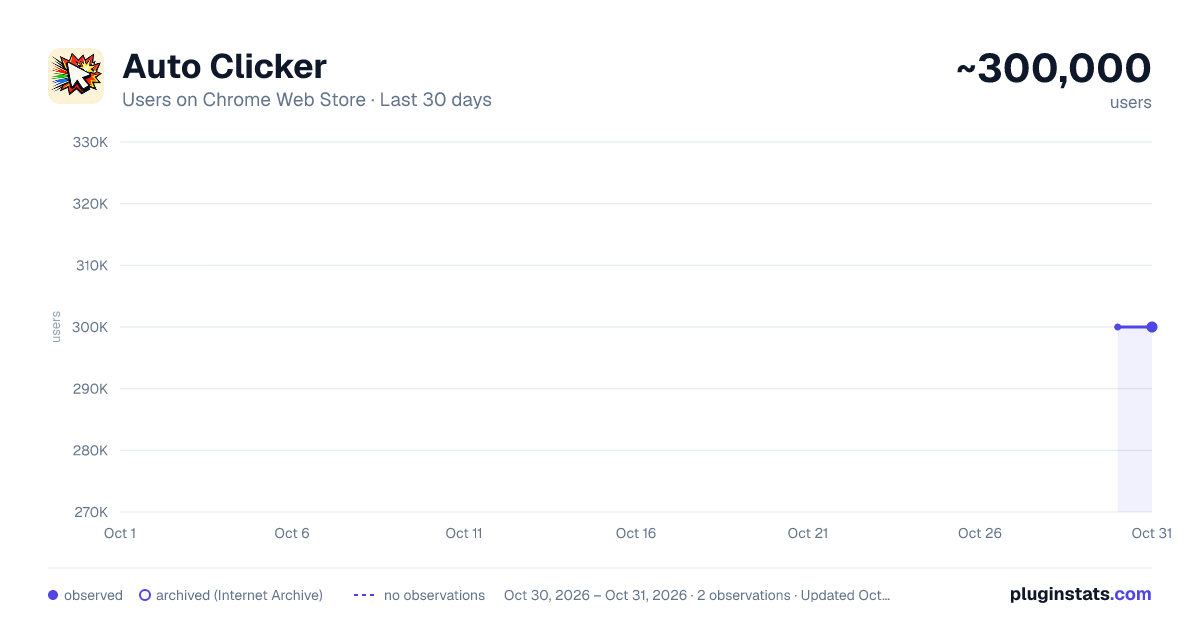
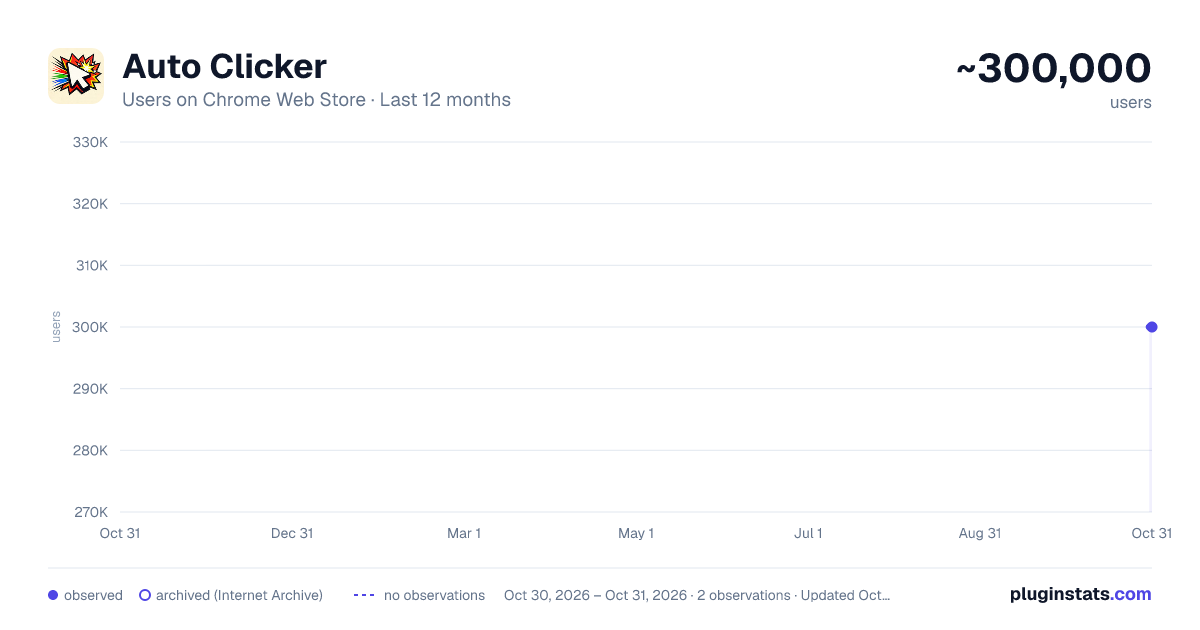
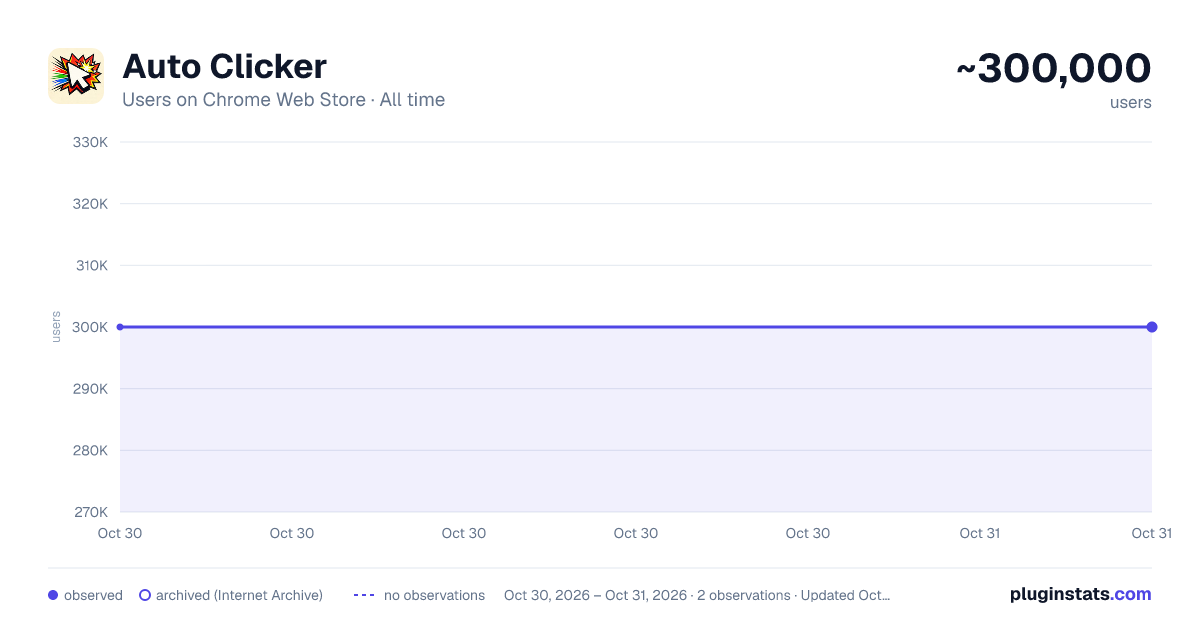

Data source
Covers every Chrome Web Store extension with at least 100 users, found through the store's public sitemap. User counts are read from public listing pages. The 10% most-used extensions are refreshed daily, the next 40% weekly and the next 40% monthly; the least-used 10% are not refreshed. Google displays rounded user counts (and caps the display at 10,000,000+), so small changes may not be visible. Rating counts above 1,000 are rounded (e.g. 1.6K).
Listing: https://chromewebstore.google.com/detail/auto-clicker/cpedeojecpbkcomgcolphimkjdnikbck. First seen Oct 30, 2026; last successful collection Oct 30, 2026. See the methodology.