 PluginStats

Docx Viewer users statistics
By adplanetlabs · Chrome Web Store · Tools
Quick Docx Viewer: read Word files in your browser with an easy docx opener and fast document viewer online.
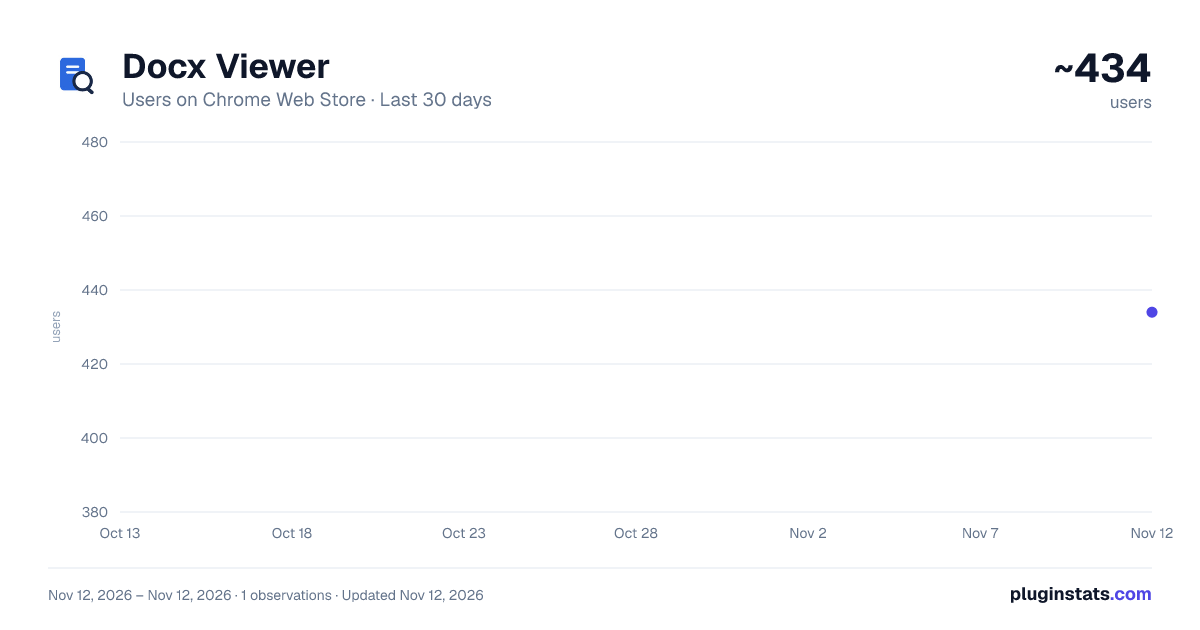
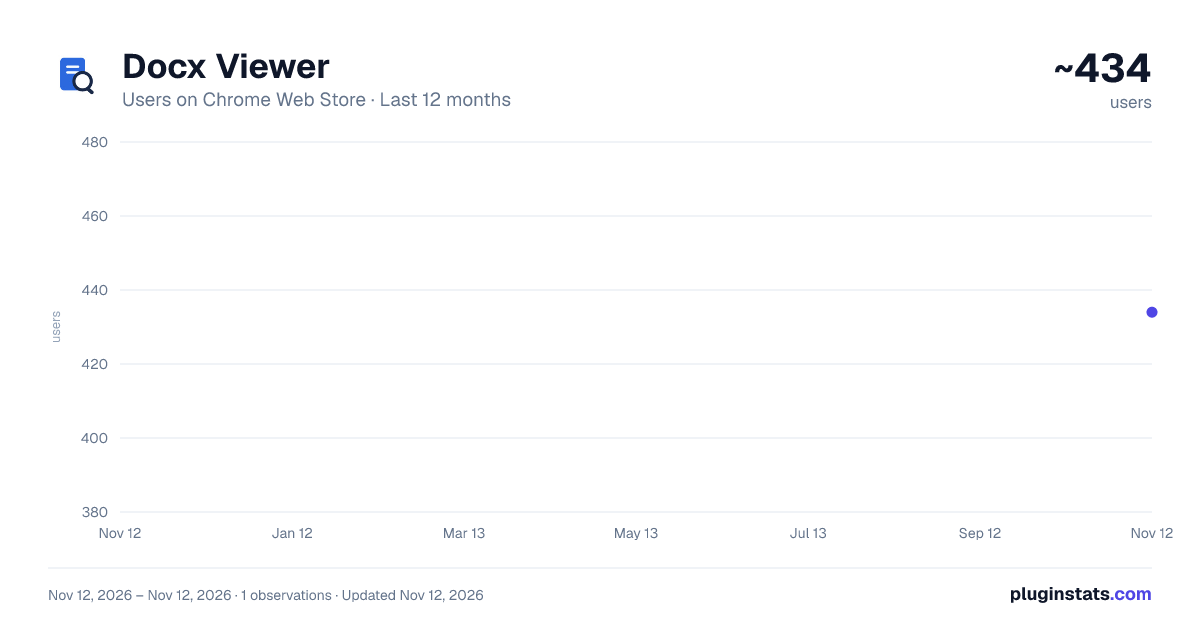
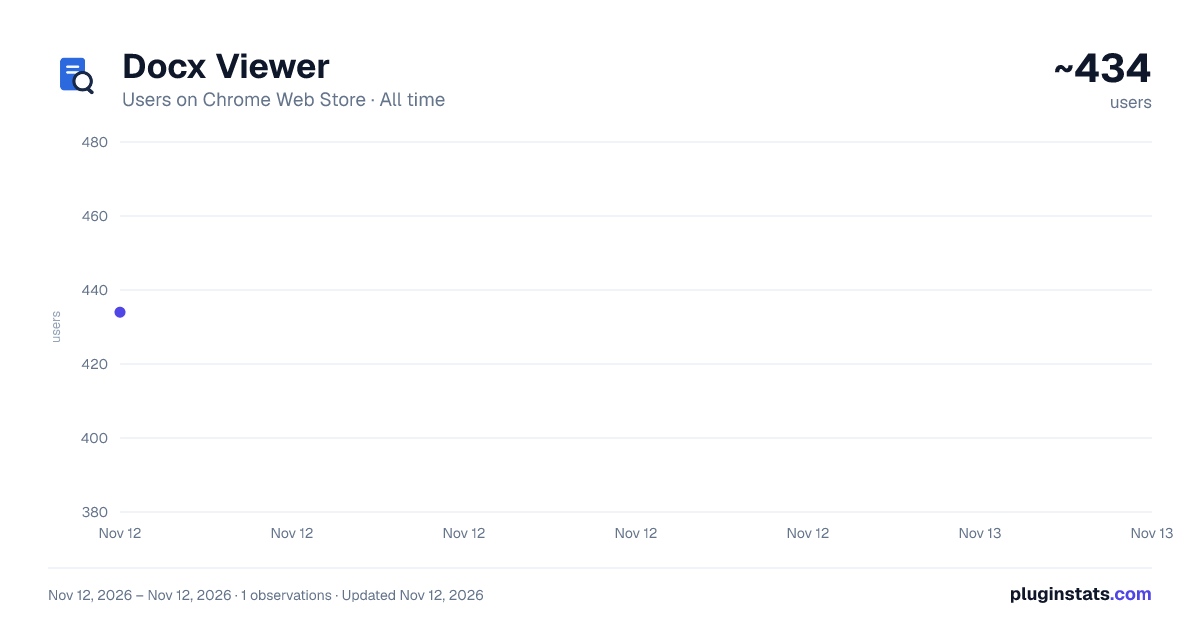
Docx Viewer has approximately 434 recorded users on Chrome Web Store, ranking #5559 of 10,388 tracked listings.
Rating: 5.00 / 5 from 4 ratings
About Docx Viewer
Quick Docx Viewer: read Word files in your browser with an easy docx opener and fast document viewer online.
📄 Open and read Word documents effortlessly with a fast and convenient docx Viewer for Google Chrome. The app makes it easy to read Word docs in your browser. You can also use it to read files from your computer or view .docx online directly from websites.
📃 The reader displays every file in a separate browser tab. Whether you need an online docx Viewer for work, study, or everyday browsing, this simple word reader keeps the process clear, secure, and efficient.
💵 Main benefits: • Review doc content in a separate tab • Create an instant docx preview • Print useful files when needed • Save what you need to your computer
🏋️ The tool is ideal for anyone who needs to open, preview, and read Word docs quickly in Chrome. It works well for occasional previews and regular work with online content.
✉️ Review Email Attachments ➤ Use the extension to open Word documents received by email. The built-in reader lets you check reports, forms, and other attachments in a separate Chrome tab. Review the content and decide whether you want to save or print it.
🕸️ Preview Documents from Websites ➤ Click any docs link and let the extension display the file automatically in a new tab. Use the instant preview to review its content without saving everything to your Downloads folder. Keep only the docs that are useful to you.
💻 Open Files from Your Computer ➤ Drag and drop a local doc into the Chrome docx Viewer or select it manually. The app processes it locally and displays its contents on a dedicated page. You can then read, print, or resave it when needed.
📂How to View File Content from Your Computer
- Click the extension icon, then drag and drop a file or choose one from your computer.
- Files are processed locally and never uploaded to external servers, keeping your data private. 🔒
- The app opens your file in a separate browser tab and creates a quick preview.
- Use the built-in tool to read the content without desktop software.
- Save or print it directly from the preview when needed.
🌐 Open Word Links Directly in Chrome 📖 The add-on can automatically open linked documents in a separate browser tab instead of saving them to your Downloads folder. This makes it easy to review a text online, inspect docs from websites, and decide what is worth keeping before saving them to your computer. ⚒️ Getting started is simple:
- Visit a webpage containing a doc
- Click the document link
- It will open automatically in a new tab
🧰 The built-in docs viewer creates an instant preview, allowing you to view content without manually downloading and opening every file. Use the online viewer to review reports, guides, forms, and other materials while keeping your browsing workflow fast and organized.
🛠️ For users looking for browser-based tools, the extension offers: ♦ A practical docx html viewer ♦ A browser-friendly docx js viewer ♦ Direct text display in Chrome ♦ A simple interface for everyday use
📚 For anyone looking for a docx Viewer online: — Open docs links automatically in a new tab — Review content before saving anything — Save only what you actually need
🔨 How to Install the Extension 🔷 Visit the extension page in the Chrome Web Store. 🔷 Click Add to Chrome and confirm the installation by selecting Add extension. 🔷 Wait a few seconds for installation to finish. 🔷 Click the Extensions icon in the Chrome toolbar and pin the extension for quick access. 🔷 Select the extension icon whenever you want to open Word files, use the built-in reader, or create a quick preview.
🔥 You can begin viewing Word documents immediately.
❓Frequently Asked Questions
📌 How does the tool work? 💡 Docx Viewer opens linked documents in a new tab so you can review them before saving.
📌 Are my files kept private? 💡 Yes. Files are processed locally on your device and are not uploaded to external servers.
📌 What can docx Viewer do? 💡 It lets you preview documents, print them, or save them when needed.
📌 Does docx Viewer require Microsoft Word? 💡 No. You can use the add-on to open and read documents directly in Chrome without additional desktop software.
Description from the Chrome Web Store listing.
README badge
Show your rank in a README or on your website. The badge updates automatically.
Charts
Images: 30d · 1y · all time · 1600×900 dark
Adoption over time
7/30/90-day growth
Ranking history
Ratings over time
Listing placement
Listing placement
Filled points are observed values; hollow points come from Internet Archive snapshots of the listing page. Dashed segments span periods with no observations — values between points are not interpolated.
Each band is one page of 20. Users on a linear scale. Placement is projected from users, so it can differ from the marketplace's own sort order. Hover a dot to see the listing.
Recent observations
Full history (1)Similar Chrome Web Store Tools plugins
All 20 Docx Viewer alternatives



Data source
Covers every Chrome Web Store extension with at least 100 users, found through the store's public sitemap. User counts are read from public listing pages. The 10% most-used extensions are refreshed daily, the next 40% weekly and the next 40% monthly; the least-used 10% are not refreshed. Google displays rounded user counts (and caps the display at 10,000,000+), so small changes may not be visible. Rating counts above 1,000 are rounded (e.g. 1.6K).
Listing: https://chromewebstore.google.com/detail/docx-viewer/hpppnalnkpgpkbpejcldmamajandneha. First seen Nov 12, 2026; last successful collection Nov 12, 2026. See the methodology.