 PluginStats

Panic Button users statistics
Chrome Web Store · Workflow & Planning
Close all tabs with one click or shortcut, and restore them anytime. Right-click the Panic Button icon to open settings.
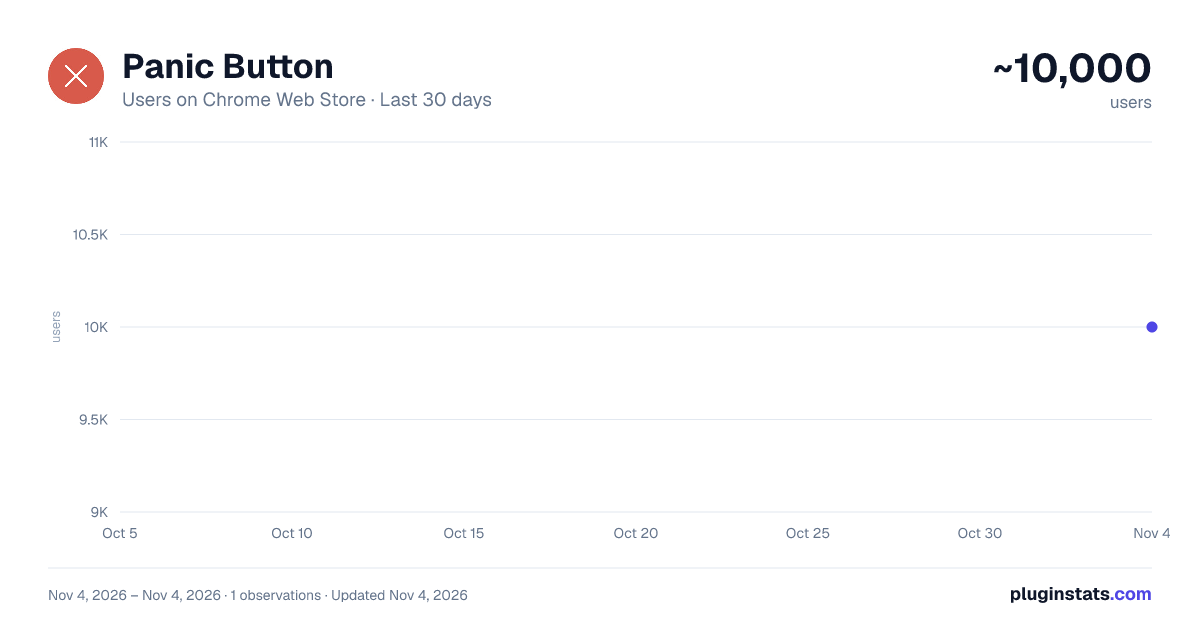
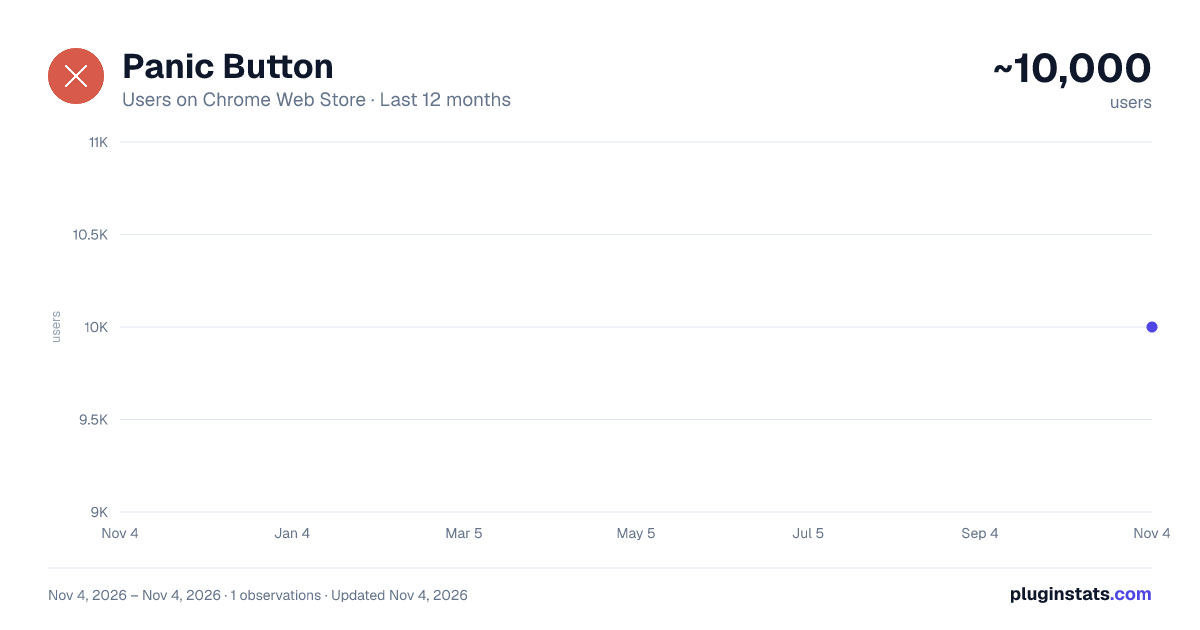
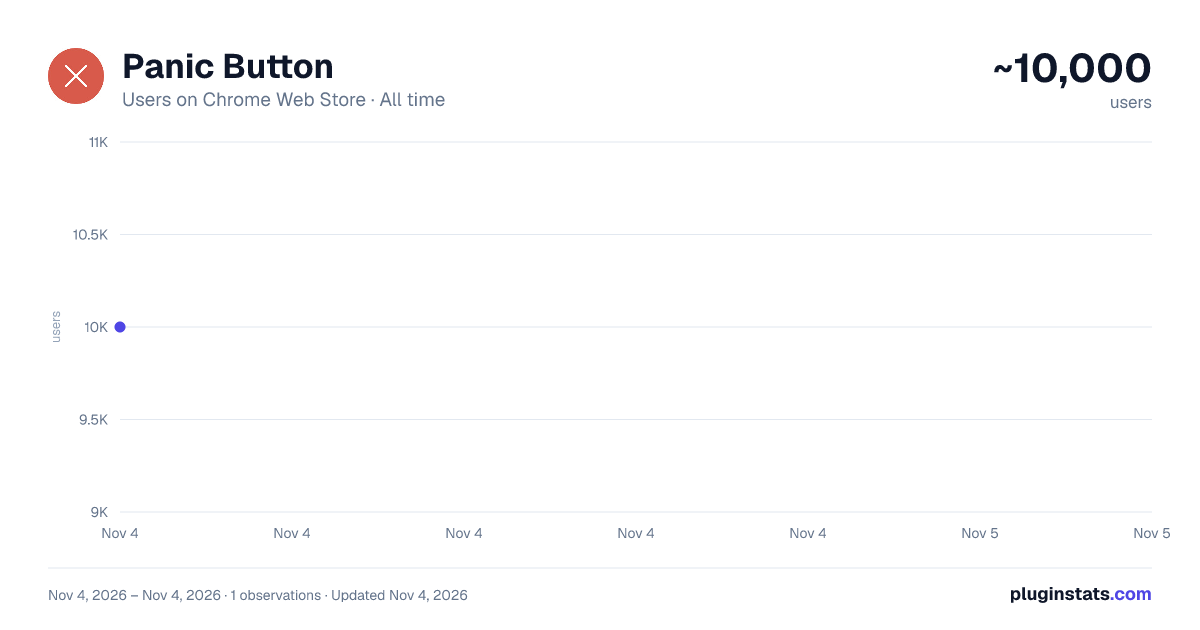
Panic Button has approximately 10,000 recorded users on Chrome Web Store, ranking #831 of 7,072 tracked listings.
Rating: 2.20 / 5 from 37 ratings
About Panic Button
Close all tabs with one click or shortcut, and restore them anytime. Right-click the Panic Button icon to open settings.
Panic Button: Close all your tabs with one click or one shortcut, and bring them back whenever you need them.
Someone walks up behind you. A screen share starts unexpectedly. You just need a clean browser, right now. Panic Button closes all your open tabs with one click or one keyboard shortcut and takes you to a safe page of your choice.
Nothing is lost. Before closing, Panic Button saves your tabs. When the moment has passed, click Restore tabs and your session comes back, including pinned tabs.
Features
One-click panic: close all tabs instantly from the toolbar button. Keyboard shortcut: trigger it without touching the mouse. The default is Ctrl+Shift+Y (Cmd+Shift+Y on Mac), and you can change it to any combination you like from the settings page. Restore tabs: reopen your last closed session with one button. Safe page: choose the page that opens after your tabs close, such as a search engine, a work site, or a blank page. Clear today's history (optional): remove today's browsing history when you panic. Off by default. Lightweight: no account, no sign-up, no ads.
How to use it
Pin Panic Button to your toolbar. Open the settings and pick your safe page and shortcut. Click the button or press your shortcut to close all tabs. Click Restore tabs when you want your session back.
Good to know
If you turn on "Clear today's history", that history can't be recovered by Chrome, so use it only when you want that. Tabs saved for restore stay on your computer.
Feedback and support: if something isn't working or you'd like a new feature, contact us at contactkeralastoreonline@gmail.com. We read every review. Support the developer by making $1 donation at link below https://checkout.dodopayments.com/buy/pdt_0NnztRHsi5u42mcJFZP9v?quantity=1
Description from the Chrome Web Store listing.
README badge
Show your rank in a README or on your website. The badge updates automatically.
Charts
Images: 30d · 1y · all time · 1600×900 dark
Adoption over time
7/30/90-day growth
Ranking history
Ratings over time
Listing placement
Listing placement
Filled points are observed values; hollow points come from Internet Archive snapshots of the listing page. Dashed segments span periods with no observations — values between points are not interpolated.
Each band is one page of 20. Users on a linear scale. Placement is projected from users, so it can differ from the marketplace's own sort order. Hover a dot to see the listing.
Recent observations
Full history (1)Similar Chrome Web Store Workflow & Planning plugins
All 20 Panic Button alternatives



Data source
Covers every Chrome Web Store extension with at least 100 users, found through the store's public sitemap. User counts are read from public listing pages. The 10% most-used extensions are refreshed daily, the next 40% weekly and the next 40% monthly; the least-used 10% are not refreshed. Google displays rounded user counts (and caps the display at 10,000,000+), so small changes may not be visible. Rating counts above 1,000 are rounded (e.g. 1.6K).
Listing: https://chromewebstore.google.com/detail/panic-button/dahfdfbmdnopjjgeaaelhpolcpfolofa. First seen Nov 4, 2026; last successful collection Nov 4, 2026. See the methodology.