 PluginStats

Mailcheck: Email Tracker for Gmail & Zoho Mail users statistics
Chrome Web Store · Workflow & Planning
Email open tracking for Gmail, Outlook, Zoho Mail and more. Know if your email was opened, when, and how many times.
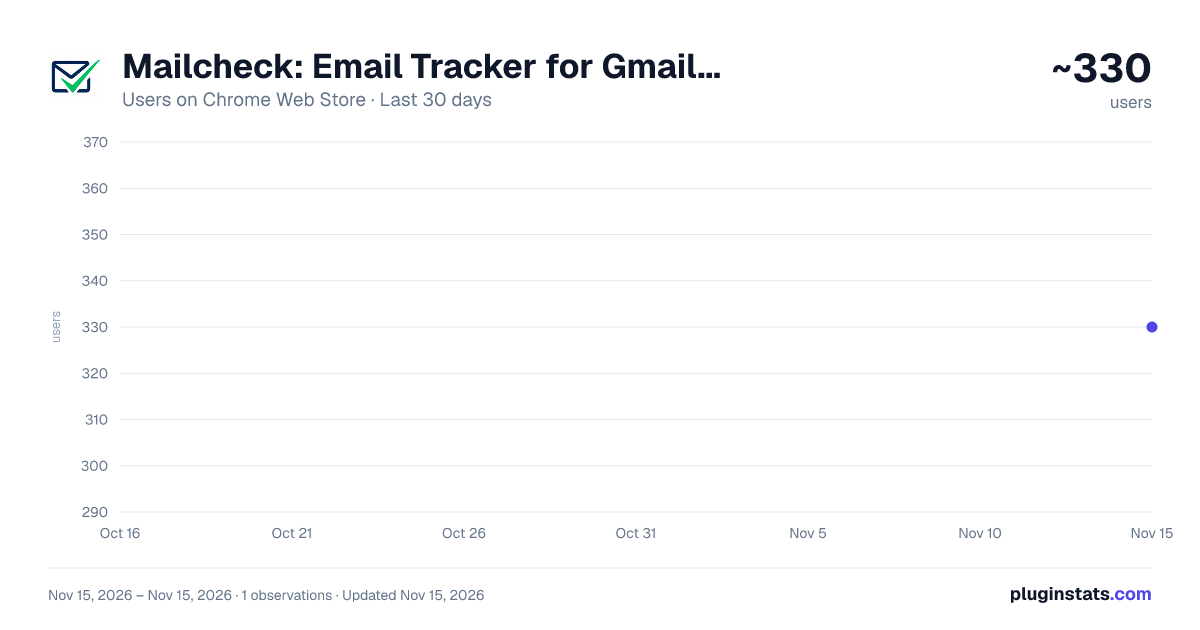
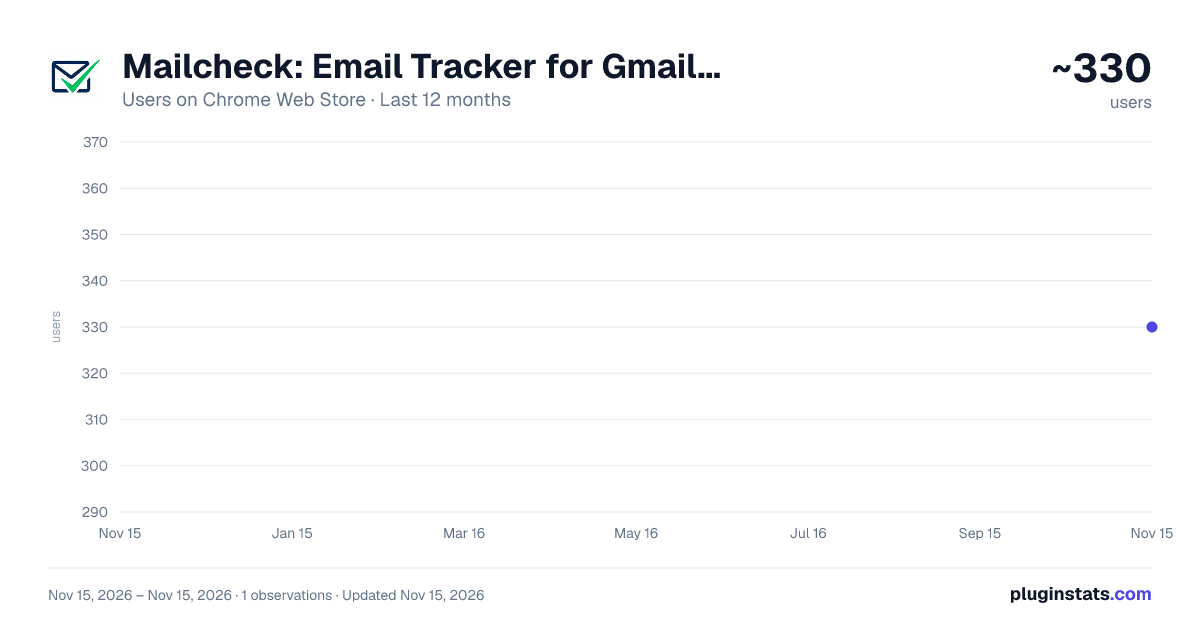
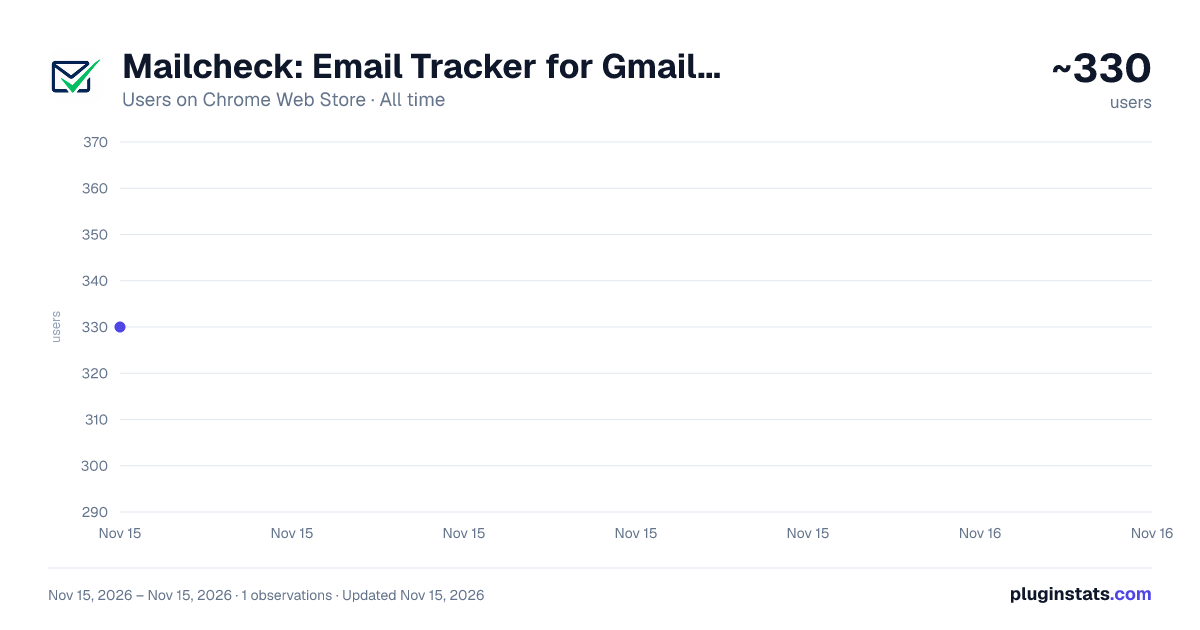
Mailcheck: Email Tracker for Gmail & Zoho Mail has approximately 330 recorded users on Chrome Web Store, ranking #6286 of 10,388 tracked listings.
Rating: 5.00 / 5 from 1 ratings
About Mailcheck: Email Tracker for Gmail & Zoho Mail
Email open tracking for Gmail, Outlook, Zoho Mail and more. Know if your email was opened, when, and how many times.
Mailcheck adds email open tracking directly inside your webmail.
Turn on tracking for an email in one click, and know whether it was opened, when, and how many times.
Features:
- Works in Gmail, Outlook and other webmails. Full list on getmailcheck.com.
- Per-email toggle (Tracking ON / OFF in the Mailcheck bar of the compose window)
- Click tracking: a Clicks ON / OFF toggle, email by email
- MCP connector: your opens and clicks in your AI assistant (paid plans)
- Browser notification the moment an email is opened
- A check mark next to the recipient in your Sent folder: tracked, then opened
- Full history and stats in your Mailcheck dashboard
- Sender, recipient, subject and open count
- Your own re-reads are filtered out, so the numbers reflect the recipient
How it works: You choose whether to enable tracking while composing, and you get alerted the moment your email is opened.
With your AI assistant: Mailcheck includes an MCP connector. Connect it to Claude, ChatGPT or any other MCP-compatible assistant, then ask in plain words who opened your proposal or clicked your link. Your email tracking becomes part of your agentic workflows. Included in paid plans.
Account required: The extension works with a Mailcheck account. Free tier: up to 10 tracked emails per month, in one mail client. Unlimited tracking on every mail client included in every paid plan.
Privacy: By default the extension records only what is needed to tell you an email was opened: subject, recipient, sender and open timestamps. It does not read the text of your messages.
Click tracking, only if you turn it on, email by email: when you send, the links in that message are replaced with tracking links. The address of each link is sent to our server, which then redirects the reader to the original page. The text of the message is not sent.
We never request Gmail API access, so the extension cannot send, modify or delete anything in your mailbox. No remote code is loaded: everything it runs is in the package reviewed by the Chrome Web Store.
Privacy policy: https://getmailcheck.com/extension/privacy
Changelog:
2026-11-03 (0.2.3)
- Sign in with Microsoft. The extension popup and the sign-in page now offer Continue with Microsoft, next to Google and email, for personal and work accounts.
- Replies keep their details. In Gmail and Hostinger Mail, a reply written inside the conversation is now recorded with its recipient and subject.
- Roundcube in plain text. Turning tracking on no longer shows Roundcube's warning, and the email reaches your recipient in its normal font.
2026-10-31 (0.2.2)
- Roundcube: tracking now works in Roundcube, the webmail of many web hosts. Open your webmail, click the Mailcheck icon and allow it on that domain, once.
2026-10-22 (0.2.0)
- Outlook: tracking now works with every account type in Outlook on the web, personal, work and school (Microsoft 365). The Tracking ON and Clicks ON switches appear under the subject line.
- Gmail: the switches now also appear when you reply directly inside a conversation, and the email keeps the subject of the thread.
Full history: https://getmailcheck.com/changelog
Description from the Chrome Web Store listing.
README badge
Show your rank in a README or on your website. The badge updates automatically.
Charts
Images: 30d · 1y · all time · 1600×900 dark
Adoption over time
7/30/90-day growth
Ranking history
Ratings over time
Listing placement
Listing placement
Filled points are observed values; hollow points come from Internet Archive snapshots of the listing page. Dashed segments span periods with no observations — values between points are not interpolated.
Each band is one page of 20. Users on a linear scale. Placement is projected from users, so it can differ from the marketplace's own sort order. Hover a dot to see the listing.
Recent observations
Full history (1)Similar Chrome Web Store Workflow & Planning plugins
All 20 Mailcheck: Email Tracker for Gmail & Zoho Mail alternatives



Data source
Covers every Chrome Web Store extension with at least 100 users, found through the store's public sitemap. User counts are read from public listing pages. The 10% most-used extensions are refreshed daily, the next 40% weekly and the next 40% monthly; the least-used 10% are not refreshed. Google displays rounded user counts (and caps the display at 10,000,000+), so small changes may not be visible. Rating counts above 1,000 are rounded (e.g. 1.6K).
Listing: https://chromewebstore.google.com/detail/mailcheck-email-tracker-f/hhpilkpghjfhoppmlpmcmenkmajfkmeb. First seen Nov 15, 2026; last successful collection Nov 15, 2026. See the methodology.