 PluginStats

JPT - ChatGPT Code Interpreter users statistics
By Song · Chrome Web Store · Developer Tools
ChatGPT's code interpreter plugin as a chrome extension
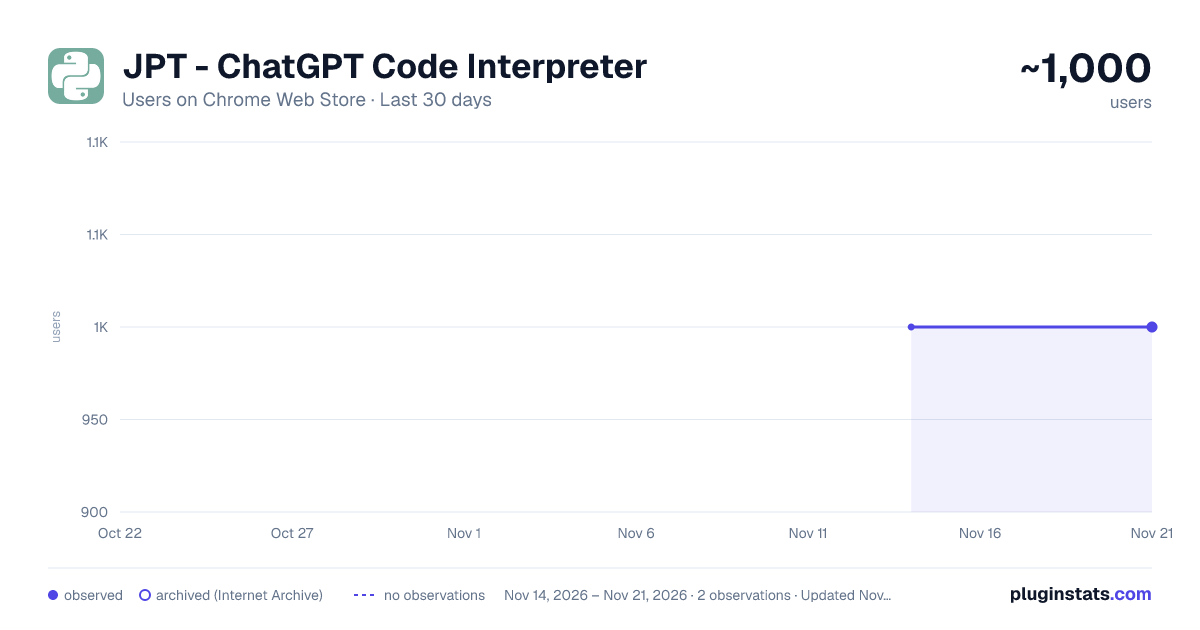
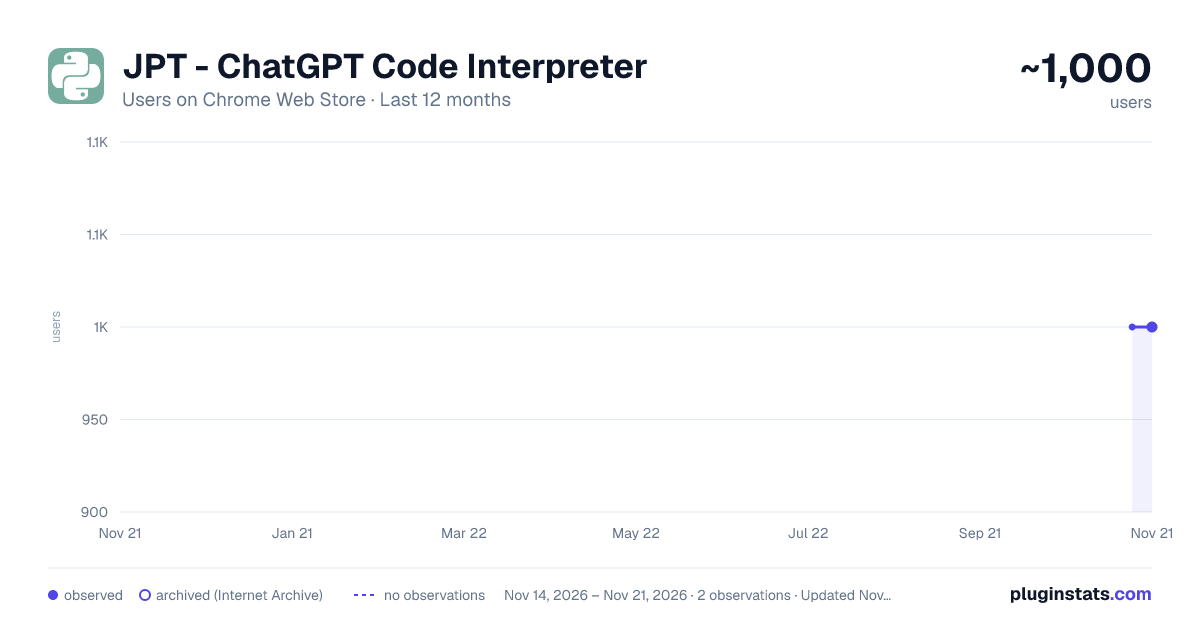
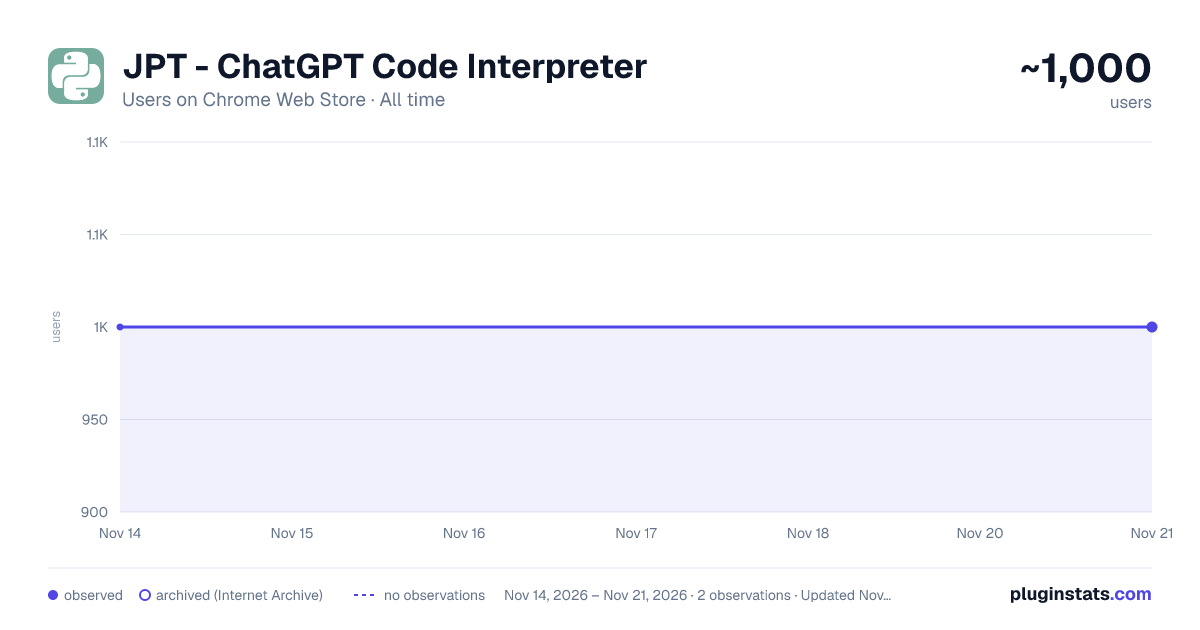
JPT - ChatGPT Code Interpreter has approximately 1,000 recorded users on Chrome Web Store, a change of 0.0% over the past 7 days, ranking #3662 of 10,388 tracked listings.
Rating: 4.10 / 5 from 8 ratings
About JPT - ChatGPT Code Interpreter
ChatGPT's code interpreter plugin as a chrome extension
JPT let's you run your Python code right within ChatGPT. No need for ChatGPT Plus or any ChatGPT plugins!
JPT uses Pyodide, a WASM-based Python interpreter. This means that your code executes completely within your browser. The only people who get to see your code is you and OpenAI!
Features
- Run Python code
- Edit Python code, but does not persist
- Upload files for Python to access, including Python modules
- Download files created in Python
- Standard library, numpy, matplotlib, and some other packages supported
- See output from stdout
- See plots from matplotlib
How to use
- To run Python code, ask ChatGPT to write a hello world program in Python. Then press the "Run" button. It may take a while for the first run, but subsequent runs should be faster.
- To edit Python code, press the "Edit" button. Once you are done editing, press "Edit" again to save.
- To upload a file, press the "Upload" button and select the file you want to upload. You can then access the file in the current directory in Python.
- To download a file, first save the file within Python and remember the name you saved the file as. Press the "Download" button, you will be prompted to save a file. Type in the name of the file you saved earlier, including the file extension. It must match exactly or it will not download. I'm aware this is not very user-friendly and I will make a proper UI in future versions.
- To load your own module, upload your Python file. Then load the module dynamically. You can ask ChatGPT to give you an example of how to do this.
- To load Python packages, use micropip. For example, to import scipy, use
micropip.install("scipy"). You may also need to import micropip. More details here: https://pyodide.org/en/stable/usage/loading-packages.html
Known Issues
- Infinite loops will freeze JPT. Requires restarting the extension
- Input is not supported
Roadmap
- Interrupt execution
- Add indicator for initialization and execution
- Support input
- Export chat as Jupyter Notebook
- Reduce extension size
Description from the Chrome Web Store listing.
README badge
Show your rank in a README or on your website. The badge updates automatically.
Charts
Images: 30d · 1y · all time · 1600×900 dark
Adoption over time
7/30/90-day growth
Ranking history
Ratings over time
Listing placement
Listing placement
Filled points are observed values; hollow points come from Internet Archive snapshots of the listing page. Dashed segments span periods with no observations — values between points are not interpolated.
Each band is one page of 20. Users on a linear scale. Placement is projected from users, so it can differ from the marketplace's own sort order. Hover a dot to see the listing.
Recent observations
Full history (2)Similar Chrome Web Store Developer Tools plugins
All 20 JPT - ChatGPT Code Interpreter alternatives



Data source
Covers every Chrome Web Store extension with at least 100 users, found through the store's public sitemap. User counts are read from public listing pages. The 10% most-used extensions are refreshed daily, the next 40% weekly and the next 40% monthly; the least-used 10% are not refreshed. Google displays rounded user counts (and caps the display at 10,000,000+), so small changes may not be visible. Rating counts above 1,000 are rounded (e.g. 1.6K).
Listing: https://chromewebstore.google.com/detail/jpt-chatgpt-code-interpre/hhpkcgbmfdclebniepgkgnfmpbgijoaf. First seen Nov 14, 2026; last successful collection Nov 21, 2026. See the methodology.