 PluginStats

Convert HEIC to JPG users statistics
Convert HEIC images to JPG, PNG, GIF, WEBP and vice versa. 100% local — no uploads, no internet, complete privacy.
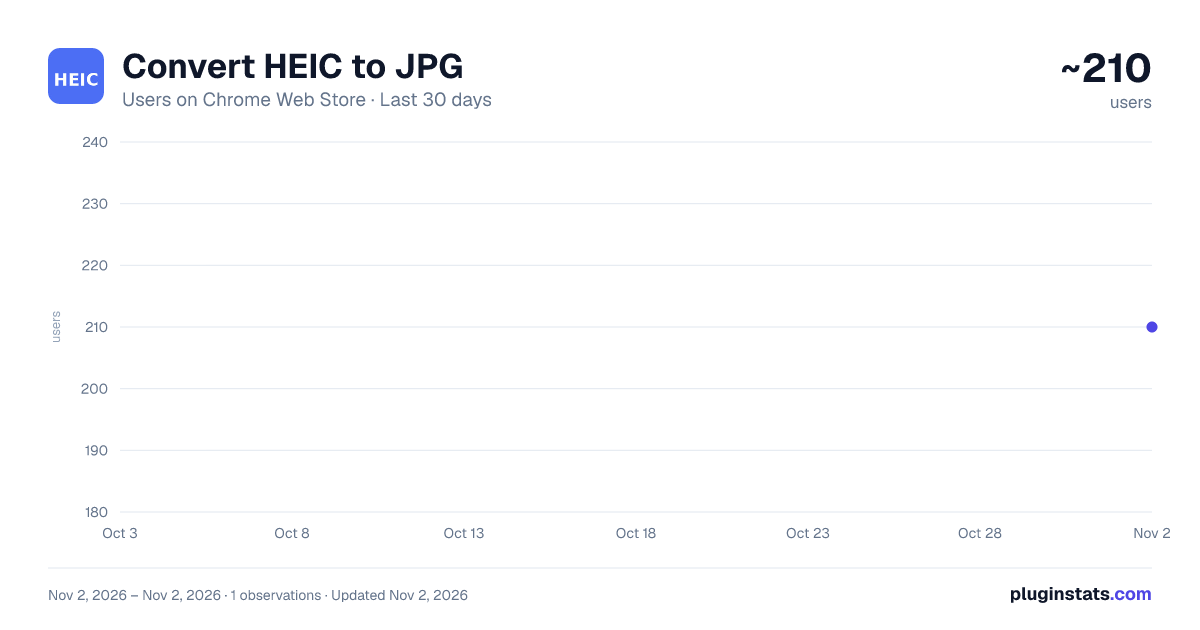
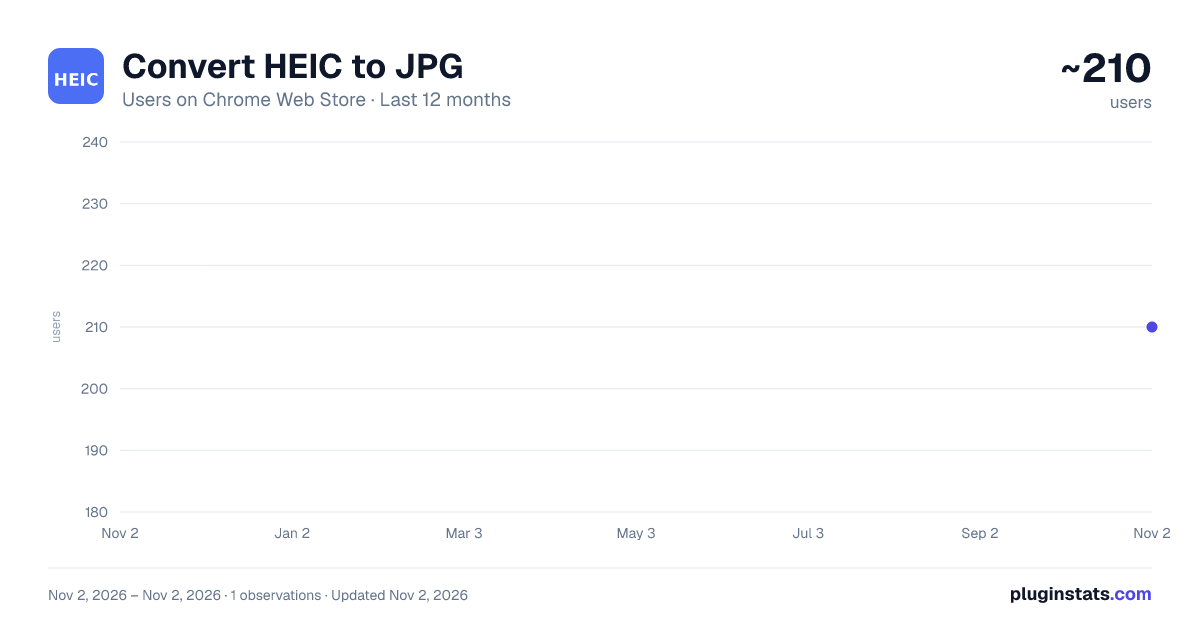
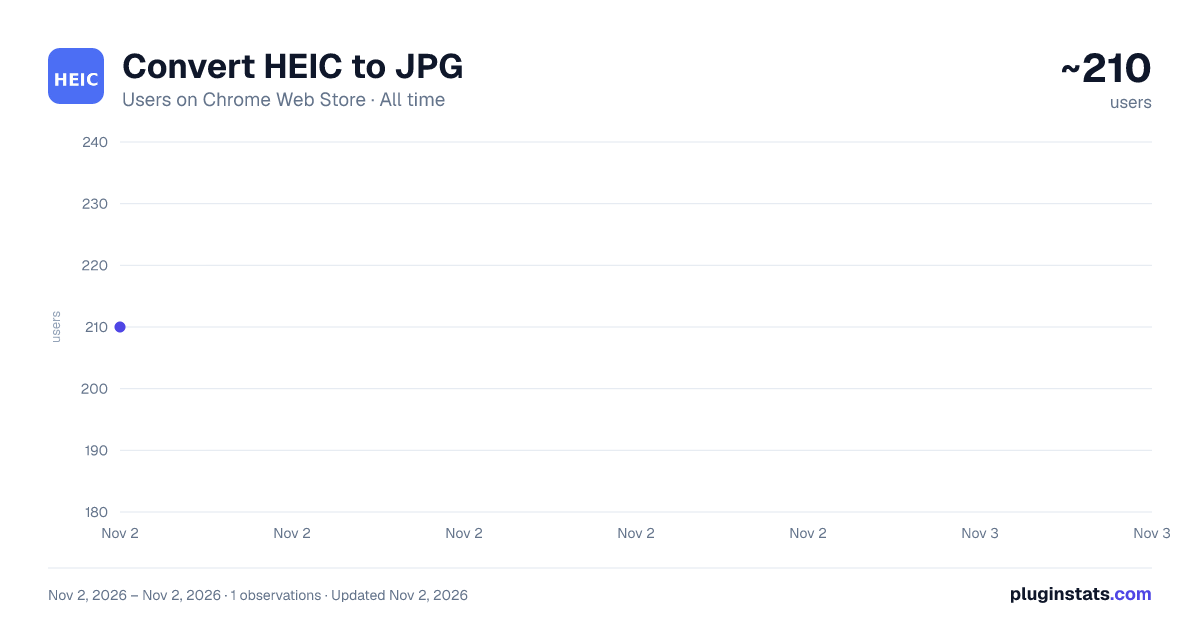
Convert HEIC to JPG has approximately 210 recorded users on Chrome Web Store, ranking #4953 of 6,786 tracked listings.
About Convert HEIC to JPG
Convert HEIC images to JPG, PNG, GIF, WEBP and vice versa. 100% local — no uploads, no internet, complete privacy.
Convert HEIC to JPG — Free, Private & Offline Image Converter
The fastest way to convert HEIC photos on Chrome — right in your browser, with zero uploads and zero internet required.
iPhone and iOS devices save photos in HEIC (High Efficiency Image Container) format by default. While HEIC files are up to 2× smaller than JPGs, they're not compatible with most Windows software, Android apps, or older web services. This extension solves that problem — instantly and privately.
🔄 SUPPORTED CONVERSIONS
→ HEIC to JPG (most compatible format) → HEIC to PNG (lossless quality) → HEIC to GIF (animated or static) → HEIC to WEBP (modern web format) → JPG to PNG, WEBP, GIF → PNG to JPG, WEBP, GIF → WEBP to JPG, PNG → GIF to JPG, PNG, WEBP → Any supported format ↔ Any other supported format
✨ KEY FEATURES
🔒 Complete Privacy All image processing happens 100% locally inside your browser. Your photos are NEVER uploaded to any server. No cloud, no tracking, no data collection — ever.
📡 No Internet Required Works fully offline after installation. Convert photos on a plane, in a tunnel, or anywhere without Wi-Fi.
📁 Batch Image Conversion Drop an entire folder and convert hundreds of HEIC files simultaneously. No one-by-one manual work.
⚡ Lightning Fast Browser-native canvas processing delivers near-instant conversion. No waiting for server round-trips.
🎛️ Quality Control Adjust output quality from 10% to 100% using a simple slider. Find the perfect balance between file size and image quality.
🖱️ Drag & Drop Simply drag your HEIC files directly onto the extension popup. No browsing through folders required.
📥 Instant Download Converted files download directly to your Downloads folder with their original filename (new extension).
👥 WHO IS IT FOR?
📱 iPhone & iOS Users Effortlessly share photos from your iPhone with friends, colleagues, and clients who use Windows or Android.
📸 Photographers Batch-convert an entire photoshoot from HEIC to JPG in seconds — ready for editing, printing, or sharing.
🖥 Designers & Developers Convert images to WebP or PNG for perfectly optimized web assets without leaving your browser.
🏢 Businesses & E-commerce Process hundreds of product images offline, with no size limits and no subscription fees.
🎓 Students & Educators Quickly convert photos to universally accepted formats before submitting assignments or presentations.
🔒 Privacy-Conscious Users No accounts. No subscriptions. No data collection. Your images stay on your device — always.
🛡️ PRIVACY COMMITMENT
This extension does NOT: ✗ Upload your images to any server ✗ Collect any personal data ✗ Require an account or login ✗ Require an internet connection ✗ Access any website you visit ✗ Store or cache your images
It ONLY: ✓ Processes images locally in your browser tab ✓ Reads files you explicitly select or drop ✓ Writes converted files to your Downloads folder
ℹ️ TECHNICAL NOTES
• Powered by heic2any — a battle-tested open-source HEIC/HEIF decoder • Uses the HTML5 Canvas API for format re-encoding (JPG, PNG, GIF, WEBP) • HEIC output: re-encodes as high-quality JPEG in a .heic container (true HEIC encoding requires OS-level codecs not available in browsers) • Supports HEIC and HEIF file extensions • Manifest V3 compliant — no background scripts, no persistent workers
📧 SUPPORT & CONTACT
Developer: Liveupx Pvt. Ltd. Website: https://liveupx.com Email: info@liveupx.com
We welcome bug reports, feature requests, and feedback!
Description from the Chrome Web Store listing.
README badge
Show your rank in a README or on your website. The badge updates automatically.
Charts
Images: 30d · 1y · all time · 1600×900 dark
Adoption over time
7/30/90-day growth
Ranking history
Ratings over time
Listing placement
Listing placement
Filled points are observed values; hollow points come from Internet Archive snapshots of the listing page. Dashed segments span periods with no observations — values between points are not interpolated.
Each band is one page of 20. Users on a linear scale. Placement is projected from users, so it can differ from the marketplace's own sort order. Hover a dot to see the listing.
Recent observations
Full history (1)Similar Chrome Web Store Tools plugins
All 20 Convert HEIC to JPG alternatives



Data source
Covers every Chrome Web Store extension with at least 100 users, found through the store's public sitemap. User counts are read from public listing pages. The 10% most-used extensions are refreshed daily, the next 40% weekly and the next 40% monthly; the least-used 10% are not refreshed. Google displays rounded user counts (and caps the display at 10,000,000+), so small changes may not be visible. Rating counts above 1,000 are rounded (e.g. 1.6K).
Listing: https://chromewebstore.google.com/detail/convert-heic-to-jpg/cmclimkfcjpgbedadipbfmpeakjfklmi. First seen Nov 2, 2026; last successful collection Nov 2, 2026. See the methodology.