 PluginStats

NLM Quiz Exporter users statistics
Export an open supported notebook quiz to JSON or CSV with faster local extraction, hints, rationales, and LTR/RTL support.
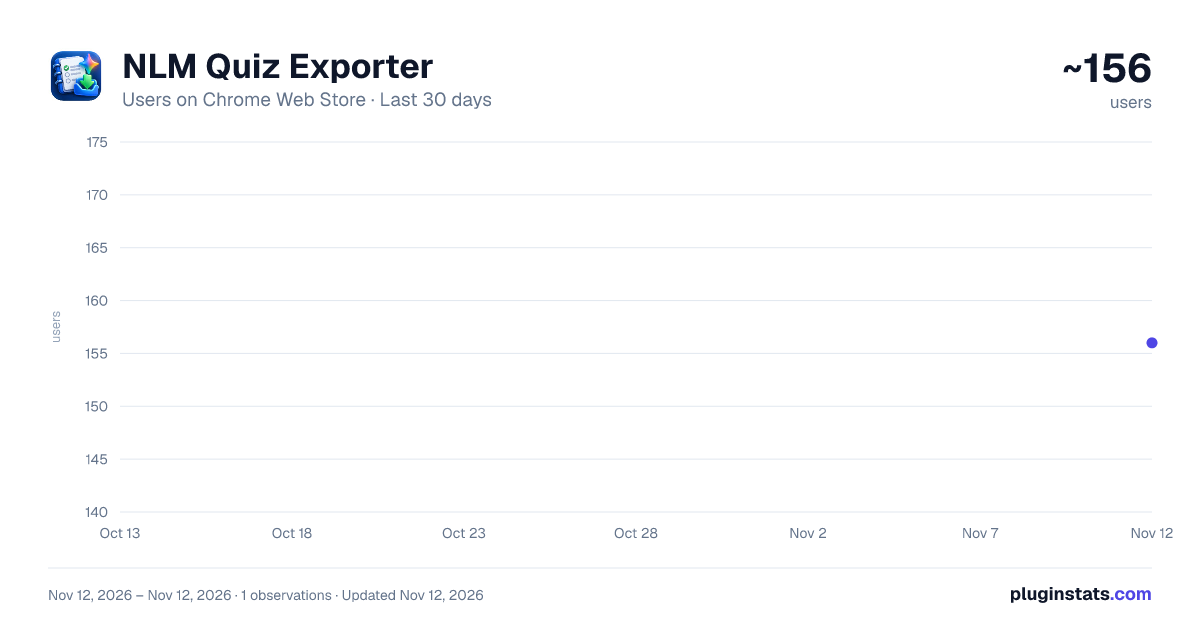
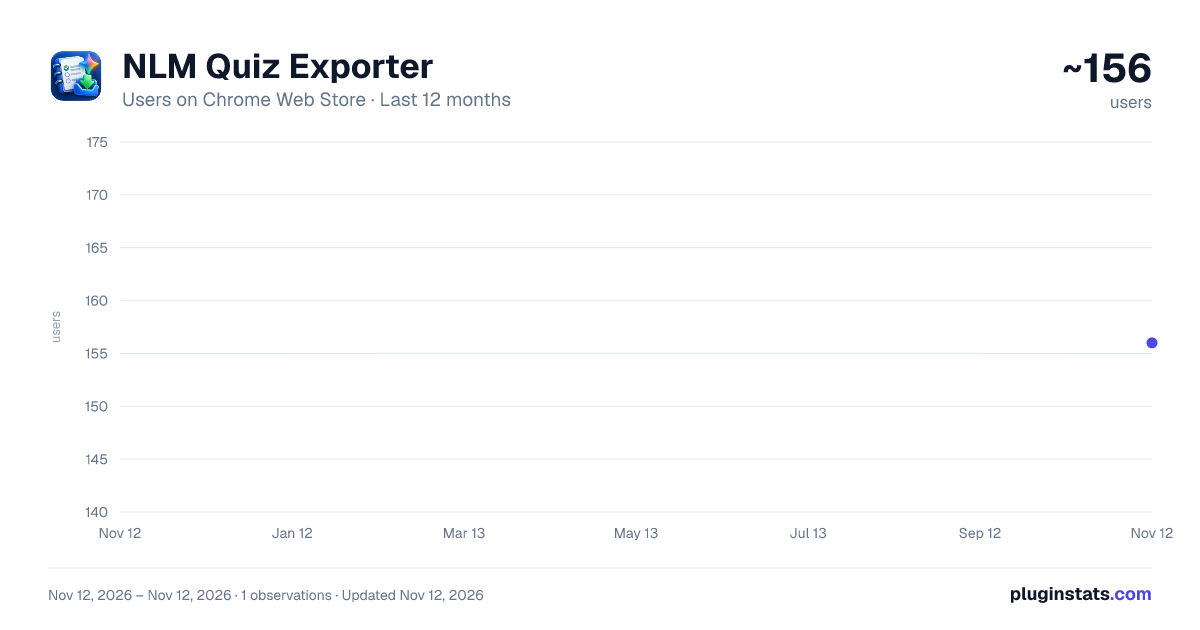
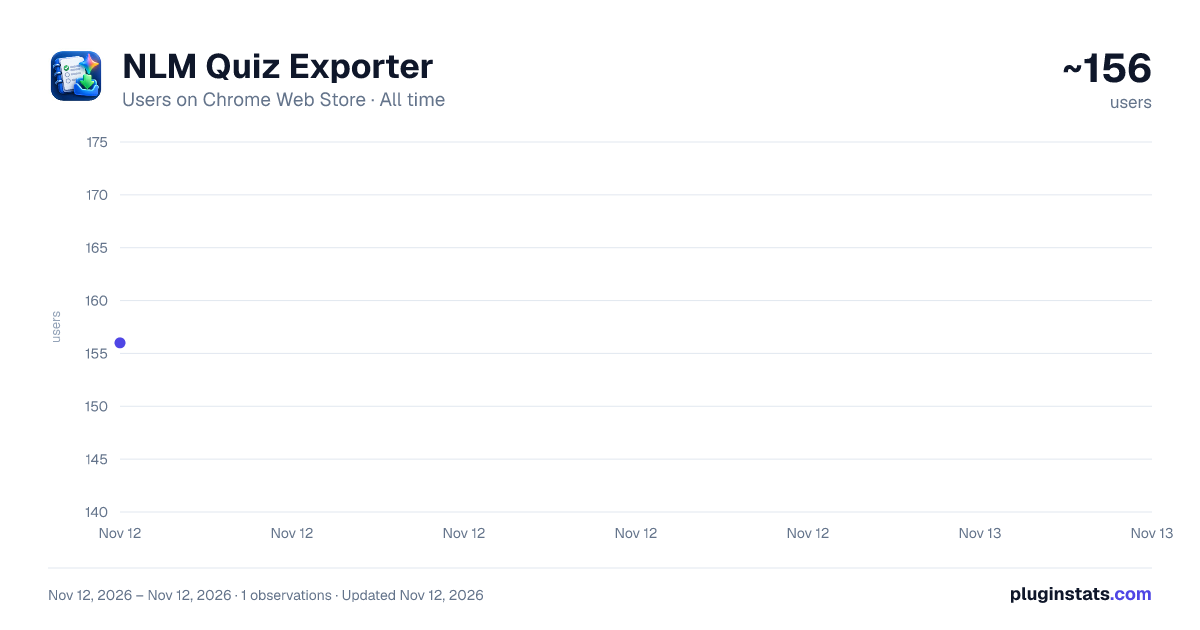
NLM Quiz Exporter has approximately 156 recorded users on Chrome Web Store, ranking #8654 of 10,388 tracked listings.
About NLM Quiz Exporter
Export an open supported notebook quiz to JSON or CSV with faster local extraction, hints, rationales, and LTR/RTL support.
Quiz Exporter for Gemini Notebook™ helps you export the interactive quiz currently open in Gemini Notebook into a structured JSON or CSV file.
The extension is designed to reduce the time required to copy quiz content manually. Instead of opening each question and transferring the available question text, answer choices, correct answer information, hints, and explanations one by one, you can start the export directly from the quiz you are currently viewing.
When a supported interactive quiz is open, the extension adds a functional Export Quiz control directly inside the Gemini Notebook Studio panel.
The Export Quiz control is located inside the Gemini Notebook page. It is not located inside the browser toolbar popup.
The browser toolbar popup provides usage information only.
To export a quiz, open the interactive quiz in the Gemini Notebook Studio panel, click Export Quiz, and select either JSON or CSV. The extension processes the currently open quiz in your browser and downloads the selected file when extraction is complete.
The exported content can include the original question text, available answer choices, correct answer information, hints, rationales or explanations, and the original question order when those details are available in the quiz.
The exact information included in an export depends on what Gemini Notebook makes available in the active quiz.
JSON export provides a structured representation of the quiz. The format keeps related information such as questions, choices, answers, hints, and explanations organised so that the exported content can be processed by compatible tools or used in another workflow.
CSV export provides a tabular representation of the quiz. It is useful when you want to inspect or edit the exported information using software that supports CSV files.
Both export formats use Unicode-compatible text handling.
The extension preserves multilingual text, including right-to-left content such as Arabic. It does not translate the original quiz content. The text available in the quiz is exported in its existing language.
HOW THE EXPORT WORKS
The extension processes the interactive quiz that is currently open in the Gemini Notebook Studio panel.
After you click Export Quiz and select an output format, the extension moves through the active quiz and collects the information required for the export.
Some quiz information may not be visible immediately.
For example, the correct answer state, hint, or rationale may only become available after a question has been answered or after the quiz interface has changed.
When required, the extension may interact with the active quiz so that this information becomes available for the requested export.
This interaction can include selecting an answer or moving to the next question.
The extension detects changes in the quiz interface and continues processing when the required information becomes available. This reduces unnecessary waiting during the export process.
When extraction is complete, the selected JSON or CSV file is downloaded to your device using the browser's normal download process.
QUIZ STATE AFTER EXPORT
Because some information may only become available after interaction with a question, the quiz can remain in an answered or progressed state after the export has finished.
If Gemini Notebook provides a Retake option for that quiz, you can use it to restart the quiz.
The extension does not attempt to restore or change the quiz state after the export has been completed.
WHERE TO FIND EXPORT QUIZ
The functional Export Quiz control appears directly inside the Gemini Notebook Studio panel when a supported interactive quiz is open.
The browser toolbar popup is informational only. It does not contain the functional export control.
If Gemini Notebook was already open before the extension was installed or updated, reload the Gemini Notebook tab once so that the extension can initialise on the page.
LOCAL PROCESSING
Quiz content is processed locally in your browser.
The extension does not send exported quiz content to the developer for processing.
No separate developer account is required.
No API key is required.
The extension does not use advertising or behavioural tracking.
The extension does not use an external developer-operated database or cloud service to process the quiz export.
The resulting JSON or CSV file is created from information available in the active quiz and downloaded locally through the browser.
SITE ACCESS
The extension requires access to supported Gemini Notebook pages because the functional Export Quiz control is inserted directly into the Studio panel and the export process begins there.
Interactive quiz content may be rendered inside an embedded Google-hosted frame. Access to that embedded quiz content is required so the extension can read the quiz that the user has explicitly chosen to export.
This site access is used for the quiz export function.
The extension is not designed to monitor unrelated websites or collect general browsing history.
The extension does not require access to passwords, payment information, precise location, personal communications, or unrelated account information.
Its purpose is limited to processing the supported quiz content required to generate the requested export.
CURRENT QUIZ ONLY
The extension exports the interactive quiz that is currently open.
It does not automatically search through all notebooks.
It does not automatically export every quiz in an account.
It is not intended to function as a bulk notebook downloader.
The user chooses which notebook and quiz to open before starting the export.
The extension does not create new quiz questions. It works with quiz content that is already available in the active Gemini Notebook session.
EXPORT FORMAT…
Description from the Chrome Web Store listing.
README badge
Show your rank in a README or on your website. The badge updates automatically.
Charts
Images: 30d · 1y · all time · 1600×900 dark
Adoption over time
7/30/90-day growth
Ranking history
Ratings over time
Listing placement
Listing placement
Filled points are observed values; hollow points come from Internet Archive snapshots of the listing page. Dashed segments span periods with no observations — values between points are not interpolated.
Each band is one page of 20. Users on a linear scale. Placement is projected from users, so it can differ from the marketplace's own sort order. Hover a dot to see the listing.
Recent observations
Full history (1)Similar Chrome Web Store Education plugins
All 20 NLM Quiz Exporter alternatives



Data source
Covers every Chrome Web Store extension with at least 100 users, found through the store's public sitemap. User counts are read from public listing pages. The 10% most-used extensions are refreshed daily, the next 40% weekly and the next 40% monthly; the least-used 10% are not refreshed. Google displays rounded user counts (and caps the display at 10,000,000+), so small changes may not be visible. Rating counts above 1,000 are rounded (e.g. 1.6K).
Listing: https://chromewebstore.google.com/detail/nlm-quiz-exporter/amiibfoccdfdhhhklbcjbpckfgmmlhce. First seen Nov 12, 2026; last successful collection Nov 12, 2026. See the methodology.