 PluginStats

ACE™ Extension by AccessibilityChecker.org users statistics
By AccessibilityChecker.org · Chrome Web Store · Developer Tools
Quickly find and highlight accessibility issues with the AccessibilityChecker.org browser extension.
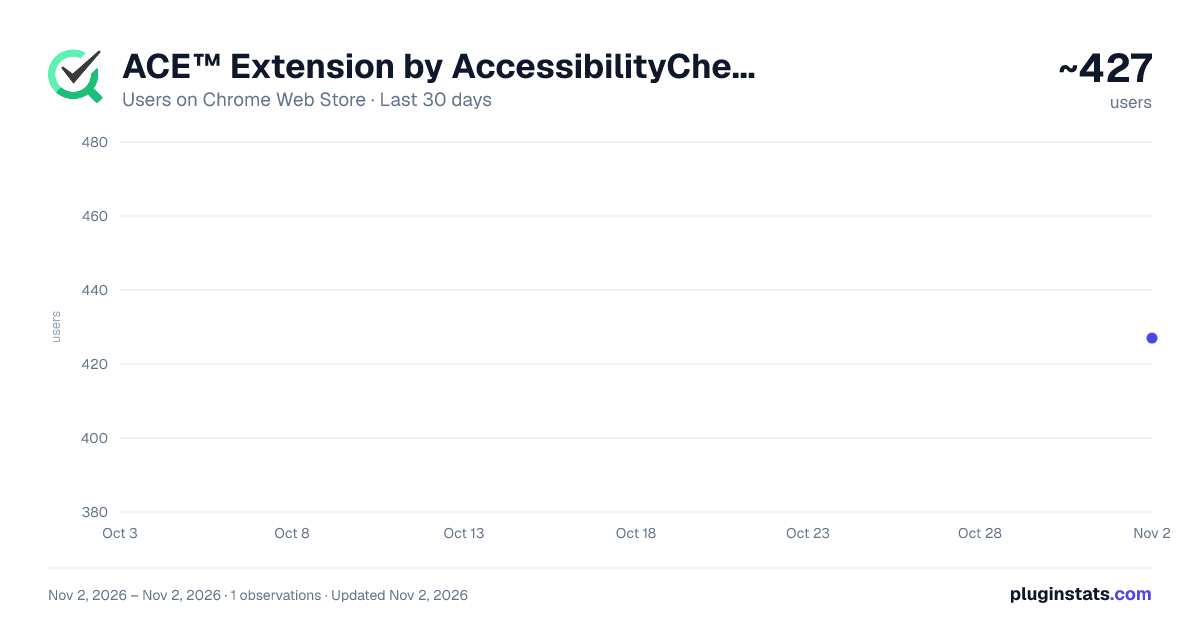
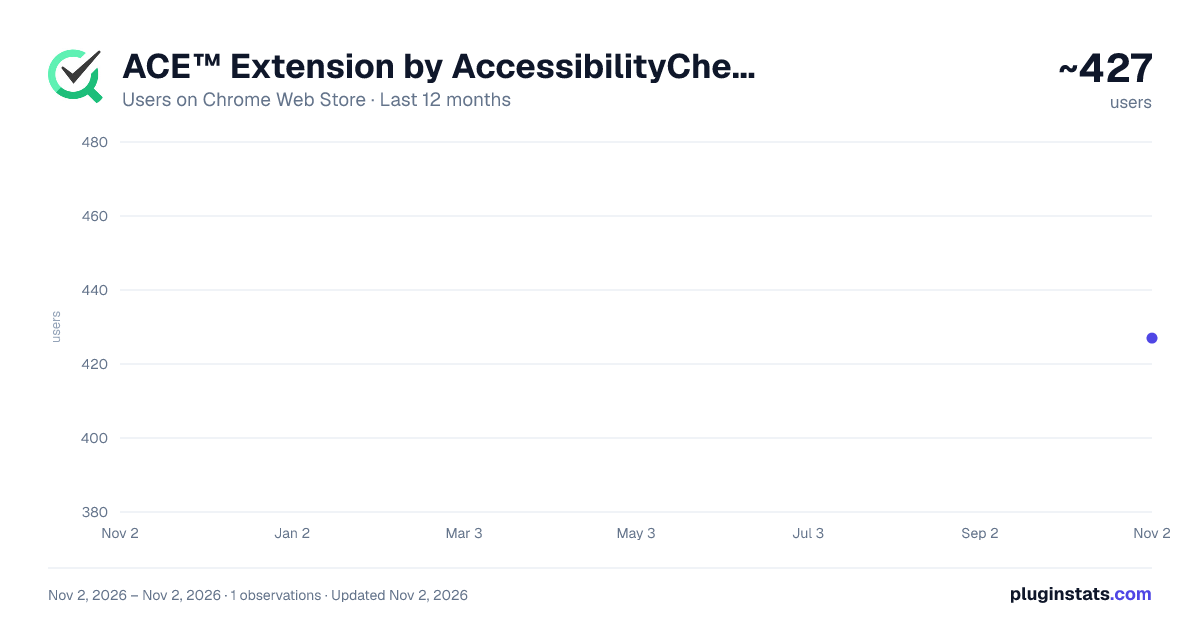
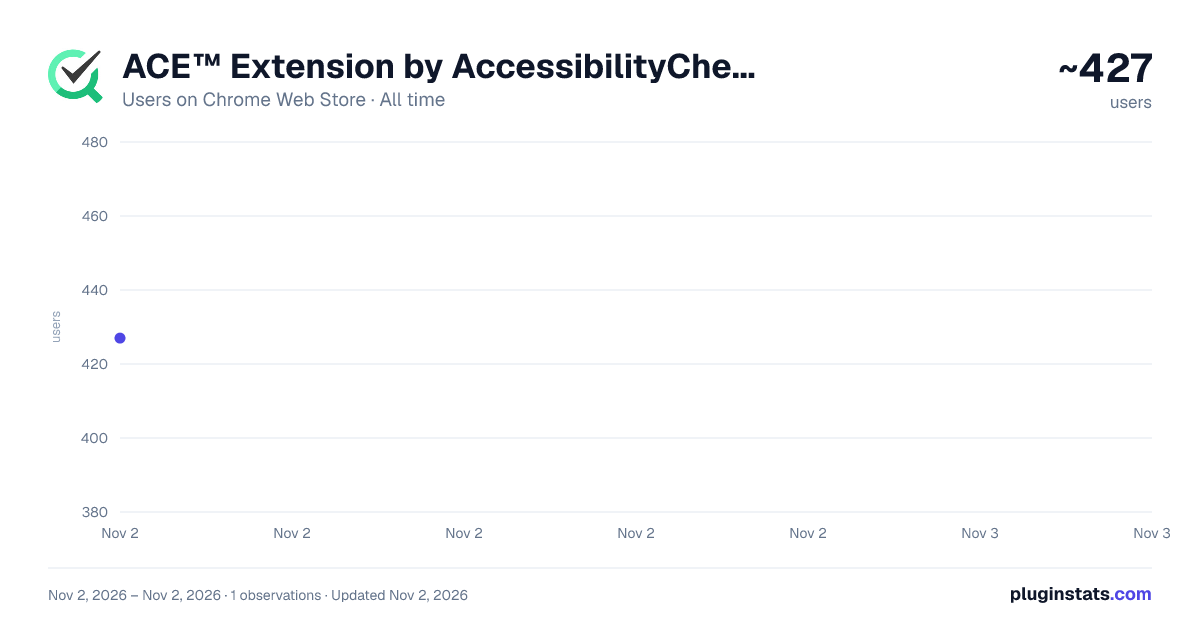
ACE™ Extension by AccessibilityChecker.org has approximately 427 recorded users on Chrome Web Store, ranking #3587 of 6,672 tracked listings.
Rating: 4.30 / 5 from 6 ratings
About ACE™ Extension by AccessibilityChecker.org
Quickly find and highlight accessibility issues with the AccessibilityChecker.org browser extension.
ACE™ Extension by AccessibilityChecker.org
Real-time accessibility testing, right in your Chrome workflow.
ACE™ catches what static scanners can't: issues triggered by user interaction, including modals, dropdowns, tooltips, dynamic forms, focus traps, and single-page app state changes.
The extension runs the same engine that powers the full ACE Platform, so results share the same Rule IDs and Impact Classification (Legal Risk, User Impact, Best Practice).
Why test in the browser?
Automated scanners only see a page's initial state. If a field becomes required after a selection, or a focus trap only activates once a modal renders, a static scan misses it. This extension tests the page the way users actually experience it.
What you can test: • Interactive elements: modals, dropdowns, tooltips, popovers, and expandable panels, in any state • ARIA implementation: custom widget attributes, live regions, labels, and role correctness • Single-page apps built with any framework that renders client-side • Form validation: error messaging, feedback, and required field indicators • Keyboard navigation: tab order, focus traps, and keyboard-only usability
Key features: • Instant detection as you interact with the page • Native DevTools panel. No separate app, no context switching • Code-level guidance: exact HTML element, XPath, and a step-by-step fix for every issue • Live region monitoring, showing announcements as they happen • Automatic dashboard sync, de-duplicated against your scanner results
Who it's for: • Front-end developers testing interactive features before opening a PR • QA engineers verifying fixes work in a real browser • Accessibility consultants auditing interactive components • Teams who need to test state changes and dynamic content in modern web apps
Free to install, runs entirely in your browser, no codebase changes required. Includes up to 3 scans per day at no cost. Upgrade for unlimited scanning, dashboard sync, and team collaboration.
Learn more: https://www.accessibilitychecker.org/ace/extension/
Description from the Chrome Web Store listing.
README badge
Show your rank in a README or on your website. The badge updates automatically.
Charts
Images: 30d · 1y · all time · 1600×900 dark
Adoption over time
7/30/90-day growth
Ranking history
Ratings over time
Listing placement
Listing placement
Filled points are observed values; hollow points come from Internet Archive snapshots of the listing page. Dashed segments span periods with no observations — values between points are not interpolated.
Each band is one page of 20. Users on a linear scale. Placement is projected from users, so it can differ from the marketplace's own sort order. Hover a dot to see the listing.
Recent observations
Full history (1)Similar Chrome Web Store Developer Tools plugins
All 20 ACE™ Extension by AccessibilityChecker.org alternatives



Data source
Covers every Chrome Web Store extension with at least 100 users, found through the store's public sitemap. User counts are read from public listing pages. The 10% most-used extensions are refreshed daily, the next 40% weekly and the next 40% monthly; the least-used 10% are not refreshed. Google displays rounded user counts (and caps the display at 10,000,000+), so small changes may not be visible. Rating counts above 1,000 are rounded (e.g. 1.6K).
Listing: https://chromewebstore.google.com/detail/ace-extension-by-accessib/jlpapcjmnlkpllgnpdehgihlkkpkpjlb. First seen Nov 2, 2026; last successful collection Nov 2, 2026. See the methodology.