 PluginStats

SheetLink: Sync Bank Transactions to Google Sheets users statistics
Press sync and your bank transactions land in your own Google Sheet. 10,000+ US and Canadian banks through Plaid. Free to start.
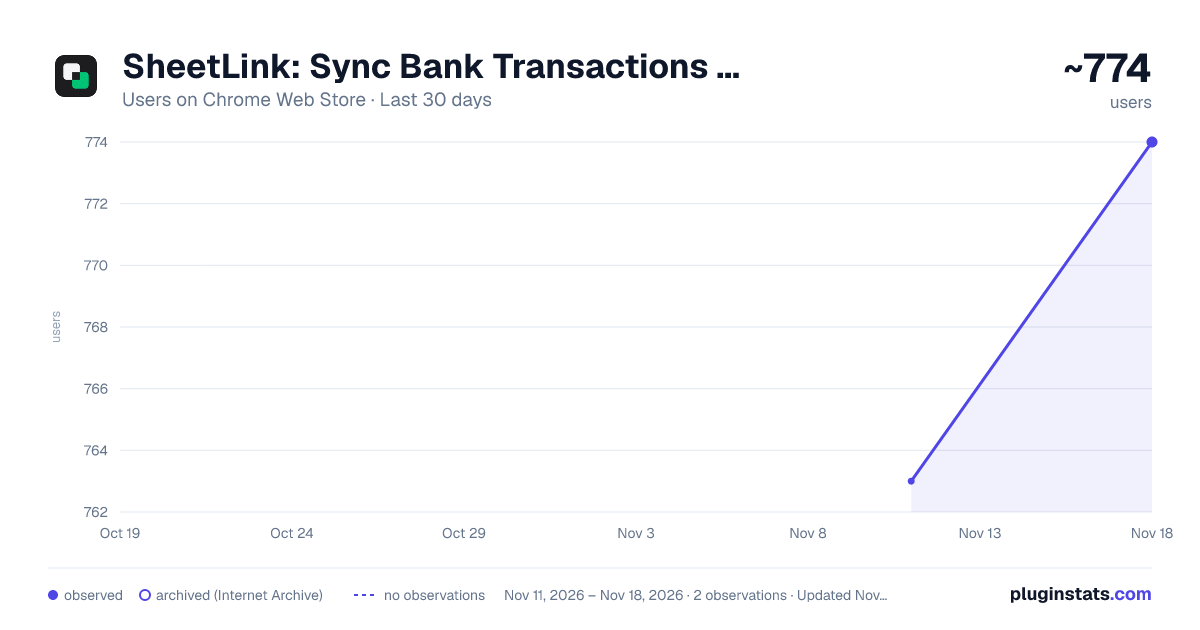
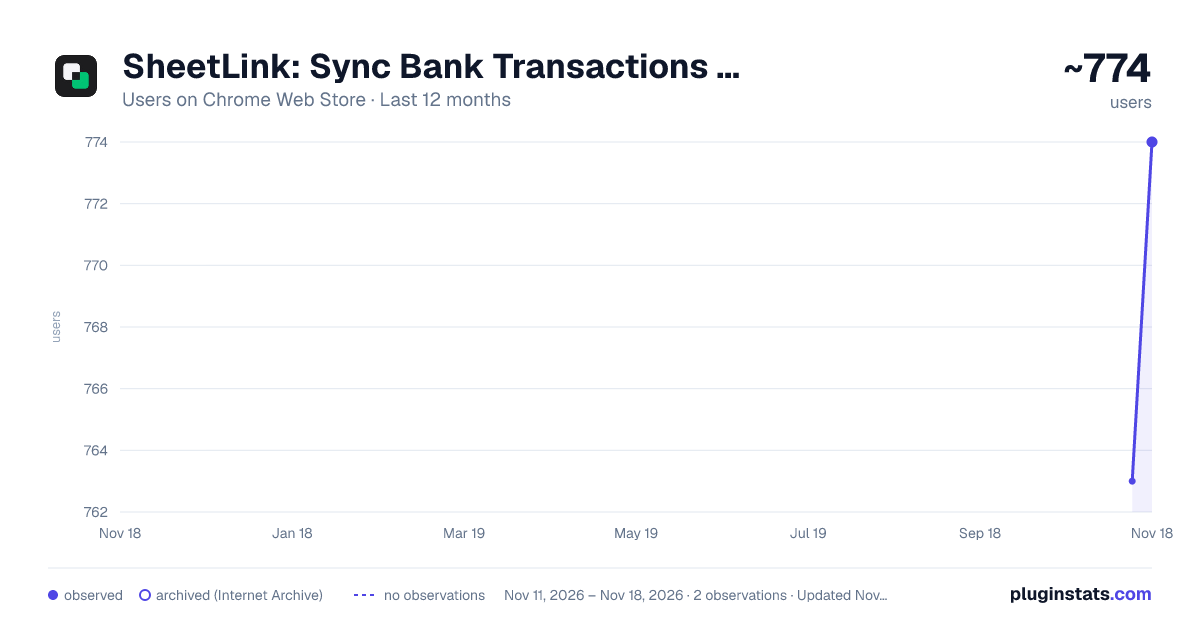
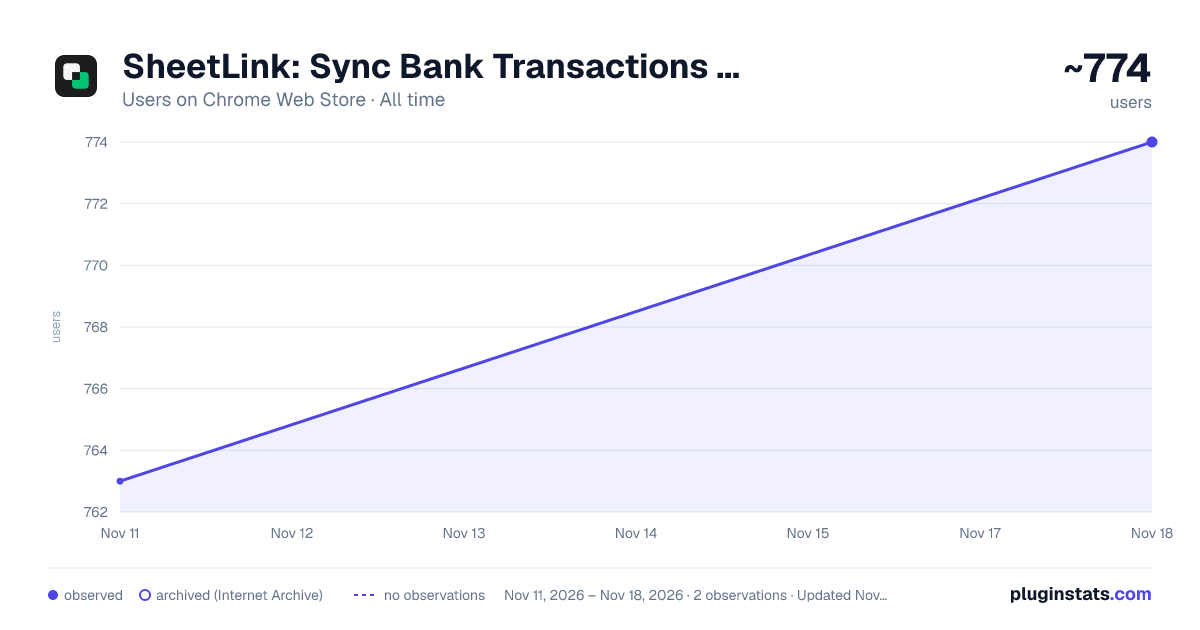
SheetLink: Sync Bank Transactions to Google Sheets has approximately 774 recorded users on Chrome Web Store, a change of +1.4% over the past 7 days, ranking #4264 of 10,388 tracked listings.
Rating: 5.00 / 5 from 8 ratings
About SheetLink: Sync Bank Transactions to Google Sheets
Press sync and your bank transactions land in your own Google Sheet. 10,000+ US and Canadian banks through Plaid. Free to start.
SheetLink is a Chrome extension that copies your bank and credit card transactions into a Google Sheet you choose. Budget, track expenses and build your own reports in a spreadsheet you own, with real data from your accounts.
It works like a bank feed for a sheet you already use. Connect a bank through Plaid, pick your sheet and press Sync. New transactions are added to the end of the sheet, or to the top if you'd rather see the newest first, and rows already there are never added twice.
USE IT FOR • A monthly or 50/30/20 budget that fills in from your real spending. • Expense tracking across every checking, savings and credit card account in one place. • Finding subscriptions and other recurring charges. • Cash flow forecasts, pivot tables, charts and your own formulas. Free templates that fill in from SheetLink: https://sheetlink.app/blog/free-google-sheets-budget-templates
HOW IT WORKS
- Sign in with Google.
- Connect a bank: 10,000+ banks, credit unions and card issuers in the US and Canada.
- Choose a sheet you can edit, or let SheetLink create a new one for you.
- Press Sync. SheetLink adds a Transactions tab and an Accounts tab and keeps them up to date. Keep SheetLink in Chrome's side panel next to your sheet, or use the popup. Dark mode follows your system, and when a bank needs attention, a Reconnect button is right there.
WHAT LANDS IN YOUR SHEET Every plan writes the same 34 columns for each row: date, description, merchant, amount, account, categories, pending status, location and more. A Name column, on for new sheets, shows the merchant, or the bank's description when there isn't one. Positive amounts are money out and negative amounts are money in. The Accounts tab lists each account with its current and available balance.
YOU STAY IN CONTROL • Nothing is written to your sheet until you press Sync. • Pick which banks and accounts sync. Turning one off only stops new rows; nothing in your sheet is deleted. • Choose how far back to pull: 7, 30 or 90 days, 2 years, or your own dates. • Rename banks and accounts in SheetLink; your sheet keeps their real names. • Sheet settings: new rows at the top or the bottom, the Name column, and a tab for each account.
RECIPES Recipes add ready-made analysis to your sheet's menu: Budget Tracker, Budget Tracker (by Account), Recurring Spend Detector and Cash Flow Forecast, plus community recipes like the Financial Statements Suite. Recipe code is open source on GitHub.
PLANS Free: the last 7 days of history from one bank, in Google Sheets. Pro, $4.99 a month or $49 a year: up to 2 years of history from every bank, plus the Excel add-in. Max, $10.99 a month or $99 a year: everything in Pro, plus investment holdings and activity in their own tabs, CLI automation with API keys (JSON, CSV, Postgres or SQLite), and Claude through the SheetLink MCP server. Cancel any time.
PRIVACY AND SECURITY • SheetLink doesn't store your transactions. They pass from Plaid through SheetLink into your sheet. • Your bank login goes to Plaid, never to SheetLink. • Bank connection tokens are encrypted at rest. • SheetLink only writes to the sheet you choose. • We don't sell or share your data. Privacy policy: https://sheetlink.app/privacy Security: https://sheetlink.app/security
QUESTIONS When does SheetLink sync? When you press Sync. Your sheet only changes when you ask, and rows already there are skipped. Can I use Excel instead? This extension writes to Google Sheets. Pro and Max also include the SheetLink add-in for Excel on Windows, Mac and the web. Do I need a new spreadsheet? No. Use a sheet you already have, or start from one of the free templates above. Can I add my own columns? Yes, anywhere, for notes, tags or formulas. SheetLink finds its own columns by name and never writes in yours.
REQUIREMENTS A Google account (personal, or Workspace if your admin allows it), a bank Plaid supports, and a Google Sheet you can edit.
SUPPORT Email support@sheetlink.app and a person will answer. Docs: https://sheetlink.app/docs Source code: https://github.com/sheetlink/extension
Description from the Chrome Web Store listing.
README badge
Show your rank in a README or on your website. The badge updates automatically.
Charts
Images: 30d · 1y · all time · 1600×900 dark
Adoption over time
7/30/90-day growth
Ranking history
Ratings over time
Listing placement
Listing placement
Filled points are observed values; hollow points come from Internet Archive snapshots of the listing page. Dashed segments span periods with no observations — values between points are not interpolated.
Each band is one page of 20. Users on a linear scale. Placement is projected from users, so it can differ from the marketplace's own sort order. Hover a dot to see the listing.
Recent observations
Full history (2)Similar Chrome Web Store Tools plugins
All 20 SheetLink: Sync Bank Transactions to Google Sheets alternatives



Data source
Covers every Chrome Web Store extension with at least 100 users, found through the store's public sitemap. User counts are read from public listing pages. The 10% most-used extensions are refreshed daily, the next 40% weekly and the next 40% monthly; the least-used 10% are not refreshed. Google displays rounded user counts (and caps the display at 10,000,000+), so small changes may not be visible. Rating counts above 1,000 are rounded (e.g. 1.6K).
Listing: https://chromewebstore.google.com/detail/sheetlink-sync-bank-trans/niehncndbonfankgokhandgbaebdbpch. First seen Nov 11, 2026; last successful collection Nov 18, 2026. See the methodology.