 PluginStats

Wispal: Highlight & Annotate ChatGPT, Claude & Gemini Chats users statistics
Highlight what matters in ChatGPT, Claude, Gemini. Annotate by voice or text, organize across chats, jump back to original context.
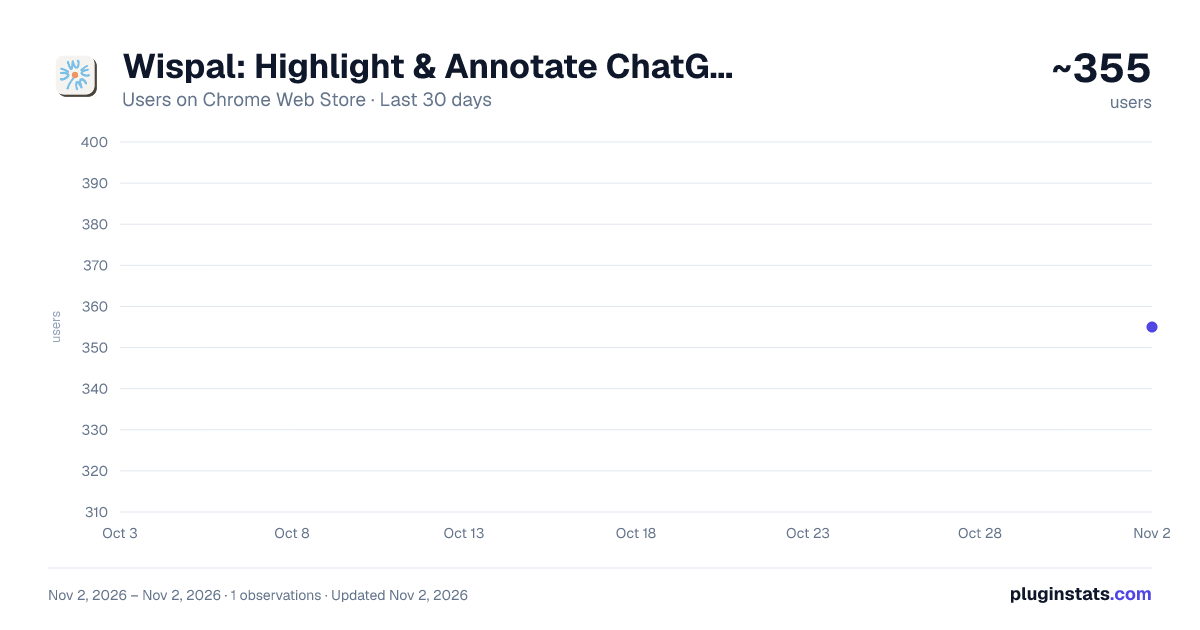
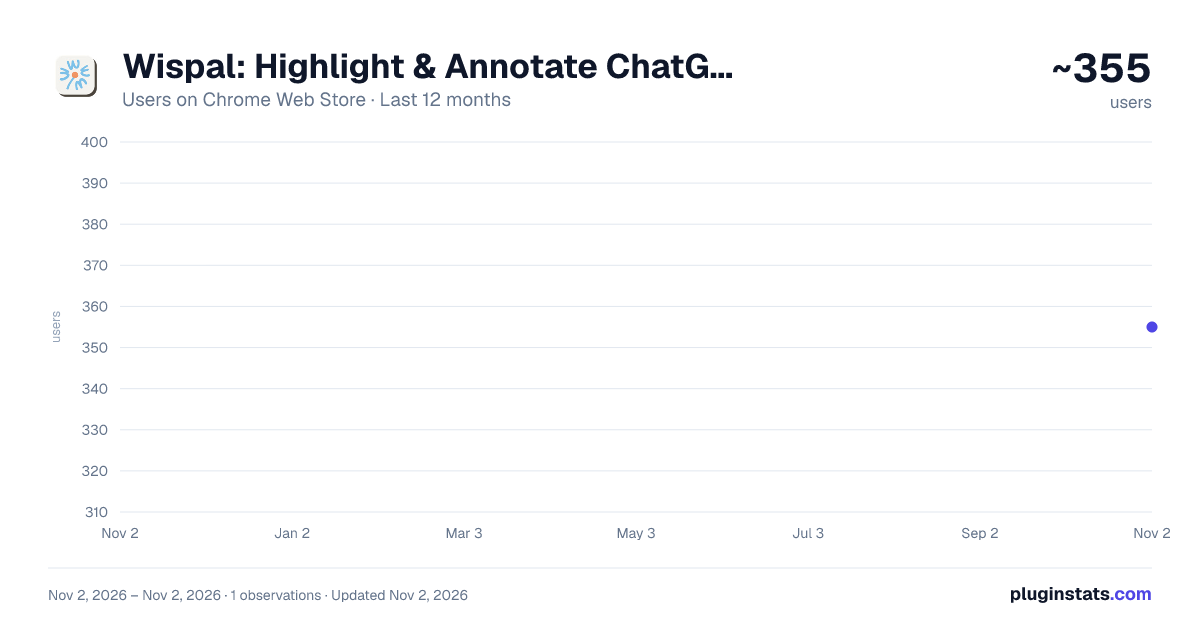
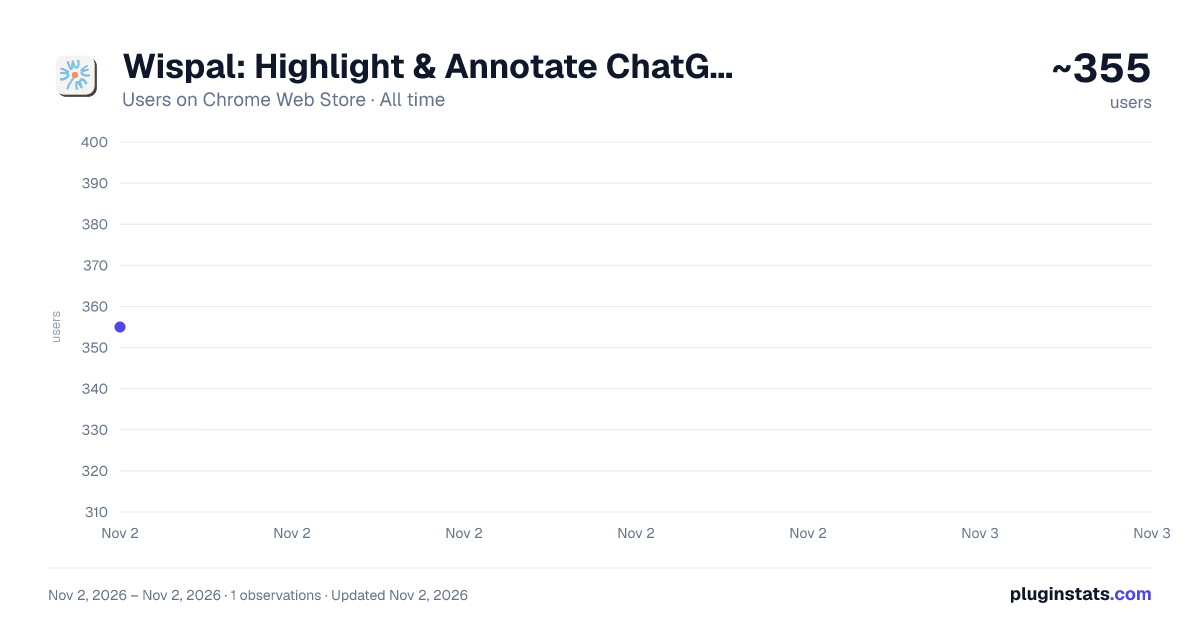
Wispal: Highlight & Annotate ChatGPT, Claude & Gemini Chats has approximately 355 recorded users on Chrome Web Store, ranking #3880 of 6,672 tracked listings.
Rating: 4.80 / 5 from 11 ratings
About Wispal: Highlight & Annotate ChatGPT, Claude & Gemini Chats
Highlight what matters in ChatGPT, Claude, Gemini. Annotate by voice or text, organize across chats, jump back to original context.
Wispal is an annotation tool for AI conversations. Select anything in a chat, speak or type a quick thought, and keep thinking.
You trade thousands of words with AI, and the best ideas vanish with the tab. Wispal takes seconds: select, speak, done. The idea stays pinned to the exact spot it happened, one click away.
Every note becomes a clean card in the side panel. Highlights, Markdown, LaTeX, all rendered beautifully. Cards stay linked to the source, so you can jump between your note and the original words in a click.
Want the whole conversation distilled? Generate a Note in one click: a summary that reads the chat from every angle, threads your marks into a storyline, and saves what's actually worth saving.
➤ HOW IT WORKS
-
Select — hit the Clip button and pick out the part of the conversation you want to mark.
-
Speak or type — capture the thought in your own words. Voice notes are transcribed in the background while you keep chatting; nothing interrupts your flow.
-
Revisit — reopen the conversation days later and every mark is exactly where you left it. Hover to read your note, click to jump back to the sentence.
-
Bring it together — open the Wispal web app to see every card and Note in one place, gathered across conversations and chatbots, each one linked back to the original chat.
➤ KEY FEATURES
🎙️ Voice-first annotation — speak your note instead of typing it. Wispal transcribes it automatically, so marking a thought takes seconds and never breaks your train of thought.
✍️ Text notes too — a lightweight inline note box when you'd rather type. Switch modes anytime.
📍 Anchored to the source — every annotation stays attached to the original words. Come back tomorrow or next month; your highlights and notes are still there.
🗂️ Side panel — all annotations in the current conversation, in reading order. Edit notes, customize each mark's colors and underline style, or jump back to the source in one click.
🧾 Rich formatting, preserved — whatever you clip stays true to the original: tables, code blocks, and LaTeX formulas render cleanly in Markdown, ready to paste anywhere.
📤 Copy and export as Markdown — take every highlight and note from a conversation with you, straight into whatever tool you write in. The full transcript exports as a file too.
🖼️ Copy as image — turn any annotation card into a clean, good-looking image on your clipboard. Keep it for yourself, or share it with a friend.
✨ AI-powered notes — Wispal reads the whole conversation together with your annotations, finds the takeaways that matter to you, and turns them into a clean, elegant note — one glance, and the essence of the conversation is right there.
💾 Local-first, always yours — everything is saved in your browser. Nothing you create is ever locked away: your data stays readable and editable, always.
➤ ONE LIBRARY, EVERY AI
Your best thinking is scattered across ChatGPT tabs, Claude chats, and Gemini sessions. Sign in and turn on cloud sync: every annotation gathers automatically into your library in the Wispal web app (wispal.ai) — organized by platform and conversation, in sync across your devices, with richer tools to organize and look back on everything you've kept.
Select. Speak. Keep thinking. Wispal remembers.
➤ FREE TO START
Wispal is in early access. Annotating is free and unlimited, and always will be. Cloud sync, voice annotation, and AI notes are free to try, with extra room for early users. No card required.
Want more room? Write to hello@wispal.ai — we're happy to open things up for our earliest users, and we'd love to shape Wispal with you.
➤ PRIVACY BY DESIGN
Wispal only stores the annotations you deliberately create — never your full chat transcripts. Voice recordings are sent only for transcription and stored only on your device — never on our servers. Your highlights stay in your browser until you turn on cloud sync. We don't sell data, don't run ads or trackers, and we configure our AI providers so your content is never used to train their models.
➤ WORKS ON
ChatGPT (chatgpt.com) · Claude (claude.ai) · Gemini (gemini.google.com)
Questions or ideas? Write to hello@wispal.ai — we read every message.
By installing, you agree to Wispal's Terms of Service and Privacy Policy: wispal.ai/terms · wispal.ai/privacy
Description from the Chrome Web Store listing.
README badge
Show your rank in a README or on your website. The badge updates automatically.
Charts
Images: 30d · 1y · all time · 1600×900 dark
Adoption over time
7/30/90-day growth
Ranking history
Ratings over time
Listing placement
Listing placement
Filled points are observed values; hollow points come from Internet Archive snapshots of the listing page. Dashed segments span periods with no observations — values between points are not interpolated.
Each band is one page of 20. Users on a linear scale. Placement is projected from users, so it can differ from the marketplace's own sort order. Hover a dot to see the listing.
Recent observations
Full history (1)Similar Chrome Web Store Tools plugins
All 20 Wispal: Highlight & Annotate ChatGPT, Claude & Gemini Chats alternatives



Data source
Covers every Chrome Web Store extension with at least 100 users, found through the store's public sitemap. User counts are read from public listing pages. The 10% most-used extensions are refreshed daily, the next 40% weekly and the next 40% monthly; the least-used 10% are not refreshed. Google displays rounded user counts (and caps the display at 10,000,000+), so small changes may not be visible. Rating counts above 1,000 are rounded (e.g. 1.6K).
Listing: https://chromewebstore.google.com/detail/wispal-highlight-annotate/cmegoemjomnjamnejpgkcmicijmdgnoc. First seen Nov 2, 2026; last successful collection Nov 2, 2026. See the methodology.