 PluginStats

Lightning Web Runtime (LWR) Build Info users statistics
By Craig Johnson · Chrome Web Store · Developer Tools
For Salesforce Experience Cloud. Learn, Demo & Build Great LWR Sites. Get detailed information about components on the page.
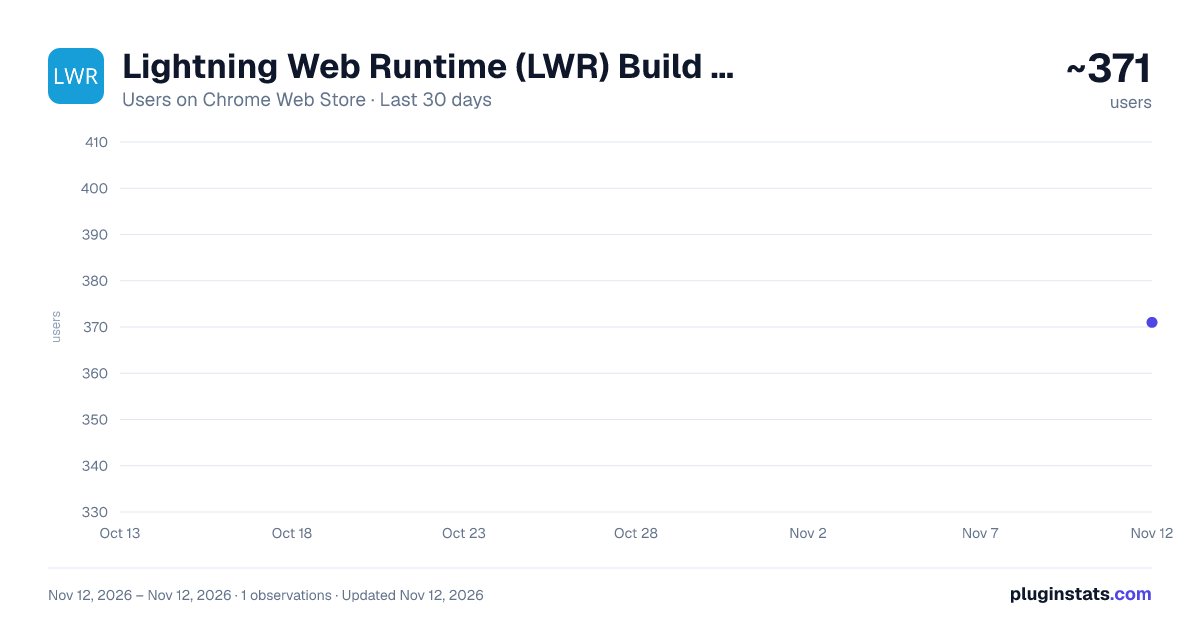
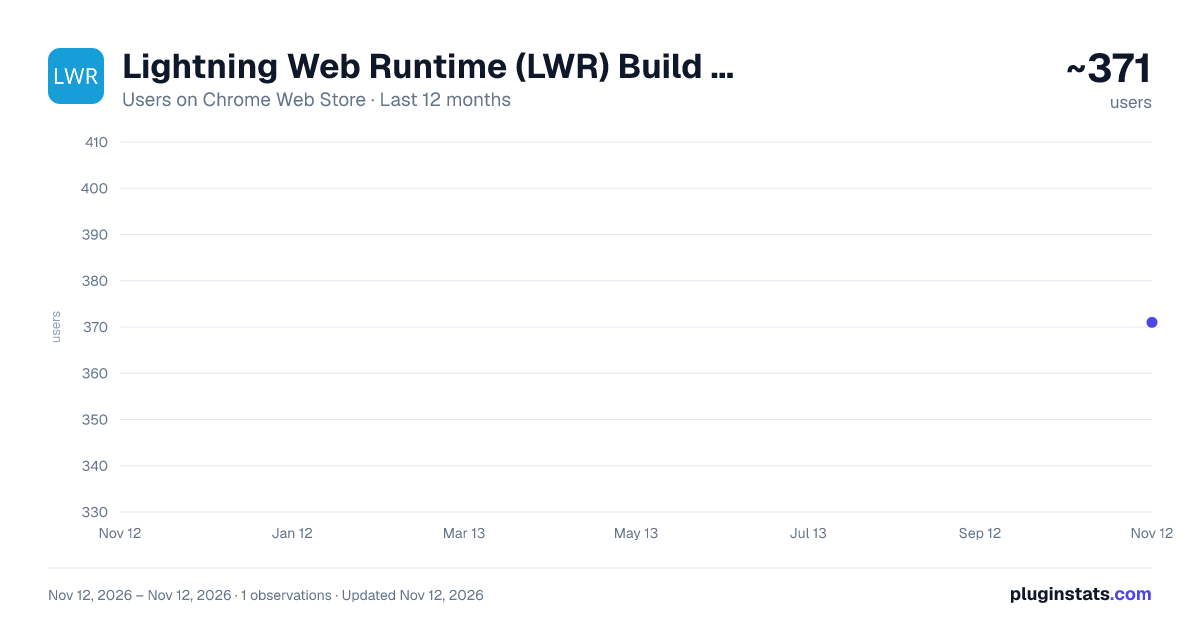
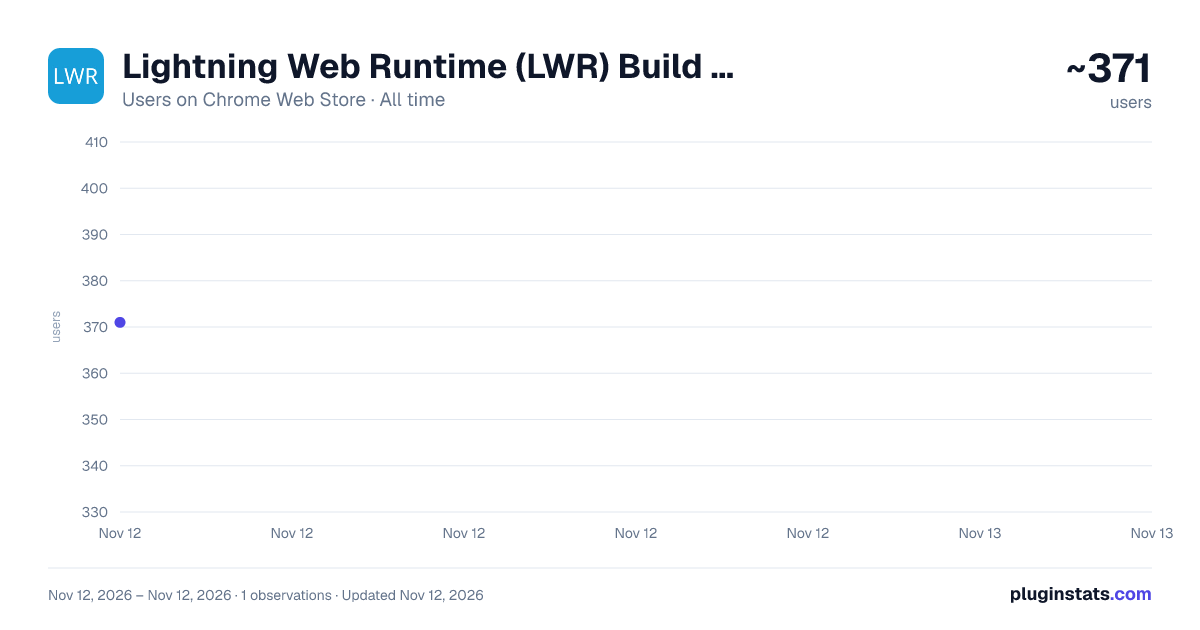
Lightning Web Runtime (LWR) Build Info has approximately 371 recorded users on Chrome Web Store, ranking #5958 of 10,388 tracked listings.
Rating: 3.00 / 5 from 2 ratings
About Lightning Web Runtime (LWR) Build Info
For Salesforce Experience Cloud. Learn, Demo & Build Great LWR Sites. Get detailed information about components on the page.
Easily understand how a Salesforce Lightning Web Runtime live site was built!
After the LWR site's page loads, open the extension to get started. The extension popup UI will allow you to add and remove a clickable badge for each Experience Builder component on the live site page.
Clicking on a badge displays the following information about the component:
- Display Name in Experience Builder
- Description of usage
- Component Type
- Tag Name
- Unique Selector for CSS
- Display Styles (Margin and Padding) when set on the Experience Builder component.
- Display CSS Classes set on the Experience Builder Component.
- Display All Custom Properties as they are declared and their current value in context.
- Beyond everything above, Clicking on the Theme and Section component badges will display the dxp Styling Hook values with mapping to the standard Theme Panel Property names.
Try it on a live LWR demo site: https://capricornhealth.sfdxp.com --Supports unpublished sites viewed from Experience Builder Preview as well!
--Permissions Information-- When you add this extension, you will be prompted that it can “Read and change all your data on all websites”. This permission is needed because a Salesforce Experience Cloud site can exist on any Custom Domain. All data required to run this extension is self contained and there is no server communication or logging of any kind. This app will check if the web page contains the HTML tag webruntime-app for the purpose of detecting if it is an LWR site. If true, the page will only be read and changed once extension popup buttons have been clicked. This scope is to process and provide information about components on the page. All code is open-source for review.
Description from the Chrome Web Store listing.
README badge
Show your rank in a README or on your website. The badge updates automatically.
Charts
Images: 30d · 1y · all time · 1600×900 dark
Adoption over time
7/30/90-day growth
Ranking history
Ratings over time
Listing placement
Listing placement
Filled points are observed values; hollow points come from Internet Archive snapshots of the listing page. Dashed segments span periods with no observations — values between points are not interpolated.
Each band is one page of 20. Users on a linear scale. Placement is projected from users, so it can differ from the marketplace's own sort order. Hover a dot to see the listing.
Recent observations
Full history (1)Similar Chrome Web Store Developer Tools plugins
All 20 Lightning Web Runtime (LWR) Build Info alternatives



Data source
Covers every Chrome Web Store extension with at least 100 users, found through the store's public sitemap. User counts are read from public listing pages. The 10% most-used extensions are refreshed daily, the next 40% weekly and the next 40% monthly; the least-used 10% are not refreshed. Google displays rounded user counts (and caps the display at 10,000,000+), so small changes may not be visible. Rating counts above 1,000 are rounded (e.g. 1.6K).
Listing: https://chromewebstore.google.com/detail/lightning-web-runtime-lwr/hofogbdlpfgoknbfhjngegecnadnjikc. First seen Nov 12, 2026; last successful collection Nov 12, 2026. See the methodology.