 PluginStats

Gemini Chat Exporter users statistics
By livingod101 · Chrome Web Store · Tools
Export your Gemini AI chat conversations as Markdown or directly to Notion
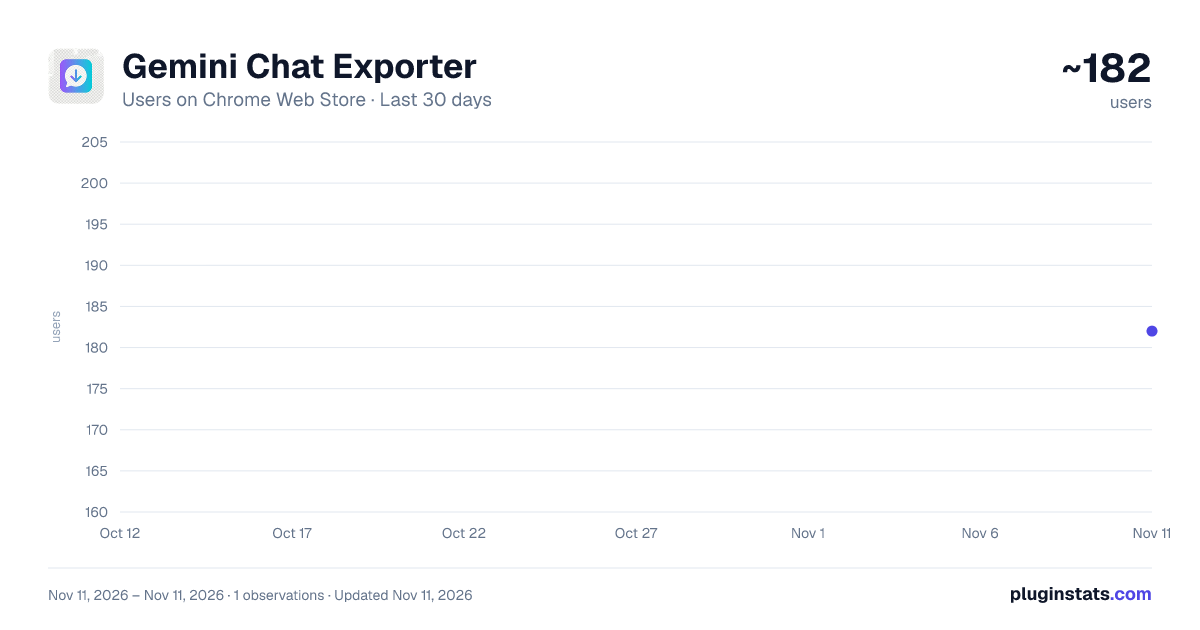
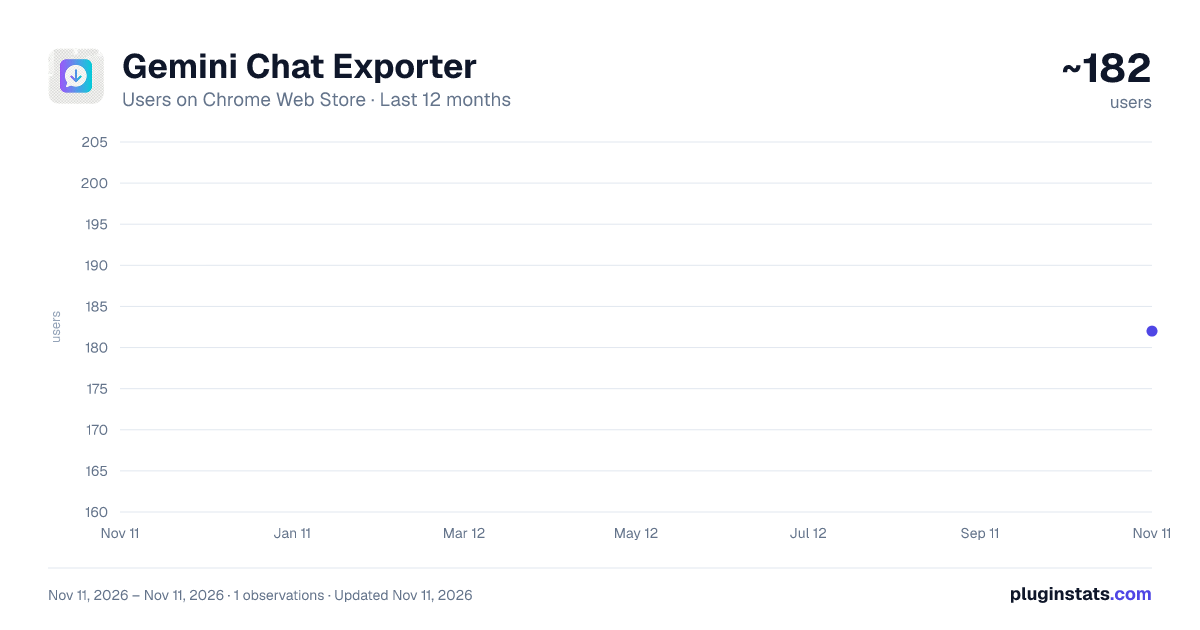
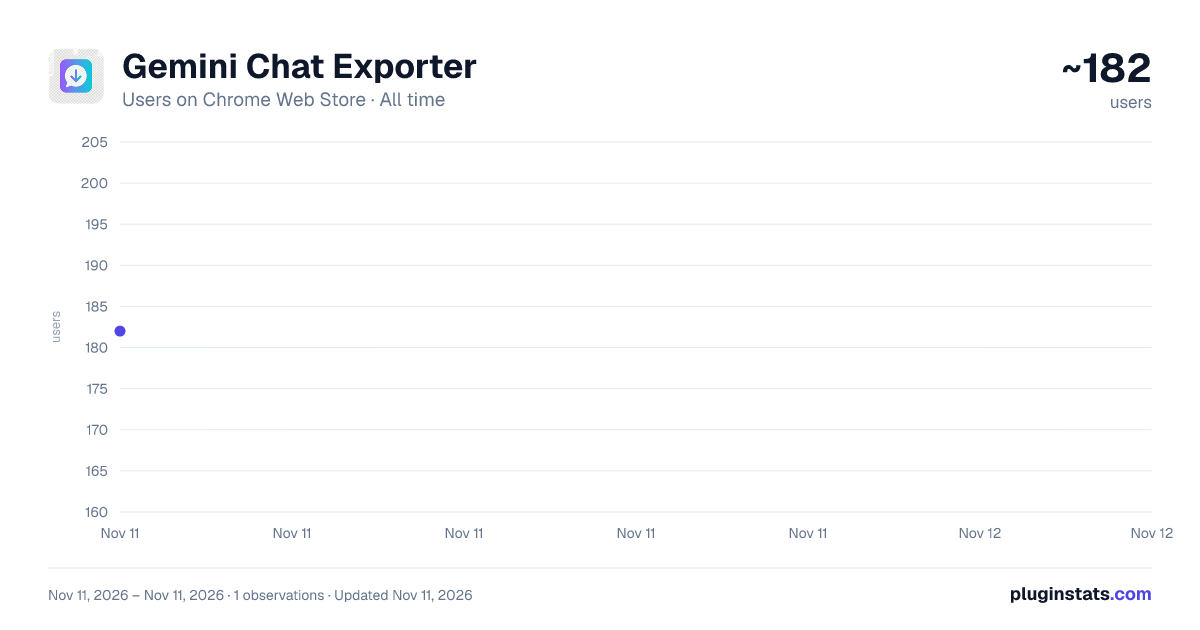
Gemini Chat Exporter has approximately 182 recorded users on Chrome Web Store, ranking #8132 of 10,388 tracked listings.
Rating: 5.00 / 5 from 2 ratings
About Gemini Chat Exporter
Export your Gemini AI chat conversations as Markdown or directly to Notion
🚀 Gemini Chat Exporter — Save your AI conversations in seconds.
Tired of losing your best Gemini chats? This extension lets you export any Google Gemini conversation as a clean Markdown file or send it directly to your Notion workspace — preserving formatting, code blocks, tables, and lists.
━━━━━━━━━━━━━━━━━━━━
✨ KEY FEATURES
📄 Download as Markdown One click to save your entire chat as a beautifully formatted .md file. Perfect for documentation, notes, or archiving.
📝 Export to Notion Send your chat directly to a Notion page as a sub-page — with headings, code blocks, tables, bullet points, and all formatting preserved.
⚡ Floating Export Button Enable an always-visible floating button on Gemini pages for instant one-click exports without opening the popup.
📋 Export History Keep track of all your past exports with titles, dates, and export types.
🔌 Connection Tester Built-in Notion connection tester to verify your setup before exporting.
━━━━━━━━━━━━━━━━━━━━
🛠️ HOW TO USE
Navigate to any Google Gemini chat Click the extension icon or use the floating button Choose "Download as Markdown" or "Export to Notion" Done! Your chat is saved. For Notion exports:
Create a Notion integration at notion.so/my-integrations Connect the integration to your target page in Notion Paste your integration token and page ID in the extension settings ━━━━━━━━━━━━━━━━━━━━
🔒 PRIVACY
No data is collected or sent to any server we operate Your Notion token is stored locally on your device Chat content is only sent to the Notion API when you choose to export No analytics, tracking, or third-party services ━━━━━━━━━━━━━━━━━━━━
💡 PERFECT FOR
Developers saving coding conversations Students archiving study sessions Researchers documenting AI interactions Teams building knowledge bases Anyone who wants to keep their Gemini conversations organized ━━━━━━━━━━━━━━━━━━━━
SUPPORTED FORMATTING ✓ Headings ✓ Bold & Italic ✓ Code blocks (with language detection) ✓ Bullet & numbered lists ✓ Tables ✓ Blockquotes ✓ Links ✓ Dividers
Works with long conversations of any size. Optimized for performance — exports stream in the background without freezing your browser.
Description from the Chrome Web Store listing.
README badge
Show your rank in a README or on your website. The badge updates automatically.
Charts
Images: 30d · 1y · all time · 1600×900 dark
Adoption over time
7/30/90-day growth
Ranking history
Ratings over time
Listing placement
Listing placement
Filled points are observed values; hollow points come from Internet Archive snapshots of the listing page. Dashed segments span periods with no observations — values between points are not interpolated.
Each band is one page of 20. Users on a linear scale. Placement is projected from users, so it can differ from the marketplace's own sort order. Hover a dot to see the listing.
Recent observations
Full history (1)Similar Chrome Web Store Tools plugins
All 20 Gemini Chat Exporter alternatives



Data source
Covers every Chrome Web Store extension with at least 100 users, found through the store's public sitemap. User counts are read from public listing pages. The 10% most-used extensions are refreshed daily, the next 40% weekly and the next 40% monthly; the least-used 10% are not refreshed. Google displays rounded user counts (and caps the display at 10,000,000+), so small changes may not be visible. Rating counts above 1,000 are rounded (e.g. 1.6K).
Listing: https://chromewebstore.google.com/detail/gemini-chat-exporter/njajmgiihplobpfealbcbemcbekahfnb. First seen Nov 11, 2026; last successful collection Nov 11, 2026. See the methodology.