 PluginStats

StrongFolder - File Share users statistics
Use StrongFolder - File Share to send large files & folders directly — no clouds, no limits, just transfer files fast and secure.
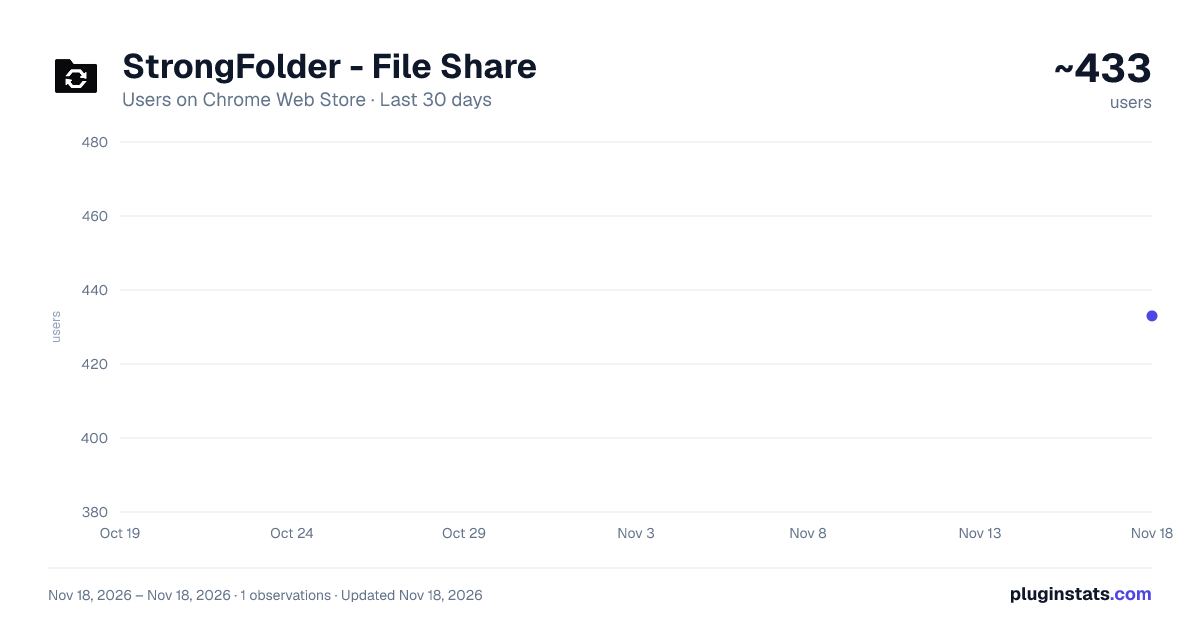
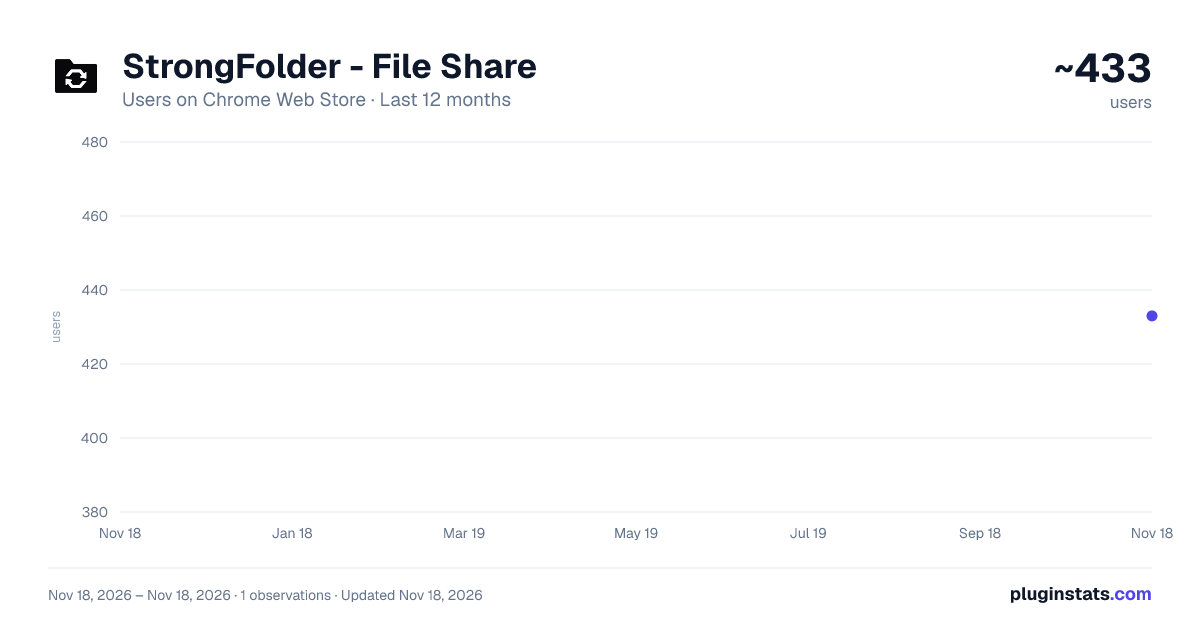
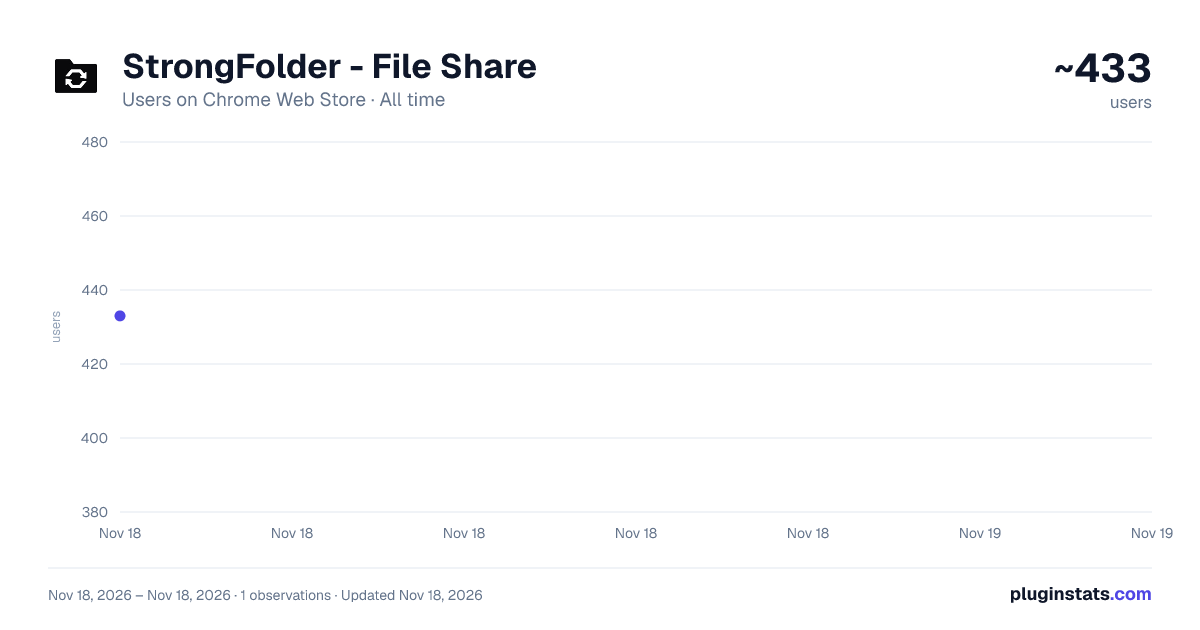
StrongFolder - File Share has approximately 433 recorded users on Chrome Web Store, ranking #5566 of 10,388 tracked listings.
Rating: 5.00 / 5 from 8 ratings
About StrongFolder - File Share
Use StrongFolder - File Share to send large files & folders directly — no clouds, no limits, just transfer files fast and secure.
StrongFolder is the ultimate Chrome extension created to make secure file transfers effortless, secure, and lightning fast. With its unique P2P technology, it allows you to connect devices directly, avoiding clouds, ZIP archives, or unnecessary limits. Designed for professionals, families, and businesses, this extension is the easiest way to send projects, photos, videos, or any large documents in just one click.
🗂️ Why is StrongFolder better? 𓄲 Direct p2p docs sharing with no storage in the middle. 𓄲 Works instantly inside Chrome, no external software. 𓄲 No account creation required, you can just send file online. 𓄲 Handle projects of any size, including massive archives.
📌 Unlike traditional file transfer sites: ⁍ StrongFolder is built to respect your time and privacy. ⁍ Forget compressing folders into ZIP archives or waiting for cloud uploads. ⁍ Here, your shared folder remains as is — neat, structured, and instantly ready for others. ⁍ No more delays, just smooth peer to peer file transfer from one device to another.
Here’s what makes StrongFolder stand out: ☑️ No size restrictions — send large data effortlessly. ☑️ Reliable for secure without third-party storage. ☑️ Perfect for freelancers sending send large documents or design projects. ☑️ Trusted by professionals needing advanced file transfer features.
💼 Who uses StrongFolder? — For everyone who works with large data: • Reliable large documents transfer for any project. • Quickly share large files with colleagues or friends. • Content creators can send big video archives without compression. • Enjoy seamless transfer without limit directly between devices.
📂 Freelancers needing quick online sharing files solutions: • You can transfer the folder without zip, keeping the structure intact. • No extra steps — just send the folder as is. • Perfect solution to send a folder with documents, images, or backups.
👨👩👧 Families who send their photos and videos: • Parents can easily send family videos to relatives abroad. • A convenient way to store and access shared photos. • Store and enjoy memories with smooth family videos transfer anytime.
🎨 Creators managing video share or heavy photo libraries: • Photographers attach RAW photos with clients quickly. • Designers send PSD source docs and design pic securely. • Developers can send Unity project archives without barriers. • People share files instantly using the tool.
🎮 Developers/Gamers sending code, patches to teammates: • Gamers can move game mods in seconds. • Easy sharing a folder with textures or add-ons. • Backup and transfer saves between computers effortlessly. • Enjoy game saves transfer and share mods with friends securely.
🏢 Businesses relying on secure tool for sensitive data: • Architects send the project to the client with one link. • Engineers can send CAD docs without delays. • Professionals send documents without the cloud for maximum security. • A freelancer sends documents directly, saving time and avoiding limits.
— Think about the moments when you needed to send large data or send a large file to a client, but cloud limits slowed you down. With StrongFolder, these barriers disappear. From document sharing to raw media projects, every step is smooth and private. You simply generate a secure link and let others access your saved documents directly.
⚡ One of the best parts of StrongFolder - File Share is speed! Unlike large file transfer services that demand accounts, subscriptions, or waiting time, here you simply choose your documents and start sharing. No delays, no unnecessary steps.
📊 Use cases for StrongFolder ▸ Data sharing of raw images for photographers. ▸ Secure doc sharing for contracts or private projects. ▸ Large file sharing for teams working with video archives.
🛠️ How to get started with StrongFolder Install from the Chrome Web Store. Open it from your browser sidebar. Pick your share folder or single item. And let the direct transfer begin.
🔐 Privacy with StrongFolder This extension guarantees file secure transfer by keeping your data between two devices only. No server holds it, no third party accesses it, ensuring a true secure file sharing experience. Your links are temporary, your saved files remain yours, and your privacy stays intact.
🔍 Frequently Asked Questions: ❓ How to send large video files? 📌 With the extension you can send large videos directly between devices. No clouds, no limits, just fast and secure.
❓ How to send large documents? 📌 Use StrongFolder to send large documents instantly. Select your attachment, share the link, and upload without compression or size limits.
❓ How to share docs? 📌 Simply open our extension choose what you need, and upload docs with one secure link. Fast, private, and without restrictions.
❓ How to send folder online? 📌 With the tool you can send folder directly without converting it into ZIP. Your folder structure stays the same and is easy to access.
❓ How to transfer large files securely? 📌 Thanks to P2P technology, that lets you upload large docs safely, keeping privacy and data protection at the highest level.
🔥 Start today and feel the simplicity of StrongFolder - File Share The smartest way to manage document distribution, photo share, and transfer big files without barriers. Enjoy the ultimate tool, trusted by professionals, families, and creators worldwide. With StrongFolder, you don’t waste time. Whether it’s share large video files with a colleague, send large documents to a client, or just enjoy smooth photo exchange with friends, this extension is tailored for your needs.
Description from the Chrome Web Store listing.
README badge
Show your rank in a README or on your website. The badge updates automatically.
Charts
Images: 30d · 1y · all time · 1600×900 dark
Adoption over time
7/30/90-day growth
Ranking history
Ratings over time
Listing placement
Listing placement
Filled points are observed values; hollow points come from Internet Archive snapshots of the listing page. Dashed segments span periods with no observations — values between points are not interpolated.
Each band is one page of 20. Users on a linear scale. Placement is projected from users, so it can differ from the marketplace's own sort order. Hover a dot to see the listing.
Recent observations
Full history (1)Similar Chrome Web Store Tools plugins
All 20 StrongFolder - File Share alternatives



Data source
Covers every Chrome Web Store extension with at least 100 users, found through the store's public sitemap. User counts are read from public listing pages. The 10% most-used extensions are refreshed daily, the next 40% weekly and the next 40% monthly; the least-used 10% are not refreshed. Google displays rounded user counts (and caps the display at 10,000,000+), so small changes may not be visible. Rating counts above 1,000 are rounded (e.g. 1.6K).
Listing: https://chromewebstore.google.com/detail/strongfolder-file-share/oengjokifmfipnadbkffkaldkcpcmekc. First seen Nov 18, 2026; last successful collection Nov 18, 2026. See the methodology.