 PluginStats

SubShift: Transfer your YouTube subscriptions users statistics
By Watson Tang · Chrome Web Store · Tools
Backup, export, and transfer your YouTube subscriptions with one click. Never lose your curated content feed again.
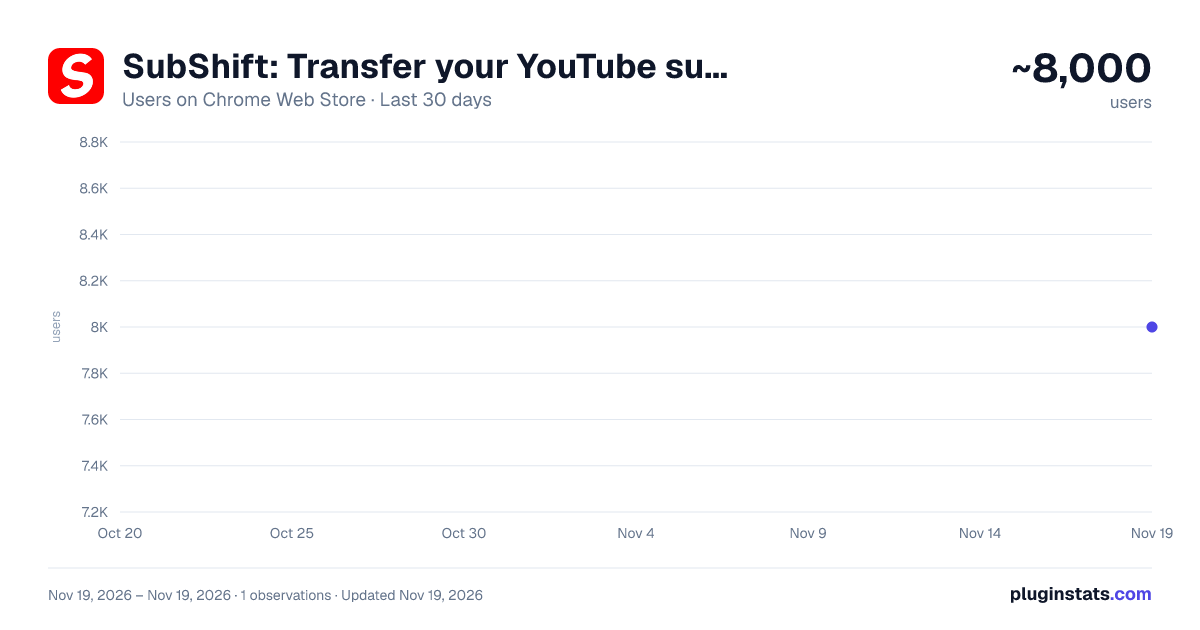
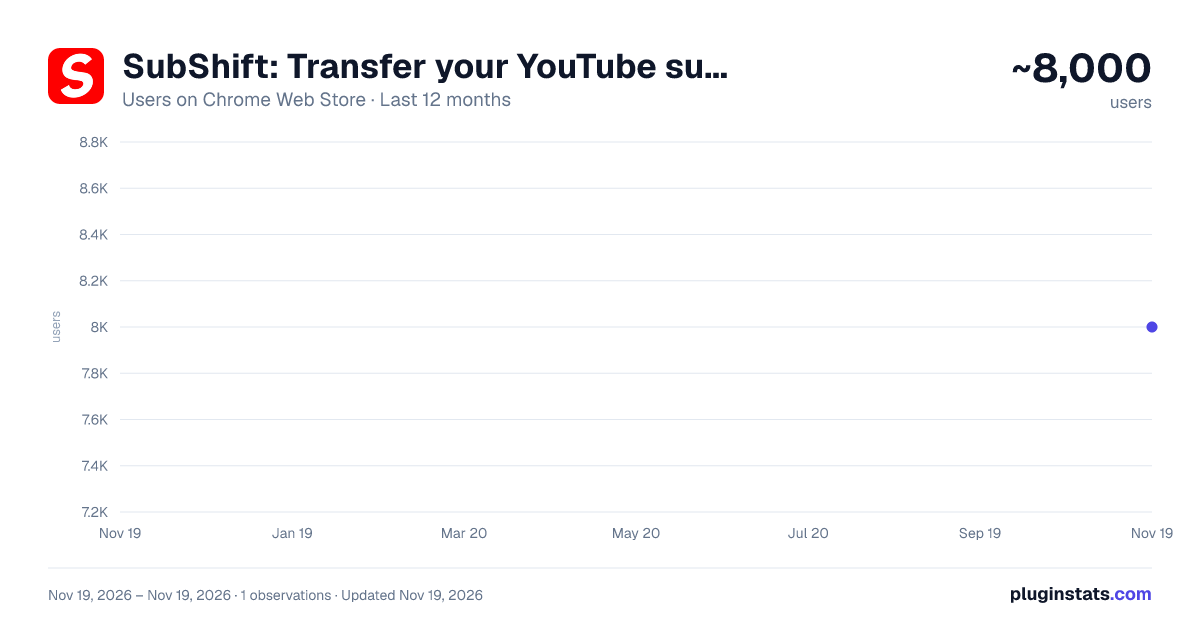
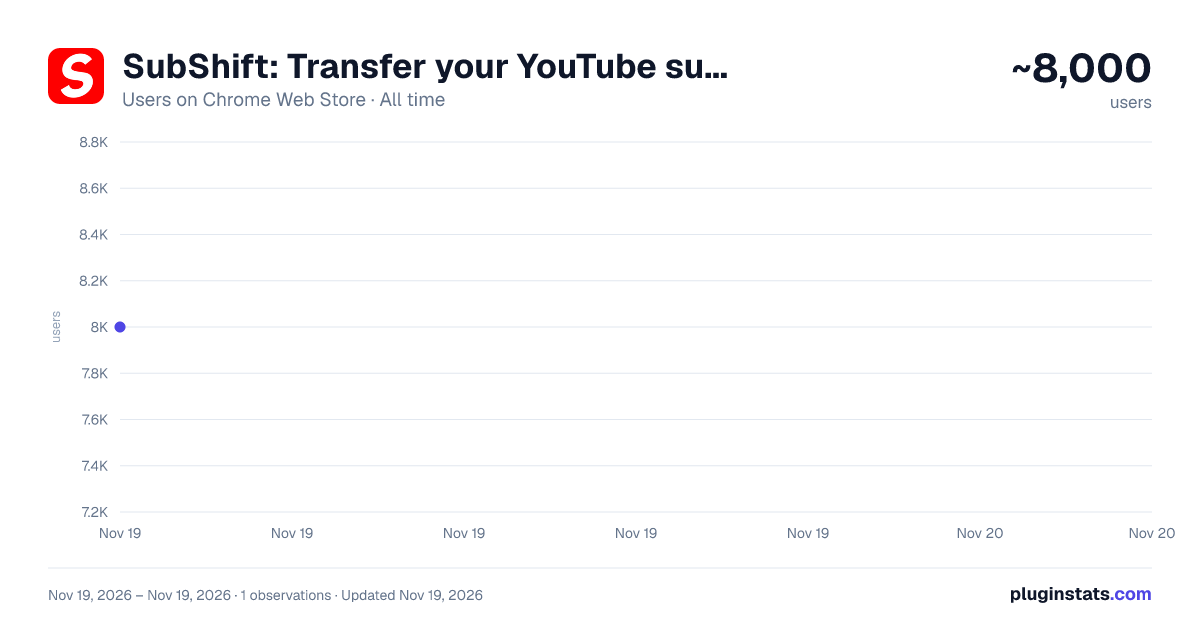
SubShift: Transfer your YouTube subscriptions has approximately 8,000 recorded users on Chrome Web Store, ranking #1317 of 10,388 tracked listings.
Rating: 4.10 / 5 from 52 ratings
About SubShift: Transfer your YouTube subscriptions
Backup, export, and transfer your YouTube subscriptions with one click. Never lose your curated content feed again.
Never lose your YouTube subscriptions again. Export, backup, import, and transfer your channel list with a single click. Take control of your content preferences.
Why Choose SubShift?
🔄 One-Click Transfer Seamlessly move your entire YouTube subscription list from one account to another. Perfect for migrating to a new personal account or a work profile. Save hours of tedious manual work.
💾 Secure Backup & Restore Your subscription data is valuable. SubShift lets you create a backup file on your computer, ensuring you never lose your subscriptions due to a hacked, suspended, or accidentally deleted account. Think of it as an insurance policy for your content preferences.
🤝 Easy Sharing Found an amazing collection of channels? Export your subscription list and share it with friends, family, or your community, so they can import it with ease.
🧹 Manage & Organize Export your subscriptions to a clean, readable file. This allows you to review, clean up, and organize your channel list outside of YouTube for better content management.
Key Features
- Export Subscriptions: Download your complete YouTube subscription list as a file.
- Import Subscriptions: Upload a file to instantly subscribe to all channels.
- Simple Interface: Designed for speed and ease of use—no complex settings.
- Your Data, Your Control: All processing happens locally in your browser. We do not collect, store, or see your subscription data.
Perfect For:
- Switching Google Accounts: Move your subscriptions to a new account effortlessly.
- Regular Backups: Proactively protect your YouTube data from unexpected loss.
- Multi-Account Users: Sync subscriptions between personal, work, or test accounts.
- Content Creators & Curators: Manage and share lists of channels easily.
Take control of your YouTube experience. Add SubShift to Chrome today!
Description from the Chrome Web Store listing.
README badge
Show your rank in a README or on your website. The badge updates automatically.
Charts
Images: 30d · 1y · all time · 1600×900 dark
Adoption over time
7/30/90-day growth
Ranking history
Ratings over time
Listing placement
Listing placement
Filled points are observed values; hollow points come from Internet Archive snapshots of the listing page. Dashed segments span periods with no observations — values between points are not interpolated.
Each band is one page of 20. Users on a linear scale. Placement is projected from users, so it can differ from the marketplace's own sort order. Hover a dot to see the listing.
Recent observations
Full history (1)Similar Chrome Web Store Tools plugins
All 20 SubShift: Transfer your YouTube subscriptions alternatives



Data source
Covers every Chrome Web Store extension with at least 100 users, found through the store's public sitemap. User counts are read from public listing pages. The 10% most-used extensions are refreshed daily, the next 40% weekly and the next 40% monthly; the least-used 10% are not refreshed. Google displays rounded user counts (and caps the display at 10,000,000+), so small changes may not be visible. Rating counts above 1,000 are rounded (e.g. 1.6K).
Listing: https://chromewebstore.google.com/detail/subshift-transfer-your-yo/ofjkkedodlibekaaldndffjfhbpkjikp. First seen Nov 19, 2026; last successful collection Nov 19, 2026. See the methodology.