 PluginStats

PassG: Random Password Generator users statistics
By Anas Algunaid · Chrome Web Store · Workflow & Planning
Create strong, customizable passwords for enhanced online security.
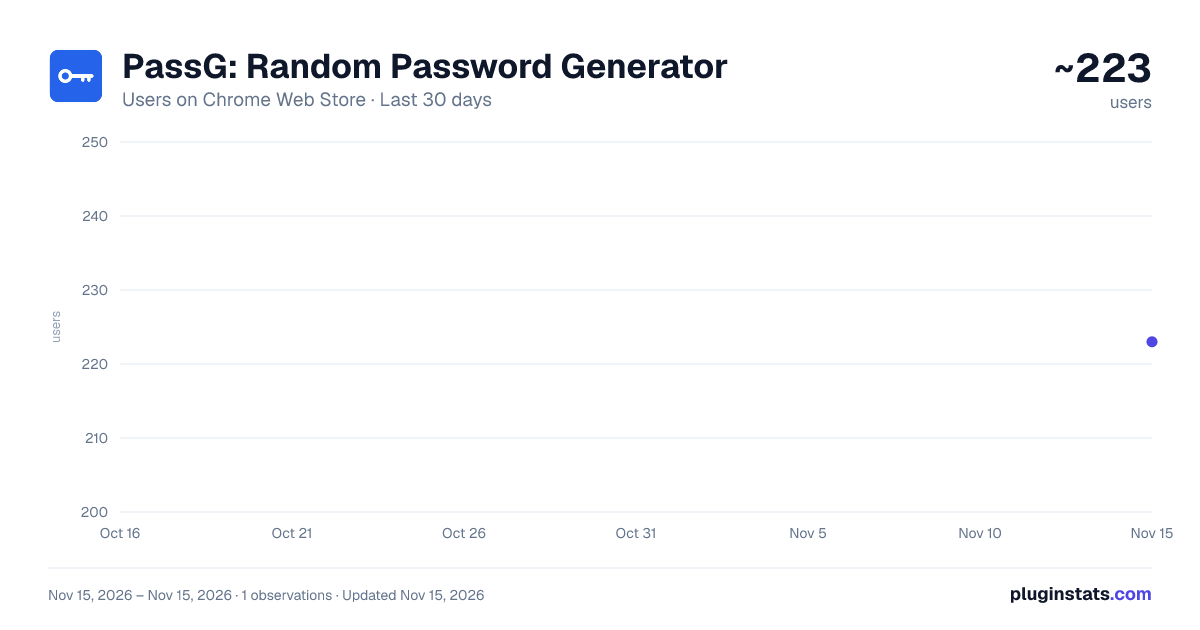
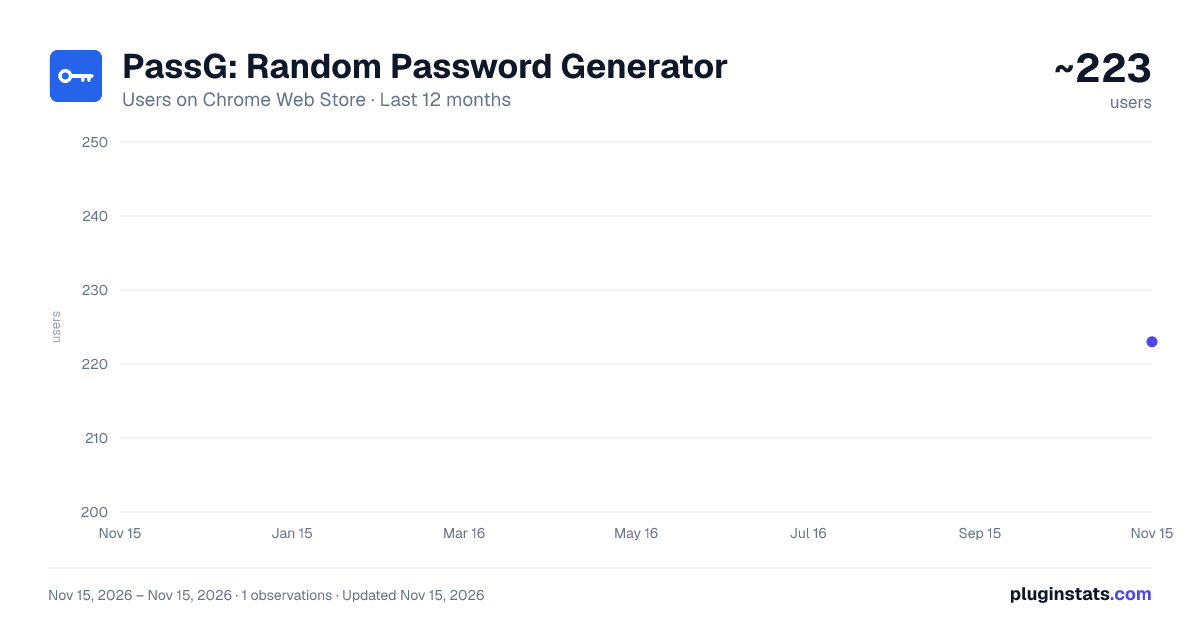
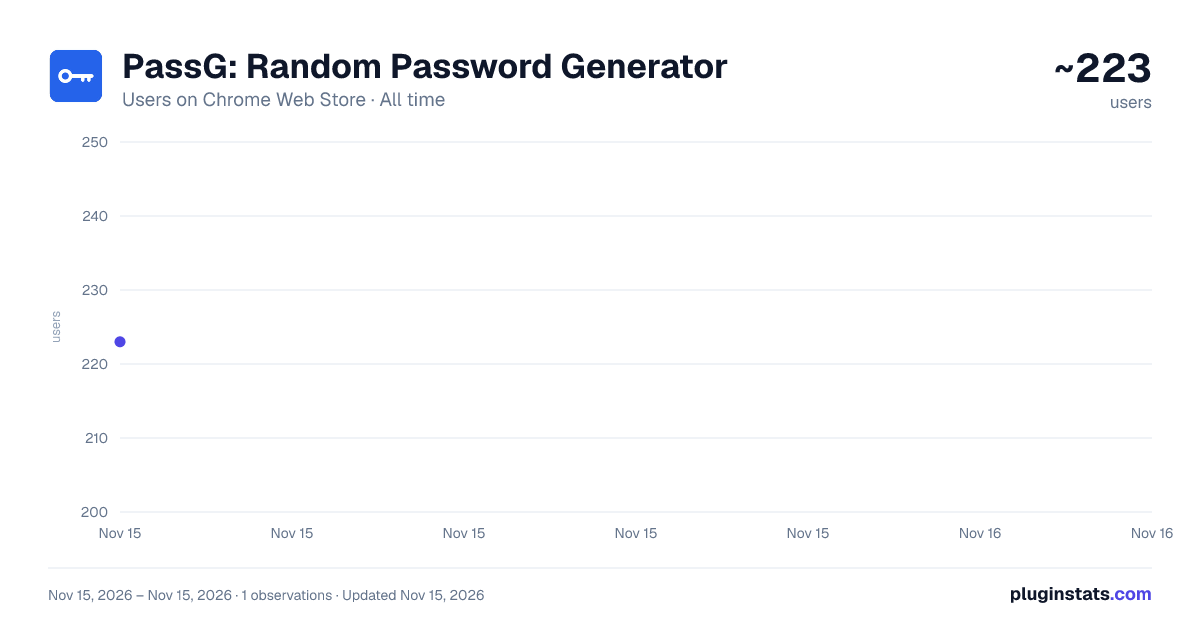
PassG: Random Password Generator has approximately 223 recorded users on Chrome Web Store, ranking #7453 of 10,388 tracked listings.
Rating: 5.00 / 5 from 1 ratings
About PassG: Random Password Generator
Create strong, customizable passwords for enhanced online security.
Introducing "PassG" - Your Ultimate Random Password Generator Chrome Extension! Are you tired of struggling to come up with strong and secure passwords for your online accounts? Say goodbye to weak and easily hackable passwords with PassG! This incredible Chrome extension takes the hassle out of password creation, offering you a seamless experience with its user-friendly interface and attractive design.
Key Features:
- Random Password Generation: With just a single click, PassG creates strong, unique, and random passwords for all your accounts, ensuring top-notch security.
- Customizable Options: Tailor your passwords to your liking! Choose from lowercase, uppercase, numbers, and symbols to create passwords that match your preferences and requirements.
- Password Length Selection: Decide the length of your password! Set the desired number of characters for your generated passwords, ensuring they meet the specific length requirements of different platforms.
- Allowed Symbols Selection: We put you in control! Select specific symbols that you'd like to include or exclude in your generated passwords, giving you the freedom to adhere to password requirements set by different platforms.
- Password Strength Indicator: Wondering how strong your new password is? PassG evaluates the strength of each password it generates, helping you understand how secure your passwords truly are.
- Easy Copy-Paste: No more fumbling with complicated copying methods. PassG lets you copy your newly generated password to the clipboard with a single click, making it effortless to use on any website or application.
- Attractive UI: We believe that a delightful user experience is paramount. PassG comes with an appealing and intuitive interface, making the password generation process a breeze for all users, whether tech-savvy or not.
So, why risk your accounts with weak and predictable passwords? Elevate your password game and ensure the safety of your online presence with PassG – the ultimate Chrome extension for random password generation! Download now and generate random and secure passwords.
Description from the Chrome Web Store listing.
README badge
Show your rank in a README or on your website. The badge updates automatically.
Charts
Images: 30d · 1y · all time · 1600×900 dark
Adoption over time
7/30/90-day growth
Ranking history
Ratings over time
Listing placement
Listing placement
Filled points are observed values; hollow points come from Internet Archive snapshots of the listing page. Dashed segments span periods with no observations — values between points are not interpolated.
Each band is one page of 20. Users on a linear scale. Placement is projected from users, so it can differ from the marketplace's own sort order. Hover a dot to see the listing.
Recent observations
Full history (1)Similar Chrome Web Store Workflow & Planning plugins
All 20 PassG: Random Password Generator alternatives



Data source
Covers every Chrome Web Store extension with at least 100 users, found through the store's public sitemap. User counts are read from public listing pages. The 10% most-used extensions are refreshed daily, the next 40% weekly and the next 40% monthly; the least-used 10% are not refreshed. Google displays rounded user counts (and caps the display at 10,000,000+), so small changes may not be visible. Rating counts above 1,000 are rounded (e.g. 1.6K).
Listing: https://chromewebstore.google.com/detail/passg-random-password-gen/hianbicedklaemdfedjnbglnphcgecfa. First seen Nov 15, 2026; last successful collection Nov 15, 2026. See the methodology.