 PluginStats

CPI Lens: SAP Integration Suite Inspector users statistics
By riteekk1997 · Chrome Web Store · Developer Tools
Smart Observability, analytics and productivity tools for SAP CPI
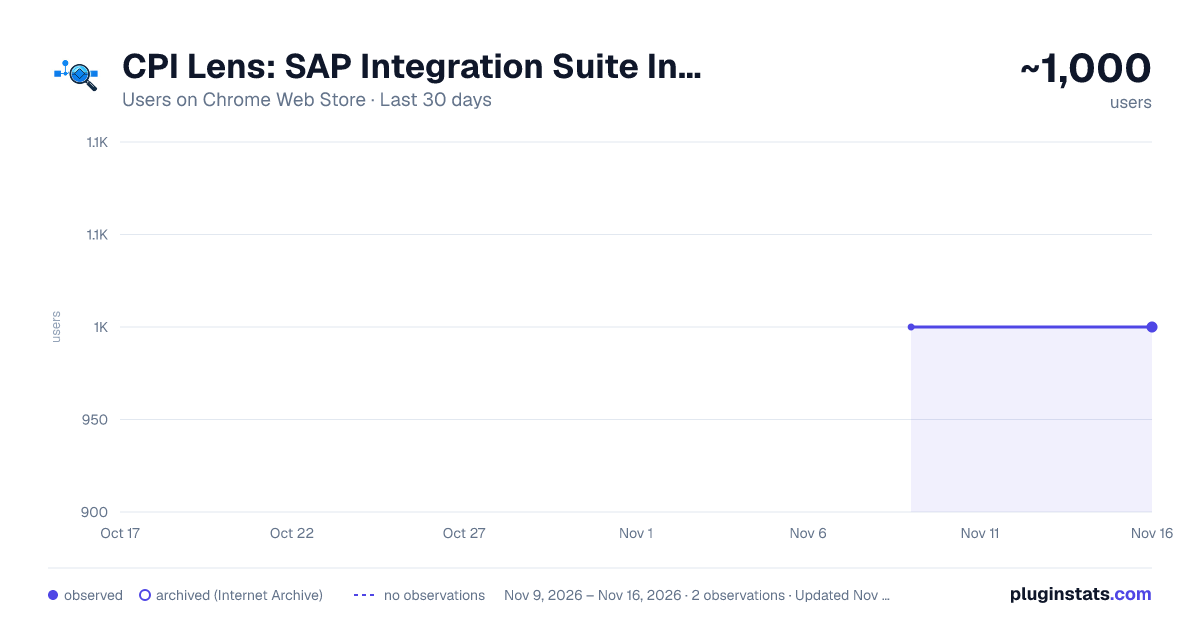
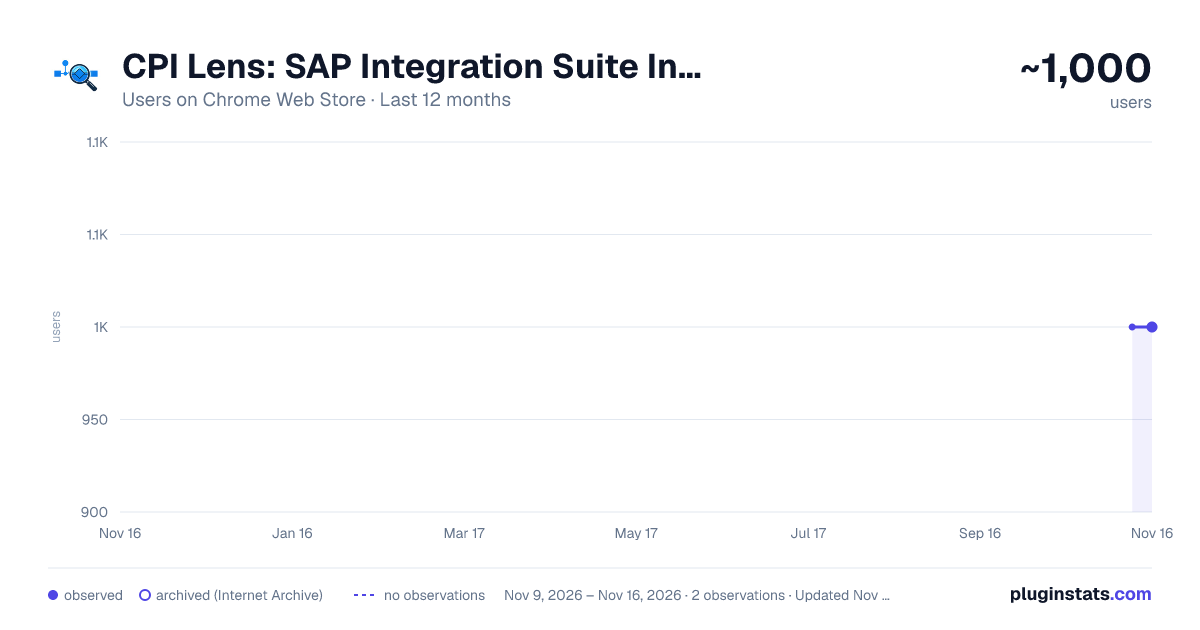
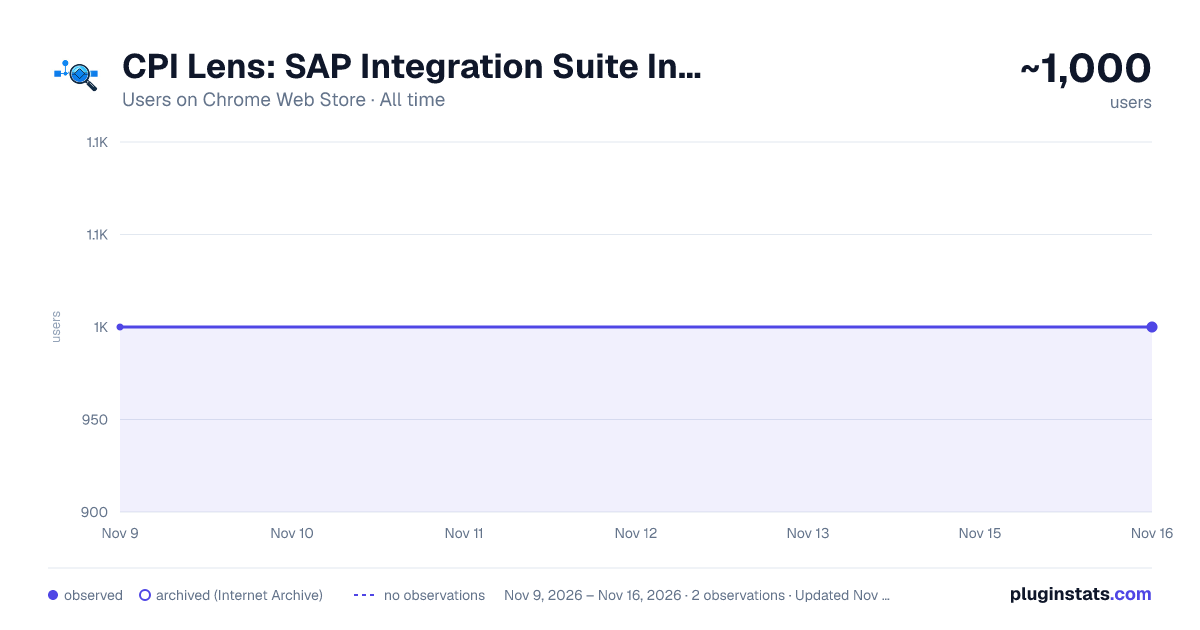
CPI Lens: SAP Integration Suite Inspector has approximately 1,000 recorded users on Chrome Web Store, a change of 0.0% over the past 7 days, ranking #3536 of 10,388 tracked listings.
Rating: 4.70 / 5 from 10 ratings
About CPI Lens: SAP Integration Suite Inspector
Smart Observability, analytics and productivity tools for SAP CPI
CPI Lens is a lightweight browser extension that enhances the SAP Integration Suite (CPI) UI with productivity tools, quick insights, and developer-friendly shortcuts.
All functionality runs locally within your browser and works directly on your SAP CPI tenant UI.
Key Features:
Tenant Identification – Instantly identify the active CPI tenant with visual cues. Message Processing Analytics – Instantly visualize Success, Failed, Escalated, and Processing messages for quick tenant health checks. Throughput KPIs: Message count -Past hour, Avg/hour, Peak/hour, Today Total. Message Trends Over Time – Analyze message volume trends for the last 1, 6, 12, Today and 24 hours directly in CPI. 24h Rolling Message Heat Map with sparkline trend Top 3 Consumer iFlows – Instantly identify the highest message-consuming integrations to monitor load distribution Processing Time Insights – Identify slow integrations SLA breach Indicator (Customizable threshold)-Detect iFlows that exceed your defined Service Level Agreement (SLA) thresholds. Global search for Iflow - Instantly find any iFlow on your tenant, whether you know its name, partial ID, or even keywords Runtime Health Visibility – Detect idle, inactive, or unused iFlows for cleanup and governance.Overview Categorized Runtime Insights - Get detailed breakdowns of how many iFlows, adapters, mappings, and scripts are currently deployed and running in your landscape. Duplicate & tests iFlows – Surface potential duplicate messages and unusual runtime behavior in real time. Ghosted Artifacts – Identify iFlows that exists in only runtime but doesn't have designtime artifact available to update. Idle IFlows - Detect unused or inactive integrations IFlow Version Difference Viewer - Compare any two versions of an iFlow using both visual BPMN-based diff and XML-based diff modes. Expiry Tracker – Track expiring certificates, and keys to avoid unexpected integration failures. One-Click Message Trace Downloader & Replay anytime Simulators – Instantly test and validate XSLT mappings, Value Mapping and Groovy scripts Tools & Utilities – Built-in compare tools, converters, formatters, schema, and Technical specs generators to speed up daily CPI development tasks. Favourites – Bookmark frequently used iFlows for instant access, Quick message summery and smart tagging filters. Unused References and Ext. Parameters - Scan your iFlows for configuration parameters, variables, or external references that are never used. IFlow Timeline Visualization - Instantly view a detailed version history for any iFlow, including when it was created, changed, or updated, and by whom. Process Call Mindmap for Complex Flows - Visualize your entire process architecture with dynamic mindmaps that reveal all called subprocesses and including nested ones. Excel export - Downloadable reports for Idle, ghosted, runtime iflows and Message activities. MPLs Viewer - Download MPLs locally and view later anytime Unlock shortcuts for Artifacts (Package/iflow) Personal Notes - Easily add and view personal notes or reminders related to work. Secure & Privacy-Friendly – 100% client-side execution with no data collection, tracking, or external servers. light and dark theme support.
Note : The CPI Lens extension button appears at the bottom right corner. Supported runtime env. : Cloud Foundry Supported Browsers : Chrome , Edge , Brave
Description from the Chrome Web Store listing.
README badge
Show your rank in a README or on your website. The badge updates automatically.
Charts
Images: 30d · 1y · all time · 1600×900 dark
Adoption over time
7/30/90-day growth
Ranking history
Ratings over time
Listing placement
Listing placement
Filled points are observed values; hollow points come from Internet Archive snapshots of the listing page. Dashed segments span periods with no observations — values between points are not interpolated.
Each band is one page of 20. Users on a linear scale. Placement is projected from users, so it can differ from the marketplace's own sort order. Hover a dot to see the listing.
Recent observations
Full history (2)Similar Chrome Web Store Developer Tools plugins
All 20 CPI Lens: SAP Integration Suite Inspector alternatives



Data source
Covers every Chrome Web Store extension with at least 100 users, found through the store's public sitemap. User counts are read from public listing pages. The 10% most-used extensions are refreshed daily, the next 40% weekly and the next 40% monthly; the least-used 10% are not refreshed. Google displays rounded user counts (and caps the display at 10,000,000+), so small changes may not be visible. Rating counts above 1,000 are rounded (e.g. 1.6K).
Listing: https://chromewebstore.google.com/detail/cpi-lens-sap-integration/hojcibdjgfibcpfkcgcepblnmmepinhh. First seen Nov 9, 2026; last successful collection Nov 16, 2026. See the methodology.