 PluginStats

Previews (For Twitch & YouTube & Kick) users statistics
Chrome Web Store · Entertainment
Live hover previews & a bunch of quality of life improvements
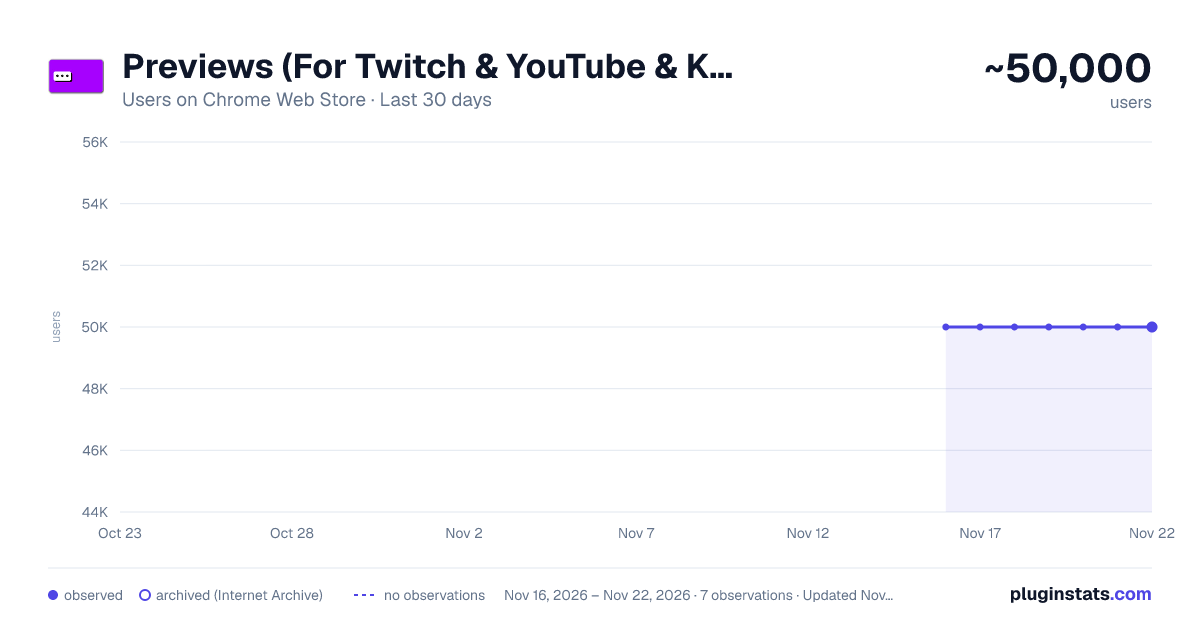
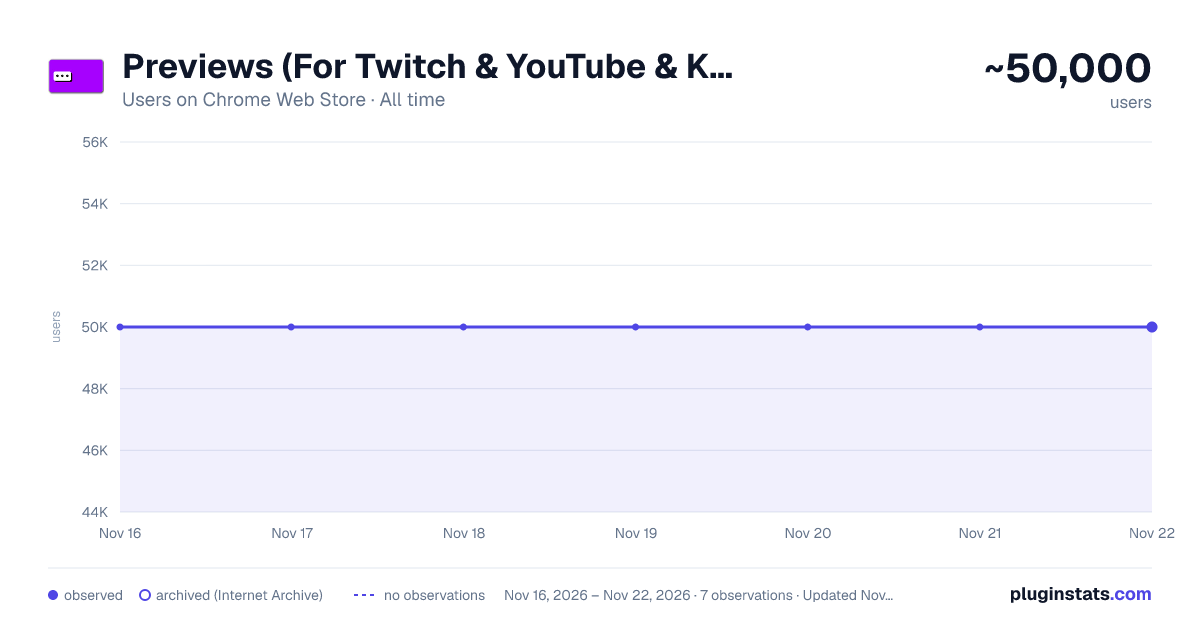
Previews (For Twitch & YouTube & Kick) has approximately 50,000 recorded users on Chrome Web Store, ranking #456 of 10,388 tracked listings.
Rating: 4.00 / 5 from 1,400 ratings
About Previews (For Twitch & YouTube & Kick)
Live hover previews & a bunch of quality of life improvements
Hover previews, sidebar favorites, multi-stream, FlashBang Defender, Audio Defender, auto-refresh on errors, fast-forward and dozens more Quality-Of-Life features - all for Twitch & YouTube & Kick.
Previews is a browser add-on for people who watch a lot of streaming content. Peek at any channel before you click. Pin your favorites to the top. Watch multiple streams at once. Stop the video from breaking. Snipe predictions. Catch up to the action with one click. Fast-Forward. Record streams. Actively maintained since 2020.
🖱️ HOVER PREVIEWS Live video or image thumbnails appear when you hover over channels - in the side panel, directories, and clips. Adjustable size and audio.
⭐ SIDEBAR FAVORITES (PINNED CHANNELS) A dedicated Favorites list pinned to the top of your sidebar, just for the streamers you actually care about. Optional custom categories. Show offline favorites too if you want.
🔆 FLASHBANG DEFENDER For 2 AM moments when the streamer opens a white browser tab. One click dims the video so your eyes survive.
🎧 AUDIO DEFENDER Evens out stream loudness and tames sudden alert / TTS / jump-scare spikes before they reach your ears. Hover the player button for presets, a nine-band equalizer, a volume boost, a strength control and a live output meter - plus a mono mode that folds all channels into both ears. Remembers your setup per channel and works on embedded players too.
🔁 AUTO REFRESH ON PLAYER ERRORS Automatically refreshes the player on errors #1000, #2000, #3000, #4000, and #5000. No more dead streams.
🎚️ AUTO SET PLAYER QUALITY Forces the video to your selected quality on every page load and channel change, with a fallback if your first choice isn't available.
🛡️ PREVENT QUALITY DROPS IN BACKGROUND Stops the video from sliding to 160p when you switch tabs. Also kills 99% of #1000 and #2000 errors before they happen.
🚀 FAST-FORWARD One-click jump back to the live edge - perfect when the stream is delayed or the buffer pulled you behind. Shows in the player controls.
⏪ SEEK CONTROLS Jump back or forward through the live buffer - with keyboard shortcuts (SHIFT + arrow keys) or on-screen rewind and forward buttons in the player. Choose how many seconds each jump moves, and place the buttons on the left or right of the controls.
🔖 VOD MARKERS Mark the moments worth coming back to. One click (or Alt+M) drops a marker with an optional note, shown as a pin on the seekbar - click it to jump back. Works on VODs and live streams on all three sites, and you can share them with a single link.
🔗 LINK PREVIEWS Links posted in chat unfold into a rich card, so you can see where a link goes before you click. Everything - including images - is fetched privately through our own servers, keeping your IP address and browser fingerprint hidden from the sites behind those links.
🎤 VOICE TYPING IN CHAT Click the mic icon to dictate your messages - speech-to-text powered by AI. Multi-language support.
🎯 PREDICTIONS SNIPER A few seconds before each prediction closes, the sniper picks the option leading in votes - based on configurable rules for bet size, max points, vote-margin, and timing.
🎬 CLIP DOWNLOADER Download Twitch clips straight from the video controls. No third-party sites.
📺 MULTI-STREAM & MULTI-CHAT Watch and message across multiple channels at once on Twitch, YouTube, and Kick. Save layout presets, switch between them on the fly, and send your whole view to a friend as one link.
🪟 PICTURE-IN-PICTURE Pop streams out into a floating window. Native browser PiP plus a custom multi-window mode.
🪞 MIRROR MODE (HORIZONTAL FLIP) Flip the picture left-to-right, like a studio mirror - the instructor's left becomes your left. Perfect for following along with dance, workout, and instrument tutorials.
🎞️ FULLSCREEN WITH CHAT OVERLAY Theater or fullscreen mode with a transparent or solid messaging overlay - now with a custom chat layout on YouTube. Fully customizable.
📸 SCREENSHOT & RECORD Capture stills at the stream's native resolution, or record at 60fps.
📱 YT SHORTS PLAYER CONTROLS The controls you use on the main player now sit on the Shorts rail too: playback speed, FlashBang Defender, screenshot, record and picture-in-picture - plus auto-scroll, which moves you on to the next Short the moment the current one ends. Each control has its own switch in the settings. The progress bar can stay visible the whole time too, instead of only showing while your pointer is over it.
🧩 CONTROLS ON EMBEDDED PLAYERS Watching through a multi-stream site or any embedded Twitch player? Your controls come along - screenshot, record, fast-forward, playback speed, picture-in-picture, mirror, FlashBang Defender, Audio Defender, seek, and fullscreen with chat. Turn each one on or off separately for embedded players and for the main player.
⚡ AUTO CHANNEL POINTS CLICKER Clicks the bonus claim button for you. Works in background tabs too.
PLUS many more: predictions notifications, leave raids automatically, raid to random favorite, incognito chat, clear chat, sidebar search, expand sidebar, YouTube + Kick channels in the side panel, streamer self-preview, toggle platform and extension overlays, auto-set quality for hover previews, directory embeds and clips, mute videos that play in the background, layout presets, cloud sync for settings + favorites, playback speed controls, copy URL at current time, and more.
LEARN MORE Website: https://previews-app.com All links: https://allmylinks.com/previews-app Discord: https://discord.gg/kNhHhs6p9Q GitHub (issues / feature requests): https://github.com/previews-app/Previews/issues
© MarkM.
Previews is an independent project and is not affiliated with or endorsed by any of the platforms it works with.
Description from the Chrome Web Store listing.
README badge
Show your rank in a README or on your website. The badge updates automatically.
Charts
Images: 30d · 1y · all time · 1600×900 dark
Adoption over time
7/30/90-day growth
Ranking history
Ratings over time
Listing placement
Listing placement
Filled points are observed values; hollow points come from Internet Archive snapshots of the listing page. Dashed segments span periods with no observations — values between points are not interpolated.
Each band is one page of 20. Users on a linear scale. Placement is projected from users, so it can differ from the marketplace's own sort order. Hover a dot to see the listing.
Recent observations
Full history (6)Similar Chrome Web Store Entertainment plugins
All 20 Previews (For Twitch & YouTube & Kick) alternatives



Data source
Covers every Chrome Web Store extension with at least 100 users, found through the store's public sitemap. User counts are read from public listing pages. The 10% most-used extensions are refreshed daily, the next 40% weekly and the next 40% monthly; the least-used 10% are not refreshed. Google displays rounded user counts (and caps the display at 10,000,000+), so small changes may not be visible. Rating counts above 1,000 are rounded (e.g. 1.6K).
Listing: https://chromewebstore.google.com/detail/previews-for-twitch-youtu/hpmbiinljekjjcjgijnlbmgcmoonclah. First seen Nov 16, 2026; last successful collection Nov 21, 2026. See the methodology.