 PluginStats

Snapshots users statistics
Chrome Web Store · Workflow & Planning
Snapshots: The Chrome Extension That Lets You Bookmark Anything Have you ever stumbled upon something really cool or interesting…
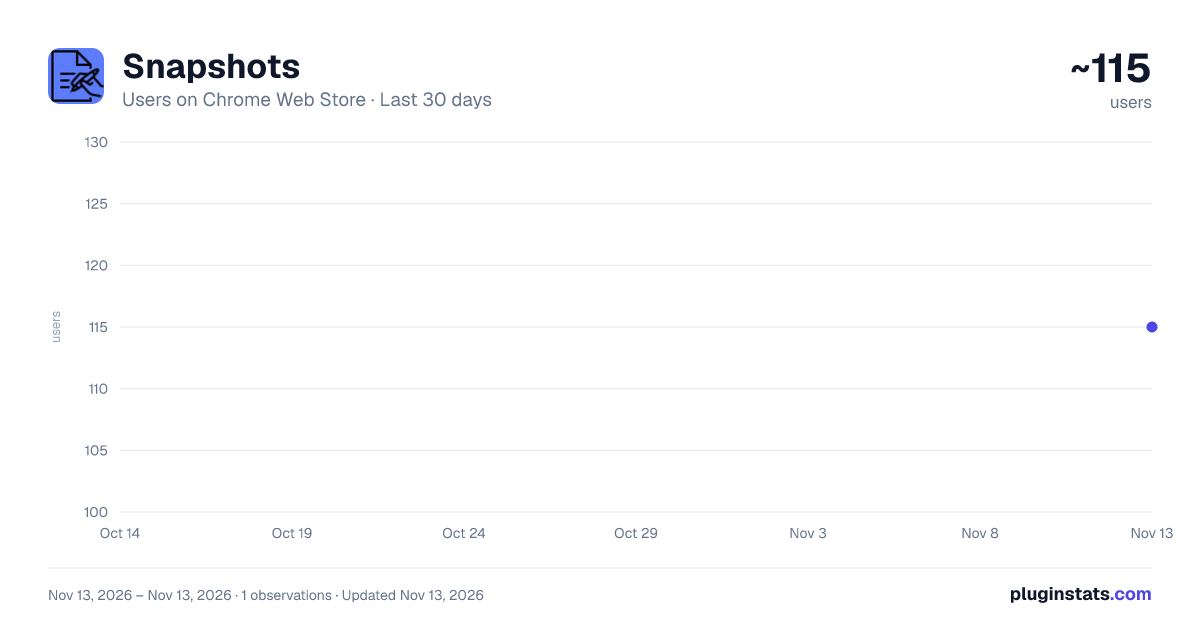
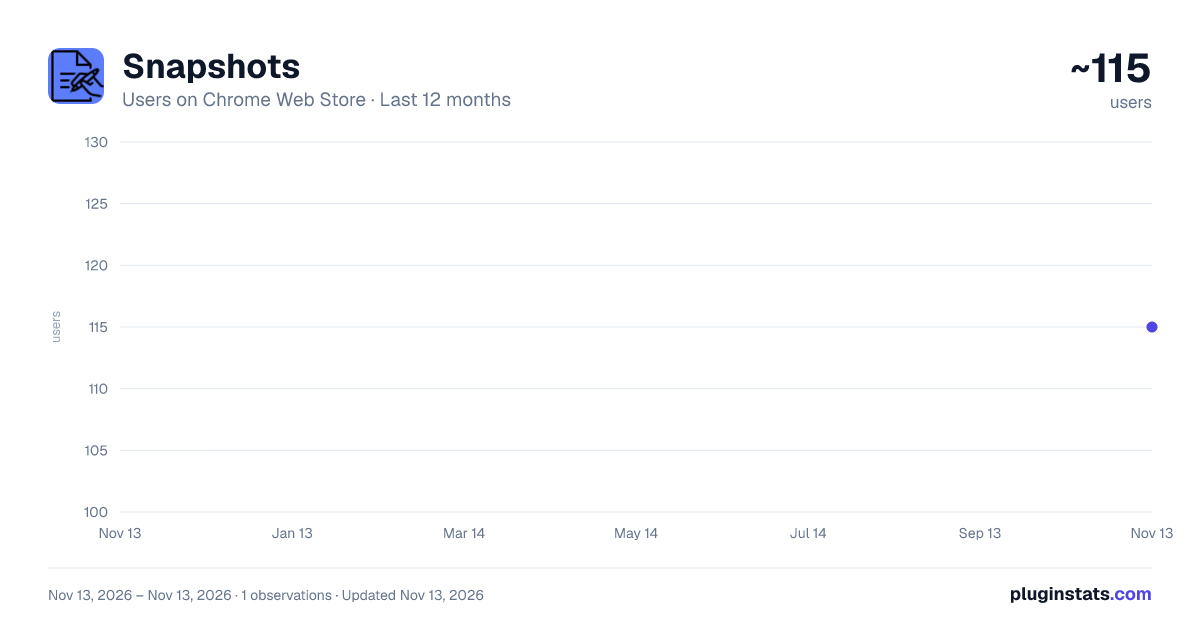
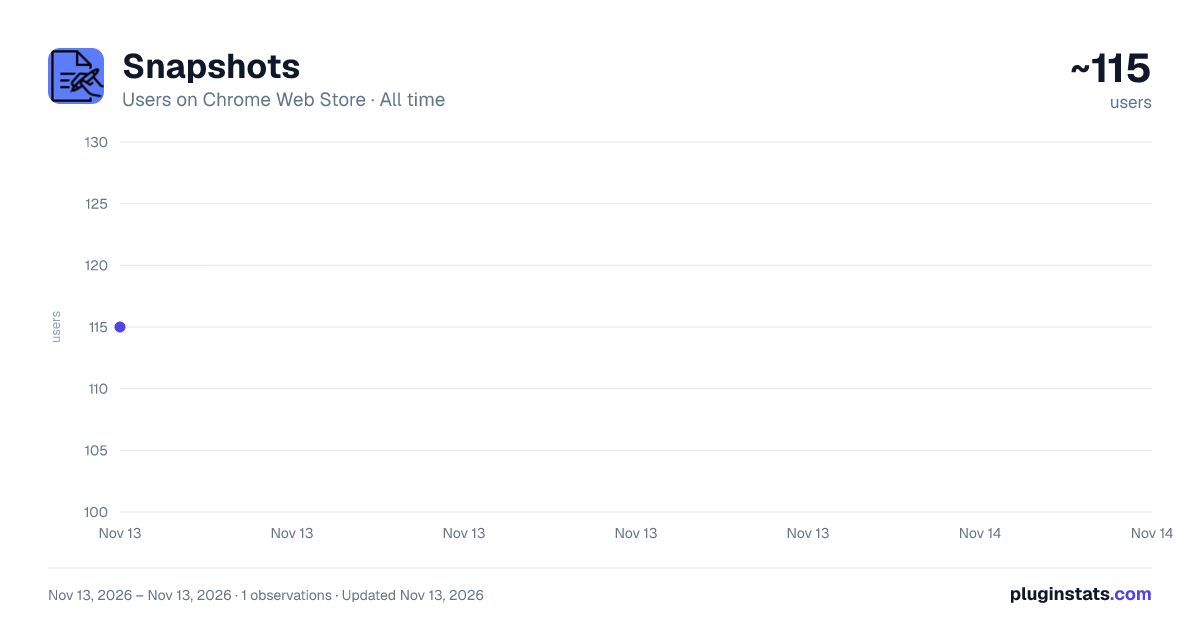
Snapshots has approximately 115 recorded users on Chrome Web Store, ranking #9752 of 10,388 tracked listings.
About Snapshots
Snapshots: The Chrome Extension That Lets You Bookmark Anything
Have you ever stumbled upon something really cool or interesting…
Snapshots: The Chrome Extension That Lets You Bookmark Anything
Have you ever stumbled upon something really cool or interesting on the web and wanted to save it for later? Maybe a quote, an image, or some data that you know you'll want to revisit later on. Well, that's where Snapshots comes in!
Introducing Snapshots - Your Personal Web Scrapbook
Snapshots is a chrome extension that lets you bookmark anything and everything you find interesting on the web. It's like Twitter bookmarks, but better - because you can capture any type of content you want, from any website you visit.
Privacy First: We Don't Track Anything, Ever
The best part? We're privacy-first! We don't track anything, and all data goes straight from your browser to your Google Doc. So you can rest assured that your personal information is safe with us.
How It Works: Easy as 1-2-3
Here's how it works:
- Install the Snapshots extension and log in. Don't worry - we won't spam you, and we won't track anything you snapshot.
- Once you're logged in, create a document for your interests. For example, you could create a document for all things business, or maybe one for funny memes you come across.
- Now comes the fun part! As you're browsing the web, whenever you find something you want to save, just select the text or image and click the right mouse button. You'll see "Send to Snapshot" in the chrome context menu. Select the document you want to add it to, and voila! You've just saved something awesome.
Create Multiple Documents and Keep Them Organized
You can create as many documents as you want for different purposes, and easily structure and catalog what you find interesting. And don't worry about losing the formatting of the text or image - we preserve it to give you a pleasant experience.
Get Notified When Your Documents Are Updated
Oh, and one more thing - if you give us notification access, you'll receive a notification when your document is successfully updated. So you can be sure that your awesome finds are safely stored in your Google Drive.
Made in India
We are proud to say that Snapshots was born out of a personal use case and developed in India. We love hearing from our users and are constantly working to improve the app based on their feedback.
Thank You for Choosing Snapshots!
Thank you for downloading and using Snapshots. We hope you enjoy using it as much as we enjoyed!
Description from the Chrome Web Store listing.
README badge
Show your rank in a README or on your website. The badge updates automatically.
Charts
Images: 30d · 1y · all time · 1600×900 dark
Adoption over time
7/30/90-day growth
Ranking history
Ratings over time
Listing placement
Listing placement
Filled points are observed values; hollow points come from Internet Archive snapshots of the listing page. Dashed segments span periods with no observations — values between points are not interpolated.
Each band is one page of 20. Users on a linear scale. Placement is projected from users, so it can differ from the marketplace's own sort order. Hover a dot to see the listing.
Recent observations
Full history (1)Similar Chrome Web Store Workflow & Planning plugins
All 20 Snapshots alternatives



Data source
Covers every Chrome Web Store extension with at least 100 users, found through the store's public sitemap. User counts are read from public listing pages. The 10% most-used extensions are refreshed daily, the next 40% weekly and the next 40% monthly; the least-used 10% are not refreshed. Google displays rounded user counts (and caps the display at 10,000,000+), so small changes may not be visible. Rating counts above 1,000 are rounded (e.g. 1.6K).
Listing: https://chromewebstore.google.com/detail/snapshots/bmllknejocpimldikkpbjpopflppcpcf. First seen Nov 13, 2026; last successful collection Nov 13, 2026. See the methodology.