 PluginStats

Text Tools users statistics
By Web Tools (2 listings) · Chrome Web Store · Workflow & Planning
Collection of small & convenient TEXT tools.
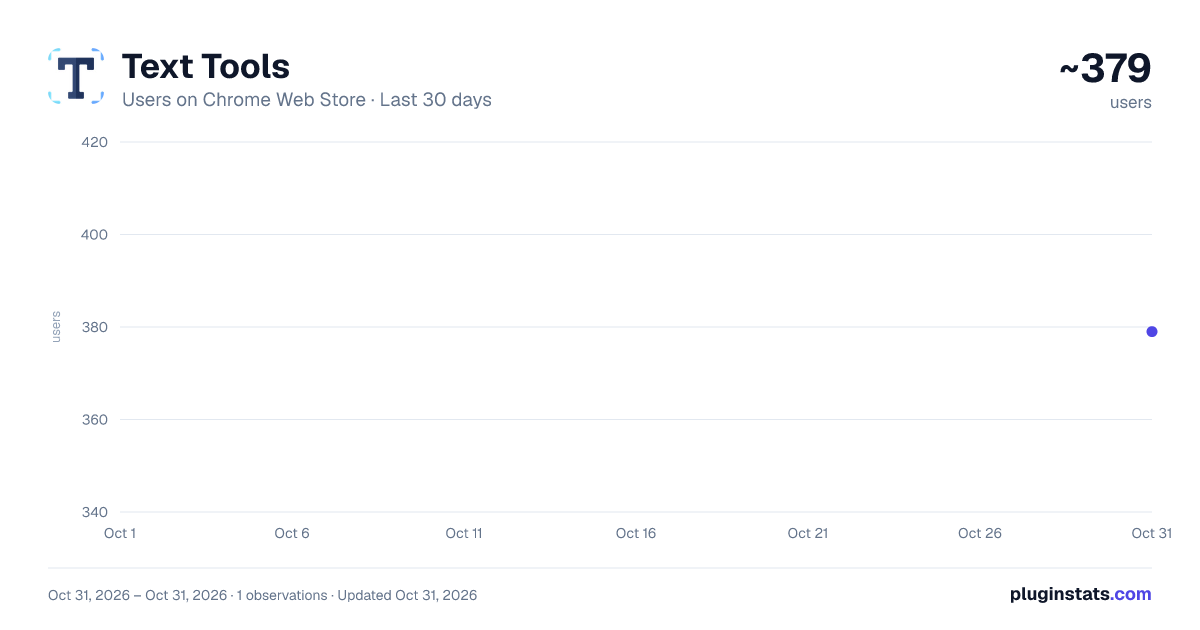
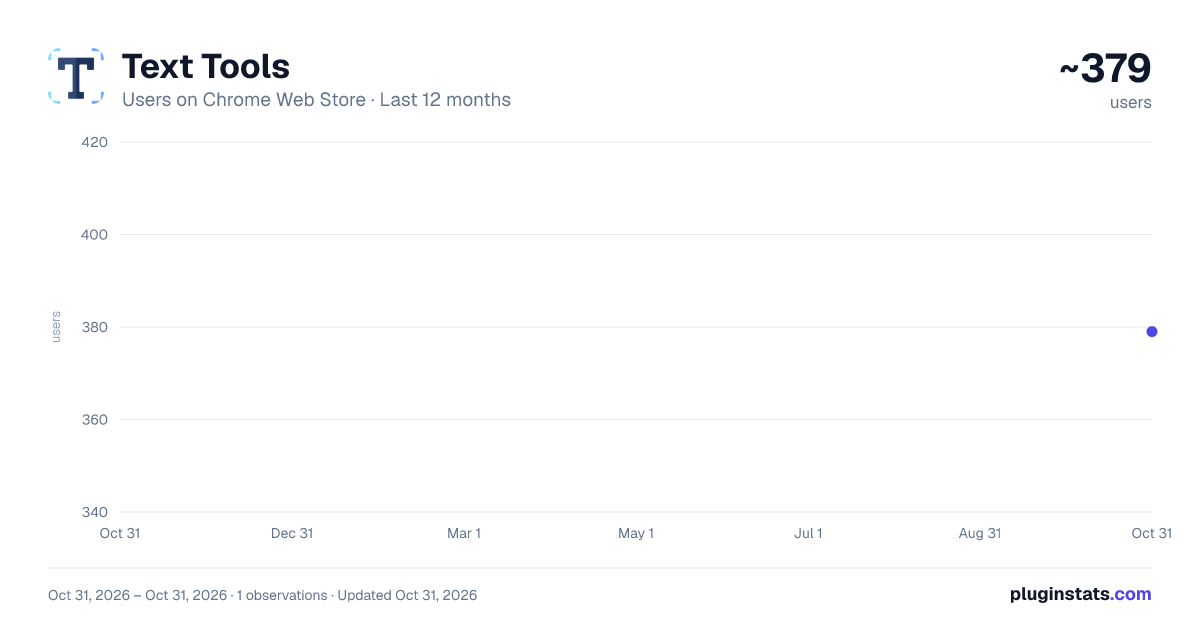
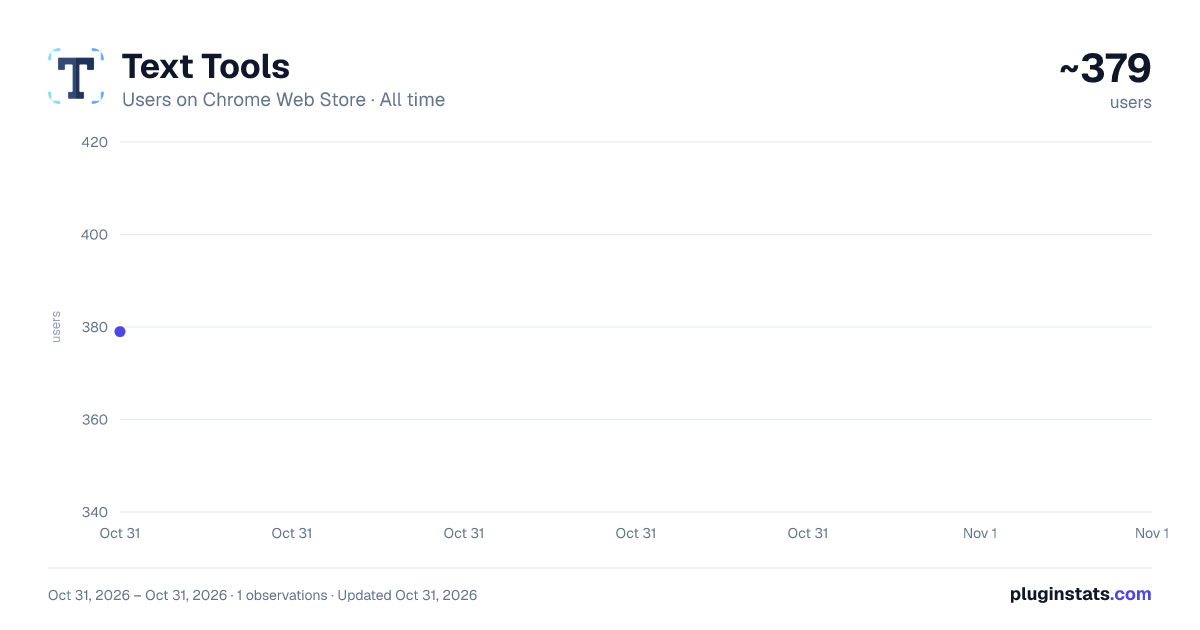
Text Tools has approximately 379 recorded users on Chrome Web Store, ranking #3568 of 6,300 tracked listings.
Rating: 5.00 / 5 from 1 ratings
About Text Tools
Collection of small & convenient TEXT tools.
Sometimes you need to finish some simple tasks on text processing: change the case of free text, reverse a string, remove duplicate lines, or encode / hash text data. This extension can help you get them done easily.
Just paste what you want to process, and click on start button, then wait for the result to come out. It is fast and effective!
25 functions are available for now and more will be added to the extension in a regular basis.
- Lower Case: converts text to lowercase
- Upper Case: converts text to uppercase
- Title Case: capitalizes first character of each word
- Count Characters: returns the number of characters in text
- Count Words: returns the number of words in text
- Count Lines: returns the number of lines in text
- Character Frequency: returns character frequency in descending order
- Word Frequency: returns word frequency in descending order
- Reverse: returns text with its characters in the reverse order
- Shuffle: returns text with its characters in a randomized order
- Trim Line Start: removes whitespace from the beginning of each line
- Trim Line End: removes whitespace from the end of each line
- Trim Line: removes whitespace from both ends of each line
- Add Line Number: counts lines and add the number to each line
- Remove Empty Lines: removes empty lines from text
- Remove Duplicate Lines: remove duplicates of any line from text
- Strip HTML: strips all html tags from text
- URL Encode: converts text to URL-encode format
- URL Decode': converts URL-encoded data to original text
- Base64 Encode: converts text to Base64-encode format
- Base64 Decode: converts Base64-encoded data to original text
- MD5 Hash: generates the MD5 hash of text
- SHA1 Hash: generates the SHA1 hash of text
- SHA256 Hash: generates the SHA256 hash of text
- SHA512 Hash: generates the SHA512 hash of text
Enjoy the ease of use offered by our text tools! Additionally, we've provided links to other tool extensions we've developed, including JSON, XML and ChatGPT, for your convenience.
CHANGELOG
Version 0.1.4 - 0.1.7
- Add new features
- Update the list of more tools
- Update google analytics
Version 0.1.3 - 2023-04-06
- Refine plugin title and description
Version 0.1.1 & 0.1.2 - 2022-09-01
- Update plugin features and summary
Version 0.1.0 - 2021-11-10
- Add 25 handy text tools
Description from the Chrome Web Store listing.
README badge
Show your rank in a README or on your website. The badge updates automatically.
Charts
Images: 30d · 1y · all time · 1600×900 dark
Adoption over time
7/30/90-day growth
Ranking history
Ratings over time
Listing placement
Listing placement
Filled points are observed values; hollow points come from Internet Archive snapshots of the listing page. Dashed segments span periods with no observations — values between points are not interpolated.
Each band is one page of 20. Users on a linear scale. Placement is projected from users, so it can differ from the marketplace's own sort order. Hover a dot to see the listing.
Recent observations
Full history (1)Similar Chrome Web Store Workflow & Planning plugins
All 20 Text Tools alternatives



Data source
Covers every Chrome Web Store extension with at least 100 users, found through the store's public sitemap. User counts are read from public listing pages. The 10% most-used extensions are refreshed daily, the next 40% weekly and the next 40% monthly; the least-used 10% are not refreshed. Google displays rounded user counts (and caps the display at 10,000,000+), so small changes may not be visible. Rating counts above 1,000 are rounded (e.g. 1.6K).
Listing: https://chromewebstore.google.com/detail/text-tools/gldnpappladoiccncpcekahipkockdee. First seen Oct 31, 2026; last successful collection Oct 31, 2026. See the methodology.