 PluginStats

CIMEA Payment Auto-Processor users statistics
By djairmouad · Chrome Web Store · Developer Tools
Fast automation for CIMEA payment - blocks unnecessary files
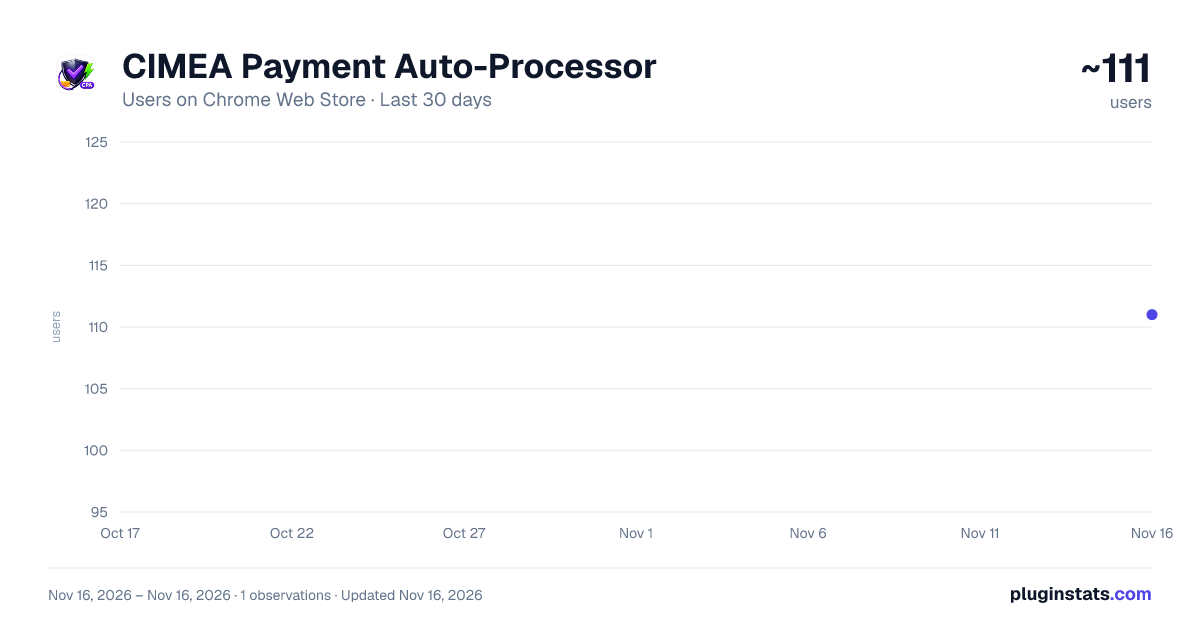
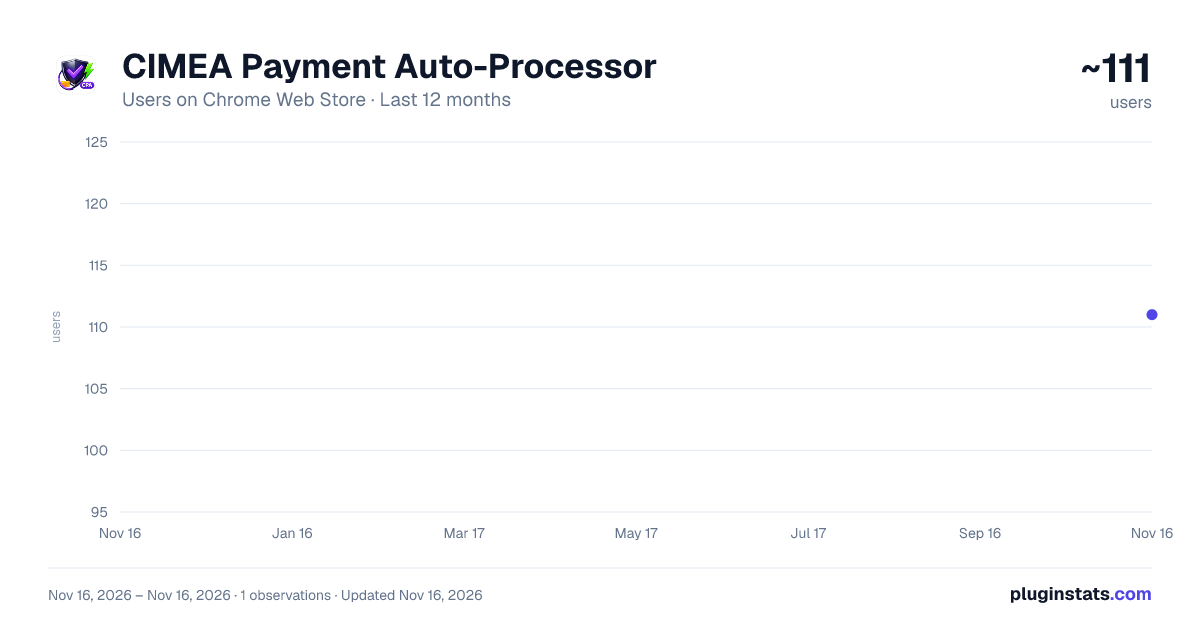
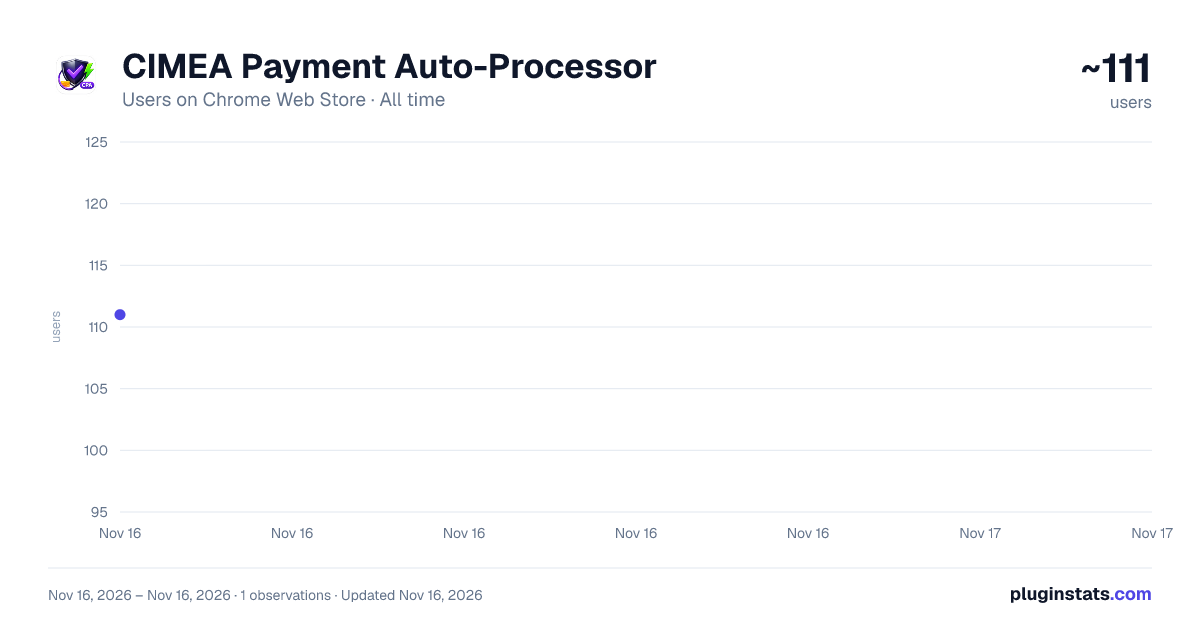
CIMEA Payment Auto-Processor has approximately 111 recorded users on Chrome Web Store, ranking #9905 of 10,388 tracked listings.
Rating: 5.00 / 5 from 1 ratings
About CIMEA Payment Auto-Processor
Fast automation for CIMEA payment - blocks unnecessary files
The Ultimate Automation Tool for CIMEA Payment Processing
CIMEA Payment Auto-Processor is a high-performance browser extension designed to streamline and accelerate your CIMEA diploma payment procedures. By automating repetitive form-filling and validation steps, this tool saves you valuable time and ensures a seamless payment experience.
** Key Features:**
One-Click Automation: Start the process with a single click. The extension automatically handles the payment flow, allowing you to focus on other tasks.
Ultra-Fast Processing (Fast Mode): Built-in request blocking eliminates unnecessary tracking scripts, images, and heavy CSS files. This drastically improves page load speeds and reduces lag during the critical payment stages.
Smart Auto-Refresh: Automatically detects payment/limit messages (such as "maximum limit of requests" or "high number of payments"). When detected, the tool intelligently waits a few seconds and refreshes the page to continue the process, bypassing common bottlenecks.
Real-Time Statistics: An easy-to-use popup UI displays live stats, including total attempts, successful payments, and failed attempts, so you always know the status of your automation.
Secure & License-Gated: Your access is protected by a secure license key system. The extension is bound to your device, ensuring your account remains private and authorized.
** How It Works:**
- Install the extension and log in with your license key.
- Navigate to your CIMEA diploma payment page.
- Select your procedure (Ordinary or Urgent) and click "Start Processing".
- The extension will automatically select the urgency level, fill in required address fields, and click "Save and Next".
- It will continuously monitor for success alerts or payment limit messages and adapt accordingly.
** Important Notes:**
- This extension is fully licensed and requires a valid key to function.
- Designed specifically for the CIMEA platform (cimea-diplome.it & diphome.cimea.it).
- Please ensure you use this tool in accordance with the Terms of Service of your educational institution.
** Support:** For any issues, activation problems, or questions regarding your license, please visit our official support page at https://cimea.natik.tech/
Description from the Chrome Web Store listing.
README badge
Show your rank in a README or on your website. The badge updates automatically.
Charts
Images: 30d · 1y · all time · 1600×900 dark
Adoption over time
7/30/90-day growth
Ranking history
Ratings over time
Listing placement
Listing placement
Filled points are observed values; hollow points come from Internet Archive snapshots of the listing page. Dashed segments span periods with no observations — values between points are not interpolated.
Each band is one page of 20. Users on a linear scale. Placement is projected from users, so it can differ from the marketplace's own sort order. Hover a dot to see the listing.
Recent observations
Full history (1)Similar Chrome Web Store Developer Tools plugins
All 20 CIMEA Payment Auto-Processor alternatives



Data source
Covers every Chrome Web Store extension with at least 100 users, found through the store's public sitemap. User counts are read from public listing pages. The 10% most-used extensions are refreshed daily, the next 40% weekly and the next 40% monthly; the least-used 10% are not refreshed. Google displays rounded user counts (and caps the display at 10,000,000+), so small changes may not be visible. Rating counts above 1,000 are rounded (e.g. 1.6K).
Listing: https://chromewebstore.google.com/detail/cimea-payment-auto-proces/mdnhldibnoangeciooimeaailkkimpml. First seen Nov 16, 2026; last successful collection Nov 16, 2026. See the methodology.