 PluginStats

WhatsApp Privacy - Blur & Lock users statistics
Chrome Web Store · Communication
Instantly blur WhatsApp Web messages, media, names & previews. Lock the app with a password, plus optional business tools.
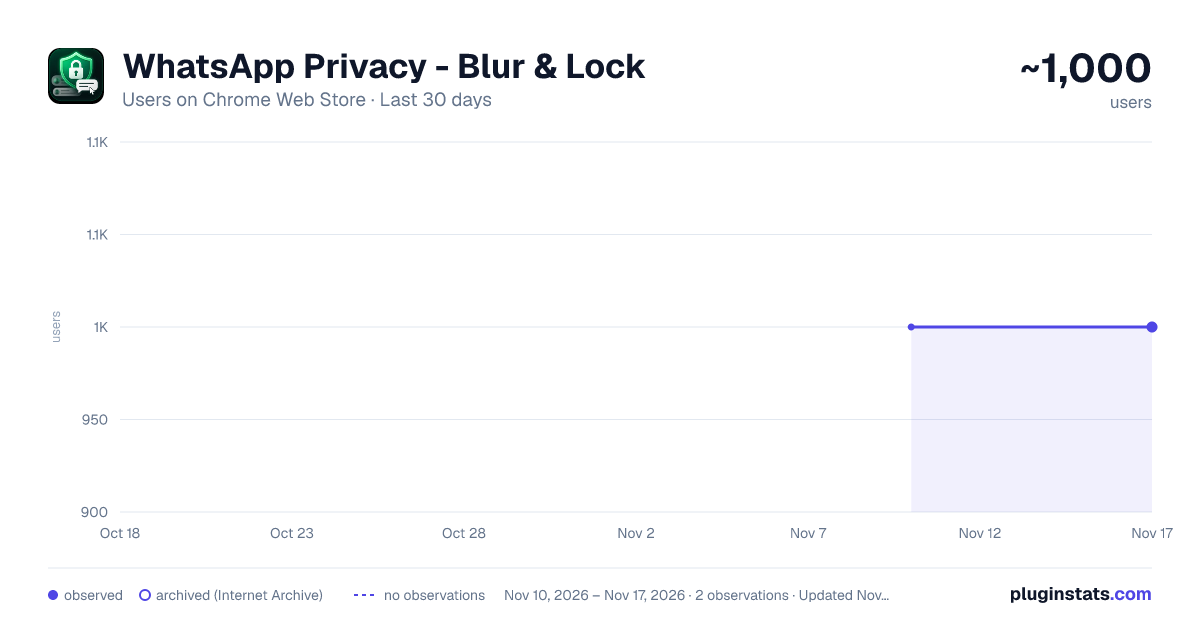
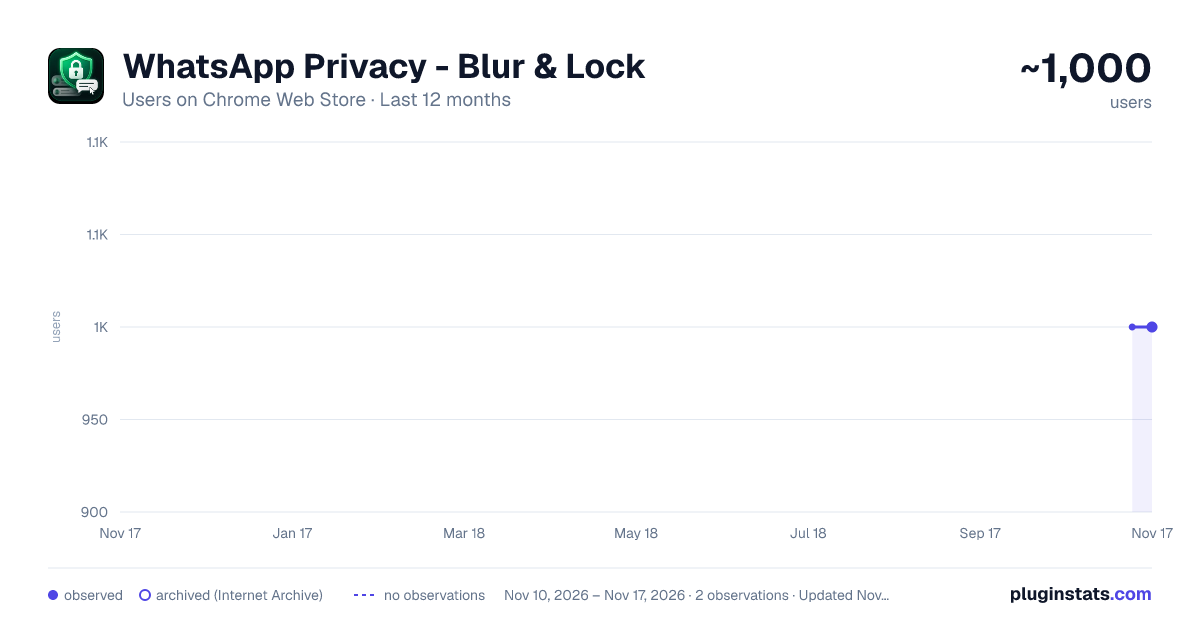
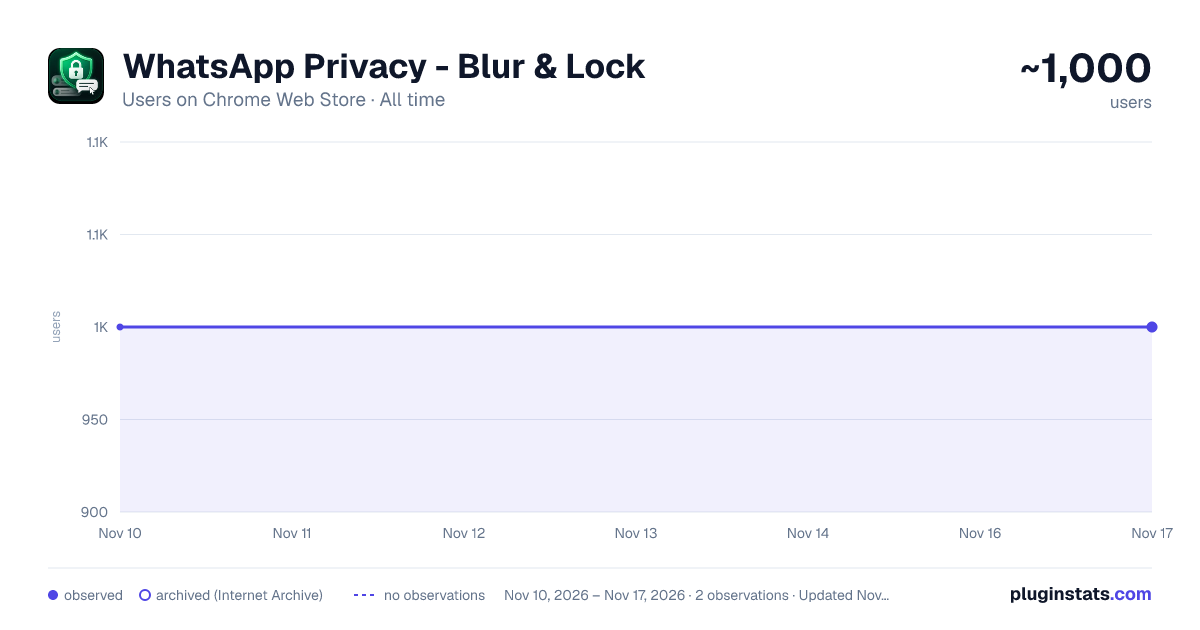
WhatsApp Privacy - Blur & Lock has approximately 1,000 recorded users on Chrome Web Store, a change of 0.0% over the past 7 days, ranking #3564 of 10,388 tracked listings.
Rating: 5.00 / 5 from 315 ratings
About WhatsApp Privacy - Blur & Lock
Instantly blur WhatsApp Web messages, media, names & previews. Lock the app with a password, plus optional business tools.
WhatsApp Privacy — Blur & Lock helps you keep WhatsApp Web private when working, studying, presenting, streaming, or sharing your screen.
The extension adds a privacy layer over WhatsApp Web by blurring sensitive parts of the interface, including messages, chat previews, contact names, profile pictures, media thumbnails, stickers, videos, and your message input box. You can reveal content only when needed, then hide it again automatically.
It also includes an optional screen lock for WhatsApp Web, so you can protect the page with a local password when you step away from your computer.
No account. No sign-up. No cloud storage. Your settings stay on your device.
━━━━━━━━━━━━━━━━━━━━━━ 🔒 PRIVACY FOR WHATSAPP WEB ━━━━━━━━━━━━━━━━━━━━━━
WhatsApp Web is convenient, but it can expose private conversations when someone walks behind you, looks at your monitor, or sees your screen during a call.
WhatsApp Privacy — Blur & Lock is designed for everyday situations where you want to stay connected without leaving your conversations visible.
Useful when you are:
✓ Working in an office ✓ Sharing your screen in a meeting ✓ Presenting on Zoom, Google Meet, Microsoft Teams, or OBS ✓ Studying in a classroom or library ✓ Using a shared workspace or co-working desk ✓ Working in cafés, airports, or public places ✓ Managing customer conversations from a support desk ✓ Recording tutorials or live streams ✓ Keeping personal chats hidden from casual glances
Instead of closing WhatsApp Web completely, you can keep it open with sensitive content blurred.
━━━━━━━━━━━━━━━━━━━━━━ 👁️ BLUR MESSAGES UNTIL YOU HOVER ━━━━━━━━━━━━━━━━━━━━━━
The main feature is simple: your conversations are hidden behind a blur effect until you choose to reveal them.
You can blur:
✓ Message bubbles in open chats ✓ Incoming and outgoing messages ✓ Last-message previews in the chat list ✓ Contact names and group names ✓ Profile pictures and avatars ✓ Photos, videos, GIFs, and stickers ✓ Media thumbnails ✓ Gallery viewer content ✓ Message input text while typing ✓ Group participant names ✓ Sidebar content and visible chat details
When hover reveal is enabled, you can move your mouse over one specific area to read it. Move away, and it becomes private again.
This helps you check a message without exposing the rest of your chat window.
━━━━━━━━━━━━━━━━━━━━━━ 🧩 CHOOSE WHAT GETS HIDDEN ━━━━━━━━━━━━━━━━━━━━━━
Different users need different levels of privacy.
Some people only want to hide message previews. Others want the full interface protected during screen sharing. The extension lets you choose which parts of WhatsApp Web should be blurred.
You can enable or disable privacy options for:
✓ Chat messages ✓ Chat list previews ✓ Contact names ✓ Group names ✓ Profile photos ✓ Media content ✓ Stickers and videos ✓ Message input field ✓ Header information ✓ Sidebar content
You can also adjust the blur strength, so the interface can be lightly hidden or fully unreadable.
━━━━━━━━━━━━━━━━━━━━━━ 🖱️ HOVER TO REVEAL ━━━━━━━━━━━━━━━━━━━━━━
Hover reveal lets you read only what you need.
For example, you can keep your whole WhatsApp Web interface blurred while revealing just one message, one chat preview, or one piece of media under your cursor.
This is useful when:
✓ Someone is near your desk ✓ You are in a meeting ✓ You are sharing only part of your screen ✓ You want to read one message without revealing the whole chat ✓ You are switching between work and personal conversations
You can choose between instant reveal and a smoother transition.
━━━━━━━━━━━━━━━━━━━━━━ 🔐 SCREEN LOCK FOR WHATSAPP WEB ━━━━━━━━━━━━━━━━━━━━━━
For stronger protection, the extension includes a full-screen lock layer for WhatsApp Web.
When enabled, the lock screen hides the page until your local password is entered.
Screen lock features:
✓ Lock WhatsApp Web with a password ✓ Lock instantly from the extension popup ✓ Auto-lock after inactivity ✓ Lock when the tab loses focus ✓ Choose your own inactivity timer ✓ Hide all chats behind a full-screen privacy layer ✓ Password stored locally as a secure hash
This is helpful when you leave your desk, switch tasks, or use a computer in a shared environment.
━━━━━━━━━━━━━━━━━━━━━━ 💼 MADE FOR WORK, MEETINGS & SCREEN SHARING ━━━━━━━━━━━━━━━━━━━━━━
Screen sharing is one of the most common ways private messages get exposed.
One open WhatsApp Web tab can reveal chat previews, names, photos, media, or incoming messages while you are presenting. The extension helps reduce that risk by keeping sensitive parts of the interface hidden.
It works well for:
✓ Remote work ✓ Hybrid offices ✓ Sales calls ✓ Support teams ✓ Client presentations ✓ Online classes ✓ Webinars ✓ Live demos ✓ Screen recordings ✓ Streaming setups
You can keep WhatsApp Web available without showing every private message on your screen.
━━━━━━━━━━━━━━━━━━━━━━ ⚙️ QUICK CONTROLS ━━━━━━━━━━━━━━━━━━━━━━
The extension is designed to be easy to control from the browser toolbar.
You can quickly:
✓ Turn privacy mode on or off ✓ Enable or disable specific blur categories ✓ Adjust blur intensity ✓ Toggle hover reveal ✓ Lock the screen manually ✓ Change screen lock settings ✓ Switch between privacy preferences
This makes it easy to use different settings depending on where you are: at home, at work, in a meeting, or in public.
━━━━━━━━━━━━━━━━━━━━━━ 🎨 CLEAN PRIVACY LAYER ━━━━━━━━━━━━━━━━━━━━━━
The blur effect is applied directly in your browser and is designed to feel natural inside WhatsApp Web.
It does not modify your conversations. It only changes how sensitive content is displayed on your screen.
You can use the extension to hide private information while keeping the interface usable.
Examples:…
Description from the Chrome Web Store listing.
README badge
Show your rank in a README or on your website. The badge updates automatically.
Charts
Images: 30d · 1y · all time · 1600×900 dark
Adoption over time
7/30/90-day growth
Ranking history
Ratings over time
Listing placement
Listing placement
Filled points are observed values; hollow points come from Internet Archive snapshots of the listing page. Dashed segments span periods with no observations — values between points are not interpolated.
Each band is one page of 20. Users on a linear scale. Placement is projected from users, so it can differ from the marketplace's own sort order. Hover a dot to see the listing.
Recent observations
Full history (2)Similar Chrome Web Store Communication plugins
All 20 WhatsApp Privacy - Blur & Lock alternatives



Data source
Covers every Chrome Web Store extension with at least 100 users, found through the store's public sitemap. User counts are read from public listing pages. The 10% most-used extensions are refreshed daily, the next 40% weekly and the next 40% monthly; the least-used 10% are not refreshed. Google displays rounded user counts (and caps the display at 10,000,000+), so small changes may not be visible. Rating counts above 1,000 are rounded (e.g. 1.6K).
Listing: https://chromewebstore.google.com/detail/whatsapp-privacy-blur-loc/nilmencjidekakalbadokifapilcgboi. First seen Nov 10, 2026; last successful collection Nov 17, 2026. See the methodology.