 PluginStats

Pixel Perfect Extension users statistics
By beneditoloura · Chrome Web Store · Developer Tools
Easily measure pixel-perfect distances between elements on any webpage with intuitive tools. Ideal for developers, designers, and QA
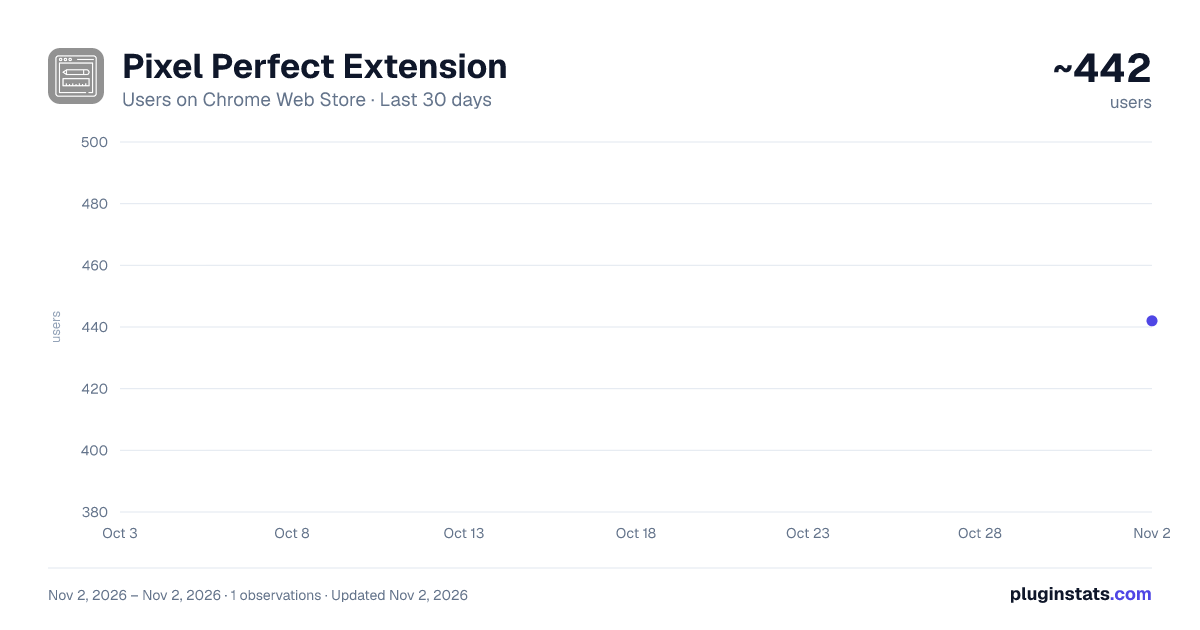
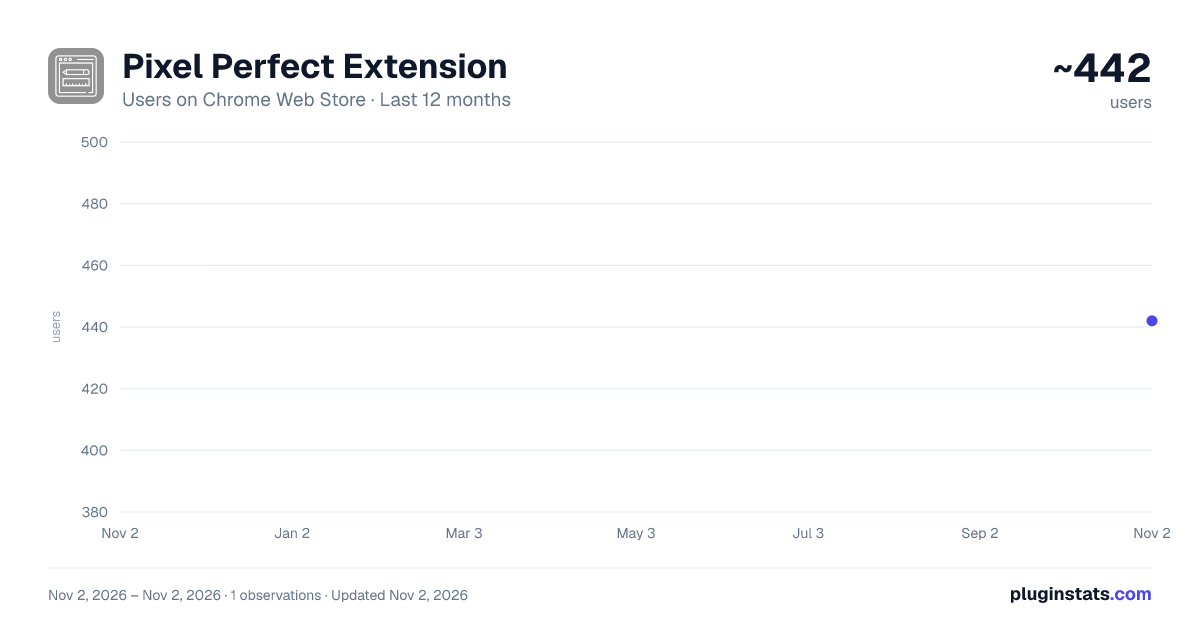
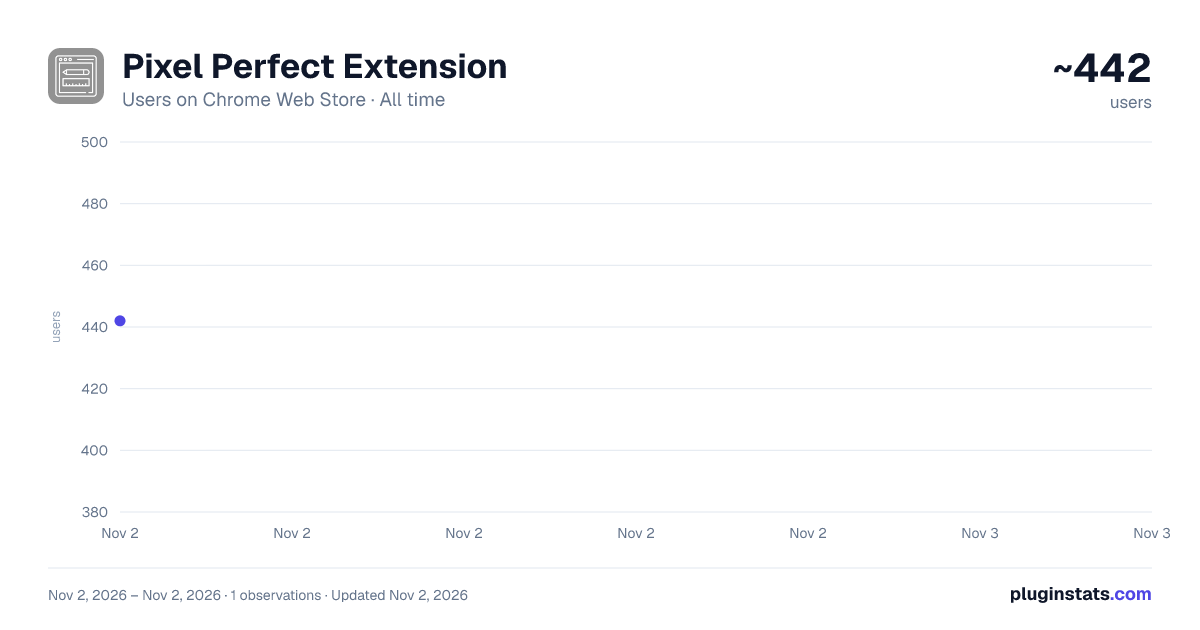
Pixel Perfect Extension has approximately 442 recorded users on Chrome Web Store, ranking #3527 of 6,672 tracked listings.
Rating: 5.00 / 5 from 1 ratings
About Pixel Perfect Extension
Easily measure pixel-perfect distances between elements on any webpage with intuitive tools. Ideal for developers, designers, and QA
Pixel Ruler is a browser extension designed to help developers, designers, and QA professionals measure pixel-perfect distances between elements on any webpage. Whether you’re validating layouts, checking spacing, or aligning components, Pixel Ruler provides an intuitive and efficient way to enhance your workflow.
Features:
Popup To Select Feature: Popup with buttons to enable features Measure Distances Between Elements: Select any two elements on a webpage to calculate the pixel-perfect distance between their edges. Edge-to-Edge Calculations: Includes margins and paddings for accurate spacing measurements. Horizontal and Vertical Rulers: Add draggable rulers directly onto the page to measure and align elements visually. Parent-Child Element Support: Calculate distances from child elements to their parent container's edges for improved precision. Keyboard Shortcut Integration: Use Command (Mac) or Control (Windows) keys to enable measurement mode. Override Click Actions: Prevent native click events to prioritize measurement functionality while holding the shortcut key. Real-Time Visual Indicators: Display measurements directly on the page for easy reference and clarity. Customizable for Professionals: Designed to meet the needs of developers, designers, and QA professionals, making layout validation faster and easier. How It Works:
Activate Measurement Mode: Hold Command (Mac) or Control (Windows). Select Elements: Click on two elements to measure the distance between their edges. View Results: The calculated distance appears directly on the page with intuitive indicators. Add Rulers: Click on horizontal or vertical edges to create draggable rulers for alignment. Fine-Tune Measurements: Adjust rulers or repeat element selection for refined calculations. Pixel Ruler simplifies layout validation and improves design accuracy, making it an essential tool for professionals working on web projects.
Who is it for?
Developers: Ensure pixel-perfect spacing and alignment in your front-end projects. Designers: Validate visual consistency and layout proportions. QA Professionals: Test web page designs against specifications with precision.
Description from the Chrome Web Store listing.
README badge
Show your rank in a README or on your website. The badge updates automatically.
Charts
Images: 30d · 1y · all time · 1600×900 dark
Adoption over time
7/30/90-day growth
Ranking history
Ratings over time
Listing placement
Listing placement
Filled points are observed values; hollow points come from Internet Archive snapshots of the listing page. Dashed segments span periods with no observations — values between points are not interpolated.
Each band is one page of 20. Users on a linear scale. Placement is projected from users, so it can differ from the marketplace's own sort order. Hover a dot to see the listing.
Recent observations
Full history (1)Similar Chrome Web Store Developer Tools plugins
All 20 Pixel Perfect Extension alternatives



Data source
Covers every Chrome Web Store extension with at least 100 users, found through the store's public sitemap. User counts are read from public listing pages. The 10% most-used extensions are refreshed daily, the next 40% weekly and the next 40% monthly; the least-used 10% are not refreshed. Google displays rounded user counts (and caps the display at 10,000,000+), so small changes may not be visible. Rating counts above 1,000 are rounded (e.g. 1.6K).
Listing: https://chromewebstore.google.com/detail/pixel-perfect-extension/clnipilleohelandpaijhefjmafmhfje. First seen Nov 2, 2026; last successful collection Nov 2, 2026. See the methodology.