 PluginStats

Video Editor by DriveEditor.com users statistics
Chrome Web Store · Workflow & Planning
Edit your videos with Google Drive video editor. Adjust brightness, crop, trim, mirror, rotate, remove metadata and save your edits.
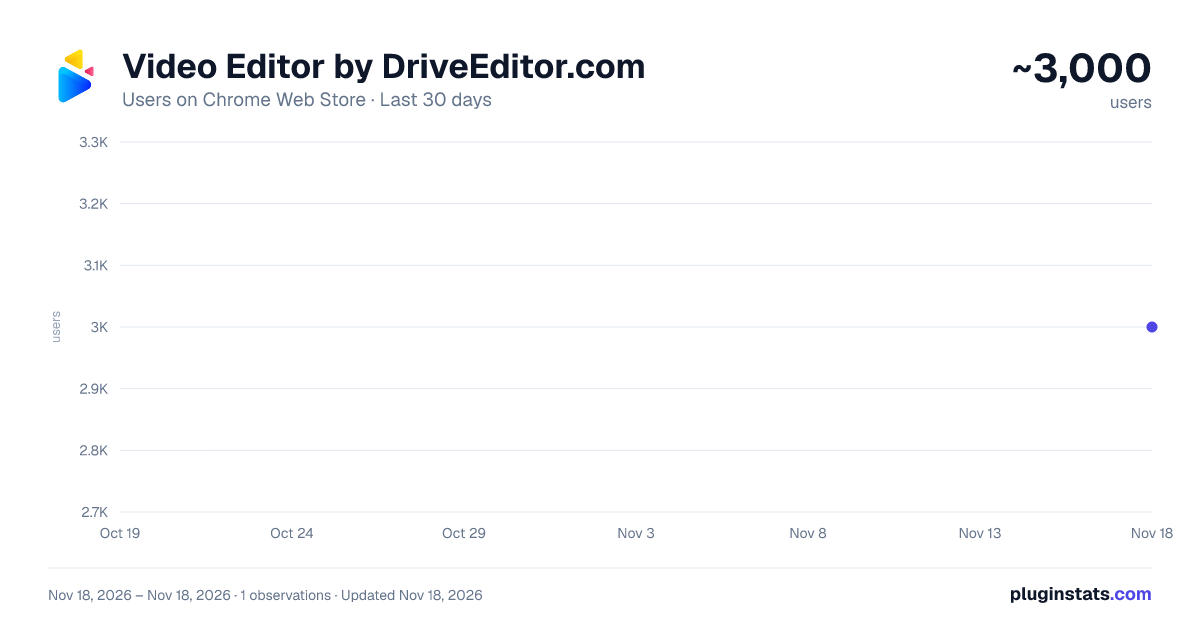
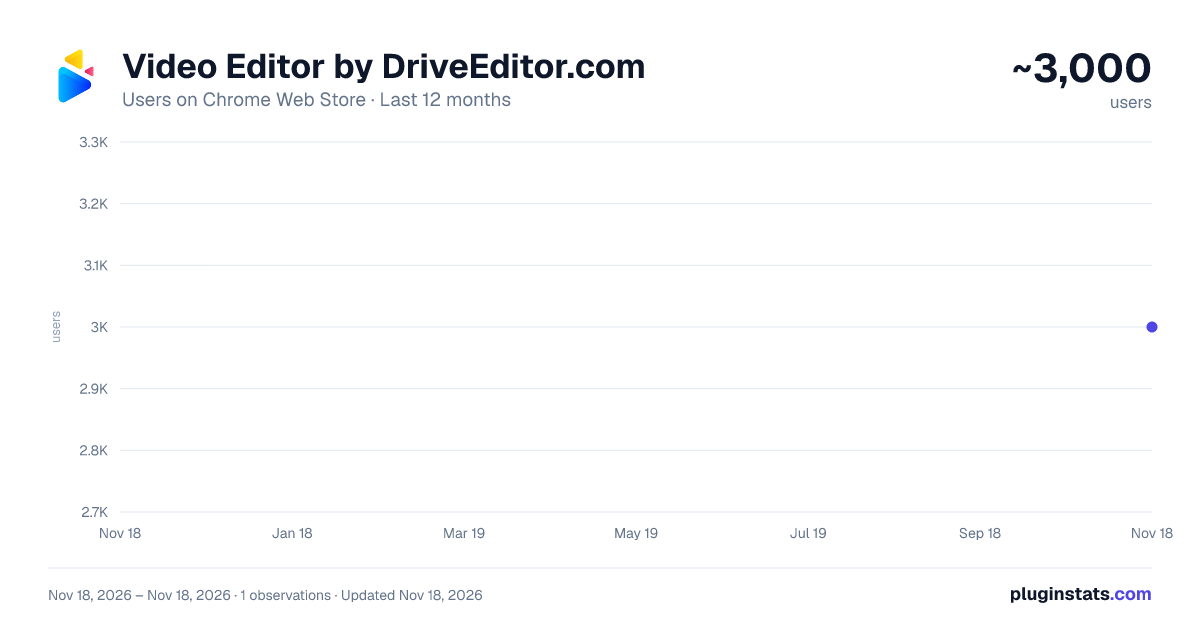
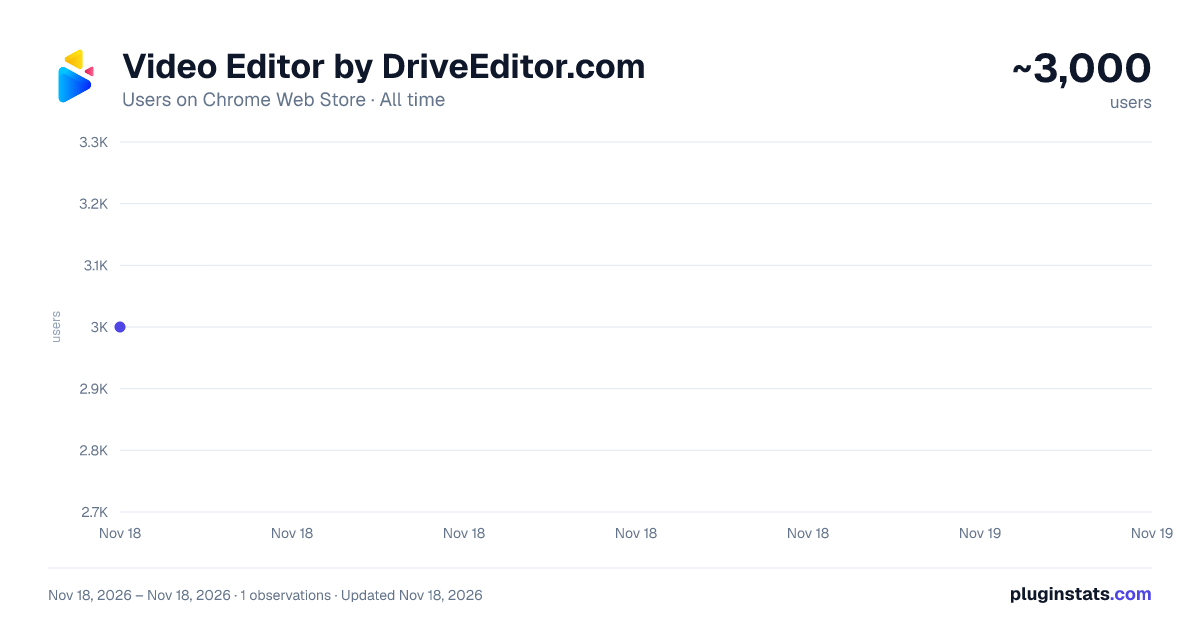
Video Editor by DriveEditor.com has approximately 3,000 recorded users on Chrome Web Store, ranking #2206 of 10,388 tracked listings.
Rating: 3.50 / 5 from 22 ratings
About Video Editor by DriveEditor.com
Edit your videos with Google Drive video editor. Adjust brightness, crop, trim, mirror, rotate, remove metadata and save your edits.
Drive Video Editor lets you edit videos directly on your Google Drive.🎥✨
Our Google Drive video editor makes it super easy to edit short form videos on your Drive. No watermarks! Whether you're editing Instagram Reels, TikTok videos, or YouTube Shorts, our online video editor has got you covered.
What's new on 1.4.5 version? ✅ Add overlay text in 4 different styles ✅ Edit video button bug fix
Limitations:
Due to video codec limitations of Google Drive, the Drive Video Editor extension will not always be able to process .MOV files stored on your Google Drive. For optimal performance, we recommend using videos under 50MB and shorter than 5 minutes.
Need help? Found a bug? Have an idea for improvements? Let us know here: https://driveeditor.com/#contact
If you're a social media reposter, a freelance video editor, or a marketer, this tool helps you edit video clips in seconds. If you want to apply the same edits to multiple videos just copy and paste editing presets for faster edits. Perfect for repurposing and reusing content and avoiding shadow bans and 0 view "jail"! 📲
What are the editing features?
➕ Add Overlay Text ➕ Edit Brightness & Contrast ➕ Crop & Trim Video ➕ Mirror Video ➕ Rotate Video ➕ Zoom Video ➕ Remove Video Sound ➕ Remove Video Metadata ➕ Copy/Paste Video Editing Presets
How to use? 1️⃣ Click the "Add to Chrome" button and pin it to your toolbar. 2️⃣ Click on the extension icon and Log in to your Gmail account 3️⃣ Open your Google Drive and refresh it. 4️⃣ Select the video you want to edit. 5️⃣ Click on the "Edit video" button under the video preview to open the editor.
Who is it for?
✓ Reposters ✓ Freelance Video Editors ✓ Social Media Marketers
Supported video codecs: ▶️AV1 ▶️H.264 ▶️H.265 ▶️VP8 ▶️VP9
Frequently Asked Questions
❓Can I copy and paste my edits?
- Yes! Use it if you need to apply the same editing preset on multiple videos.
❓Can I remove video metadata?
- Yes! Click on the Remove button to clear video metadata for better privacy.
❓What video formats are supported by the extension?
- The extension supports popular video formats such as MP4, MOV, AVI, MKV and WEBM. If you encounter any issues with a specific format, please refer to the support for more details.
❓Is there a limit to the size or length of the videos I can edit?
- The extension is designed to handle most standard video files. However, performance may vary based on the size and length of the video, as well as your device’s capabilities. For optimal performance, we recommend using videos under 50MB and shorter than 5 minutes.
Try our video cutter and video trimmer today to edit, save and share awesome short form video content right in your Drive!
Description from the Chrome Web Store listing.
README badge
Show your rank in a README or on your website. The badge updates automatically.
Charts
Images: 30d · 1y · all time · 1600×900 dark
Adoption over time
7/30/90-day growth
Ranking history
Ratings over time
Listing placement
Listing placement
Filled points are observed values; hollow points come from Internet Archive snapshots of the listing page. Dashed segments span periods with no observations — values between points are not interpolated.
Each band is one page of 20. Users on a linear scale. Placement is projected from users, so it can differ from the marketplace's own sort order. Hover a dot to see the listing.
Recent observations
Full history (1)Similar Chrome Web Store Workflow & Planning plugins
All 20 Video Editor by DriveEditor.com alternatives



Data source
Covers every Chrome Web Store extension with at least 100 users, found through the store's public sitemap. User counts are read from public listing pages. The 10% most-used extensions are refreshed daily, the next 40% weekly and the next 40% monthly; the least-used 10% are not refreshed. Google displays rounded user counts (and caps the display at 10,000,000+), so small changes may not be visible. Rating counts above 1,000 are rounded (e.g. 1.6K).
Listing: https://chromewebstore.google.com/detail/video-editor-by-driveedit/offhjbngjddkcaajegpjpjbjodicenji. First seen Nov 18, 2026; last successful collection Nov 18, 2026. See the methodology.