 PluginStats

Audio Catcher – Audio Downloader users statistics
By wesley.r.dionisio · Chrome Web Store · Tools
Detect and download audio from websites. Capture music, podcasts and sound effects, preview files and save them in one click.
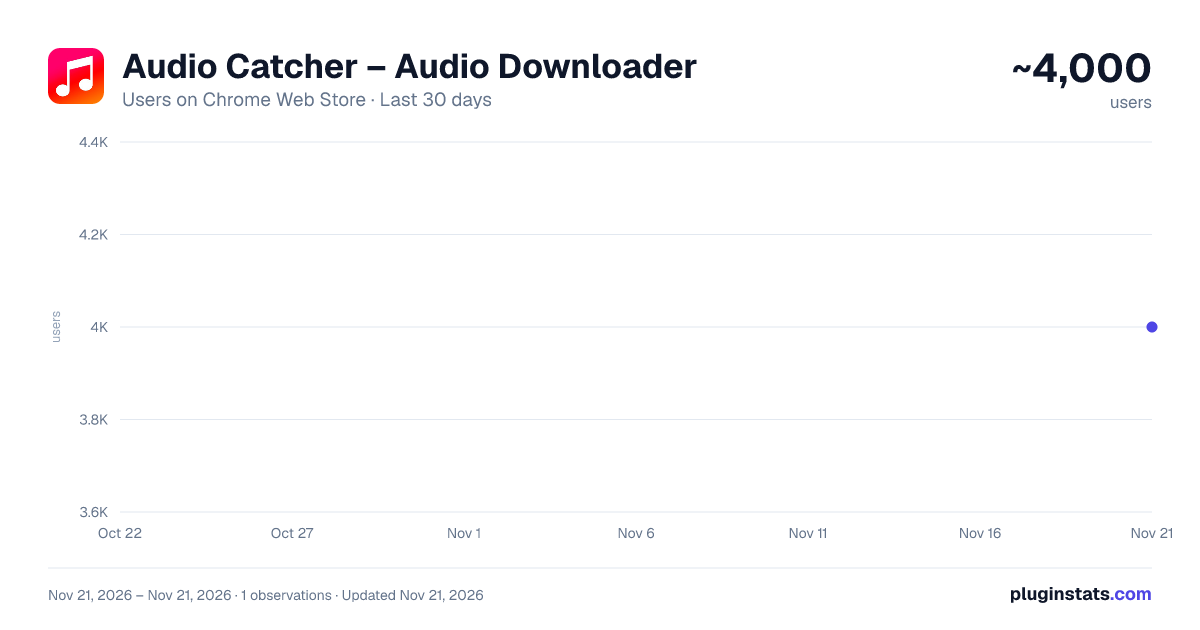
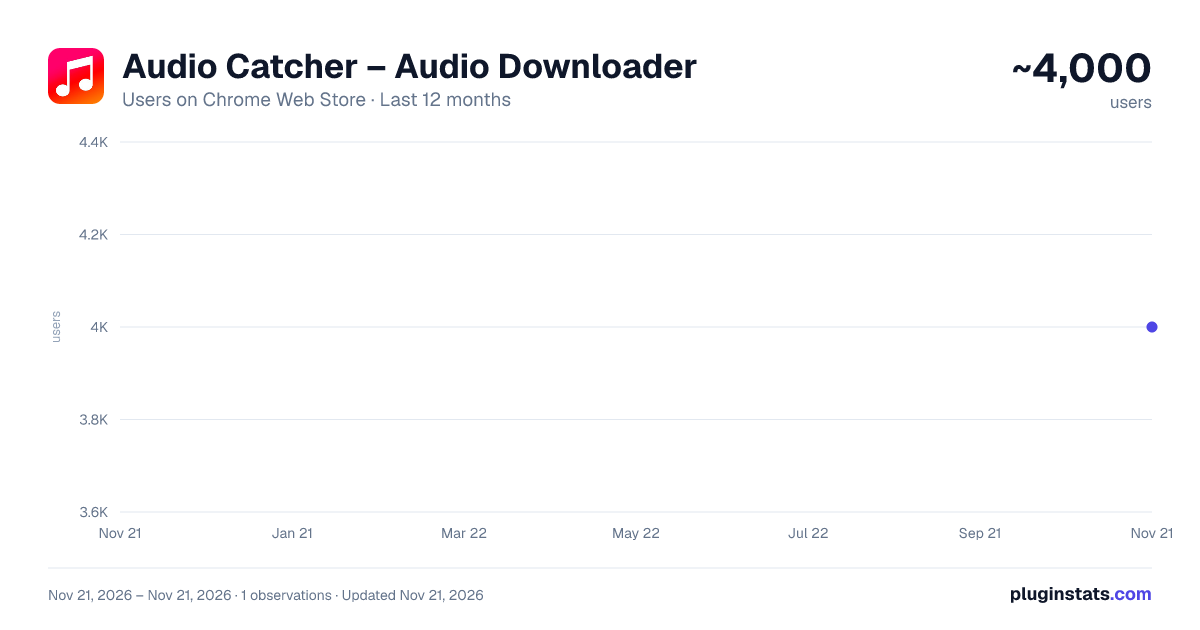
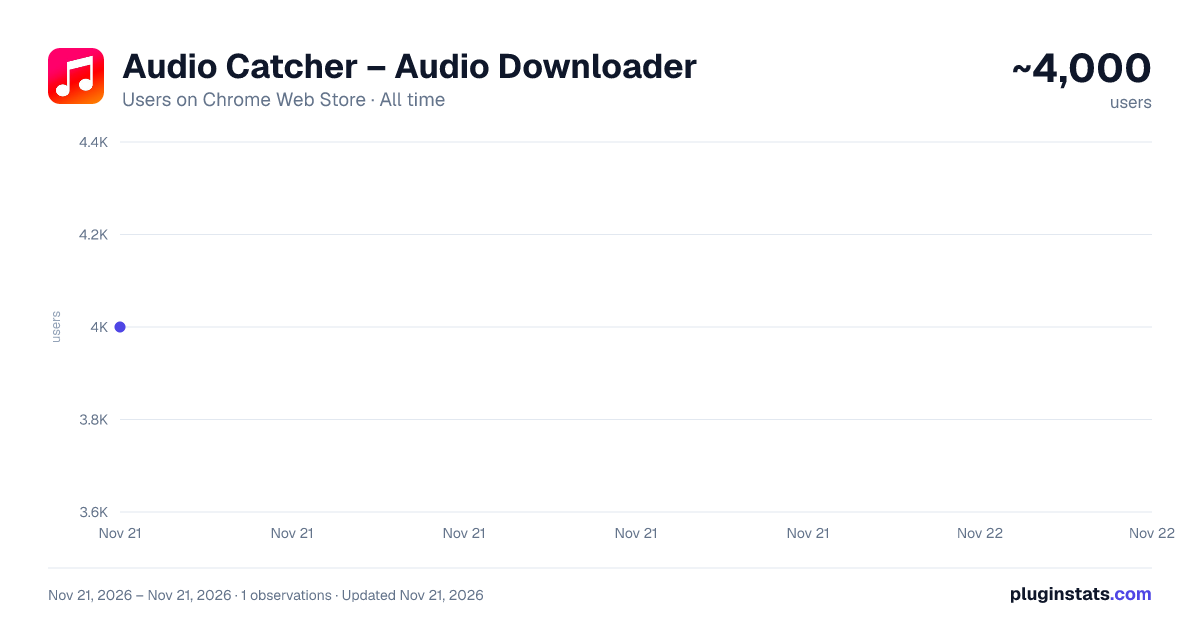
Audio Catcher – Audio Downloader has approximately 4,000 recorded users on Chrome Web Store, ranking #1891 of 10,388 tracked listings.
Rating: 4.10 / 5 from 14 ratings
About Audio Catcher – Audio Downloader
Detect and download audio from websites. Capture music, podcasts and sound effects, preview files and save them in one click.
Audio Catcher is an audio downloader for Chrome that helps you detect, preview and save compatible audio from websites while you browse.
Play the media, open Audio Catcher, choose the detected file and download it directly through your browser.
KEY FEATURES
- Detect audio automatically while it plays
- Download music, podcasts, sound effects and other compatible audio
- Preview captured files before saving
- Choose MP3 or WAV when conversion is available
- Select multiple files and download them in batch
- Clean side-panel workflow
- Local processing for standard audio; server assistance for requested social downloads
- No complicated setup
HOW IT WORKS
- Open a page with compatible media.
- Start playback.
- Audio Catcher detects the available audio.
- Preview the file, choose your preferred format and download.
BUILT FOR A SIMPLE WORKFLOW Audio Catcher is useful for creators, video editors, producers, researchers, students and anyone who needs an easy way to save accessible web audio for legitimate offline use.
Instead of searching through page code or trying to locate hidden media URLs, Audio Catcher organizes detected files in one clean interface.
PRIVACY BY DESIGN Standard audio processing happens locally. Requested TikTok/Instagram downloads may send the public post URL to our server to retrieve and convert the media. Optional usage diagnostics send source domains and feature/error events; you can disable them in Settings. Optional Pro accounts process account and subscription data. Details: https://audio.wesleydionisio.online/privacy
COMPATIBILITY Audio Catcher works with many standard web audio sources. Compatibility may vary depending on the website, media format, encryption or DRM.
The extension does not bypass DRM, paywalls or access controls.
Only download media that you own, have permission to use, or are legally allowed to save.
Description from the Chrome Web Store listing.
README badge
Show your rank in a README or on your website. The badge updates automatically.
Charts
Images: 30d · 1y · all time · 1600×900 dark
Adoption over time
7/30/90-day growth
Ranking history
Ratings over time
Listing placement
Listing placement
Filled points are observed values; hollow points come from Internet Archive snapshots of the listing page. Dashed segments span periods with no observations — values between points are not interpolated.
Each band is one page of 20. Users on a linear scale. Placement is projected from users, so it can differ from the marketplace's own sort order. Hover a dot to see the listing.
Recent observations
Full history (1)Similar Chrome Web Store Tools plugins
All 20 Audio Catcher – Audio Downloader alternatives



Data source
Covers every Chrome Web Store extension with at least 100 users, found through the store's public sitemap. User counts are read from public listing pages. The 10% most-used extensions are refreshed daily, the next 40% weekly and the next 40% monthly; the least-used 10% are not refreshed. Google displays rounded user counts (and caps the display at 10,000,000+), so small changes may not be visible. Rating counts above 1,000 are rounded (e.g. 1.6K).
Listing: https://chromewebstore.google.com/detail/audio-catcher-–-audio-dow/iaiopfiokcedhhlhjmoffnogbeeanlhj. First seen Nov 21, 2026; last successful collection Nov 21, 2026. See the methodology.